Is my understanding of the problem correct or not?
Are there any resources that would allow me to understand this problem more deeply?
I also have a wish on Qubes Application Menu: indeed, I would like to show/hide some items of them menu of Q-icon by administration password.
The easy idea is to hide everything of Q->Gear-icon by default and show them after administration enables user’s GUI access to dom0.
But some items related with “Look and Feel” needs to be accessible without requiring administration password. These include settings of appearance, desktop, window manager, panel, display, wallpaper, dock (some of which are not provided by default, some others are part of some other application).
I want some part of settings menu of VMs hidden/shown by administration password. But I want the facility of selecting applications to be listed in Q->…->Qube should be accessible without requiring administration password.
Another problem of the easy idea is Qubes OS specific idea should be insisting at first the user install Qubes OS and try it. A workaround would be a switch to enable password for GUI access to dom0. This switch controls the default. With this switch enabled, the user has less chance of mistakenly modifying data in dom0, less chance of mistakenly installing software in dom0.
If the user owns the PC, this is about mistakes. So, the user might choose an easy password like 5 letters.
If the organization owns the PC, the organization might prefer to use a stronger password. The organization wants to protect the PC from the employee. (The USB-ports for the keyboard and the mouse is converted to PS-port internally. The other USB-ports are mechanically locked and closed. Audio connection is through classical connection through pin-like connectors. Camera is installed internally.)
In a conference, the organizer might choose a password like 10 letters for the conference PC connected to the projector. The speaker copy the VM to the conference PC and give an easy password for the conference and the speaker. Or instead, the speaker might make the VM on the conference PC and copy some data. This is more pragmatic: the organizer gives the newly created qube and the speaker installs applications and copy data.
So, in some cases, we want to have password control on both of use of dom0 and use of each user’s qube. I think these two controls are independent.
Apologies, I should have explained better.
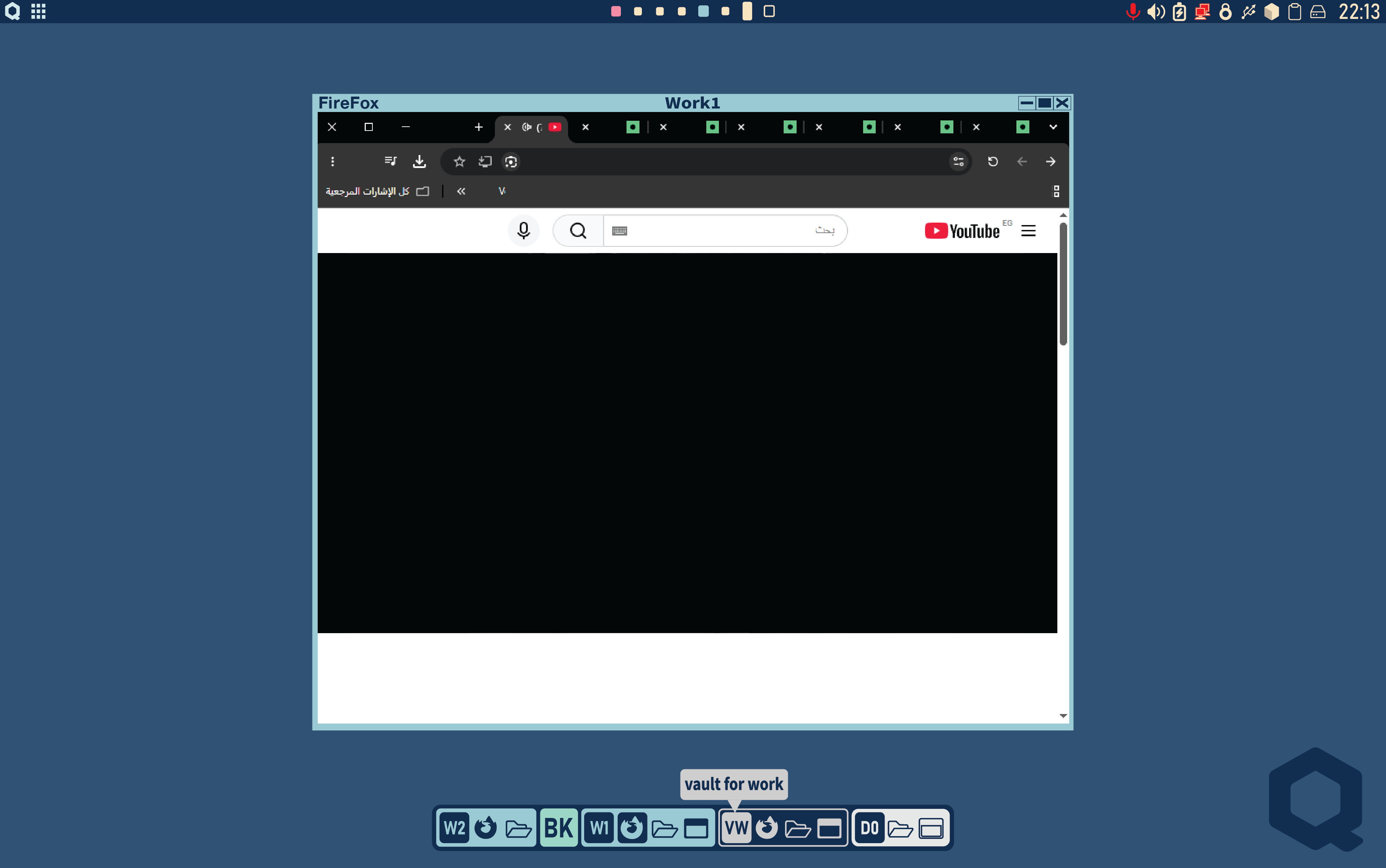
Its just an example of what I used for VM theming / color-coding.
For example I color/ theme each VM and its apps (ie. terminal) to its assigned color.
For example: Work VM: Blue: I theme the terminal and apps Blue so I know its the Work VM.
Agreed. To many things there. A dynamic show / hide or custom option / or different organizational structure / or permission based show /hide would be great.
I found someone with a similar interest.
He mentions “guest mode”. The proposal I quote here is about “user mode”. They are similar.
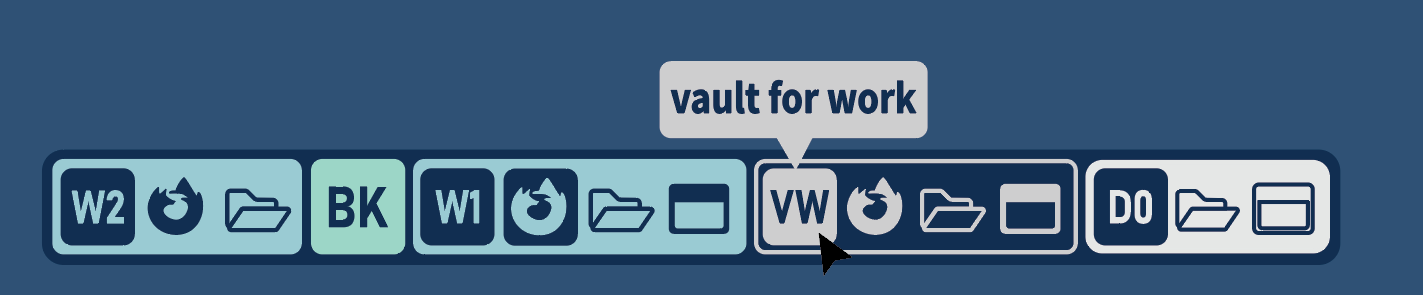
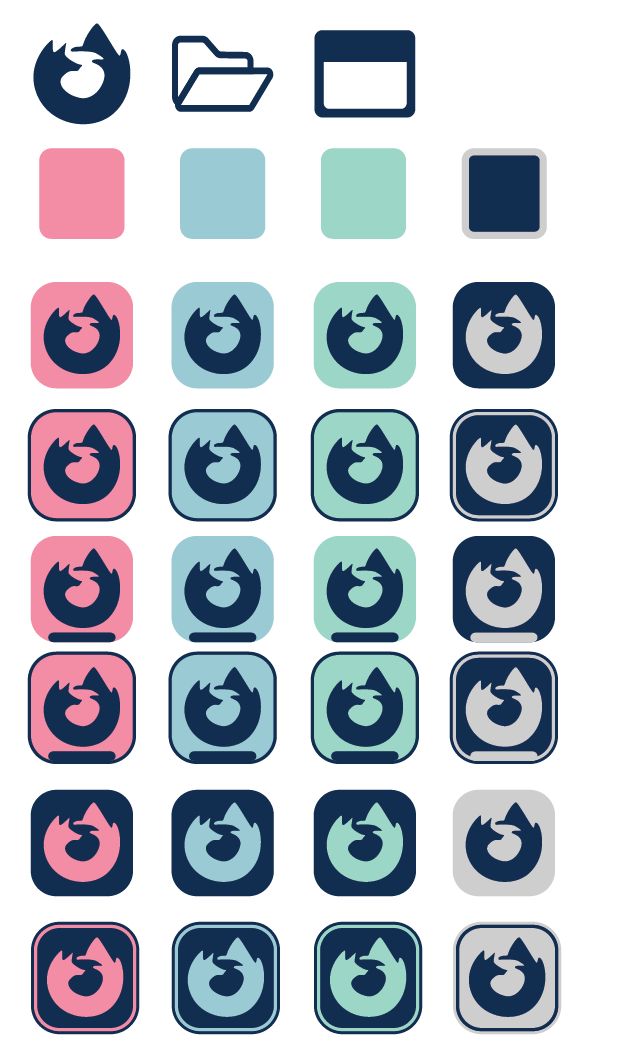
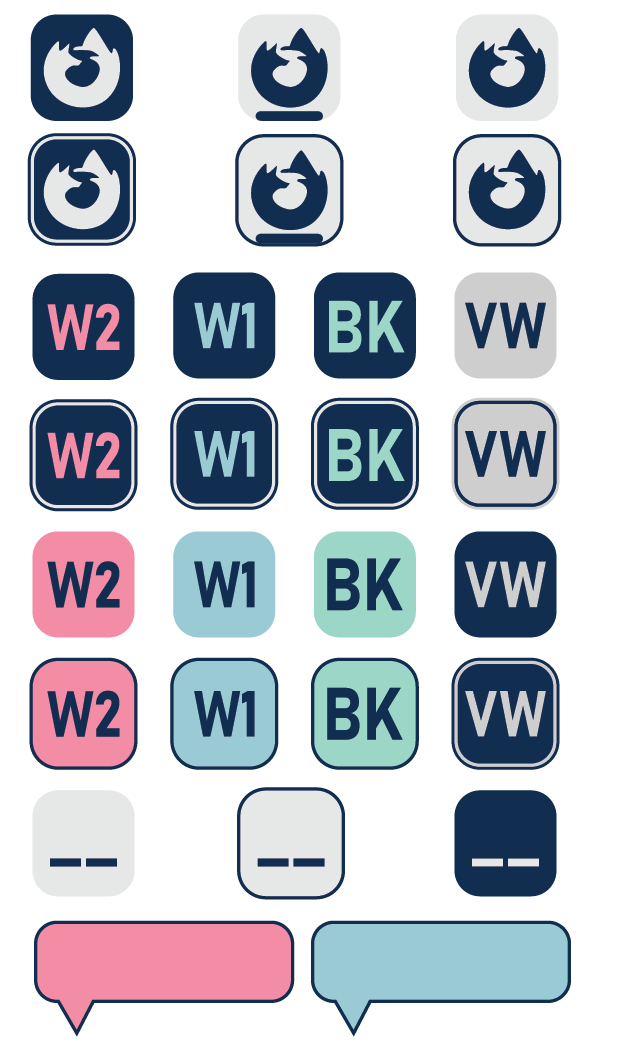
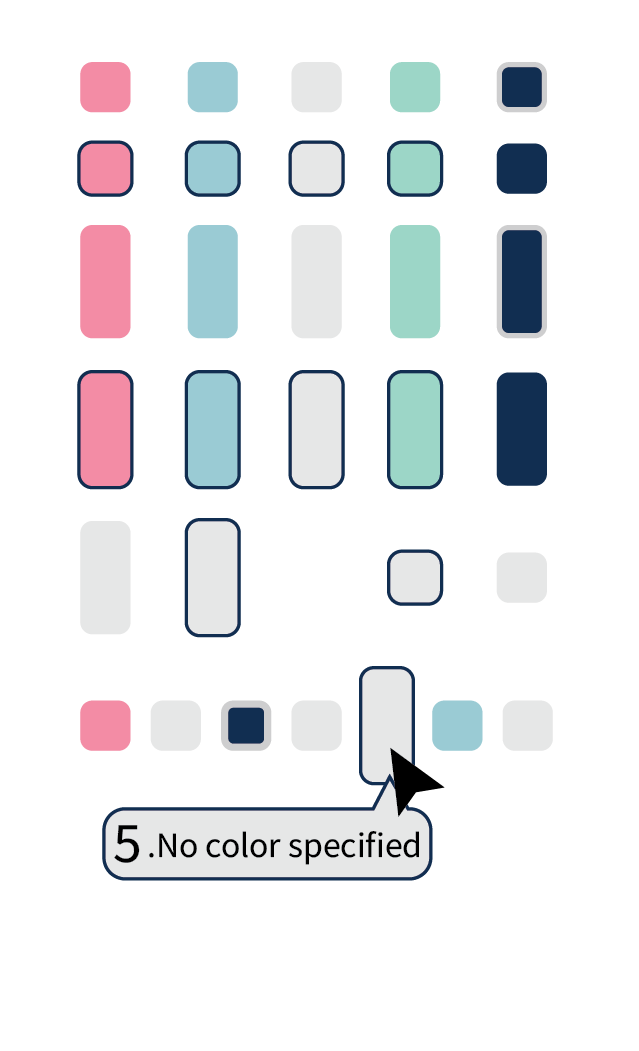
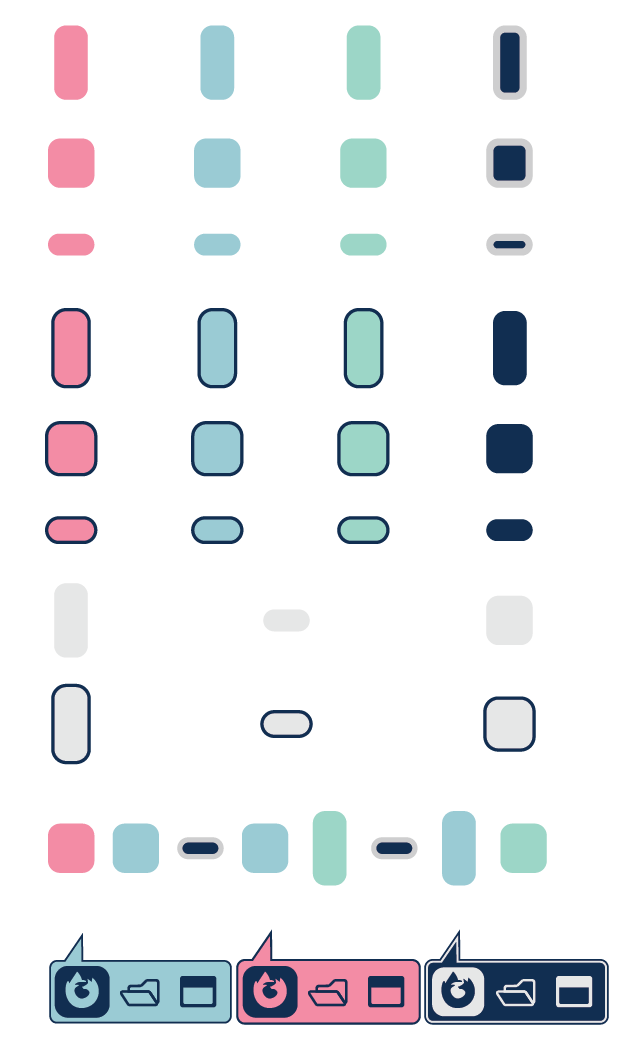
Alright, I’m free now, so I’ll work on completing the reference design. Let’s start with:
Q menu,
camouflage theme.
Do you have any suggestions on how to improve?

It has been resolved.
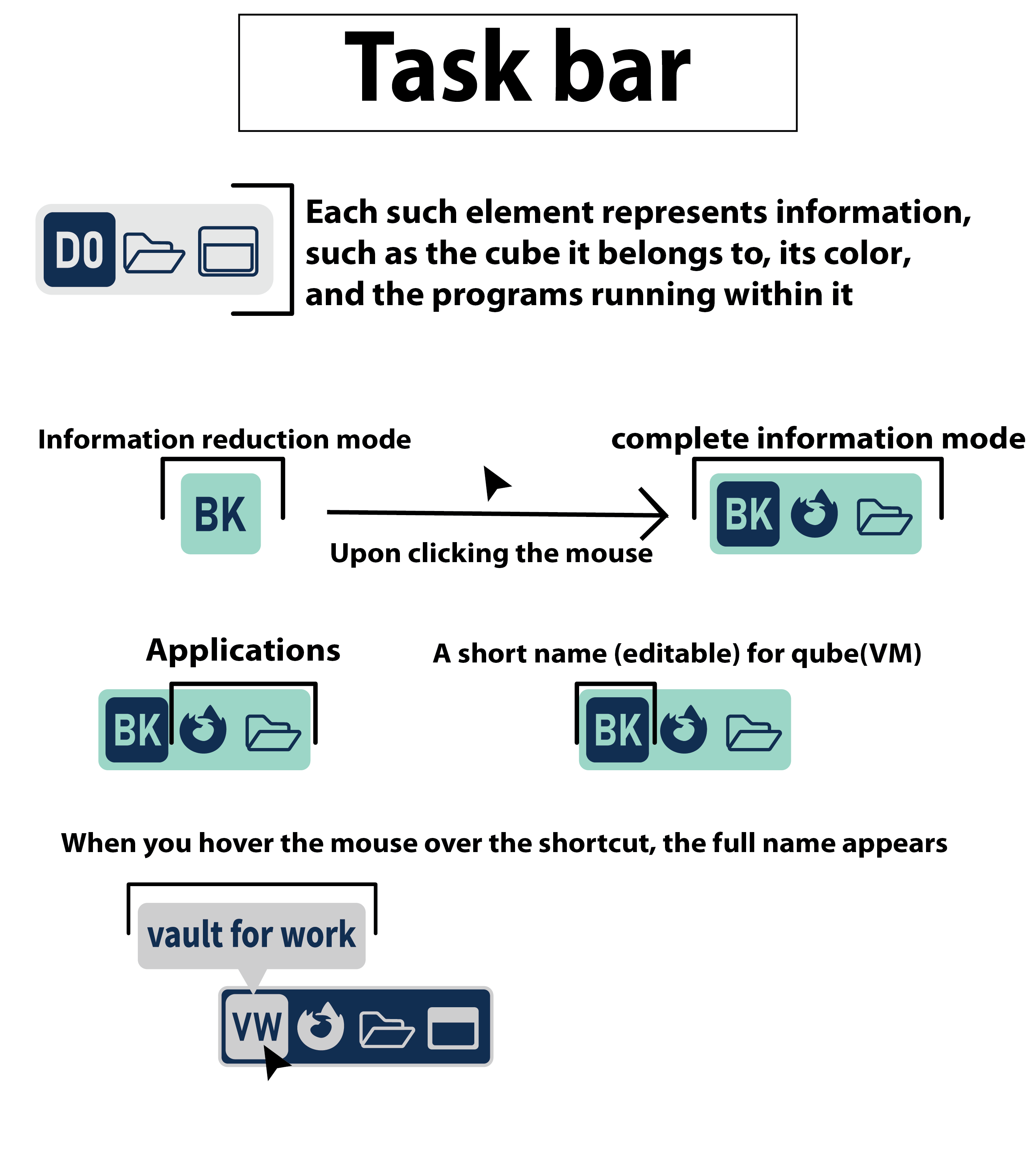
I will complete the rest of the design, and then I will explain it in detail.
However, they must be visually intuitive, without the need for text. Could you share your thoughts? Is an explanation required for new users, or is it self-explanatory?
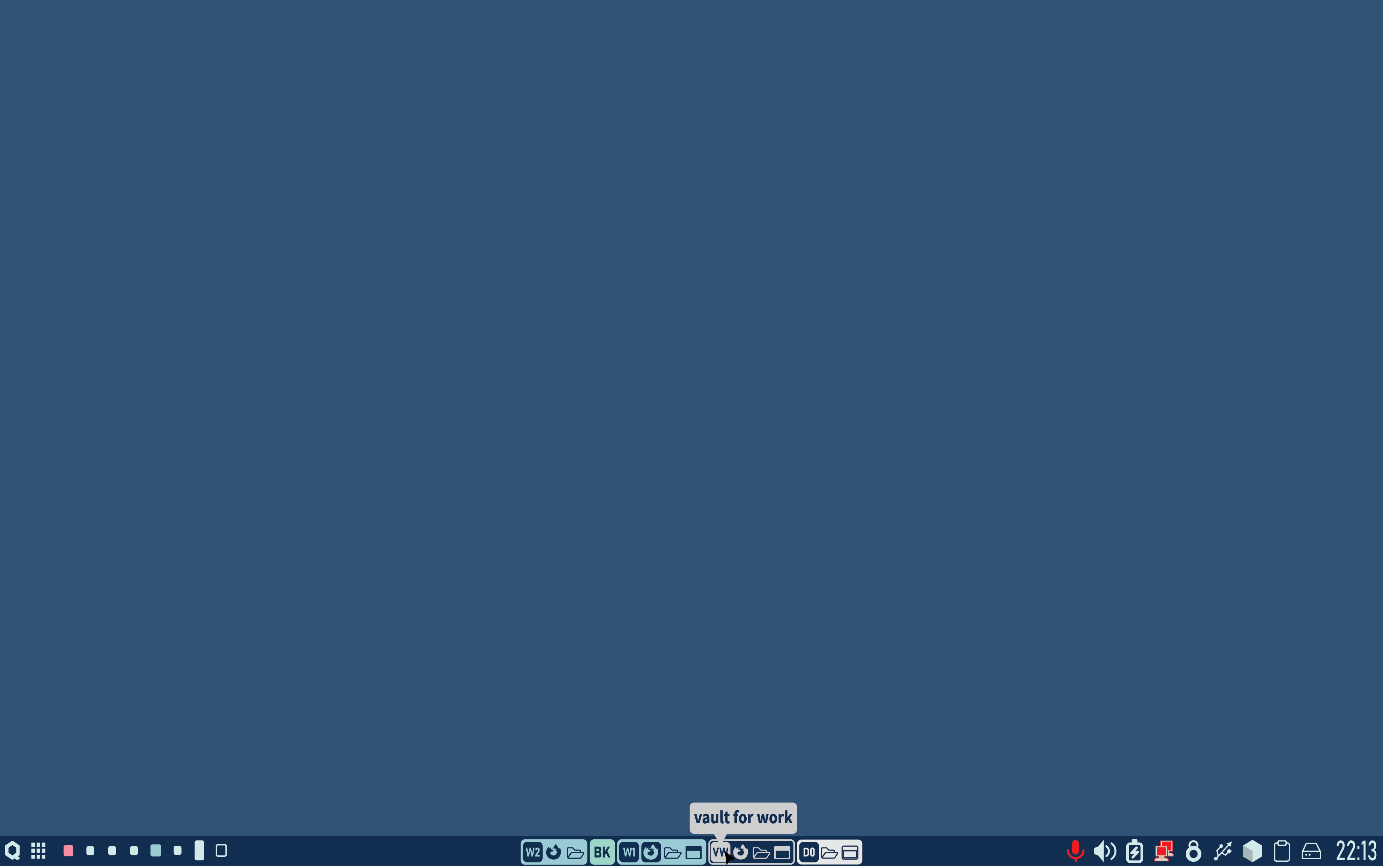
did anyone mention the clock in normal qubes is tiny u can barely see it
I’ve tried working on its design, but I’m finding it genuinely difficult to develop it any further. As it stands, I think it’s good
do you have any suggestions?
I know you mentioned the reasons why you are bothered, but I haven’t been able to come up with a design that avoids the issues you’re facing.
Could you share your solutions with me?
(I have some ideas and designs, but I am not satisfied with them.)
Hi, at the moment unfortunately I don’t have a solution other than not really using it all.
I was not able to customize it, mostly for lack of time and effort.
I now don’t use it hardly and would probably remove it and replace it with something like a MacOS Dock IMO. I also now have most of the things in the dock and keyboard shortcuts.
Thanks for trying and I am sorry I could not be of more help.
also u shold be able to change the wallpaper by the clock
(example: image a shows 7am-8pm image b shows 9pm-6am)
Looks awesome! I especially like the minimalist design.
Keep it up!
Something like automatically switching between dark mode and light mode (and/or wallpaper) throughout the day?
I am still working on improving its design. Do you have any feedback you would like to add?
(Thank you; I appreciate your encouragement)
yea like that its weird you can have different wallpapers in vallina qubes for different workspaces but not for different times
By the way, there is a way to make the clock larger; would you like a guide?
Please excuse me, I haven’t read through the thread because I don’t have the time, but I wanted to add a major UI pain point I’ve had for a while: Networking and audio widgets. I really want to see Qubes centralize VPN, audio, and network device widgets into a Qubes system widget, since this fits better from a UI and usability perspective. An example would be combining all VPN widgets into one, like the Whonix sdwdate, having one nice “all are connected” or “not all are connected” with a dropdown for more granular info/control. I’d also like to see an audio widget that’s designed for Qubes specifically, with QRexec policies for volume info and simple tasks like changing volume and muting. I would like to see the systray reserved for user programs and not system stuff, and see the little system things polished and not so disjointed and/or buggy.
This is a nitpick, but a very annoying one. I’m not saying it’s super important, but that it would be a major QoL improvement that I think many users who use different desktop environments, sys-audio, or multiple VPNVMs or NetVMs will immediately notice and highly appreciate. It would go a long way to making the system feel smoother and cleaner and get rid of a lot of friction. It is just my opinion though.
Edit: also Bluetooth, separate from the USB widget since due to the possibility to have multiple with dongles and the widespread, insecure, and multifunction nature, it is a special case.