Thank you.
Paranoid Question/Discussion
From a security perspective, with running overlay mode you should be immune to dom0 attacks, including xen 0days. Am I right?
So, because we are paranoid and don’t trust software, should we not open any qubes anymore in normal mode? Isn’t this kind of consequential? Shouldn’t the paranoid then use qubes.skip_autostart always in normal mode, excluding sys-usb and sys-whonix for maintenance?
Please correct or verify me.
@Schnur I use overlay mode every day. I run default persistent mode only for dom0 updates. This protects dom0 and slightly extends SSD’s lifespan
1 Like
Hey. Has anyone ever tested out making any changes to the operating system (i.e. install new software, etc) on Live boot mode then did it again on Persistent mode only to suddenly come across some kind of error?
That’s what just happened to me.
A couple of weeks ago, on FS Overlay mode, I tested setting up the Mirage firewall and it worked just fine. I was browsing the internet fine with it as my new firewall.
Today, I booted into Persistent mode to install Mirage Firewall for good but as soon as I tried to create the first template needed for it, I suddenly got this error.
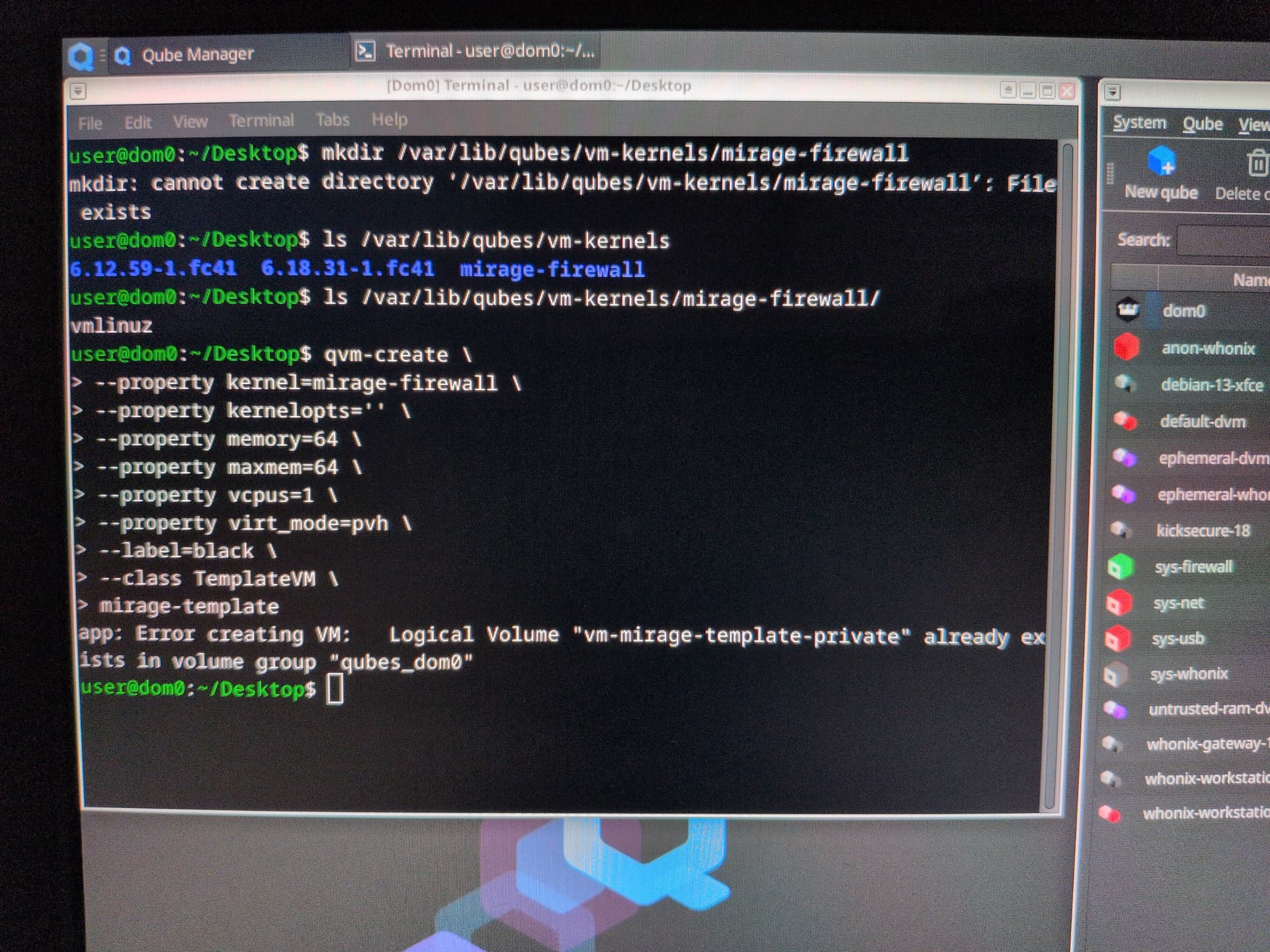
For some reason, it won’t create the template because apparently it already exists in this qubes_dom0 volume group. I thought all changes made in live boot mode are erased after I shut down the machine.
I checked my Qube manager to look for the template…
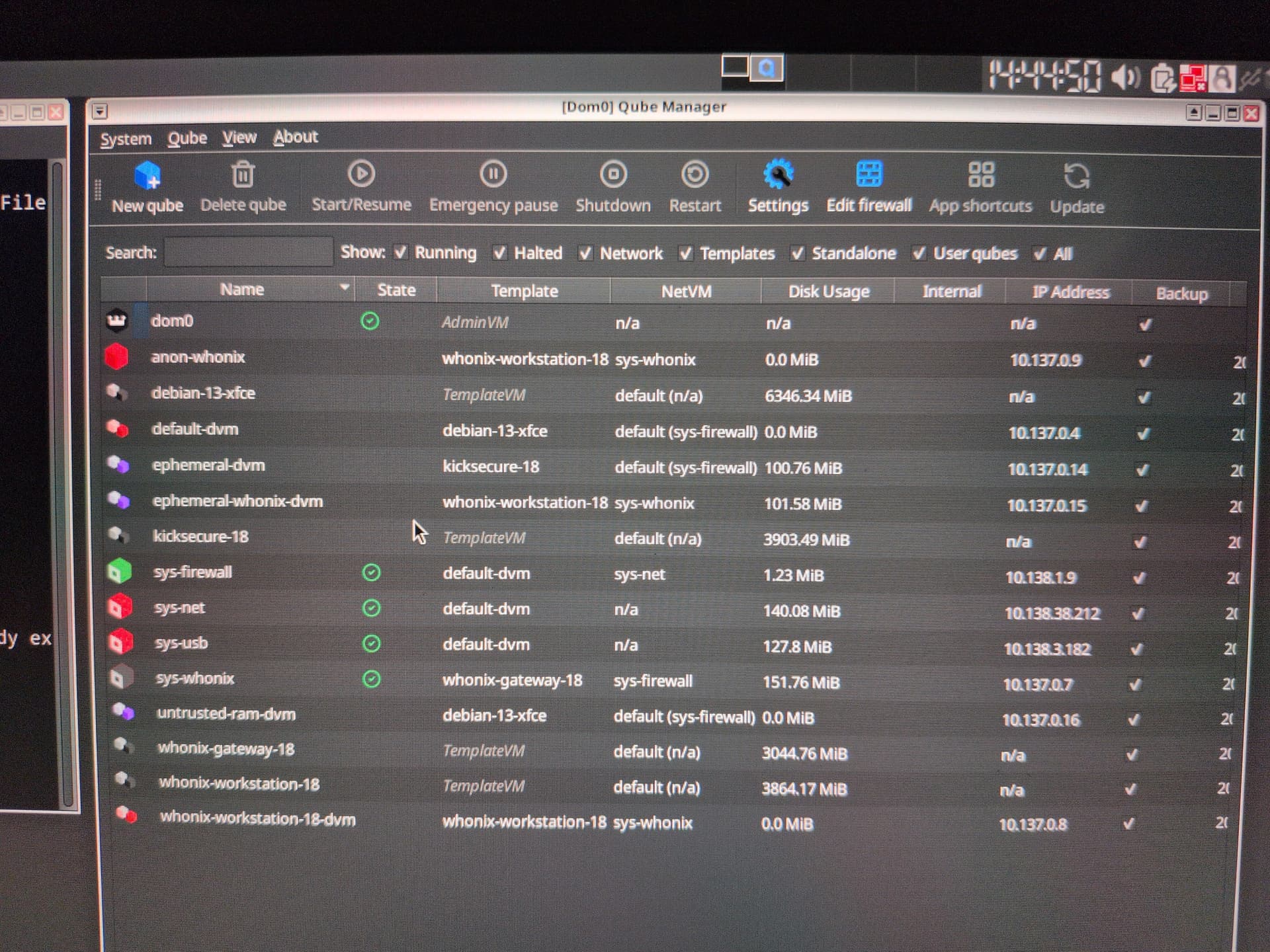
And it’s not there.
Did I miss anything?
I had the same problem, I had to execute the command to create the Qubes two times.
Twice, huh? Thanks. I just ran it again and it worked this time.
Summary
But now, all of a sudden, Mirage Firewall won’t start up…
Well, technically, it did start up and then shut down just as soon every time. And I double checked that I created the vm with the exact instructions on the guide.
@webgear Did you come across something like this too?
No wait. I made a boo-boo. My bad. I just skipped over a couple of instructions when I set up Mirage. False alarm again, sorry.
Actually, I just found a new option when I was removing rootovl.
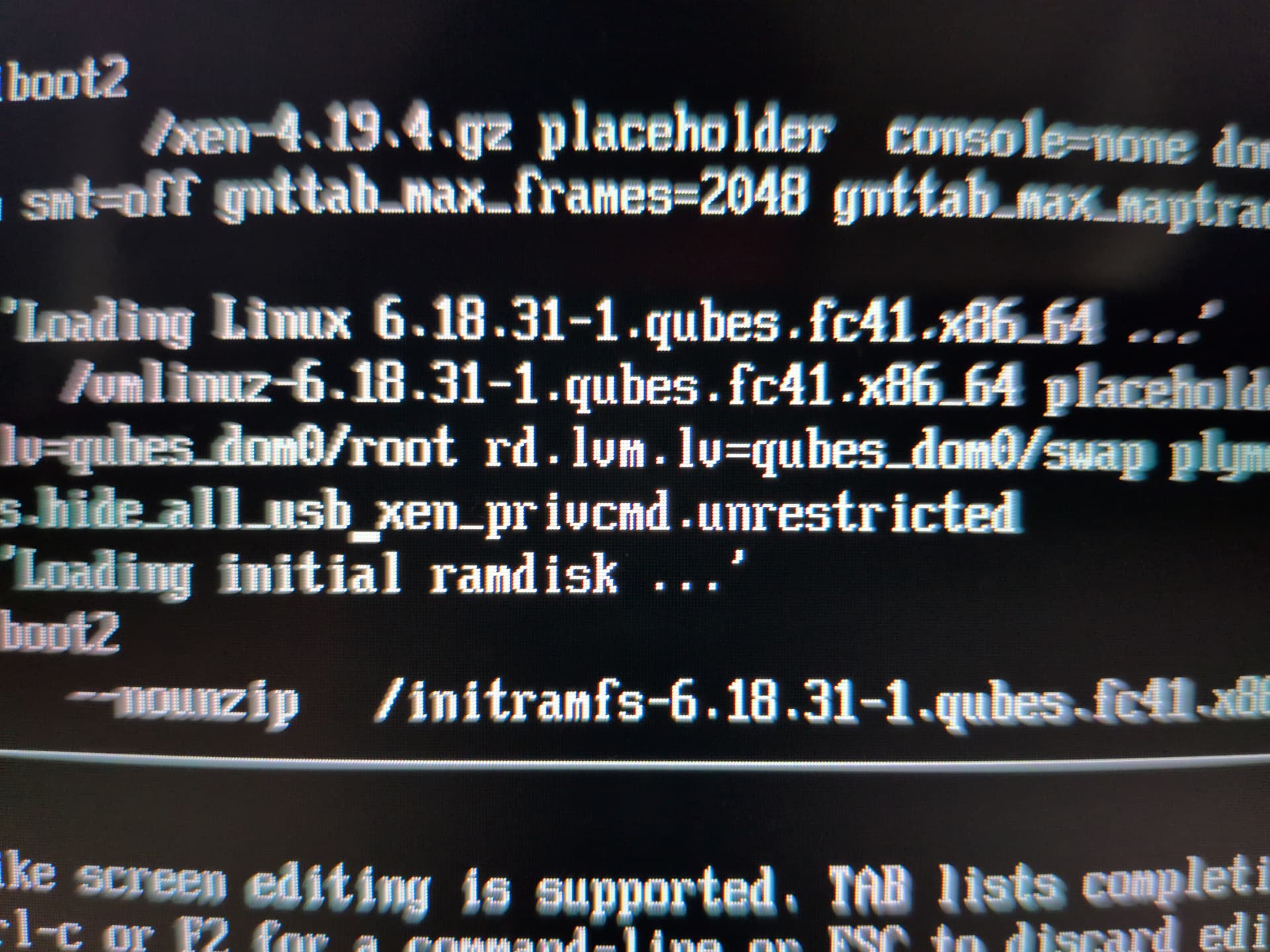
xen_privcmd.unrestricted wasn’t there before. @linuxuser1 Can you tell me what this means? How did it get there? Should I remove it permanently?
TL;DR
I am pretty sure there is enough on this thread to accomplish something I would feel is interesting. Create an alternate install version of Qubes. To install all the functional parts of Qubes into RAM. I am presuming I would have a computer that has a lot of RAM, rather than contorting the an install version around to accommodate a smaller amount of RAM.
With the entirety of Qubes OS running in RAM, a lot of speed problems would go away.
Still have to have a means to save changes in the OS, to my personal data.
I suspect that the Qubes Developers would think it unwise for them to develop two different versions of Qubes: One to run off the hard drive (what we have now). The second being the one running in RAM.
But to continue the original hypothesis. I make note that the Live version of Qubes, when it is installed to the USB, that it not be installed USB to USB because, well it can damage the hardware inside that does that, overheats I guess.
The other thought, that the install to RAM would be accomplished by using (as you guys suggest), by putting the RAM based Qubes to be installed by flipping a switch in the version we have now.
I really would only trust a version produced by our developers. One because they have a huge technical knowledge of how the gears insides Linux-Qubes which might leave a security hole. Even though it might not be obvious to a normal user. The other reason is that if our Qubes Developers (and thanks for your work guys) will be thoroughly tested. Tested by both the Qubes Developers, and some other very smart people. Two versions divides those hours of testing.
I guess what I want, is for the Developers to feel that they themselves would implement Qubes, nearly entirely in RAM.
That for beginners, rather than another “How-To guide” I feel it would be preferably if the usable version to be directly installed in the Qubes Download.
Take as an example, a businessman who desires to use Qubes, but does have the time to go through a whole bunch of different “How-To Guides.”
There is a good reason to use “How To Guides” in that the more things directly installed in the original Qubes become something that requires too much of the Developers time to keep updated. Keep tested.
Allow the change to Live version as a software switch inside the original install.
So I guess I contradict myself. Double Think.
1 Like
Just wondering. Does it help if I ephemerize my service qubes?
I already done so for sys-net and sys-usb simply by making untrusted-ram-dvm their templates (while I changed untrusted-ram-dvm’s template itself to Kicksecure-18) and they both ran just fine.
But what about sys-whonix and sys-firewall (or in my case, sys-mirage-firewall)?
FWIW there is no saved-state with mirage-fw, it just use RAM  I haven’t read the thread, but your fw is already ephemerized.
1 Like
You can clone all qubes into the varlibqubes pool if you have enough memory.
1 Like
Test new qubes in the varlibqubes pool, then this error won’t occur. Or just ignore it. This happens because creating a new qube in the vm-pool pool on disk - metadata isn’t saved to dom0, but the new qube is saved on disk. If you added ephemeral encryption for the new qube, this error will still appear due to the qube name. Just ignore it.
1 Like
I’ve got another error which I thought was best to report in a separate thread until I was told to report here so…
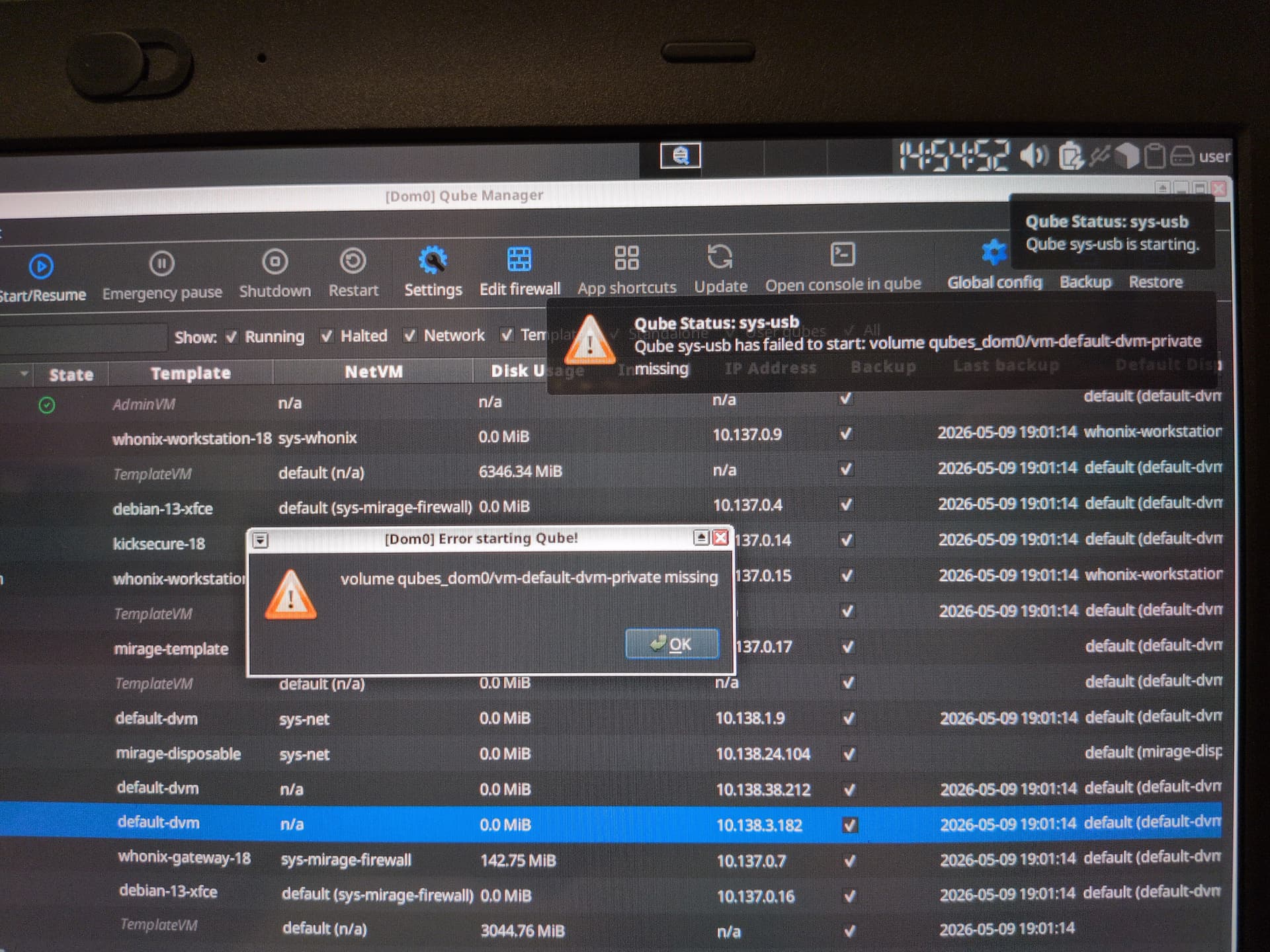
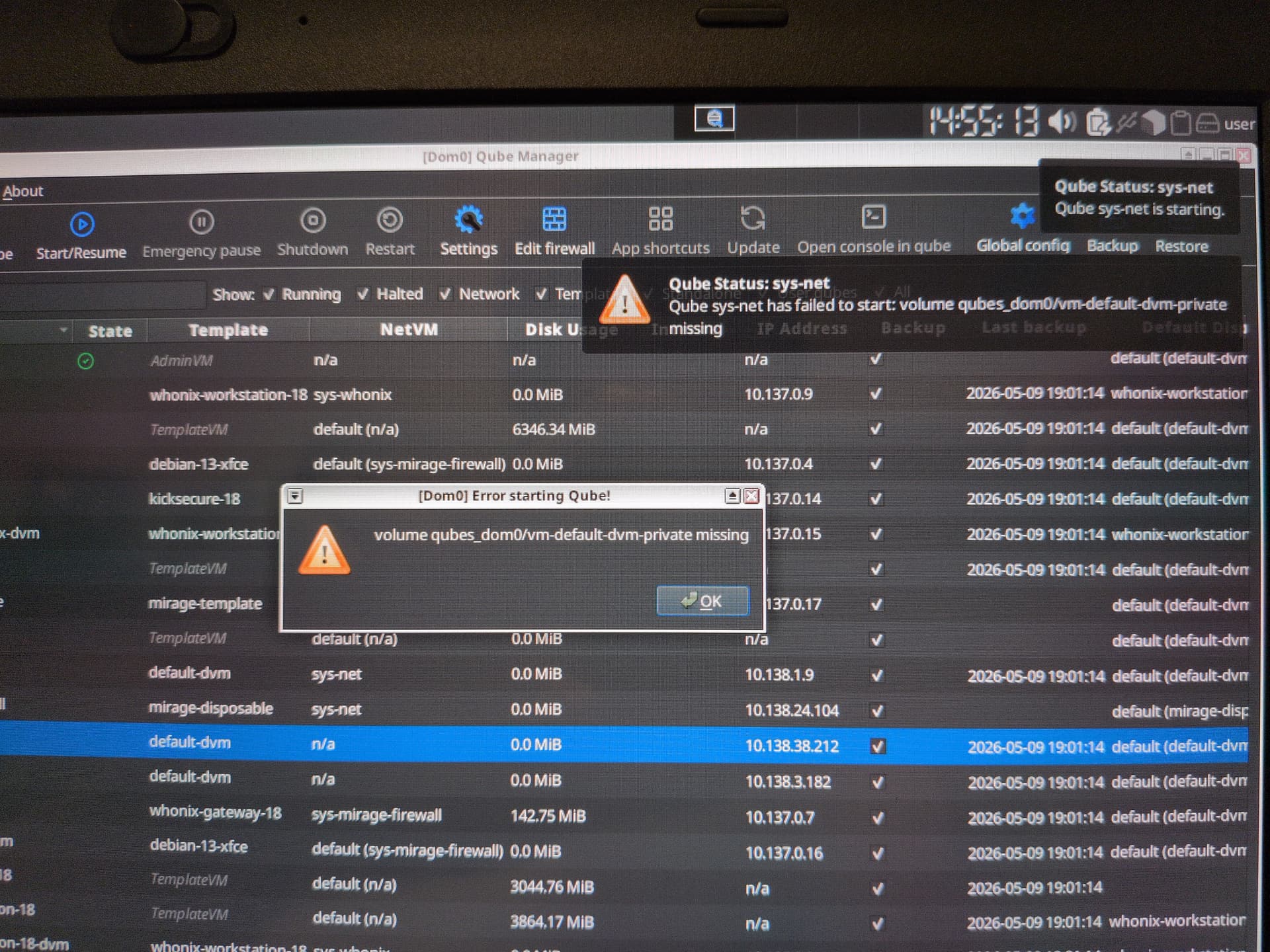
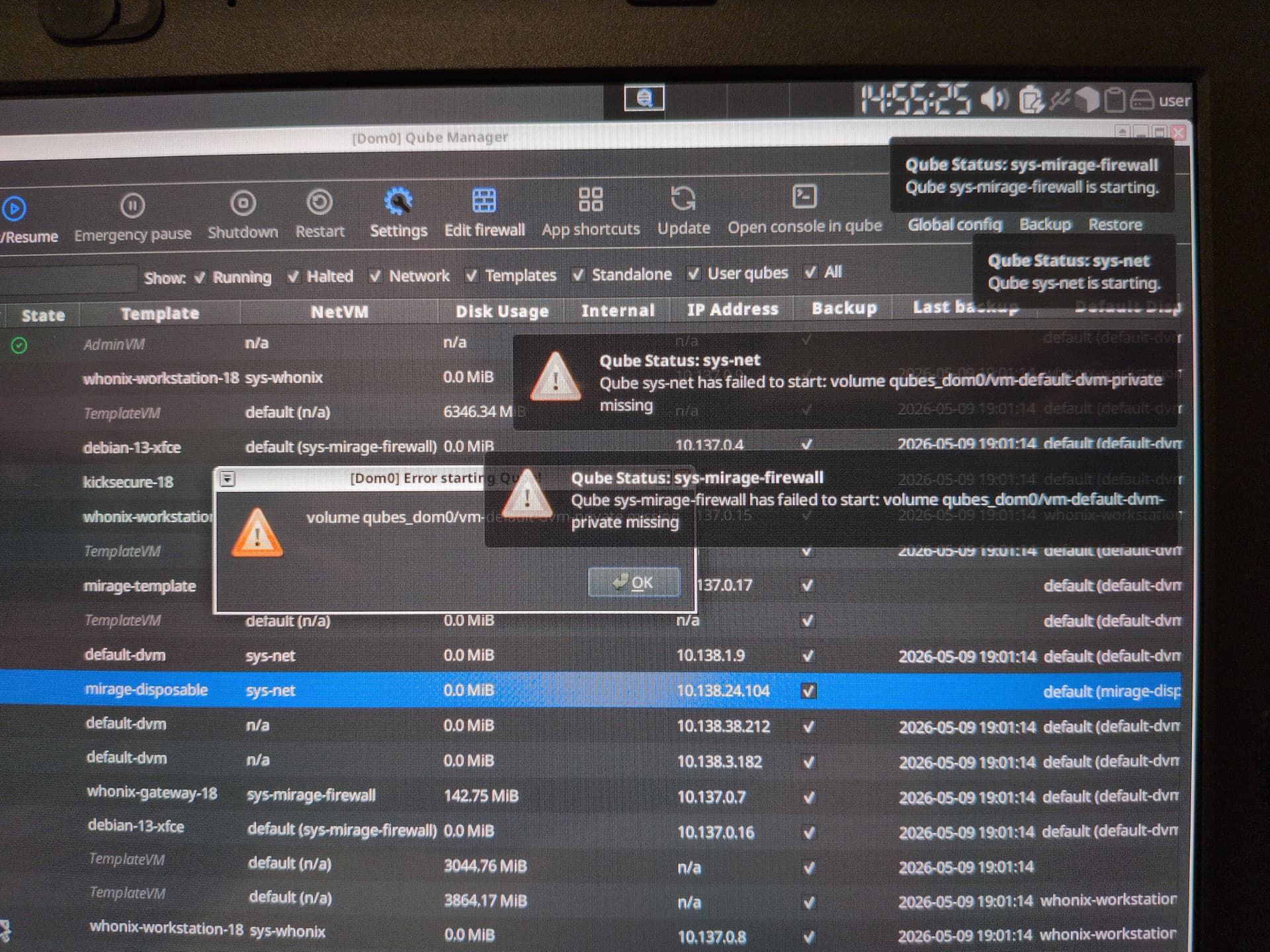
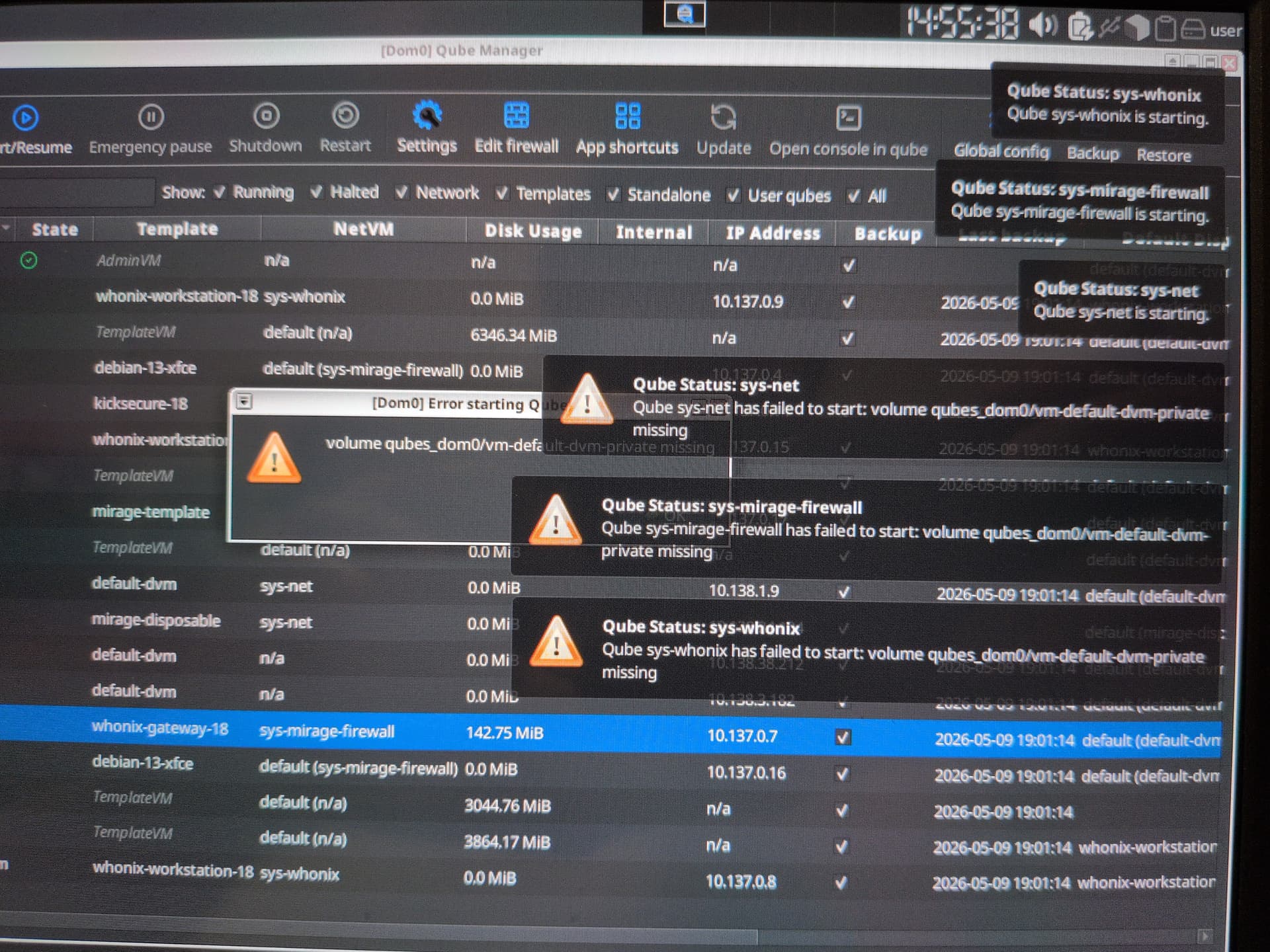
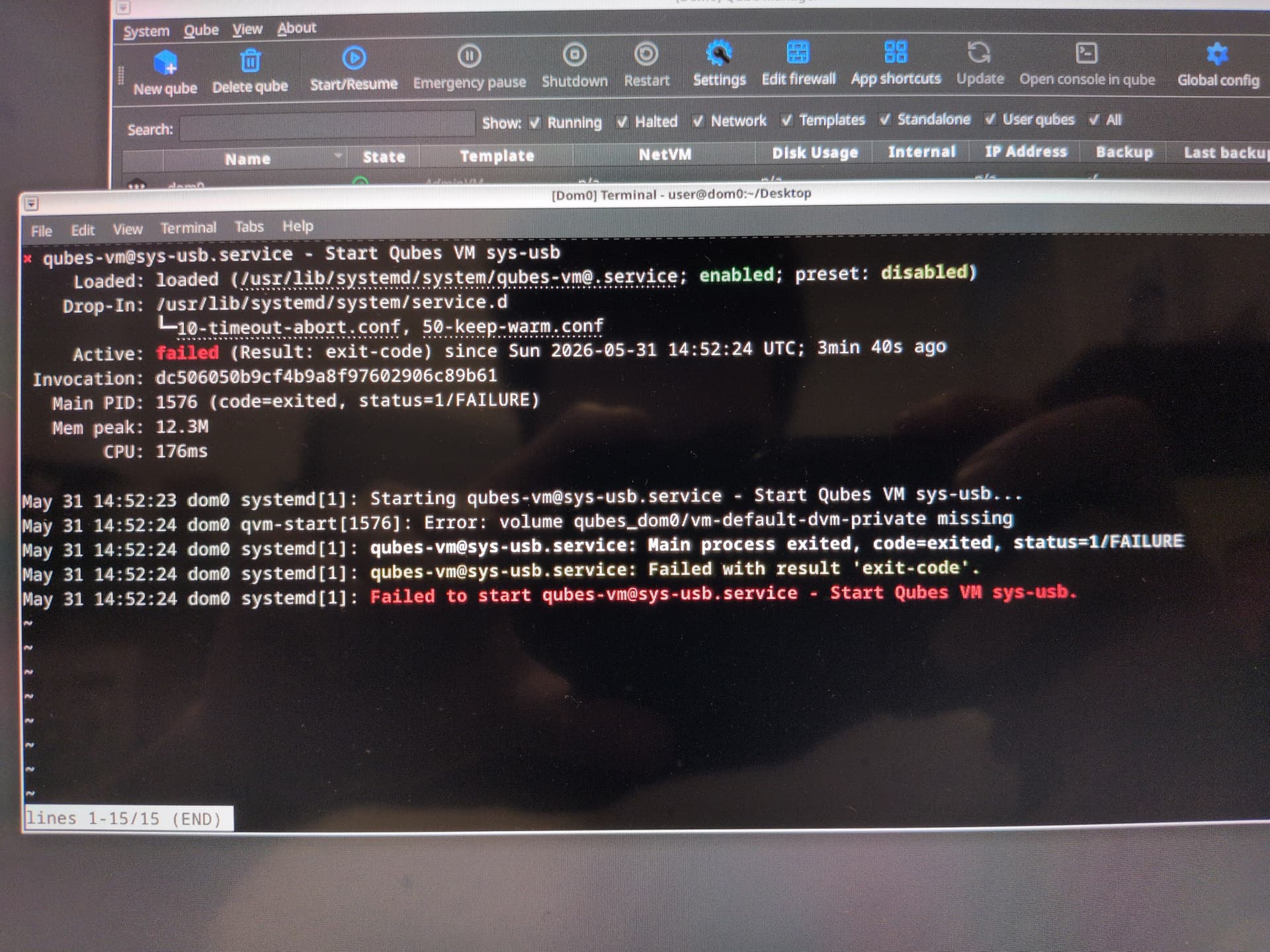
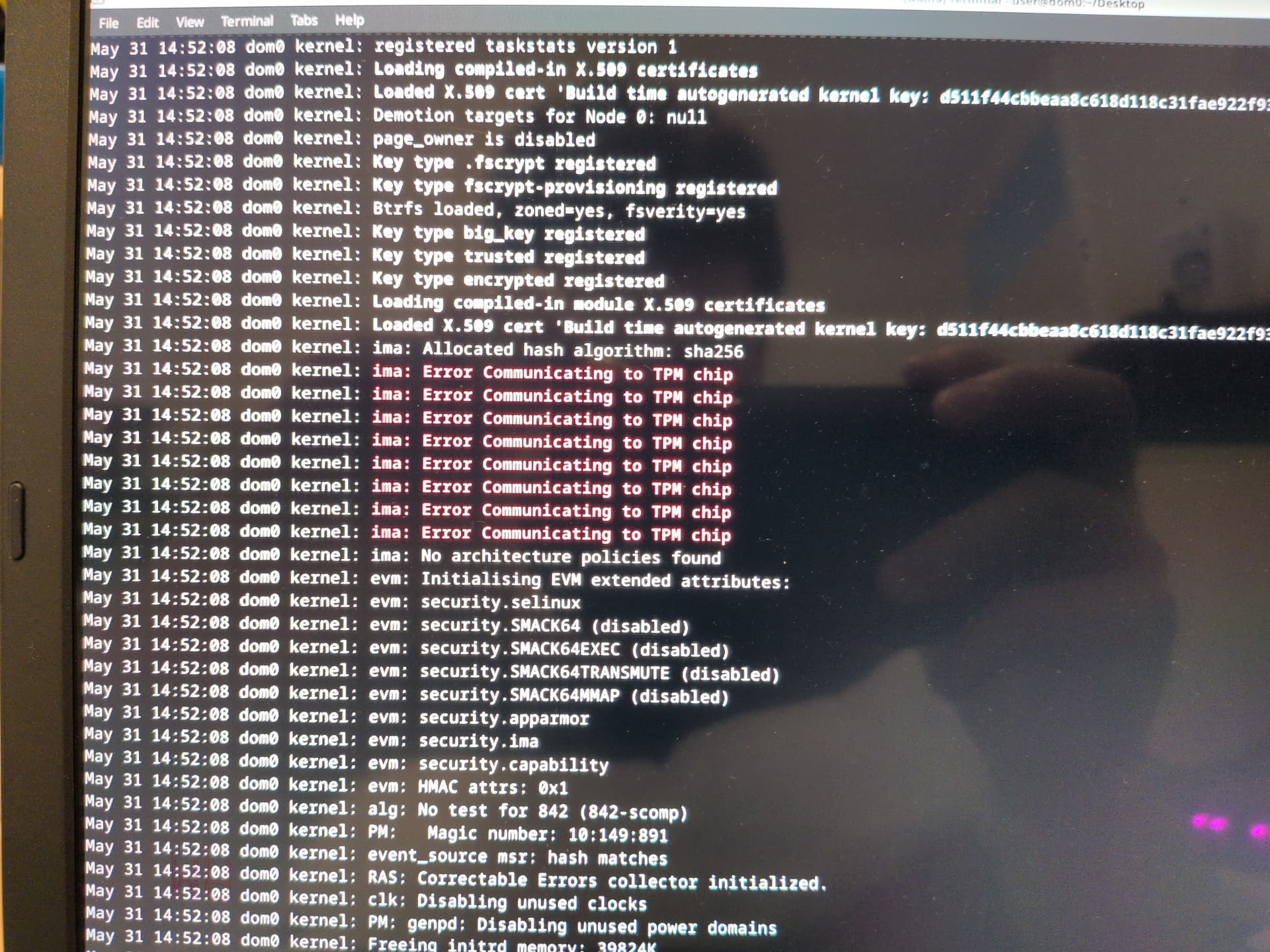
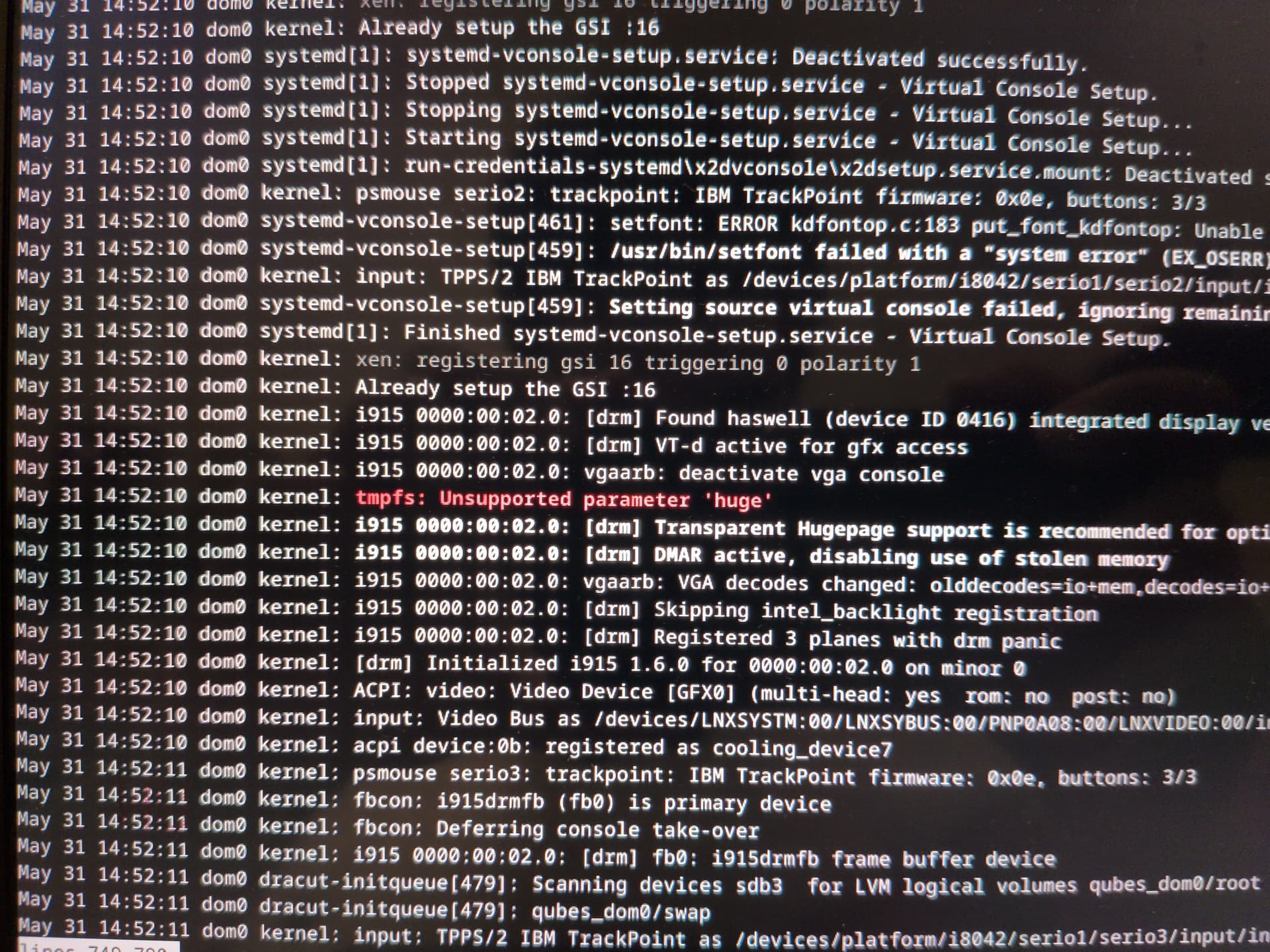
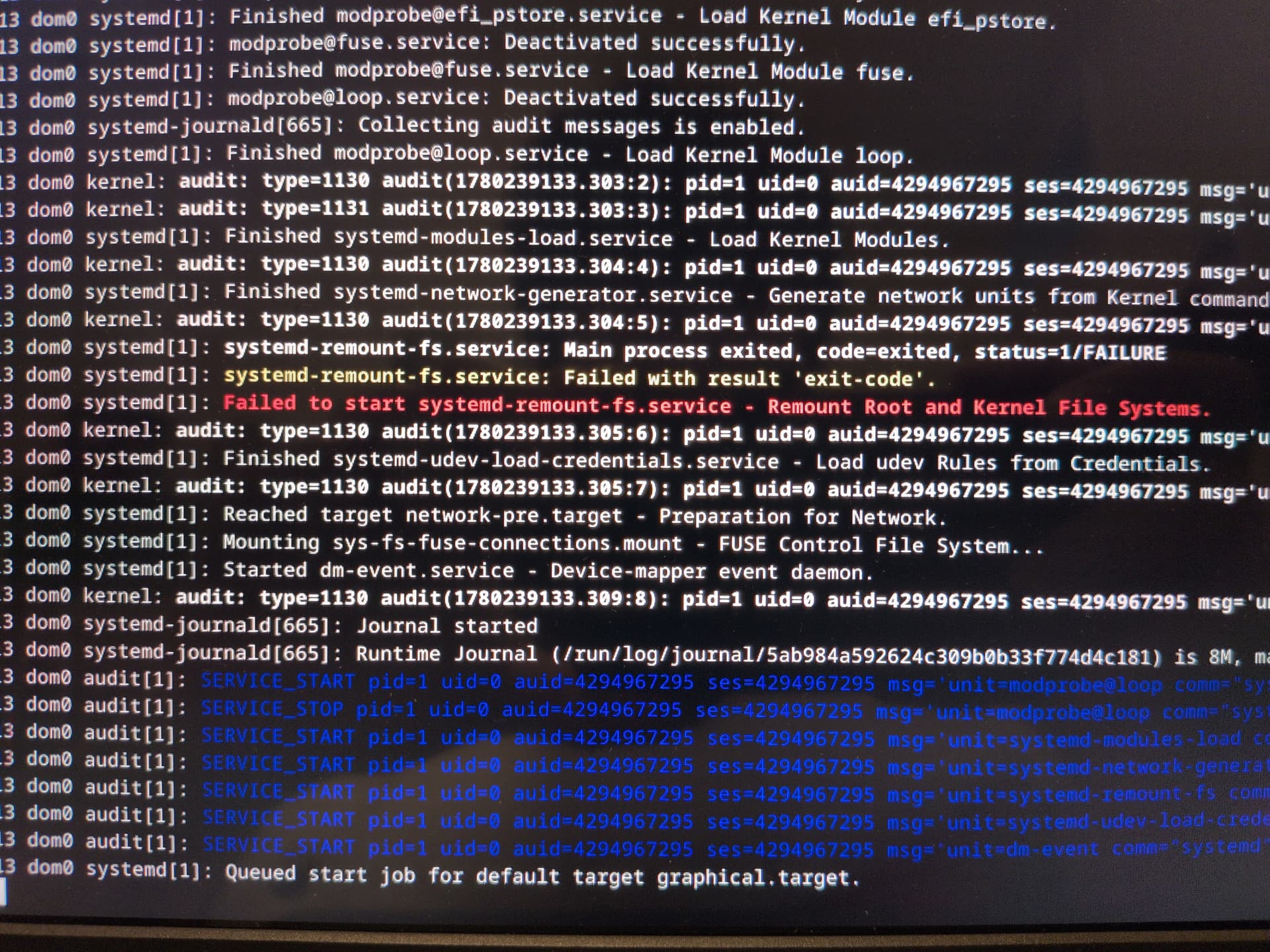
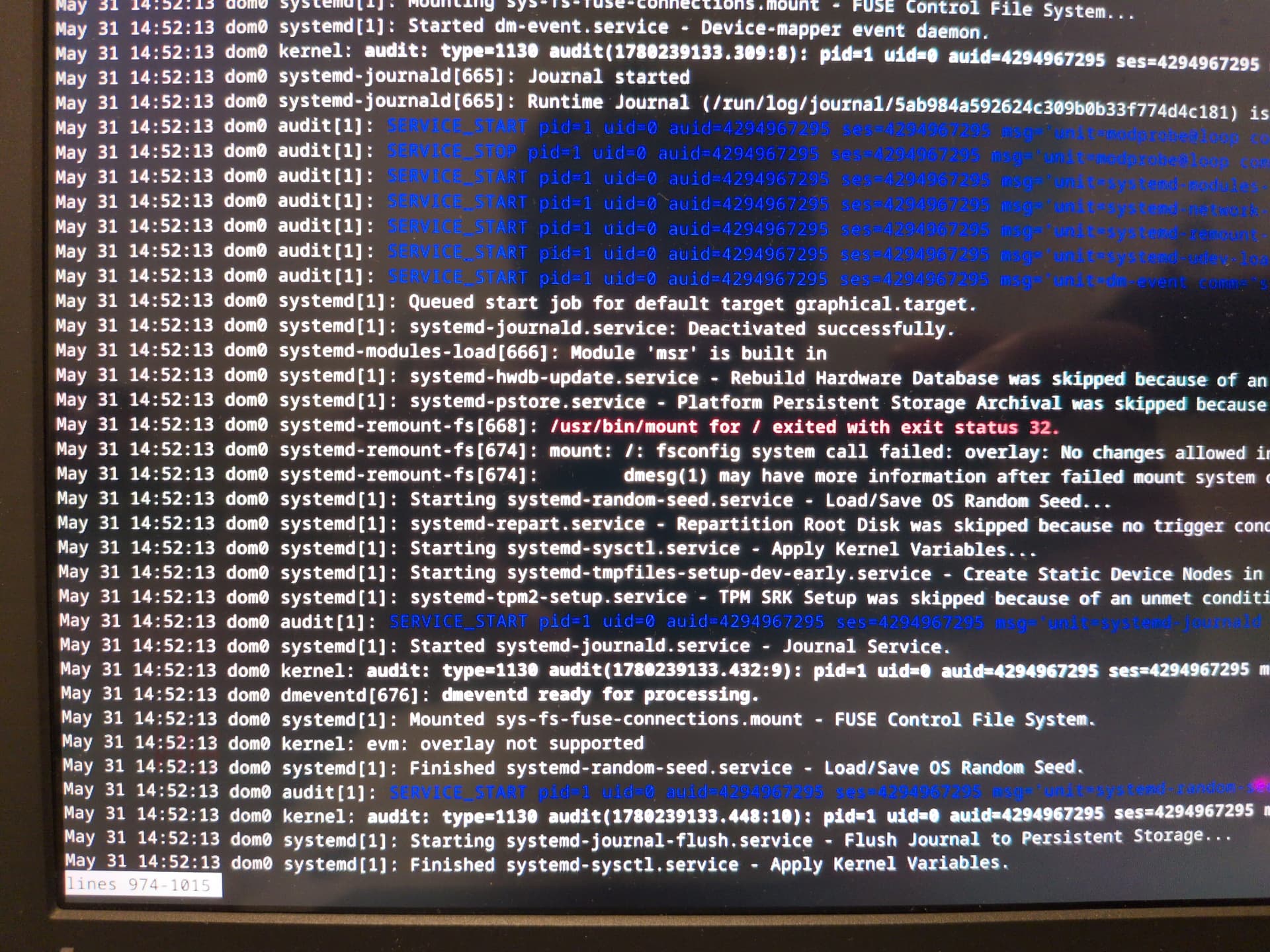
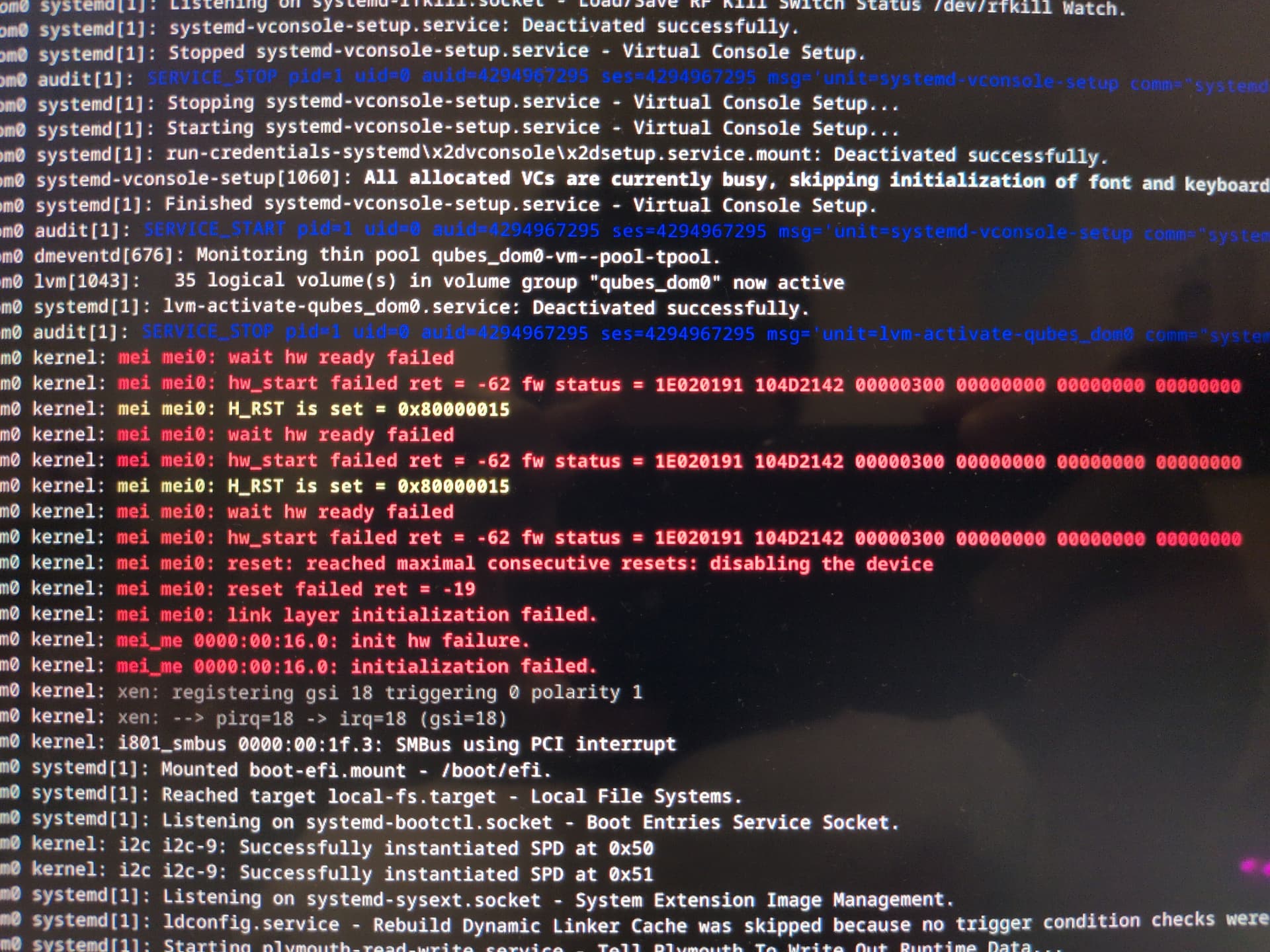
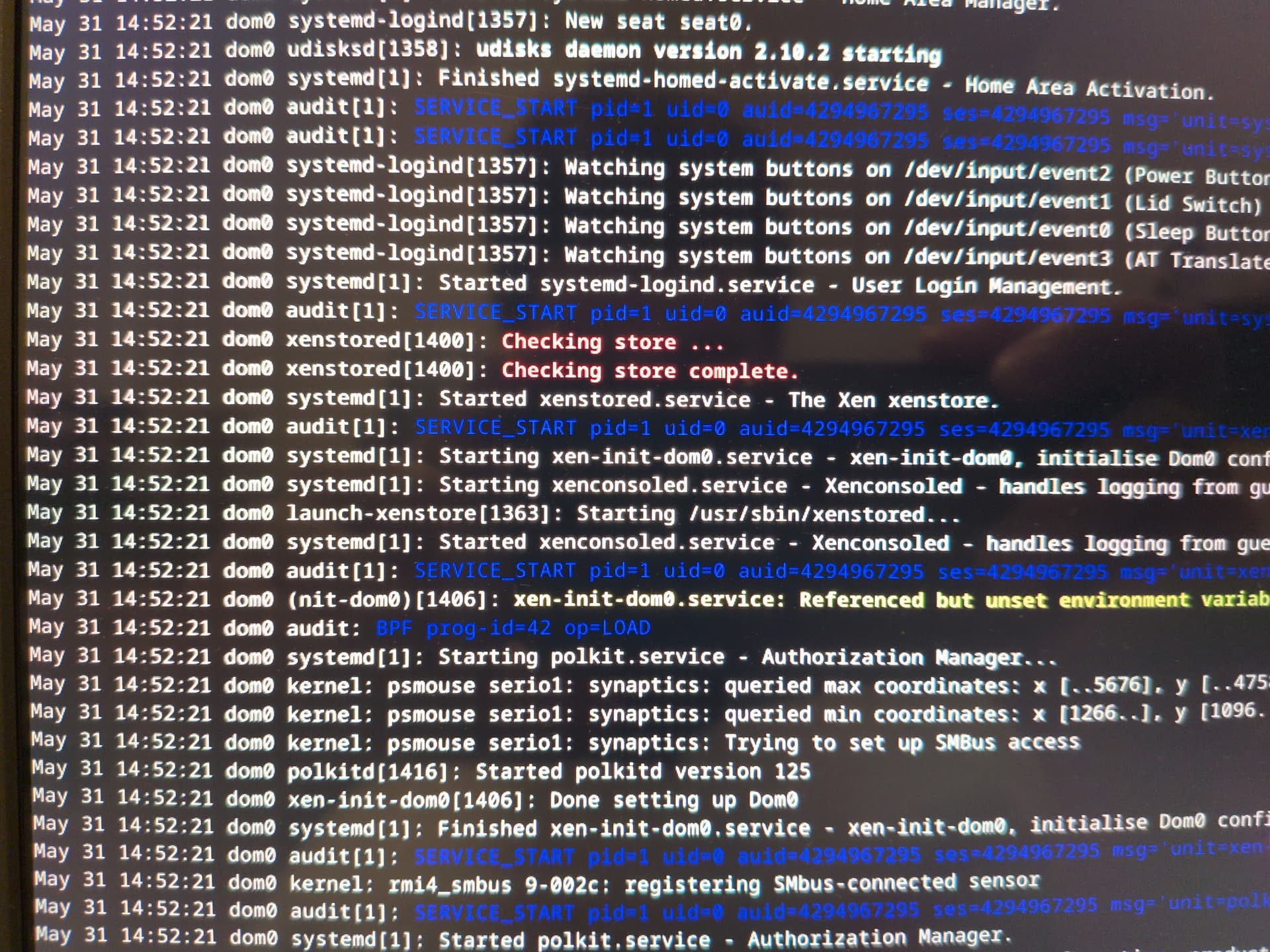
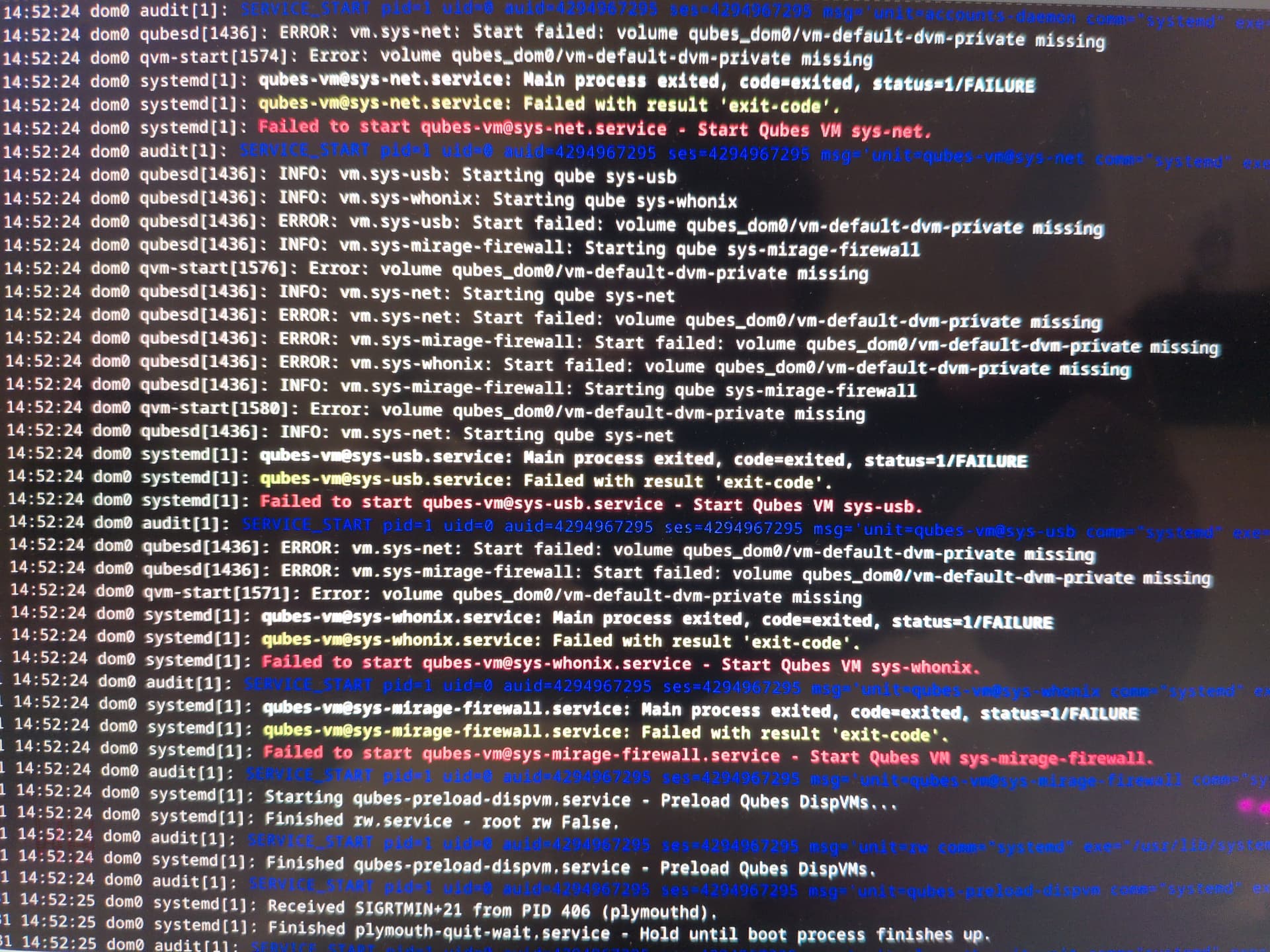
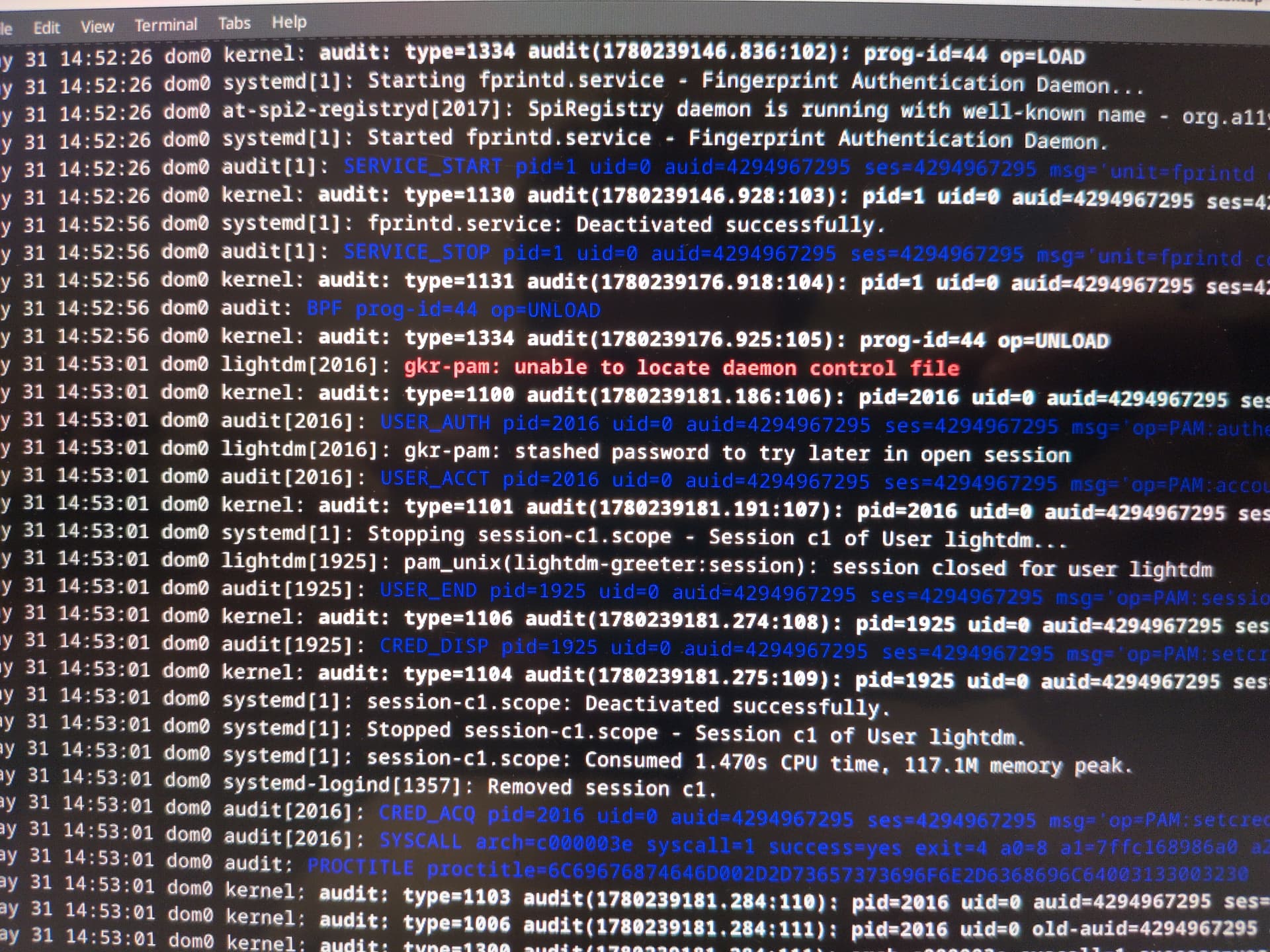
This is a bit confusing.
If I pretend to use live mode ( it is already setup ) and I want make old appVM or create appVM based in different template for example debian-13-minimal.
I would still need to run ?
qvm-pool set vm-pool -o ephemeral_volatile=True
@webgear No, you can change templates and the ephemeral encryption should remain. But I haven’t tested it on minimal templates. If ephemeral encryption doesn’t work for appVM on a minimal template, then use varlibqubes pool for the appVM and work in RAM.
@linuxuser1
My problem (where my testing the creation and editing of my service qubes on live mode somehow making them inaccessible on persistent mode) is still yet to be resolved.
If I’m not the only one having this problem, then it’s crucial to address this for the sake of the Live mode script’s development for the sake of the entire Qubes community.
If this problem is somehow unique to me, I could use some help to narrow down the cause of it and find a way to keep it from happening again. I keep a working log of testing work.
Thank you.
Never mind, I’ve given up on it and am going to reinstall Qubes again.
Basically, I found that deleting qubes on live mode will permanently remove their LVs (or something) permanently even though it’s supposed to be a temporary thing and thus muck everything up back in persistent mode.
Lesson learned? Don’t delete any qubes at all in live mode, even when testing!