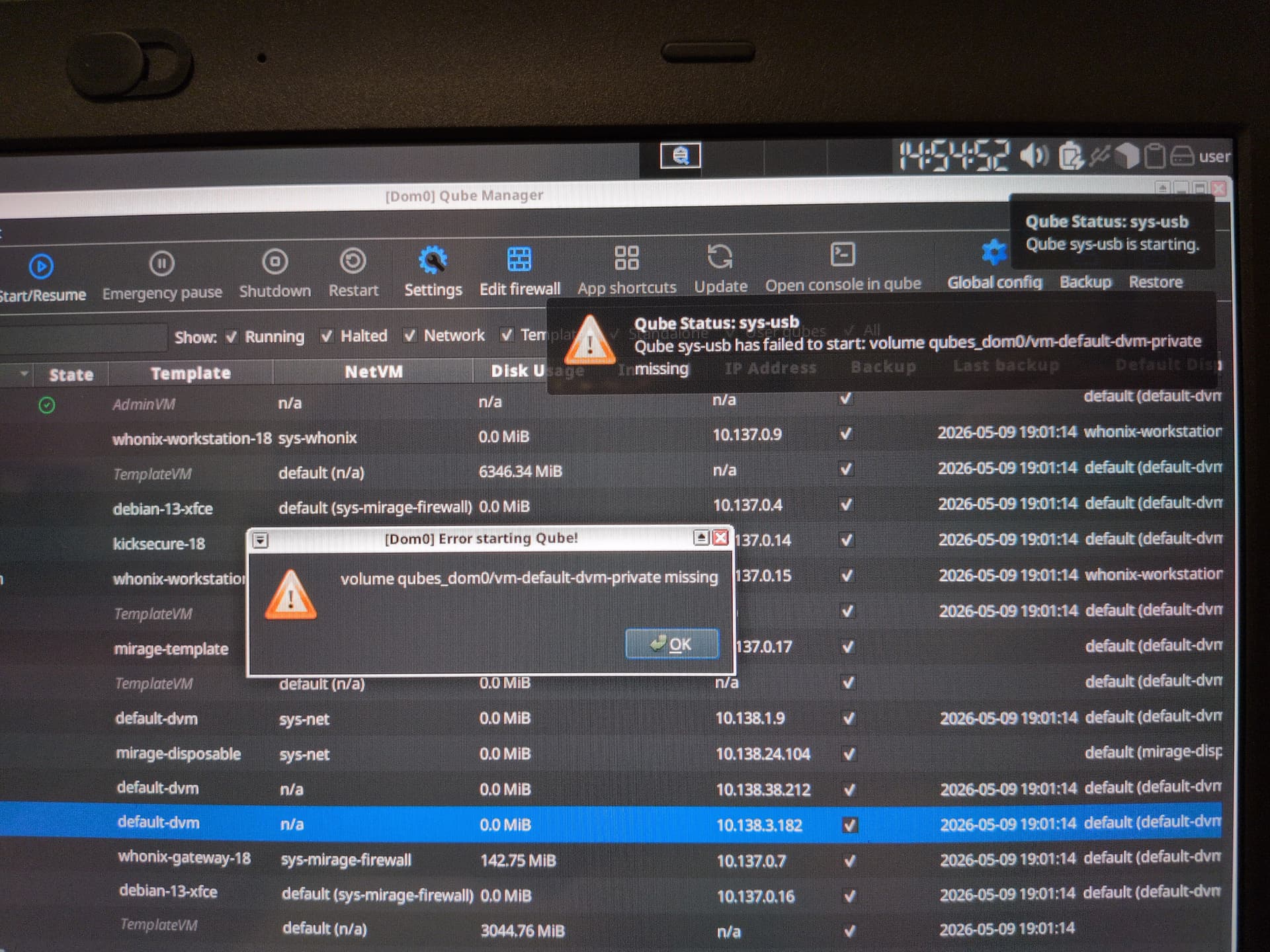
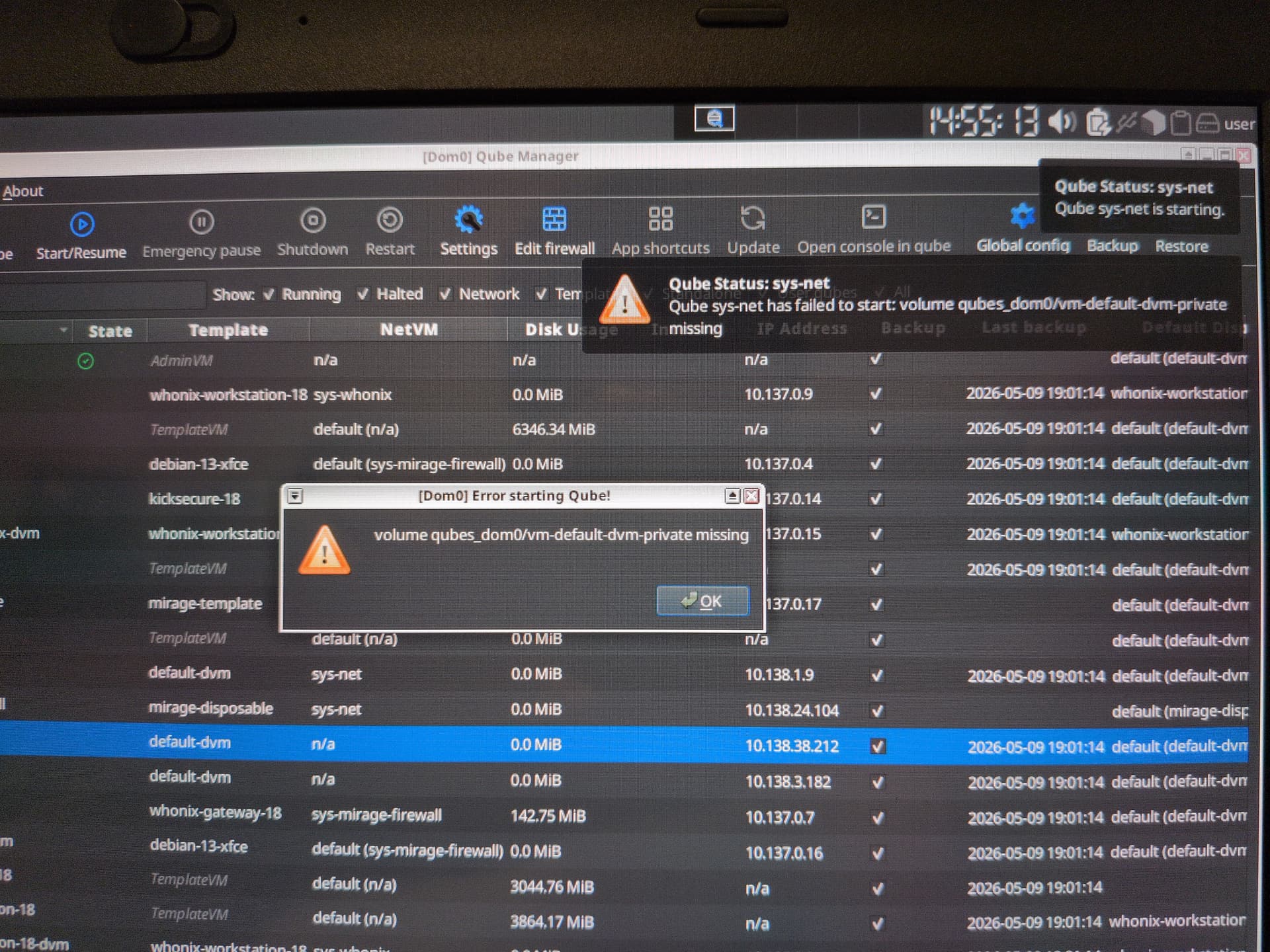
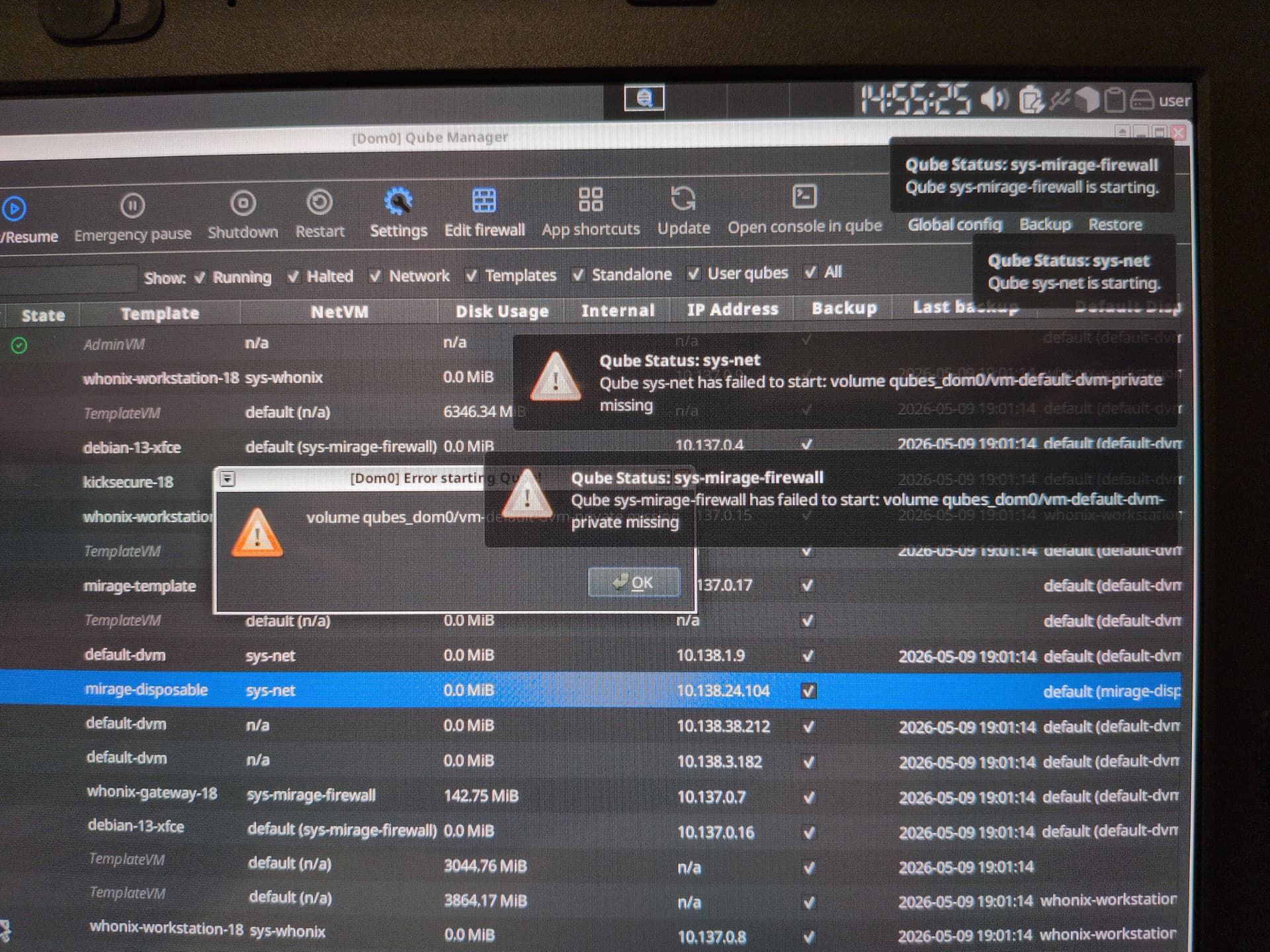
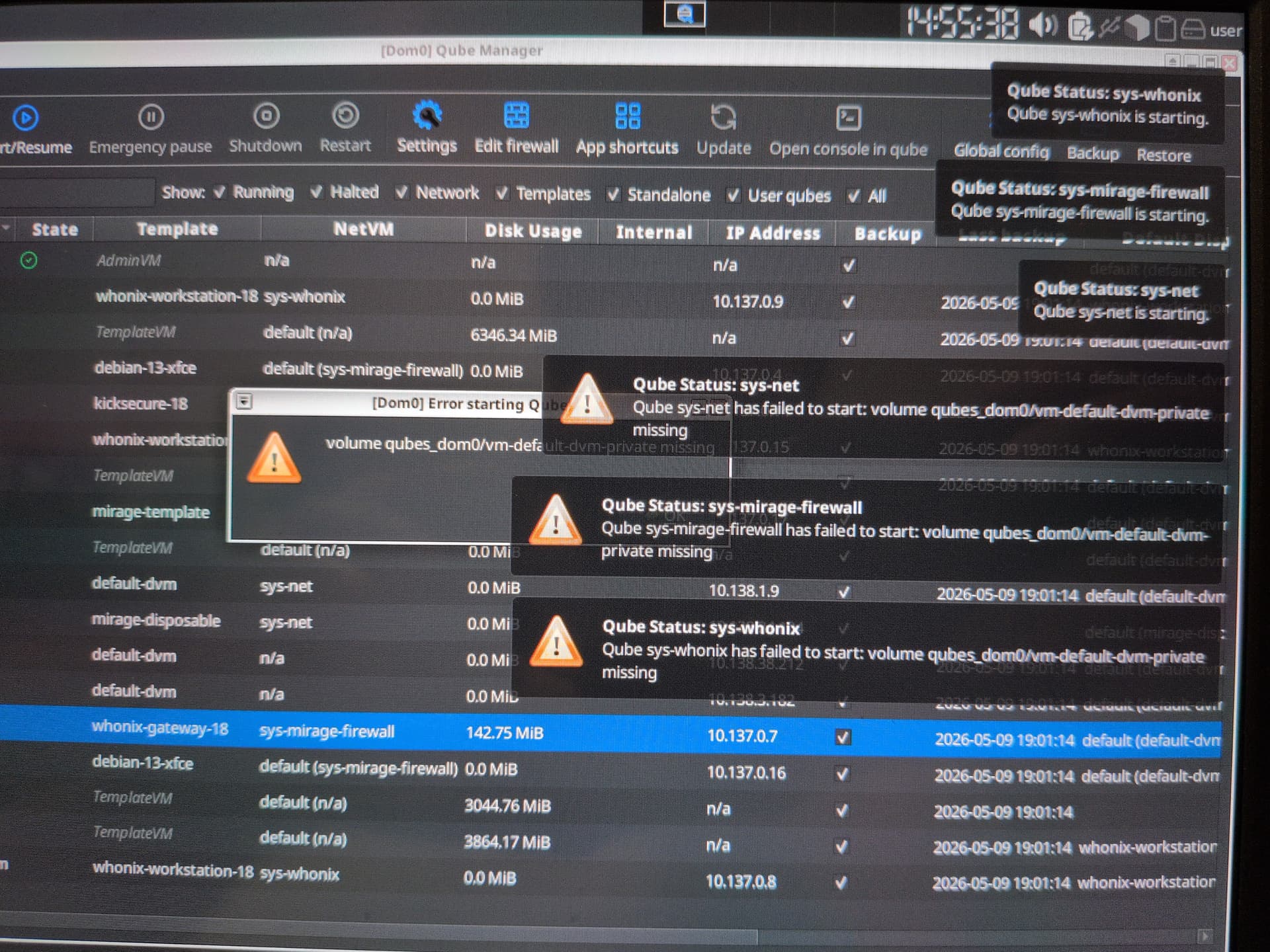
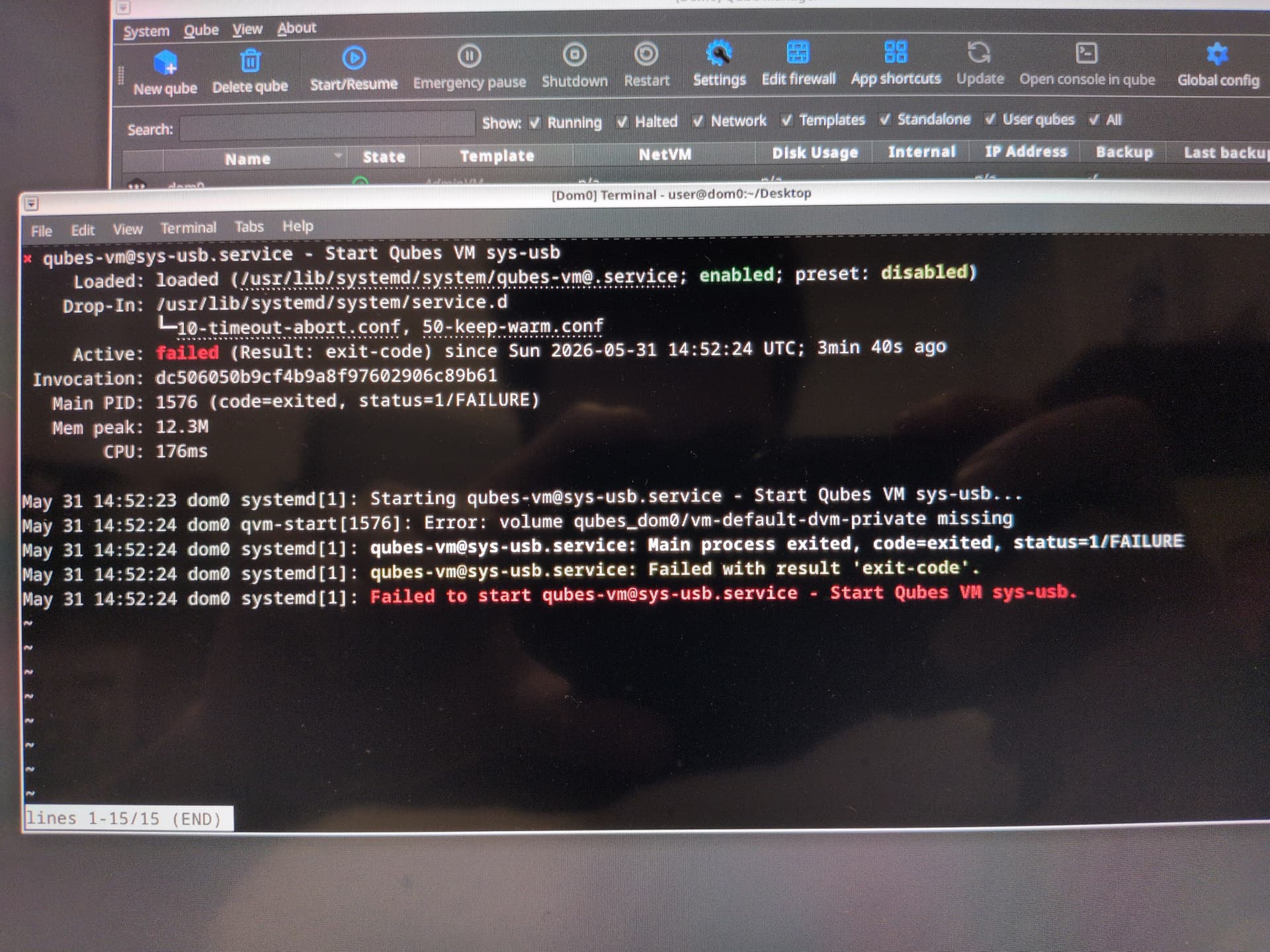
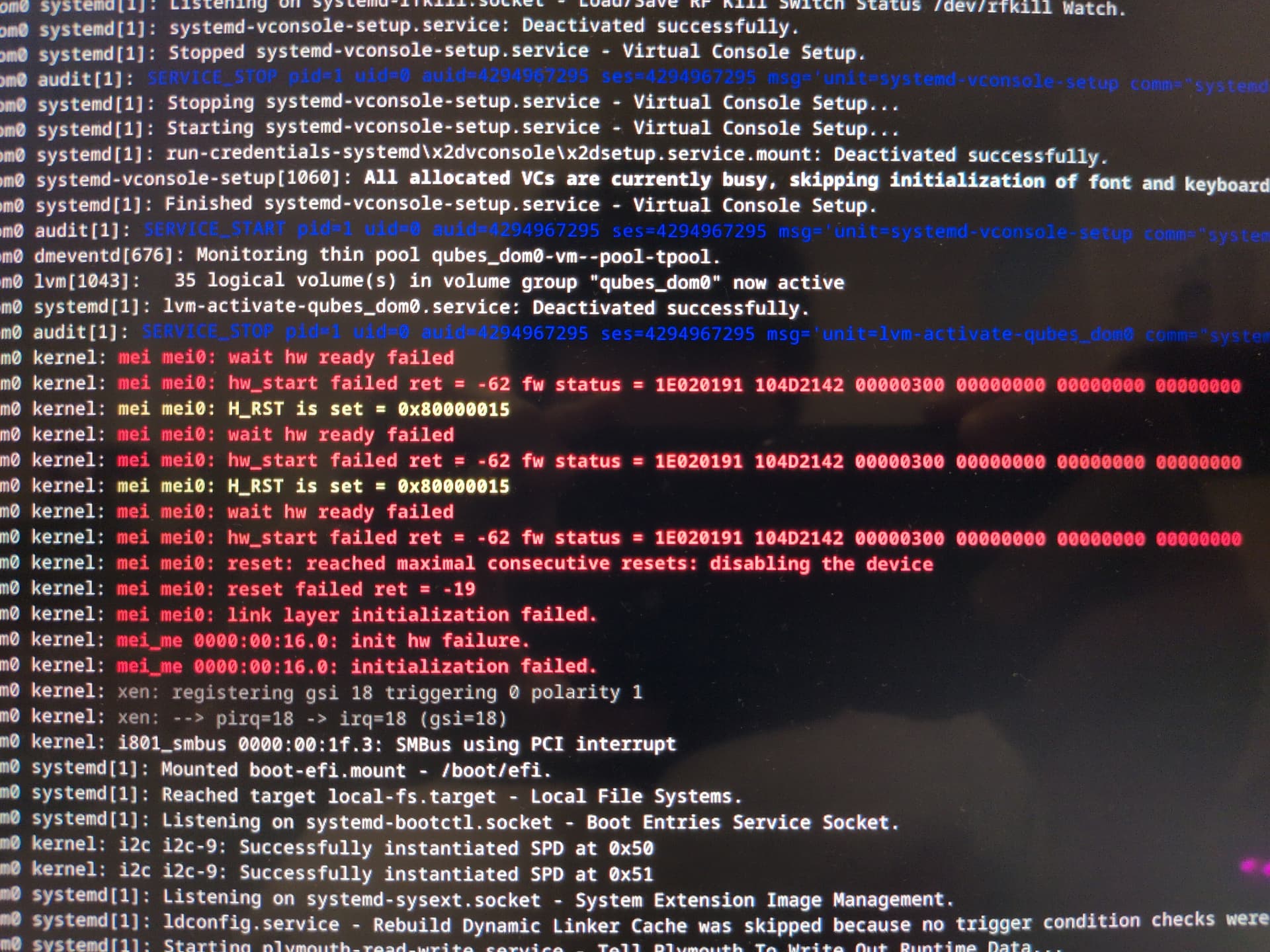
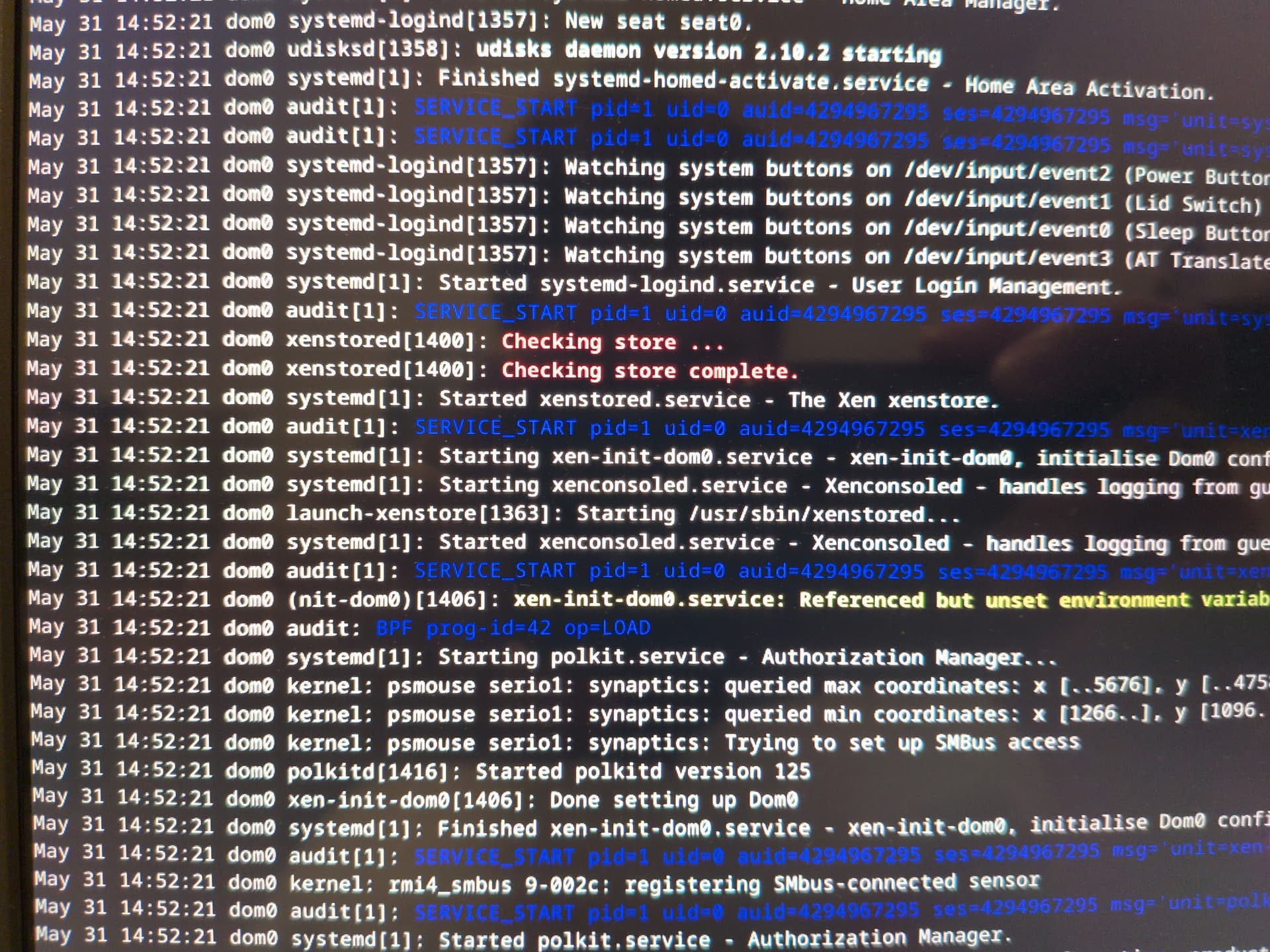
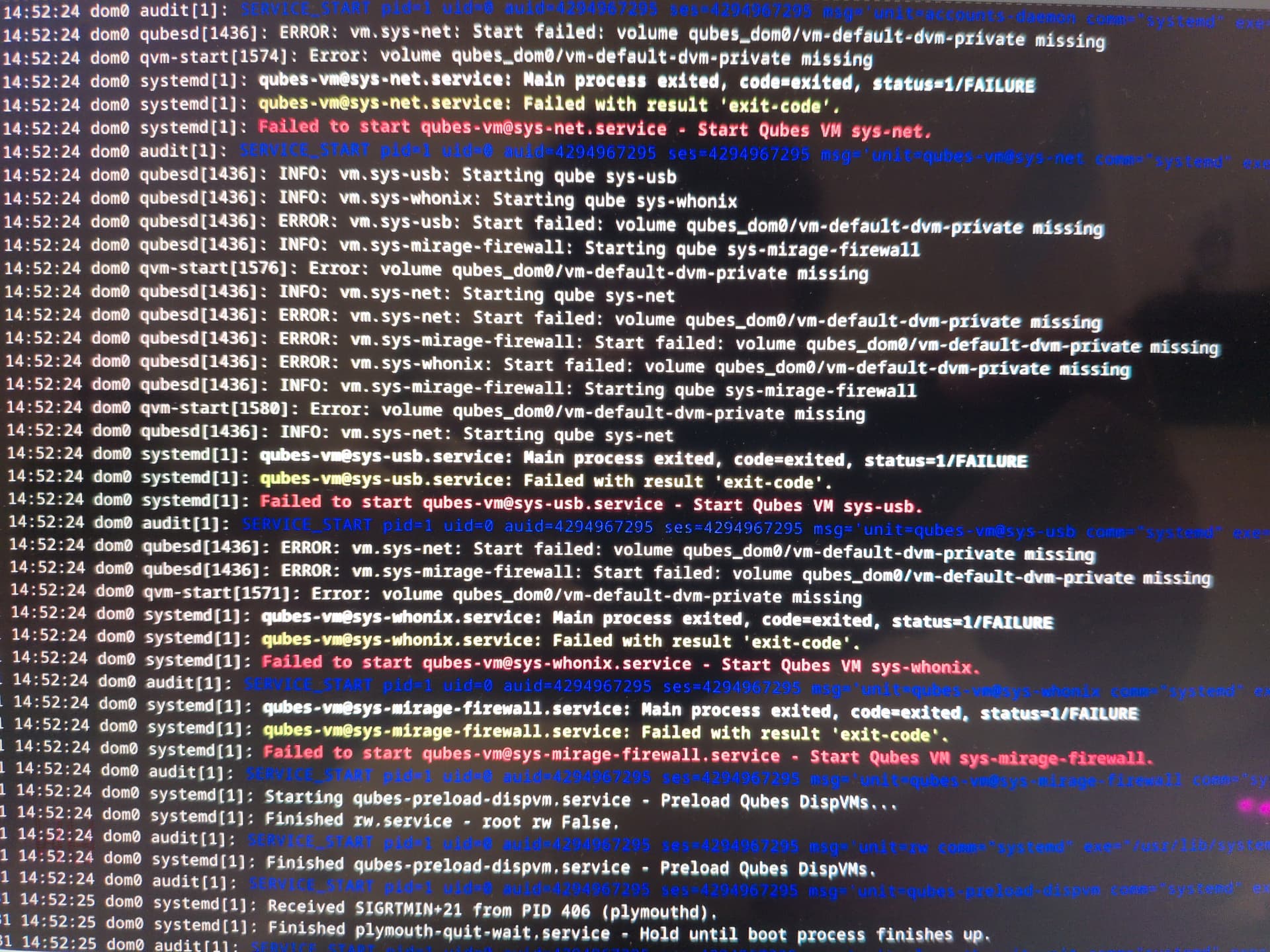
I’ve just booted up this morning and found that my service qubes (sys-usb, sys-net, sys-whonix and sys-mirage-firewall) have not started up at all.
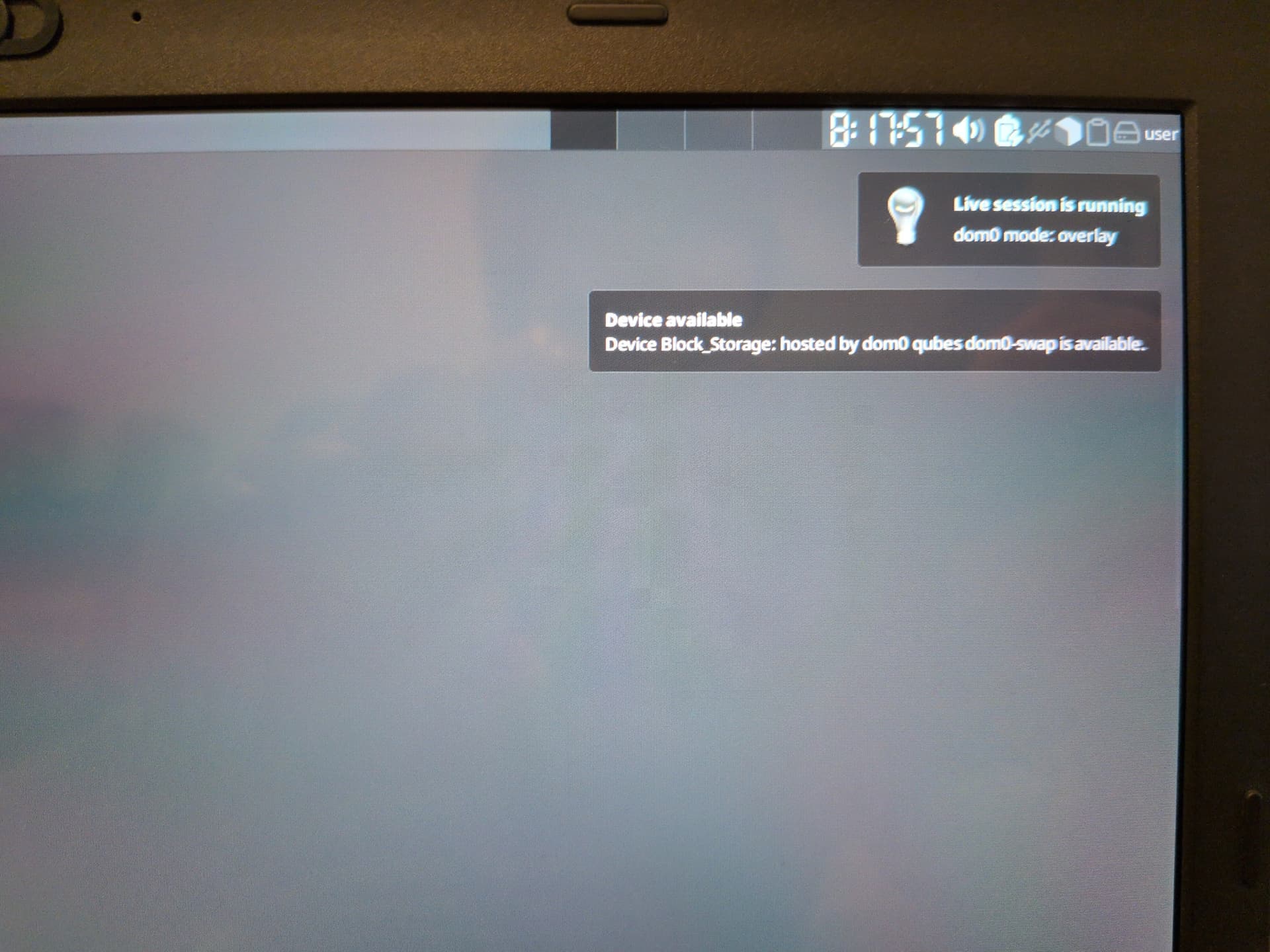
When I first installed Qubes, I ran the Qubes Live Mode script. So yesterday, I booted up on Live Mode to test out making some changes. Here’s exactly what I did…
Changed untrusted-ram-dvm’s template to kicksecure-18
Made untrusted-ram-dvm the default disposable template
Changed sys-usb and sys-net’s templates to untrusted-ram-dvm
Cloned ephemeral-whonix-dvm to put into the varlibqubes pool and named it untrusted-whonix-dvm
Cloned sys-mirage-firewall to put into the varlibqubes pool and made it the default firewall
Made kicksecure-18 the default template
Deleted ephemeral-dvm, ephemeral-whonix-dvm, sys-firewall, anon-whonix. whonix-workstation-18-dvm and default-dvm
As I tested these changes while still in Live Mode, everything seemed to be working fine so I was set on making those changes permanently in my next boot into Persistent Mode.
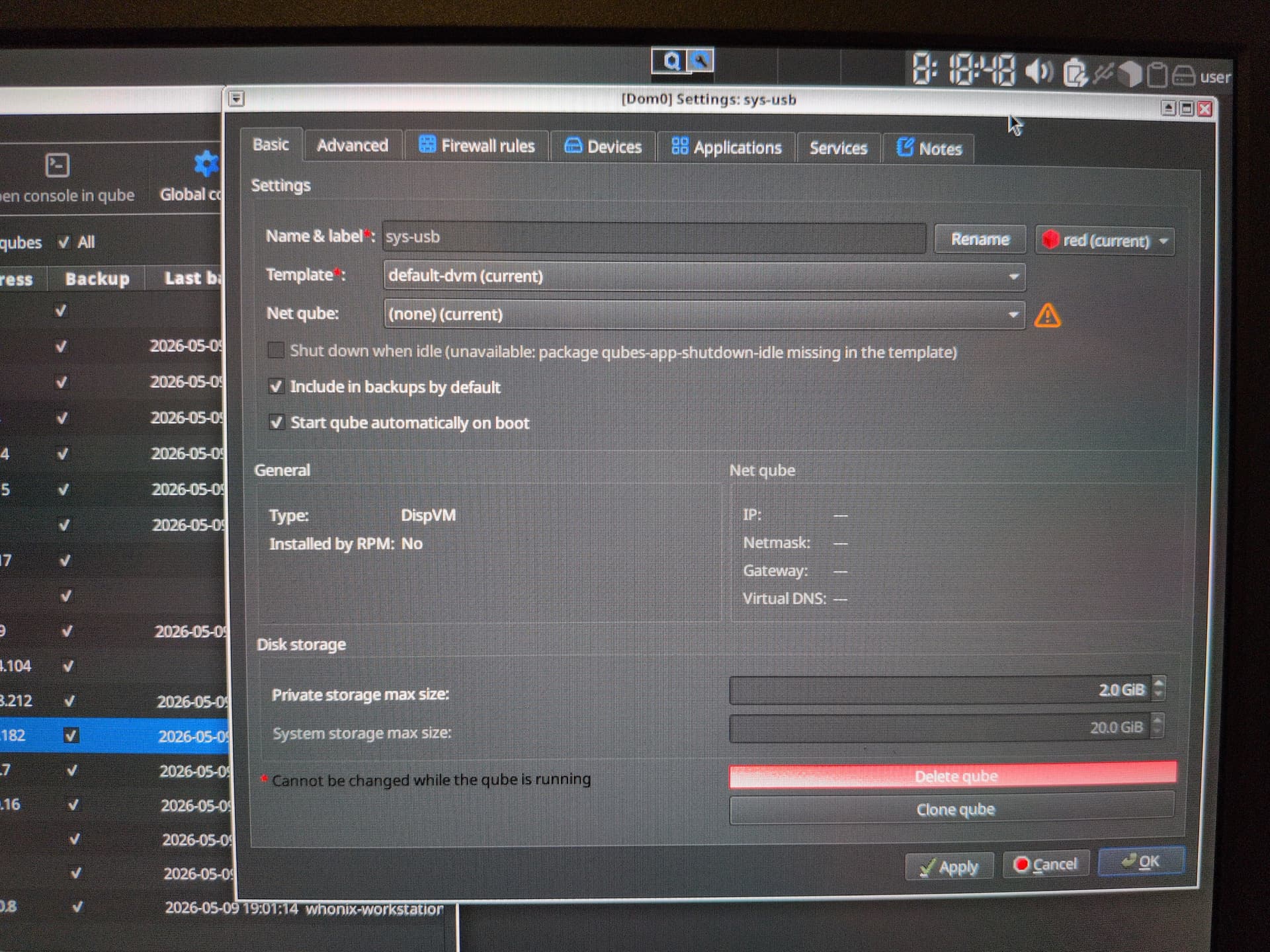
But, like I said before, the service qubes didn’t start up at all. I tested it in both Persistent and Live Modes. I also checked sys-usb to see if it was checked to start up automatically and it was.
I think you should ask this question directly in the Qubes Live Mode script rather than opening another one.
This is a problem specific to this configuration and asking it directly in the topic dedicated to this configuration would be wiser and could surely be more useful for those who use this Fedora configuration @linuxuser1 will show it more easily
Qubes is missing the volume associated with the VM.
My bet would be that your template migration and renaming caused an issue with the volume mapping.
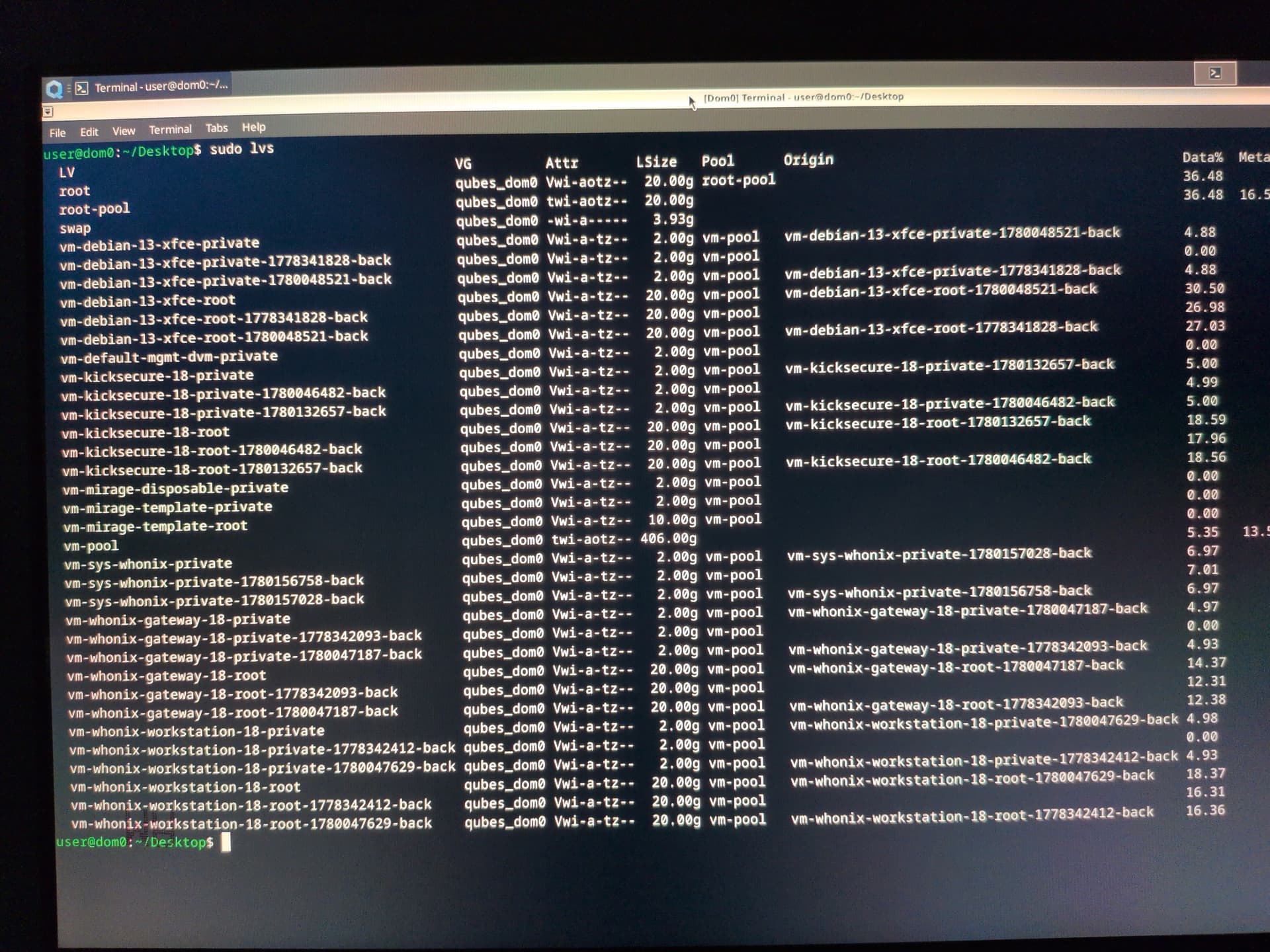
If you run lvm, do a lvs call to see the volumes of your pool.
If you are on something else, google the equivalent.
If true, you will propably see the “missing” private volumes there with a slightly different name.
Renaming them to the new name should fix it - but please don’t be angry with me if you brake something more in the process.
I ran sudo lvs on dom0.
Sadly, I can’t save the output to a file because even running any other VM such as default-dvm causes the same issue so I had to just take a photo of it.
Interesting. Your settings for sys-usb show “default-dvm” as a template yet lvs does not show that volume as present.
For the most part I agree with @Tezeria, it seems to be a issue with using the live mode.
Personally, I would fiddle further
and might brake it.
I would stop qubesd and edit the qubes.xml.
Pick out a single Qube to start with and change the associated volumes.
In your case, vm-kicksecure-18 seems to be the right one for lets say sys-usb.
Your mirage seems f***ed judging by the description of what you did to it and that it is now also wanting the default-dwm template.
Considering lessons learned, I personally would hope for me to learn to do more backups and also to make such invasive changes first to clones vm/templates for testing purposes.
Also, I did make a back up and I did test all those changes on live mode like I said. I just had no way of knowing (until now, of course) that somehow the changes I made in live mode would somehow impact Persistent mode even though it’s all supposed to be done on RAM and wiped from it the moment I shut down the computer!
@balder86 I did something better… I asked DuckDuckGo!
and here’s what it told me to do.
Run these in dom0 (as root or with sudo):

- Check status/logs:
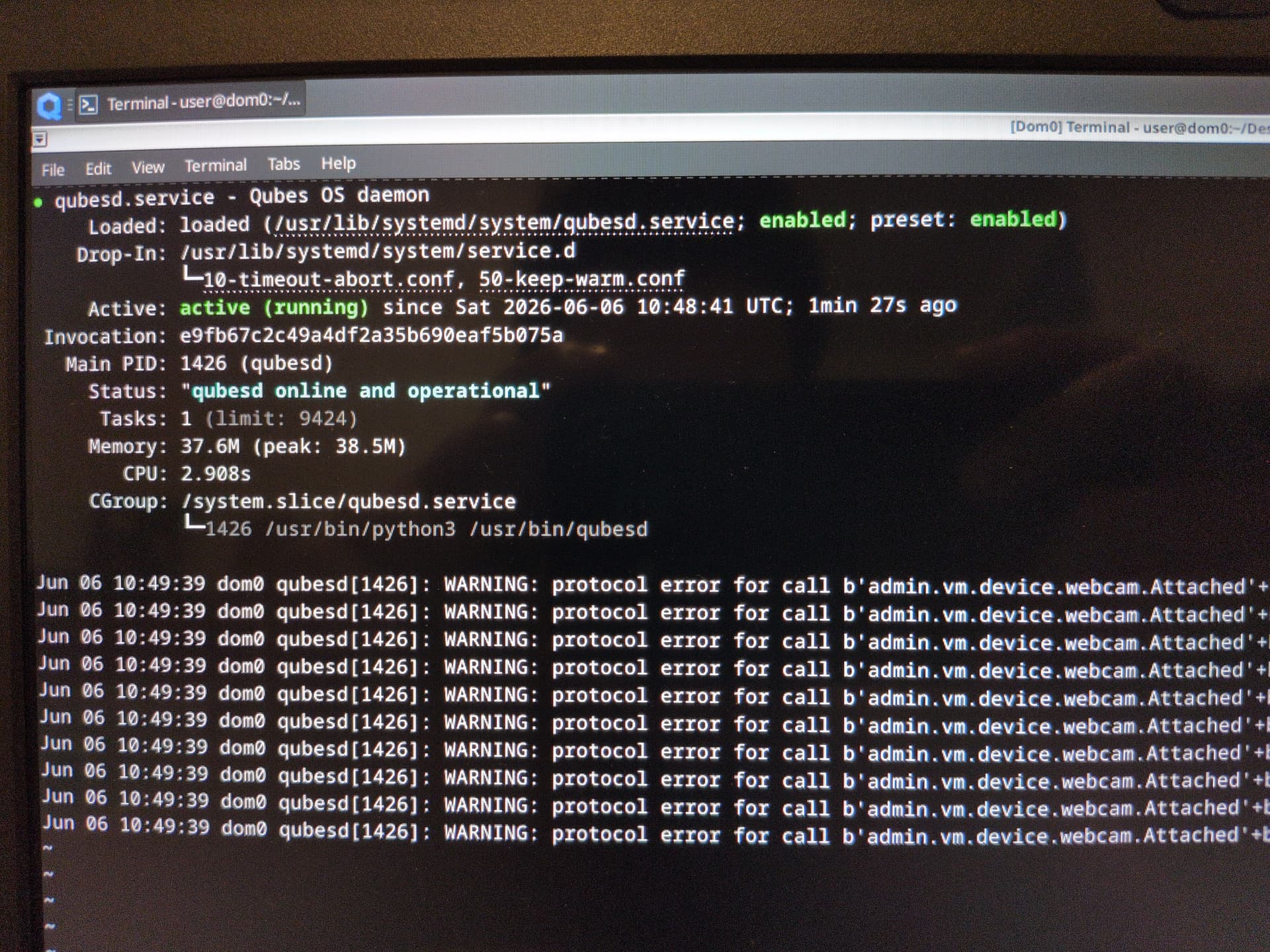
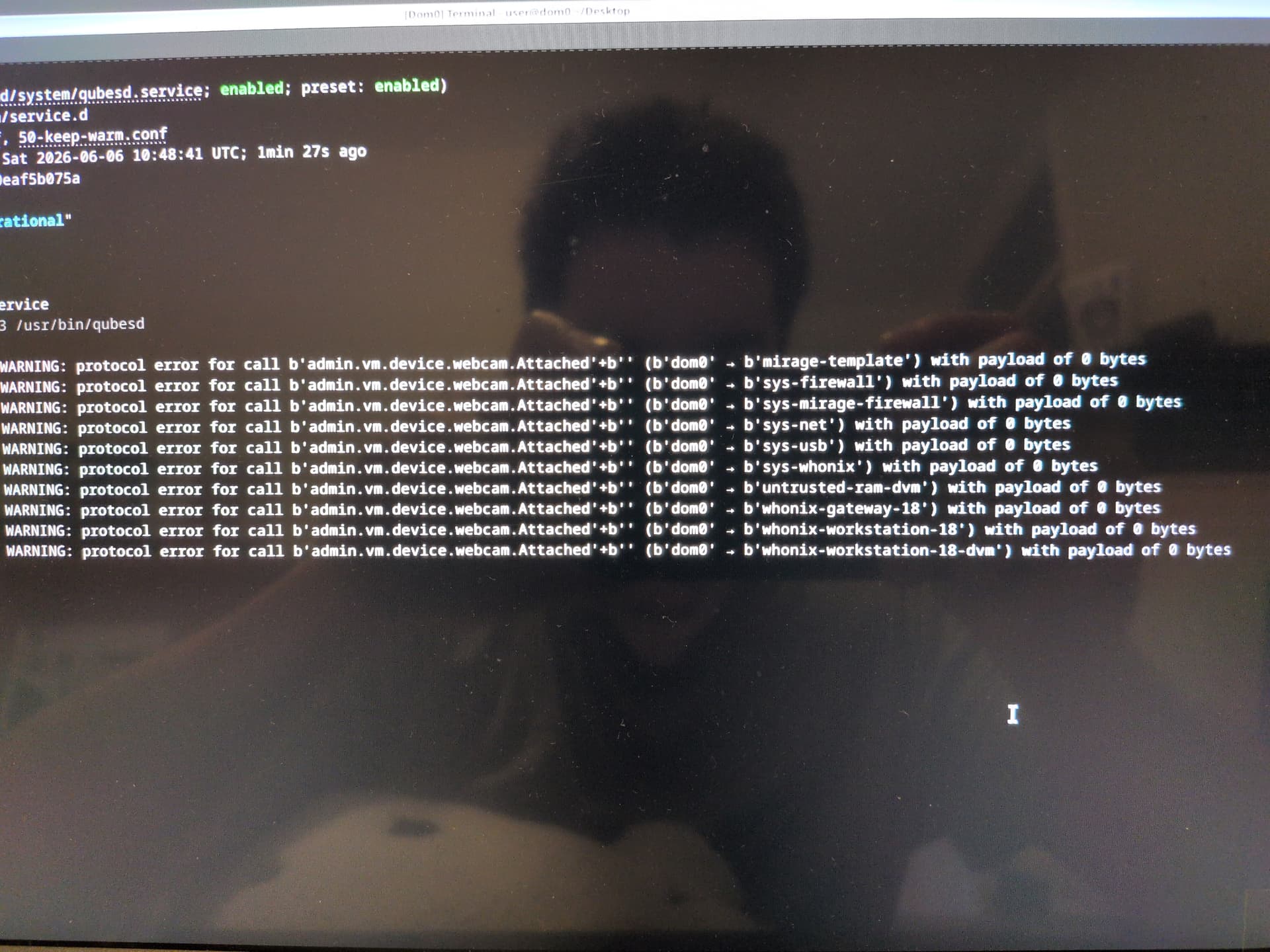
  - sudo systemctl status qubesd.service
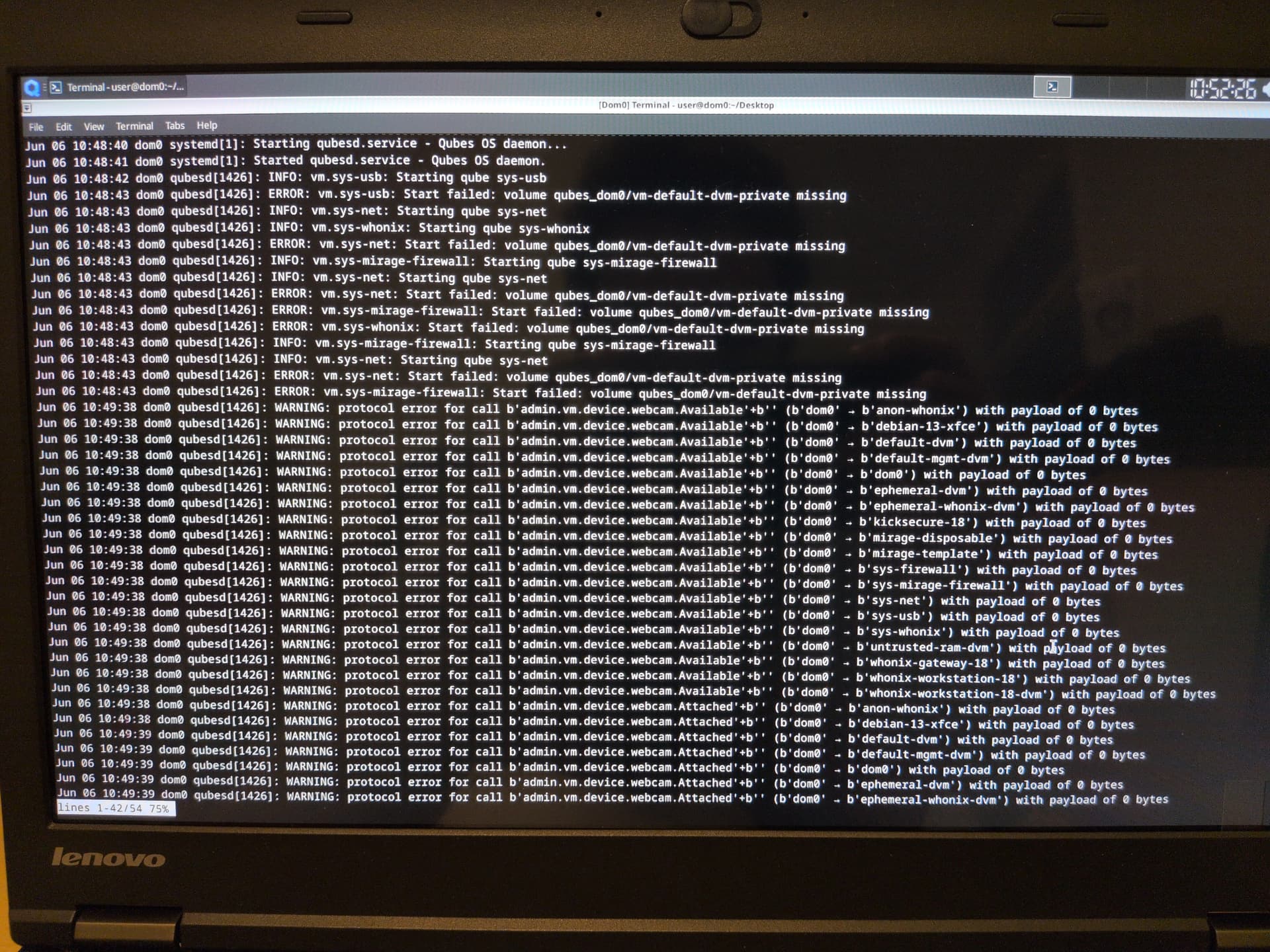
  - sudo journalctl -u qubesd -e

- Stop once (temporary):
  - sudo systemctl stop qubesd.service

- Prevent it from restarting automatically:
  - sudo systemctl stop qubesd.service
  - sudo systemctl mask qubesd.service

- Re-enable / start again:
  - sudo systemctl unmask qubesd.service
  - sudo systemctl start qubesd.service

Caution: stopping or masking qubesd disables VM management (qvm-*, qrexec, VM start/stop) and may leave system in an unusable state; only do this for troubleshooting.
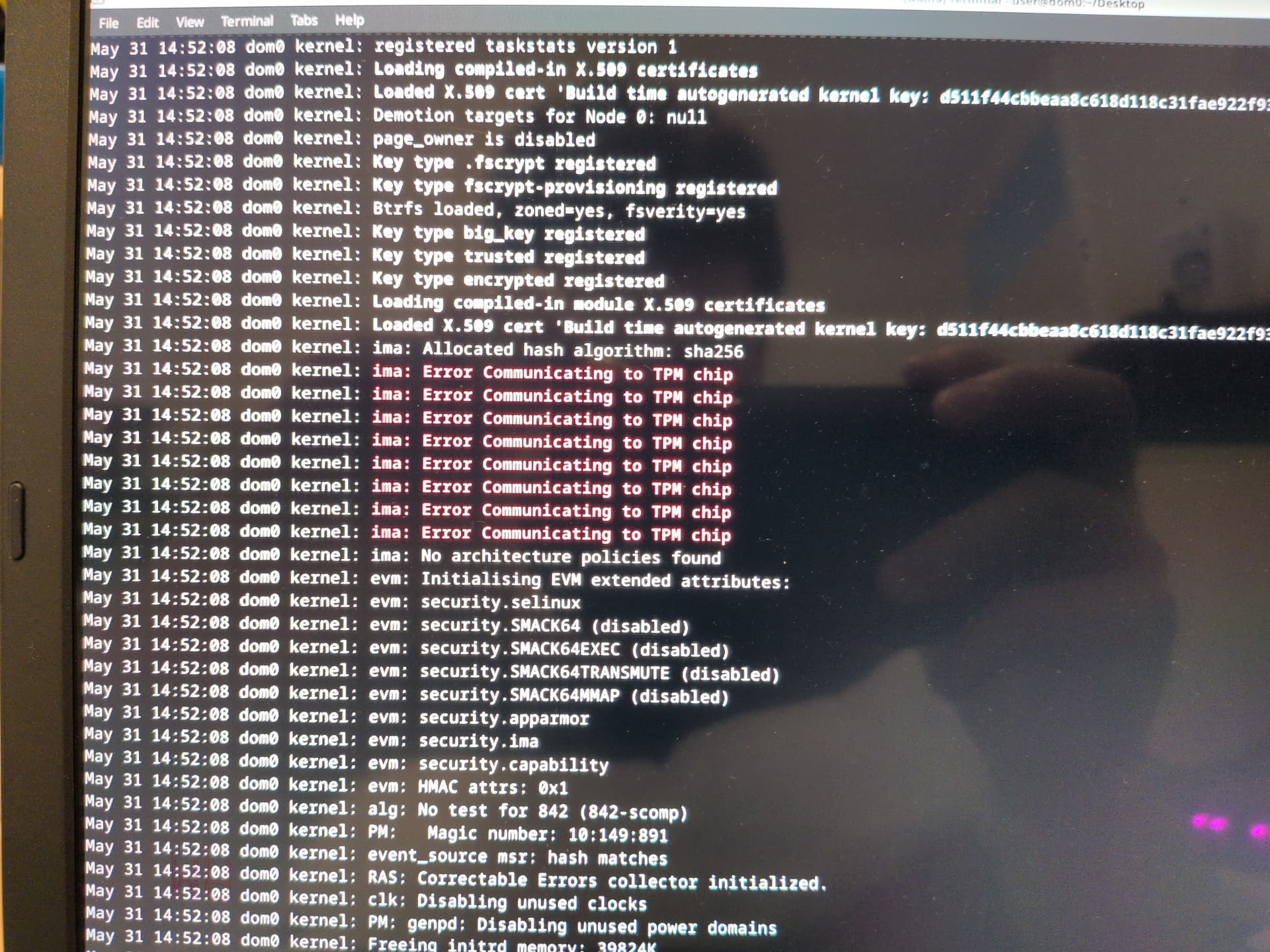
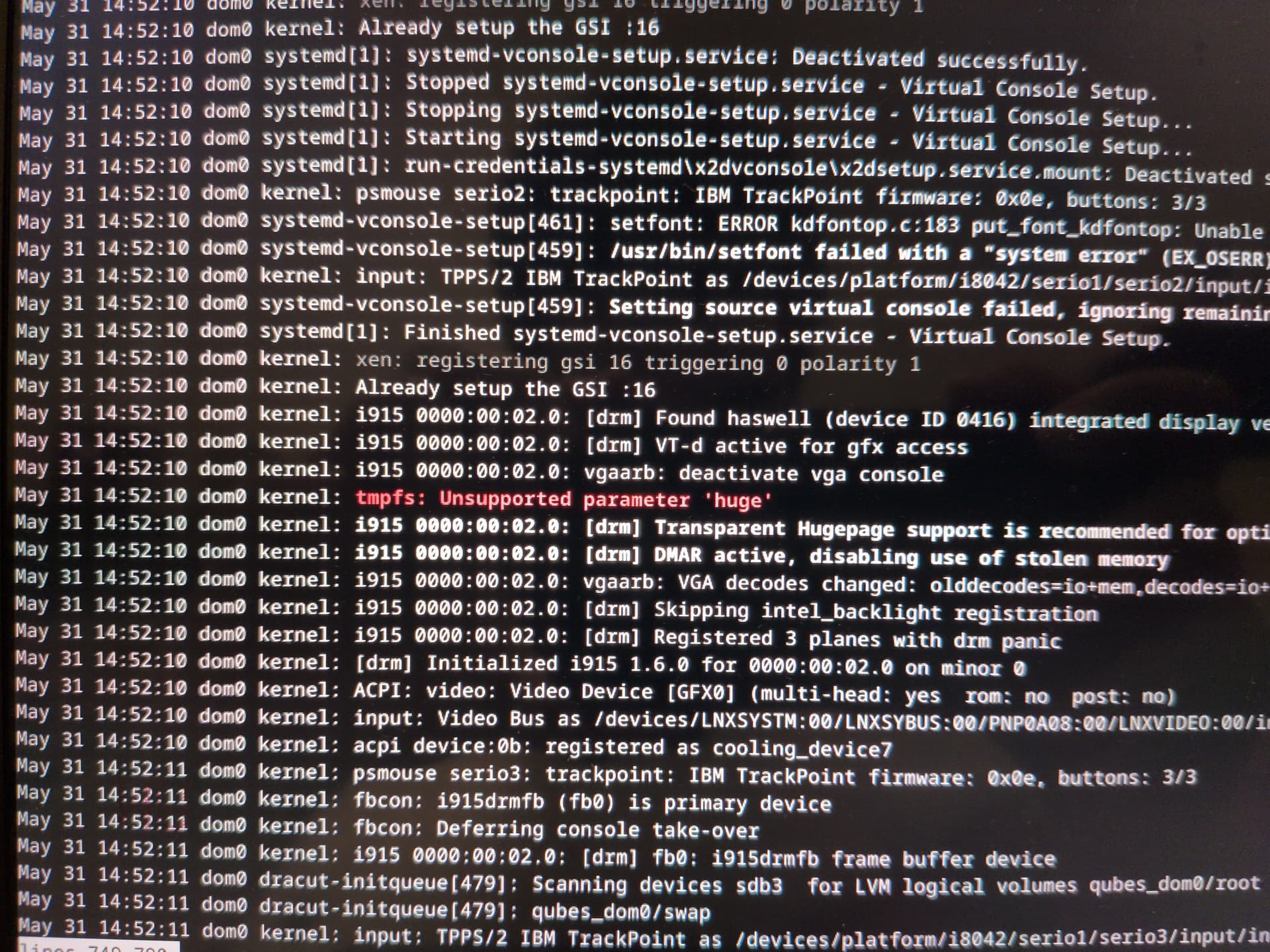
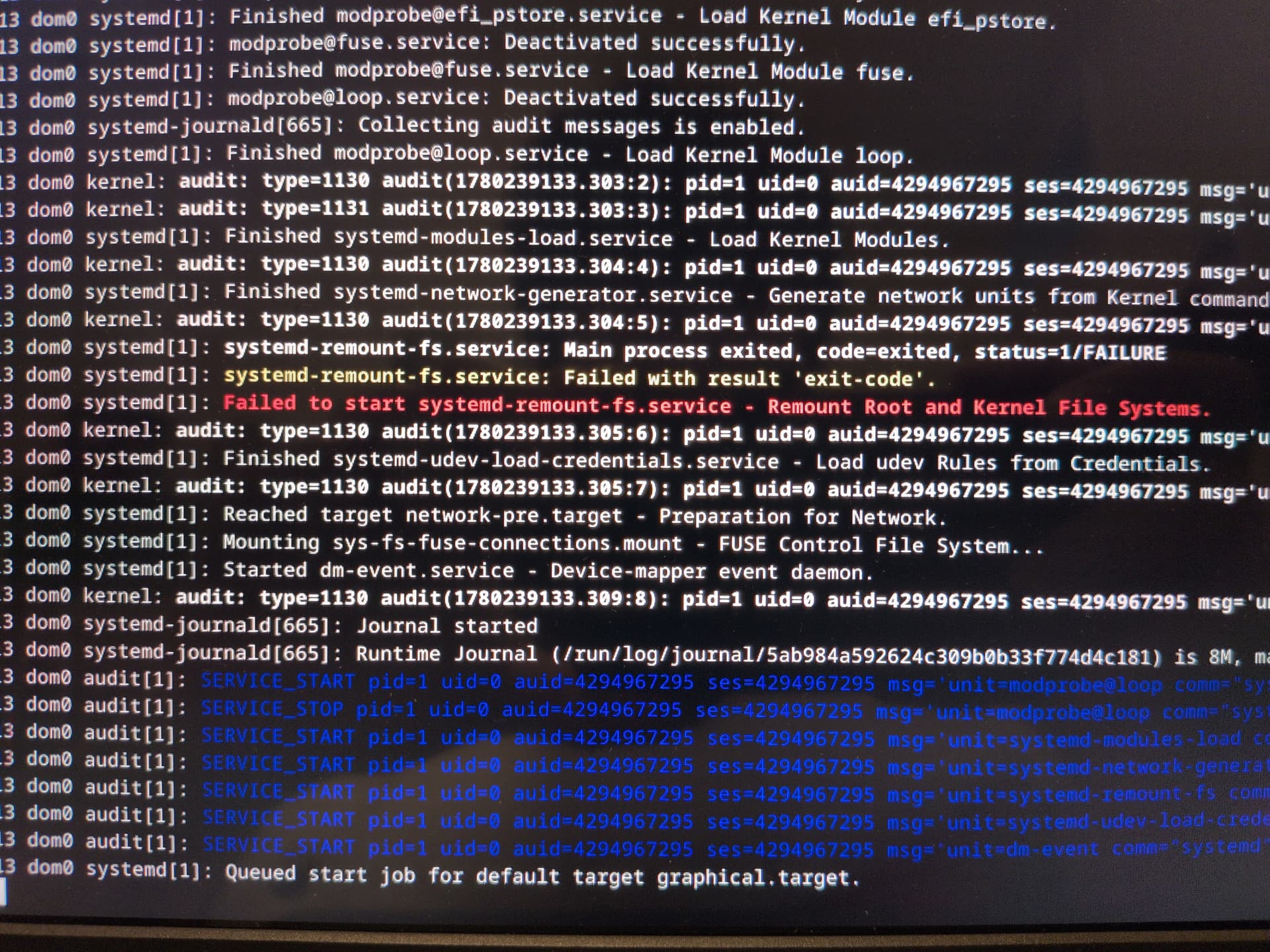
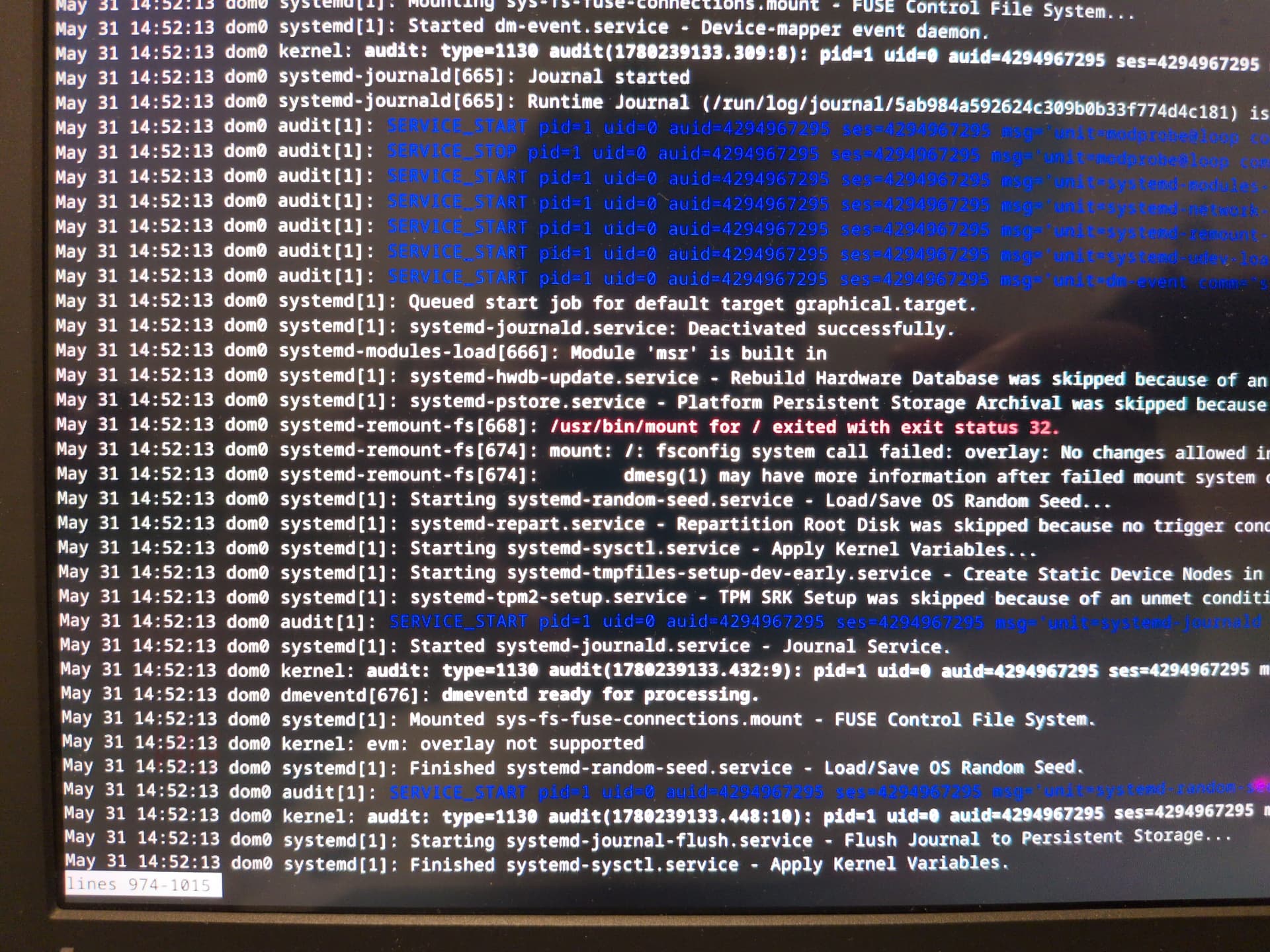
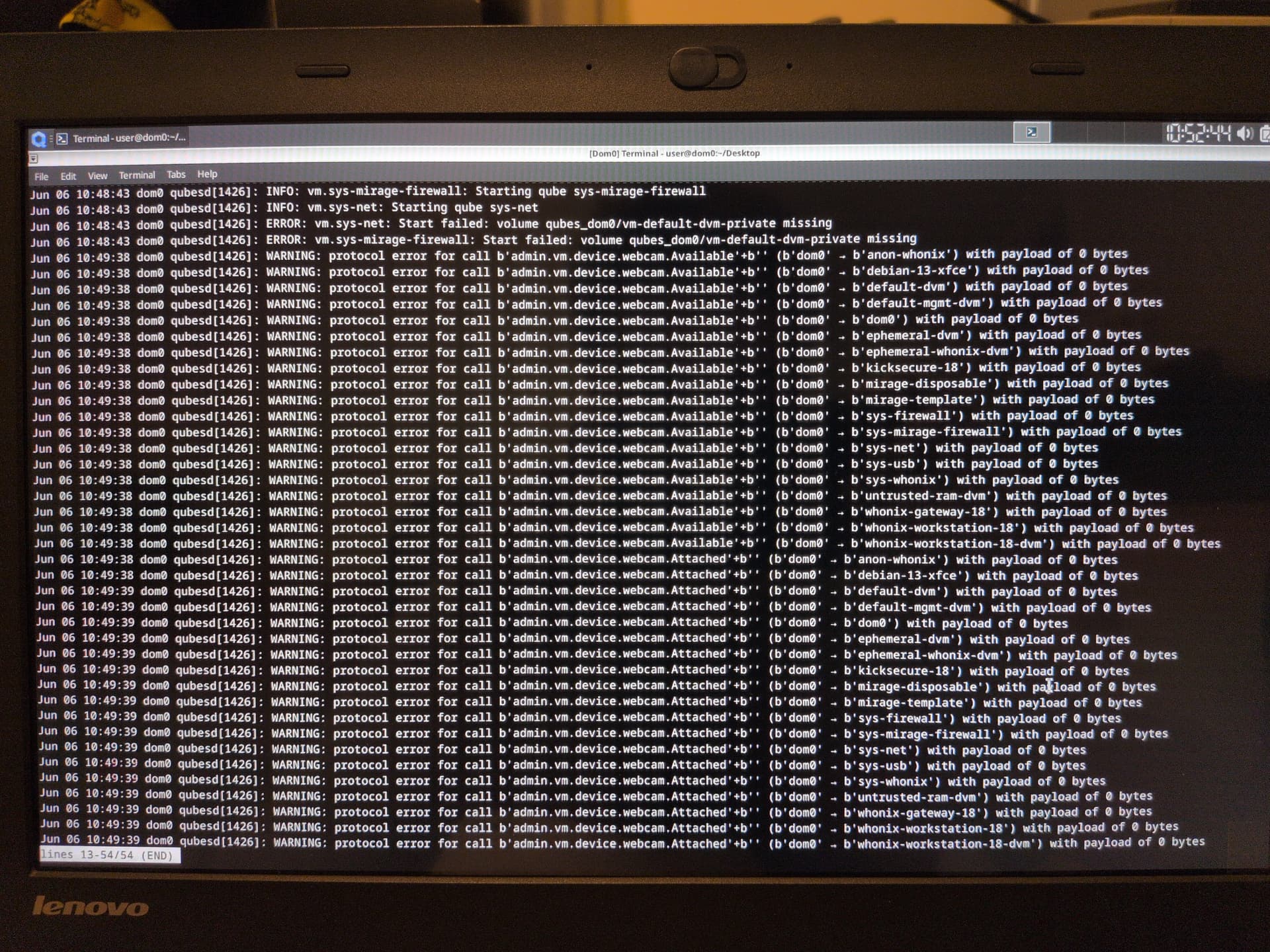
I just ran for the two commands now. Because I’m unable to start up any qubes, I can only take photos of the output.
I tried to go through and edit qubes.xml but found it too hard to discern what I’m even supposed to do. So, I asked duck.ai again.
As if it all hadn’t gotten through my thick skull before, I found that qubes_dom0/vm-default-private is indeed missing from the output of lvs and lvdisplay just like one of my screenshots said. When I deleted the default-vm qube in live mode, its LVs was removed permanently.
Rather than do the daunting task of spending all day to edit qubes.xml, I’m just going to reinstall Qubes once more and make sure not to delete any qubes next time I test anything on live mode.
Sounds good.
I appreciate that you took the time to read your self into the topic.
What resonated in my head was the suspicion that maybe the changes you did to your qube templates were not persisted within the qubes.xml but only on the lvm itself.
But - I never looked into the live mode QubesOS - it would just be my suspicion about what went wrong. Maybe - if you can reproduce the issue, take it as a bug/warning/discussion there.