EXPECT TO HOLD YOURSELF FULLY RESPONSIBLE FOR ALL POTENTIALITIES RESULTING FROM THE USE AND/OR MISUSE OF THE INFORMATION PROVIDED IN THE LINKS BELOW:
I provide this information for those who have very high threat models, and of course, if you do have such a model, you should be ready to conduct the required research before committing to borking your OPSEC with a flimsy initial installation.
YOU HAVE BEEN WARNED 
Lockdown? What do you mean?
Locking down would be referring to risk elimination to the maximum extent possible - without sealing your device in concrete and dropping it in the atlantic.
“Risk elimination on QUBES?” I hear some say…
Even though Qubes is one of the most well established and awesome security development systems on the opensource, there are still many possible security considerations to make straight out of the box for new users.
It does not help to be fooled into thinking you are invincible just because you managed to install Qubes on whatever hardware you had access to, and that you know how to open the ‘Tor Browser’.
It helps to know in advance that there are things to be considered, and so this guide is intended for the less technically minded user who may not have the resources or knowledge to play around with an OS for days, or even weeks in order to get it functional for their requirements, and for those who cannot afford to experiment.
It is also intended for those like myself, who may suffer from some kind of cognitive impediment, those that may be restricted in coding or script implementation, or those who generally would be lost in the user manual for months trying to understand how they need to implement certain functions.
Lastly it is intended for those who need as much step by step information in one place, as opposed to spread across fifty websites and thousands of forum posts.
For my developments, I regularly require over a hundred tabs open at any given time, and that can still be very daunting to many a general user, so it is nice to have a prolific nutshell available to begin with.
My hope is to establish a lower risk factor for new users, low tech users and High Risk users that do not have the access to the paid support they require, or just don’t have enough knowledge to support themselves in this ecosystem without a hand or a nudge in the right direction.
At this juncture, I would like to point out - for the purposes of this guide, I have put High risk users into two categories:
1. People that seek to reduce risks by implementing elevated security protocols for their business or well being.
2. People that do not know or understand how to correctly implement the tools provided or available to them, therefore elevating the risk factor themselves.
Knowledge is power, and that includes the understanding of your limitations.
Ignorance can only be blissful on a temperate level, and one day will will come back to haunt you.
So credit where it is due - the most part of this guide is to be attributed to many of those whom have put in years of hard work to help others get their systems straight or to understand it’s best use practices.
A big thanks  needs to go out to not only this community, and the developers that made Qubes possible, but the countless other individuals in security development who have contributed to allowing the possibility of digital privacy to even exist today.
So - Why version 4.2.4?
- It’s the latest ‘Stable’ branch
- All security updates to date
- All bug fixes to date
- Included Fedora template upgraded from Fedora 40 to 41
Maybe you are more than in the know of how to run your system correctly whichever version you are using, so this guide will probably be redundant. It will also probably be redundant for long time users with previous version or indeed the bleeding edge test bench versions.
However, there are still those who are not fluent or computer literate enough to understand the manual, never mind terminal commands or system development. And yet, they still may require Qubes for their OPSEC.
My intention is to take the ‘Geek Speak’ out of this guide as much as possible and enable not so technical users to gain access to Qubes with a lower entry bar, or even to establish if it is wise for them (considering their threat model) to even start messing around with a system that could become an even higher risk to them if they mess things up. Also this guide would hope to establish for the reader if they even need Qubes at all.
So, lets start from the top:
HARDWARE
This is ideally where to start. If you have a choice, then this is one of the first and most important choices you should make.
The computer.
If you are already running compromised hardware…
You are pretty much toast.
This is of course not Qubes specific. But specifically Qubes needs to run on hardware somewhere down the line.
Have you audited your Hardware?
IF:
- You think you got a great deal on ebay
- Or from one of your palls who was a gamer
- Or a member of your family donated it to you
- Got it from a thrift store?
Then most likely it spent the most part of it’s life crawling with malware, pornography and windows ‘updates’.
But - it’s BRAND NEW!?
So you got yourself a brand new machine?
New or used - unless it has an open source BIOS (The initial program that engages the ‘machine’ with the OS) then this firmware also likely requires some form of ethereal (software) or physical (hardware) intervention.
This also stretches to silly things like wireless adapters, and - USB CABLES?
Yes, today even a USB cable can be a security risk.
I suggest the scale goes from bad to worse.
There are indeed other bad hardware choices, like Apple products and Androids, which while they ‘maybe’ secure, they are most certainly NOT PRIVATE by any means of the term!
Now, maybe you are on the other hand, and maybe you know a someone who knows computers.
Do they know more than you? Do they know enough?
Do you believe they have any comprehension or appreciation of the threat model you have?
Are they going to laugh when you ask them to physically remove the microphone from or speakers from your laptop?
Removing the speakers?
Yes - the speakers - which with a bit of coding, or a Very Nasty Evil Maid - can be reverse engineered into… YOU GUESSED IT!
Microphones.
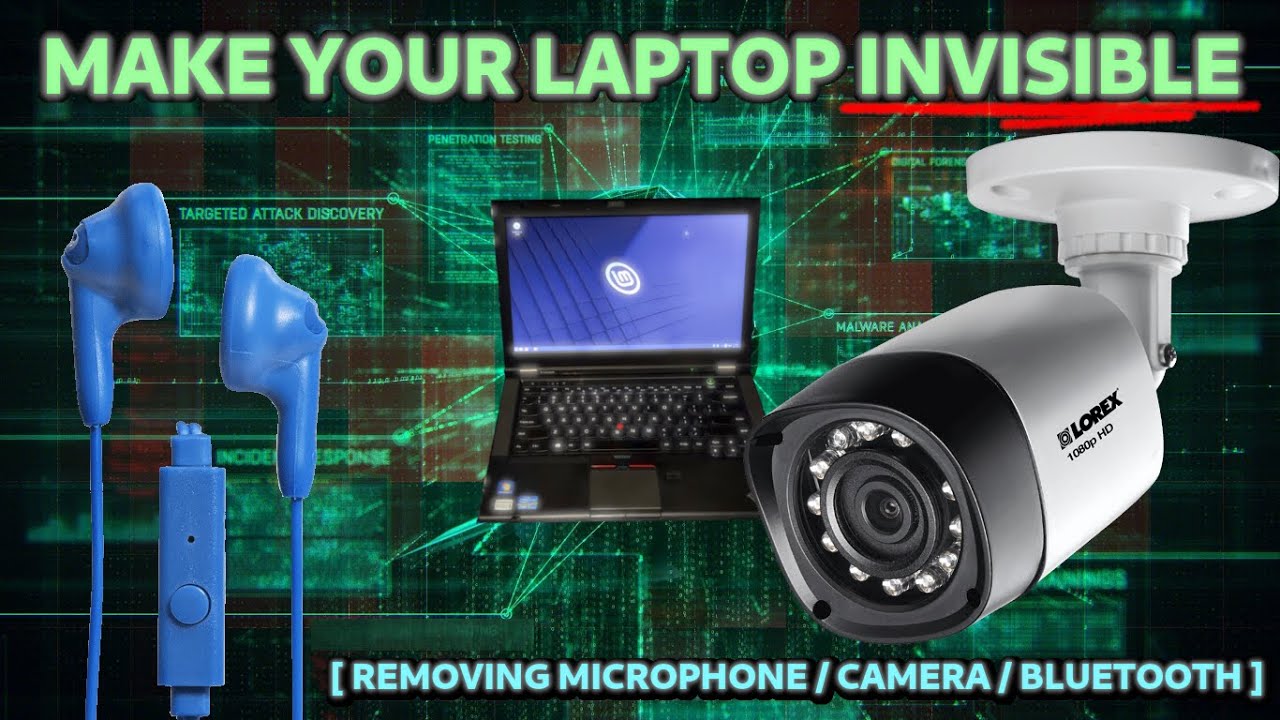
Any hardware and software modifications can really be something you could undertake yourself, and depending on your threat model, may certainly be a wise consideration.
That is of course, if you feel confidently competent. If this is the case then you can find out easily how to do this yourself.
You could start here:
And then - if you also feel so enthusiastic, you can reprogram the bios with a usb key - or a bunch of wires!
Of course, if this is all beyond your ability, you might know a guy who’s running custom firmware or uses a de-googled phone.
He would probably the kind of person you would like to talk to about modding your firmware.
If however, you have little choice, and if you don’t know where else to look, all is not lost.
I personally recommend (that is - right now at the moment of posting - Not if after the fact they end up being branded as robbers or t********** starring on the international news network.)
Joking aside, I trust their services. Right here, right now. If I didn’t, they couldn’t pay me enough to recommend them. And no. I did not get a bean just now.
RTP = Right To Privacy
An honest guy with a passion for privacy and a head for technological marvels,
he is very knowledgeable, helpful and with both paid and free services. You should check out his youtube channel. Its free!
If he still offers this service, RTP totally privatizes Lenovos and other gear to the absolute maximum possible in both hardware mods and custom firmware. I believe he also proposed a ‘modding your own hardware’ service (citation needed), but I may be mistaken. He is US based, shipped worldwide (withing probabilistic reason) and worth getting in touch with to discuss your budget.
He has no idea I am telling you this (right here, right now,).. Moving on.
Laptops and Nucx?
You have Money? Like 1500 bucks?
Nova Custom
That was an anti climatic url preview.
So here is a picture instead:

These guys should need no introduction here, @novacustom with their QUBES CERTIFIED hardware
I have had great experiences with Nova Custom. If you know what you want, or even if you don’t, Wessel is very knowledgeable, helpful and professional (When he doesn’t accidentally cancel your shipment while getting tracking data - Oh how we laughed).
Nova Custom produce professional high grade custom machines,
hardware and software configurations.
You can get a brand new system with or without custom firmware, radio, cameras, mic - and (if you ask them nicely) speakers!
So go and check them out, and get 900 dollars off with my coupon (OFFER Expired)
Assembling the Qubes
THIS IS NOT FOR THE FAINT OF HEART - NOR IS ANY INFORMATION PROVIDED HERE VETTED BY MY MYSELF NOR ANY EXPERT I MAYBE AFFILIATED WITH - USE THESE GUIDES AND TOOLS WITH CAUTION!
SUGGESTION: USE TAILS OR SECURED AND ANONYMOUS DISPOSABLE CLIENTS BEFORE CLICKING THESE LINKS!
Track and Trace Tools
AFTER INSTALL TIPS:
