How I can solve this problem?
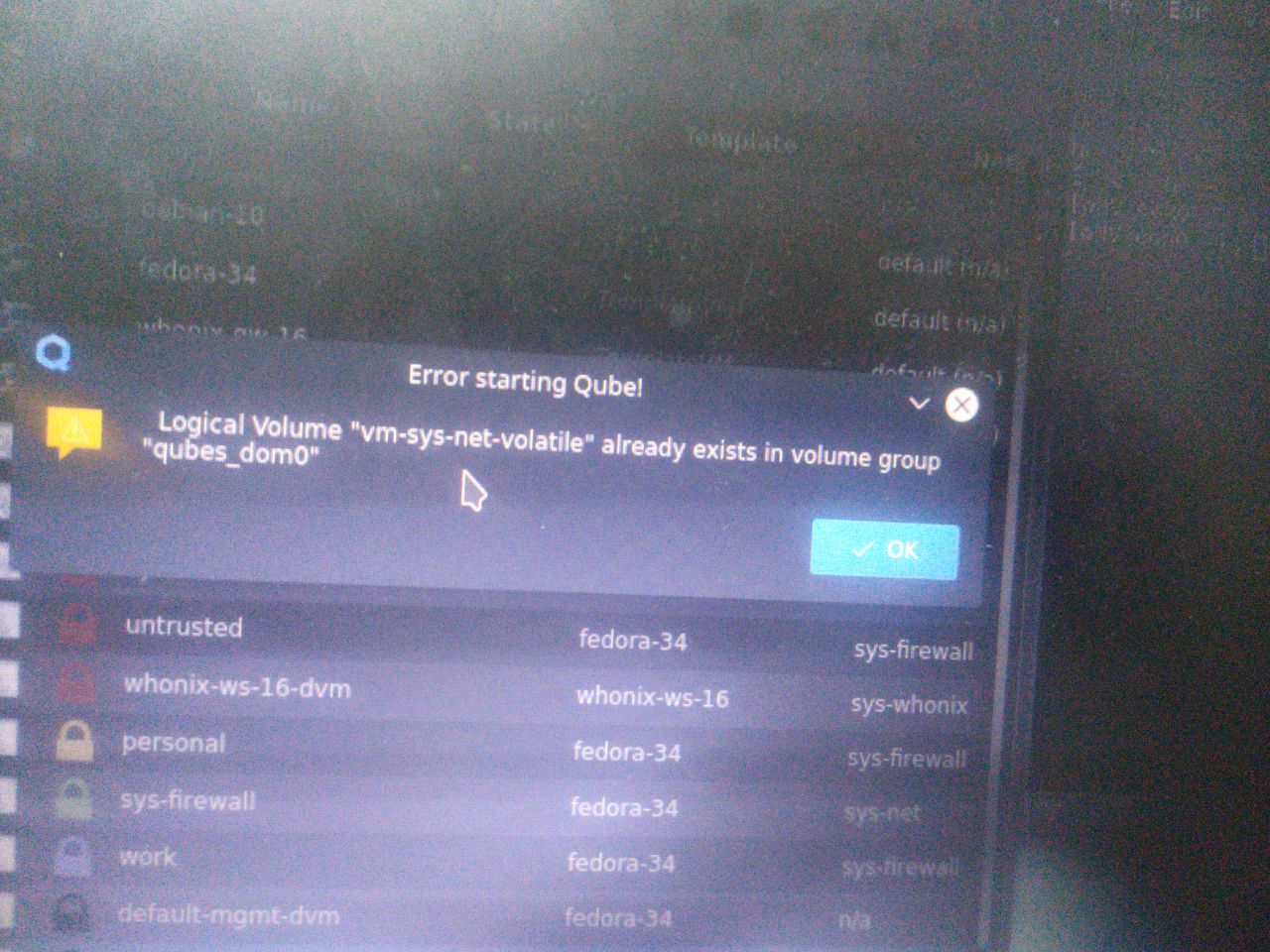
Try rebooting dom0.
After my system crashed and rebooted I had the same error message. I was able to fix it by issuing the following commands in dom0:
- dom0: lvdisplay (and searching for the path to the logical volume, e.g. lvdisplay|grep vm-sys-net-volatile)
- dom0: lvremove (e.g. lvremove /dev/qubes_dom0/vm-sys-net-volatile)
My expectation was that the volatile logical volumes are only temporary. So by deleting it I only lose the temporary changes after the last reboot of the VM. It worked like expected, but I didn’t check for any data loss. I was able to boot the VM and all was working like expected.
I just had the exact same problem as explained in that github post linked above, I did sudo poweroff in dom0 terminal and when i turned my PC back on everything worked fine. Is this an advisable approach? Are there still old volumes taking up space?
That’s good.
The only thing you can do is to check whether the volumes under
/dev/qubes-dom0 match the qubes you are running.
You could generate a list of qubes with qvm-ls --raw-list and then
use it to grep the list under /dev/qubes-dom0, or just manually check.
I never presume to speak for the Qubes team.
When I comment in the Forum I speak for myself.
is it normal for dev/qubes dom0 to only have two files (root and swap)?
i updated a fresh install and i keep having a problem where everything is very slow and gui doesnt appear where/when its supposed to so i pinned the cpu and now im having the same problem as op