I followed this guide Install Qubes OS with boot partition and a detached LUKS header on USB to install Qubes 4.3 on my new machine. I implemented the edits to the guide here Install Qubes OS with boot partition and a detached LUKS header on USB - #62 by merowing and here Install Qubes OS with boot partition and a detached LUKS header on USB - #66 by merowing
At first, installation was successful, I got to the post-installation configuration screen and did everything there, but when trying to boot, I then had this issue Installing Qubes 4.2.0 on System76 Darter Pro (darp10) - Boot freezes at "Started accounts-daemon.service - Accounts Service"
So Qubes was booting up but it was frozen at “Started accounts-daemon.service - Accounts Service”.
Based on the solution listed in that thread, I repeated the installation process using “Install QubesOS with kernel latest”. But now, I cannot get to the post-installation configuration screen (where you set up sys-qubes etc), because it brings me to a kernel panic screen.
I tried to edit the grub menu with skip-autostart as that has solved issues before, but no luck.
Can anyone please help me?
In case it is relevant, my motherboard is from 3mdeb, with Dasharo (coreboot+UEFI) pre-installed/flashed by 3mdeb.
Additional info: the cpu is Intel core i7.
I can’t help, but “kernel panic” plus a non-standard LUKS setup leaves quite a lot of possibilities.
Is there no text in the logs after the panic alert? There are countless things that can cause a panic.
Is it a new build on a new 3mdeb MB? Could be a faulty component…
Does the install work with non-detached LUKS header?
etc, etc, etc, …
I tried a normal install without a detached header or USB boot. I still get exactly the same errors with both the normal and the latest kernel. I am wondering now if it is a firmware issue, if I somehow need to update Dasharo. I am also going to try to install a normal linux distro, to see if the kernel panic issue is present there as well. Will update. If you or anyone else has any ideas on what the issue may be or how I can get any logs, please tell me. When I get to the kernel panic screen, it literally just says “kernel panic, fatal error”. No logs or anything helpful.
Booting with acpi=off also does not solve the issue, in case it rules out anything.
Edited grub boot parameters, after the line starting with module2 /vmlinuz... and I added i915.force_probe=* nomodeset based on reading another thread, still nothing.
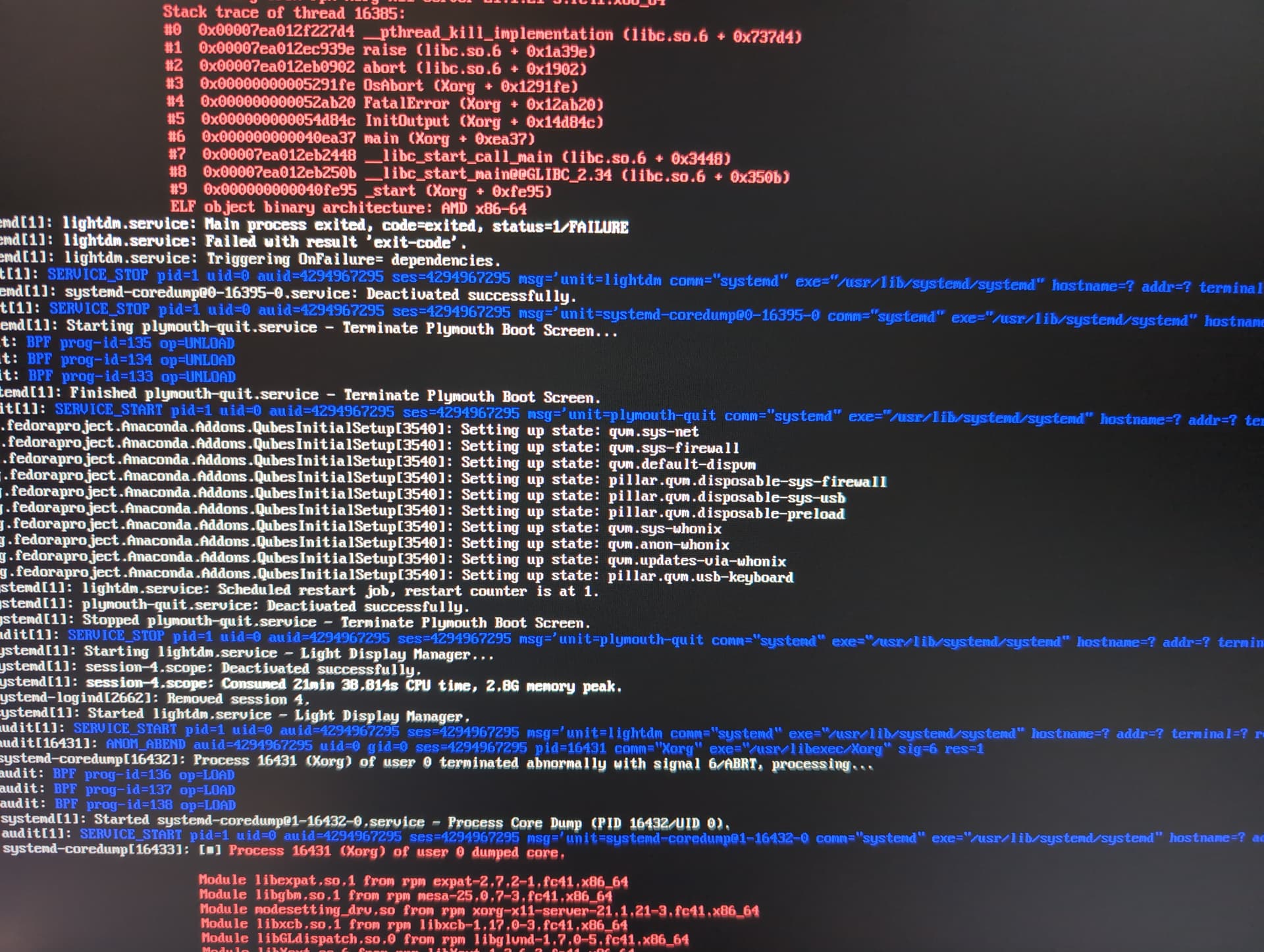
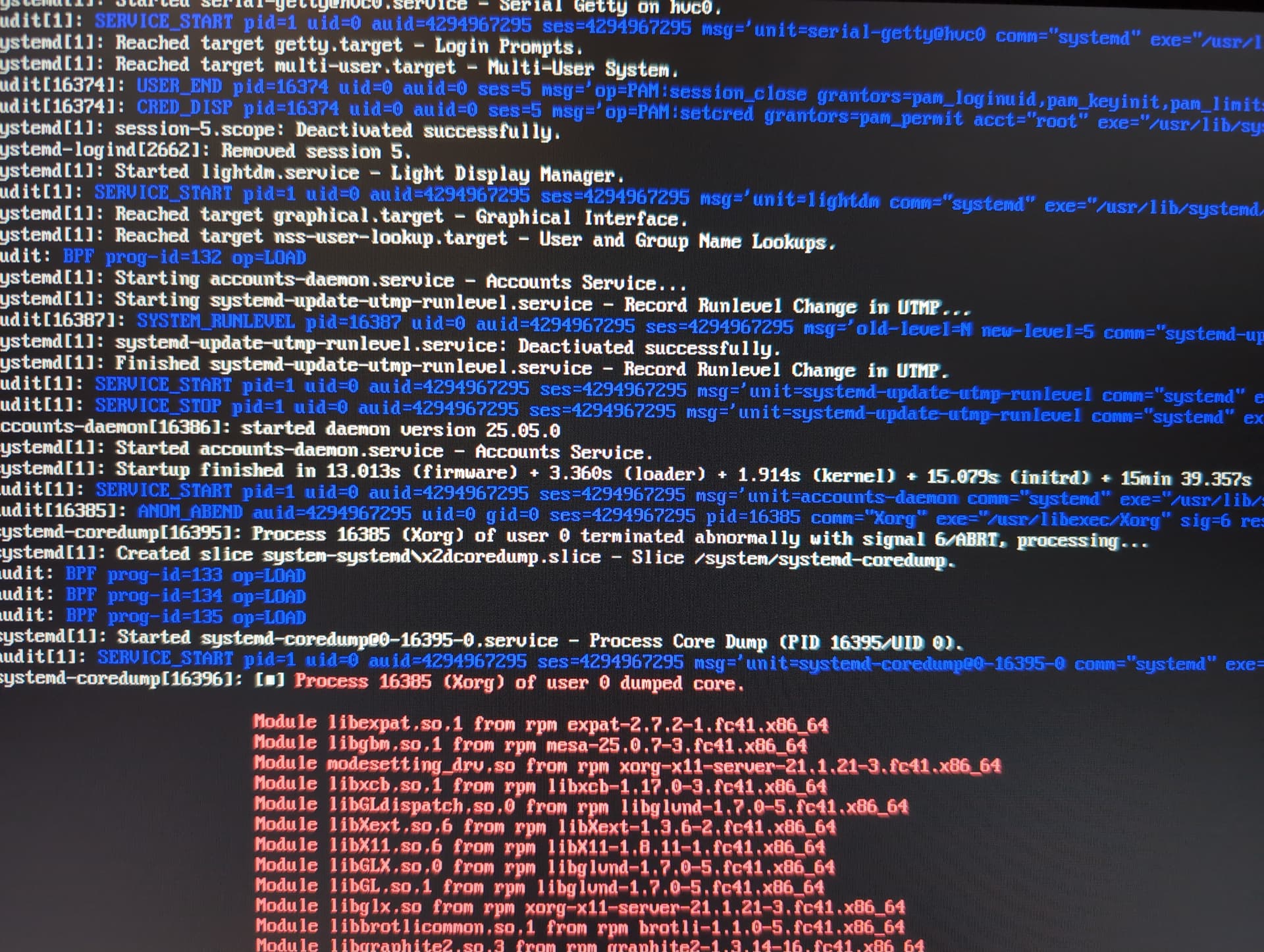
An error I saw is"Failed to start lightdm.service - Light Display Manager" and “Failed to start plymouth-quit.service - Terminate Plymouth Boot Screen”. It hangs after. But looking it up it doesnt seem like the root cause. Dont know whats happening. Anyone more knowledgeable, hopefully will find these helpful as to what might be causing the issue.
Successfully installed and booted into CachyOS as a test, all runs fine, so seems this confirms it’s a Qubes issue.
Tried to update to latest kernel via dom0-update in TTY, kernel panic again. Tried with module_blacklist=usci_acpi to grub, same thing.
Booting from a live USB and executing journalctl -xb (with the latest kernel install), I see:
“Firmware Bug: CPU 2: APIC ID mismatch”
I see this error 13 times, with variations like “CPU 4, CPU 6,” and beside it it says “CPUID: 0x000a APIC: 0x0028” for example.
Then there is also
kernel: tmpfs: Unsupported parameter ‘huge’
Later
kernel: zram0: detected capacity change from 0 to 7966720
(udev-worker)[2320]: ctx=0x5dfcf81d9200 path=/lib/modules/6.12.59-1.qubes.fc41.x86_64/kernel/sound/hda/snd/intel-dspcfg.ko error=No such file or directory
A big block of “unsupported generic resource identifier: bluetooth:” repeating on and on
Not sure what else to look for.
New computers often don’t work well with Qubes. Sometimes fixed by disabling the wifi card in the bios (drivers can be an issue) and any memory settings (encryption for example)
No option to disable wifi card in the bios (it’s a desktop build, with ethernet, though the motherboard does support wifi). I did suspect the CPU might be too new as an issue and disabled most of its cores as a test, particularly all the efficient cores (this is possible in Dasharo UEFI), but still no change. 
More info after some testing: loading an even older kernel causes kernel panic, too. It’s only the normal current install kernel (can’t remember which, I think 6.12.59.1) that doesn’t cause the kernel panic screen.
When booting with the default installation kernel, I get to the LUKS decryption screen normally just fine. It is only after I input the LUKS password that the “accounts daemon service” hangs, and also sometimes throws “lightdm failed to start” errors.
Some more info that may be relevant, from journalctl -b (from the default kernel)
"ACPI BIOS Warning (bug): Incorrect checksum in table [BGRT] - 0x41, should be 0xFFFFFFFB (20240827/utchksum-58)
“ACPI: Unable to map lapic to logical cpu number”
"xe 0000:03:00.0: Direct firmware load for xe/bmg_guc_70.bin failed with error -2
“xe 0000:03:00.0 [drm] GuC firmware xe/bmg/guc_70.bin: fetch failed with error -2”
“xe 0000:03:00.0 [drm] GuC firmware(s) can be downloaded from Making sure you're not a bot!”
“xe 0000:03:00.0: [drm] ERROR GTO: GuC init failed with -ENOENT
xe 0000:03:00.0: [drm] ERROR GTO: Failed to initialuze uC (-ENOENT)
xe 0000:03:00.0: probe with driver xe failed with error -2”
platform regulatory.0: Direct firmware load for regulatory.db failed with error -2
Near the end, there is also a “Failed to start xfce notifications service” error 3 times
If you can, share the specs (motherboard, cpu etc). Someone might have experience with it
Xe errors i believe are the gpu. Are you using igpu or dgpu ? If you have an old gpu you could try installing with that
I have dasharo, though older socket. E cores and p cores are ok, no issues though poorly managed in xen. I also have ACPI errors but they arent problematic. I physically removed wifi card from motherboard but it doesn’t sound like its your issue
Is the motherboard and cpu fully supported by dasharo ?
Motherboard is this https://shop.3mdeb.com/product/msi-pro-z790-p-wifi-ddr5-motherboard-with-dasharo-pro-package/ , dasharo pre flashed/built by 3mdeb. CPU is intel core i7 14700K. Theres an hcl report that lists both this specific motherboard (with dasharo) and this cpu as working totally fine with Qubes.
I have a dedicated graphics card but Qubes appears to be using intel integrated graphics, so probably no problems with that?



I have the exact same motherboard with dasharo (though i flashed it myself - its the december bios). I’m on 12600k. I dont think a 14700k would have any issues. I use the igpu. Perhaps try removing the dgpu from the install (or hide it in grub). Those xe errors perhaps from dgpu. I have no issues with installing and running qubes.
I didn’t change any bios options except hap disable ME and removing the wifi card.
Try a vanilla install, no graphics card, just igpu, no grub changes
What @Corny said, but first:
It seems like the progress is changing. First you got to postinstall setup, then not.
I would first test your USB memory key very carefully… it may be slowly getting corrupted. Then do the tests with a new one.
If your system requires the Intel Xe module, then there is a problem with some missing firmware, which is used by the first stage install of 4.3.0 but does not get copied to the disk. I am guessing not the cause of your main error, because this Xe problem gives black screen, but maybe later…
Some discussion and possible workaround is here:
It was good for me, but I do not know if anyone else had the same problem and tried it.
I tried the steps here Post-installation Issue With Dell Pro 14 - #9 by phceac and the result is black screen after inputing my LUKS password. I also confirmed that its been running Intel Arc graphics, not iGPU, through the lspci command. Blacklisting xe driver in grub doesnt change anything.
Hmm. It is still the same behaviour as the “no firmware files for Xe” problem. Maybe
My next steps would be:
- Use the text console of the installer to decrypt the new Qubes disk, mount the Dom0 root, and verify the firmware is present. I do not know exactly how to do this.
- More simple: If you try again the firmware copy trick during install, wait until the end of first stage install after step 9, before reboot, and go back to verify the files are present in sysroot. Then reboot.
- Verify which kernel version was used. My (different model) Xe graphics were working with -latest.
- Try removing
rhgbandquietitems in the grub, to see more messages. Maybe there is a different problem.
Maybe it is possible to try install of Qubes 4.2.3 and do the in place upgrade - I am guessing 4.2 must work with that motherboard.
I hope you find a solution…
Tried again in case I did something wrong the first time:
- with normal kernel: Black screen again (right after decryption of LUKS partition)
- with kernel-latest: To my shock, no more kernel panic. I got to the LUKS decryption screen, and the Qubes configuration screen, just as with normal kernel. Then, black screen, same as above.
Then, I made a USB installation stick with Qubes 4.2.4. I tried to install with that. But at startup, before even the GUI, it says “X startup failed, installation cannot continue”.
No idea what else to try!
To decrease the variables…
Does it work using only the integrated GPU, and the discrete completely removed?
If the motherboard alone fails, then maybe 3mdeb could have some ideas.