Hello,
I upgraded to 4.3 and really like the new preloaded disposables and other UX changes. However, I tried the new Qubes Windows Tools in Windows 11 and unfortunately  I noticed a few different graphical issues which make it hard to use. These issues are in seamless and non-seamless modes and were not in Qubes 4.2. I believe the same also happens in Windows 10, but I didn’t test it much.
Some examples in non-seamless mode:
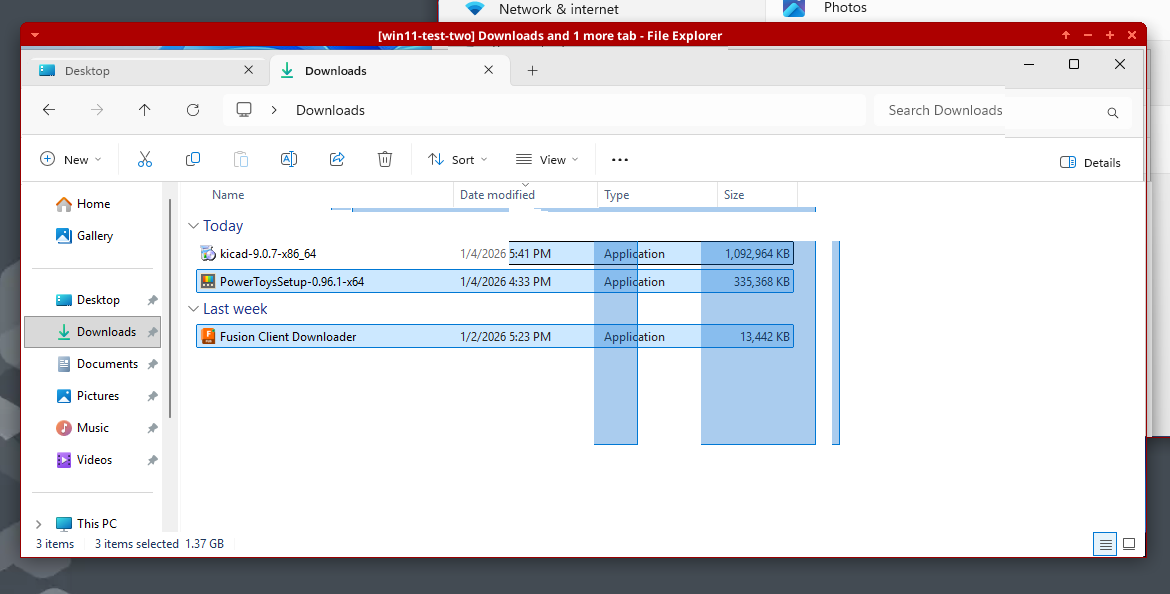
- Doesn’t erase old positions of windows when moved by the mouse
- Doesn’t fully redraw when things change, such as while typing in the search bar (shows floating text)
- Blue highlight doesn’t go away after you hover over things
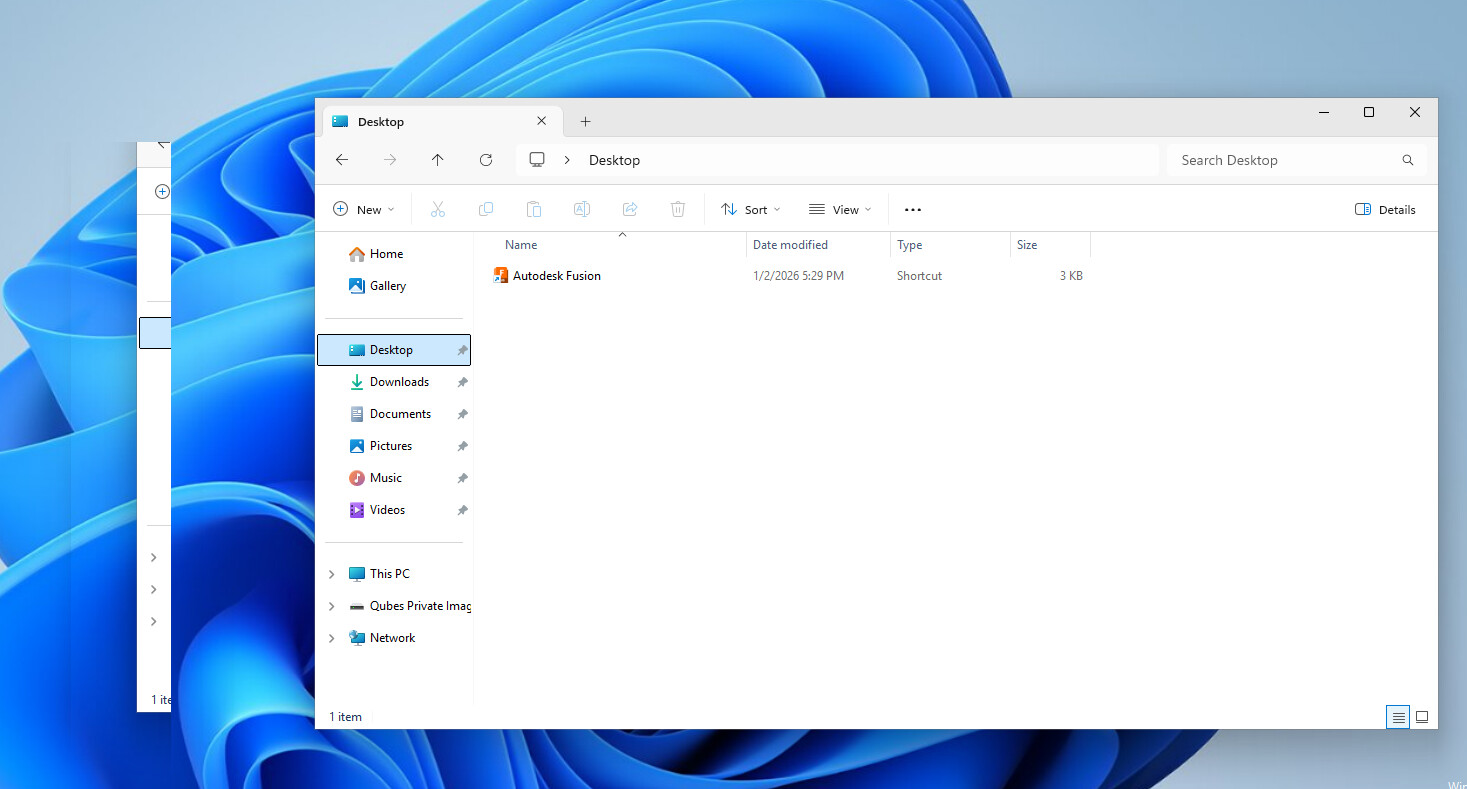
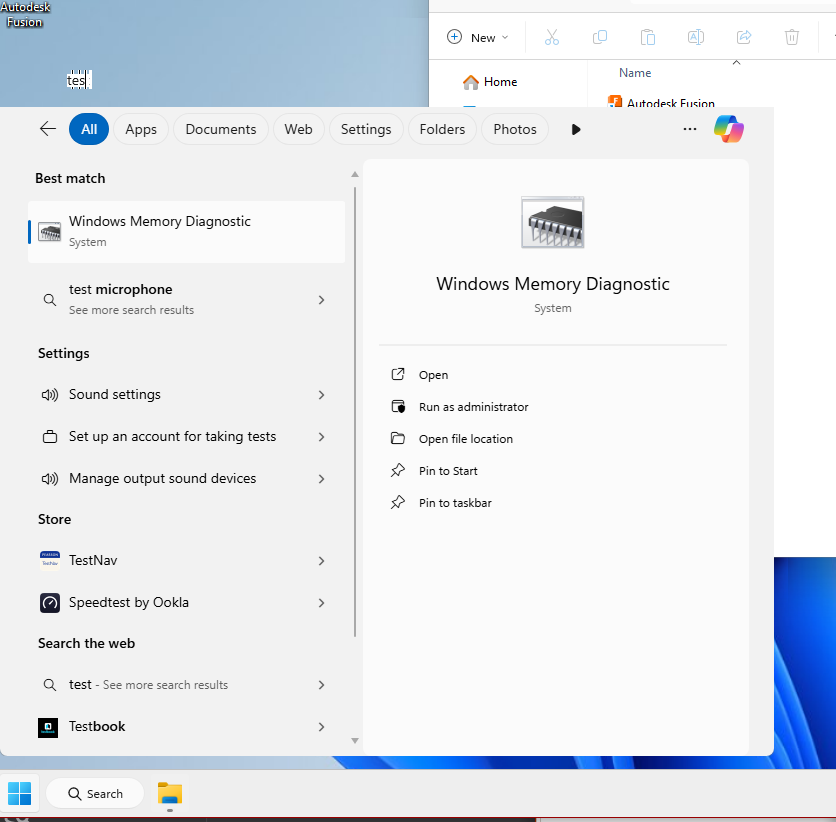
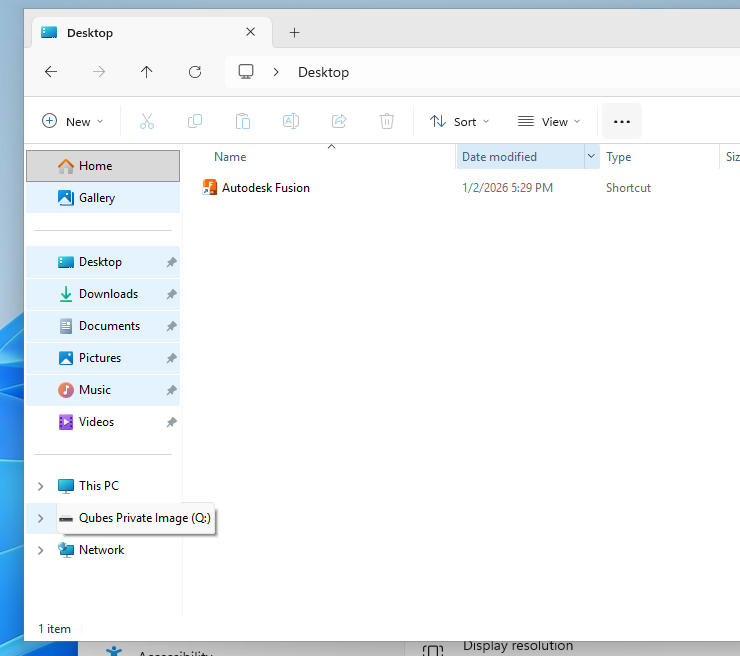
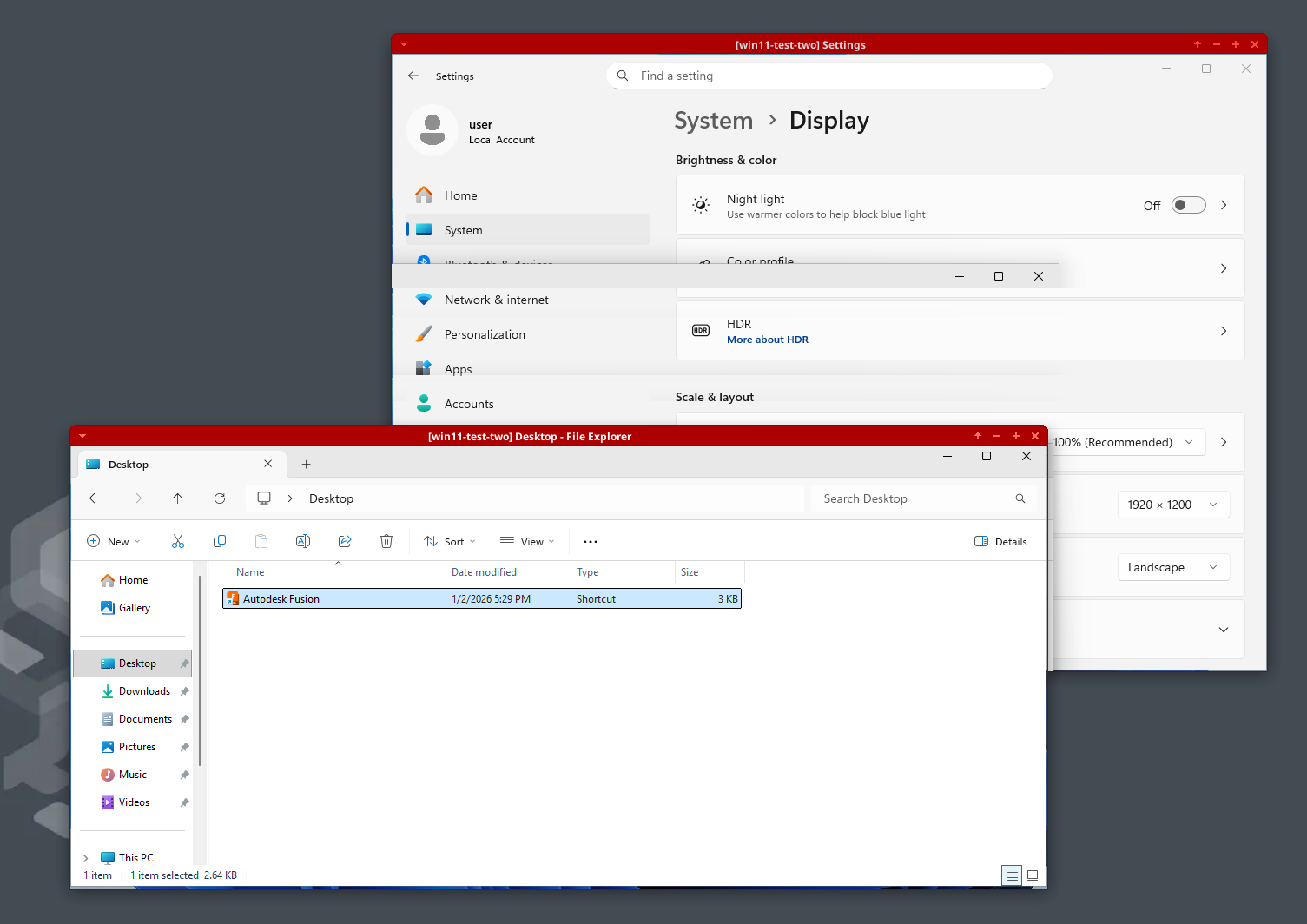
Examples in seamless mode:
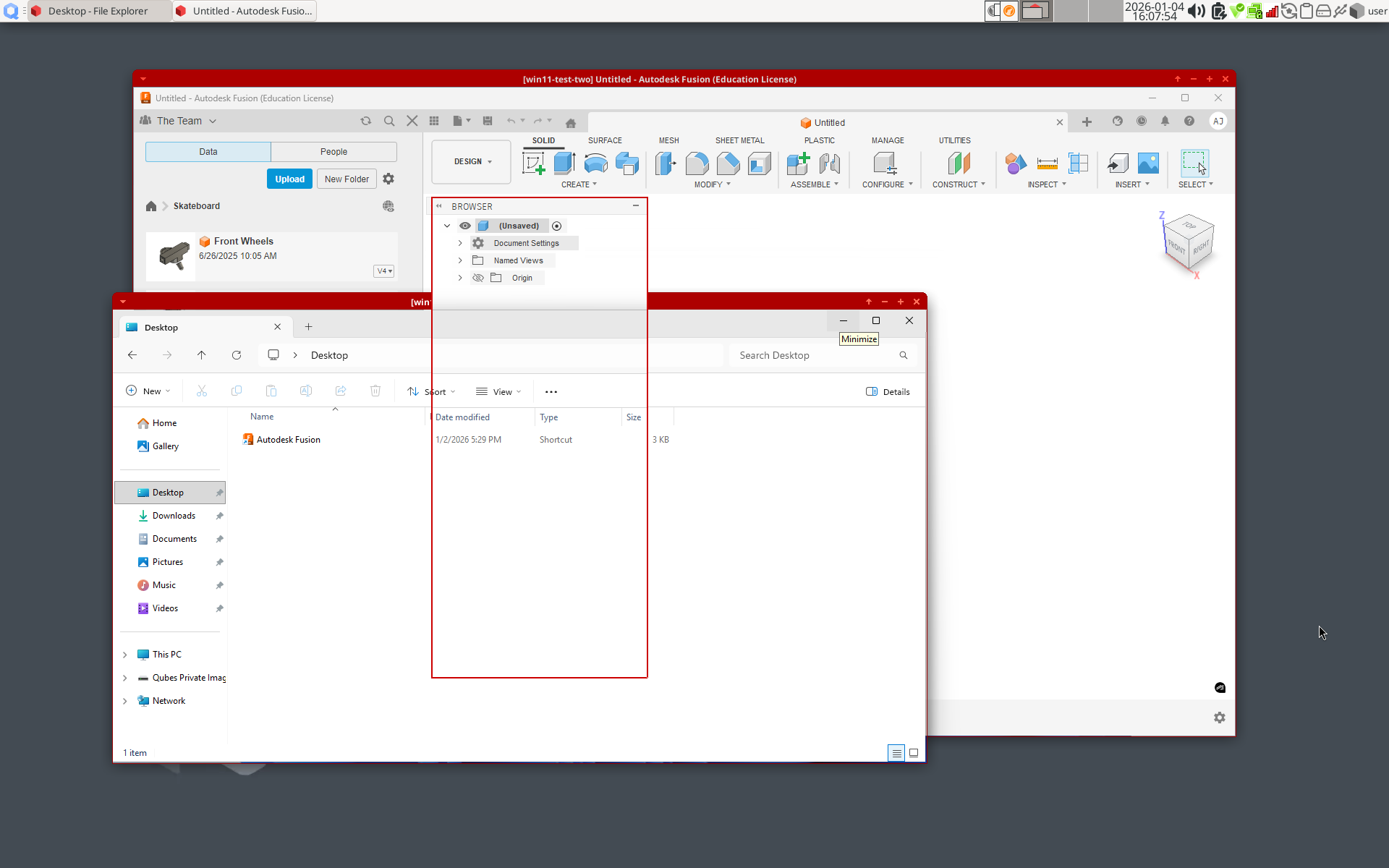
- Moving windows over eachother with leaves artifacts
- Click + dragging selection boxes leaves artifacts
- Browser box within Autodesk Fusion 360 is properly overlayed by Windows file explorer, but the red border added by Qubes isn’t
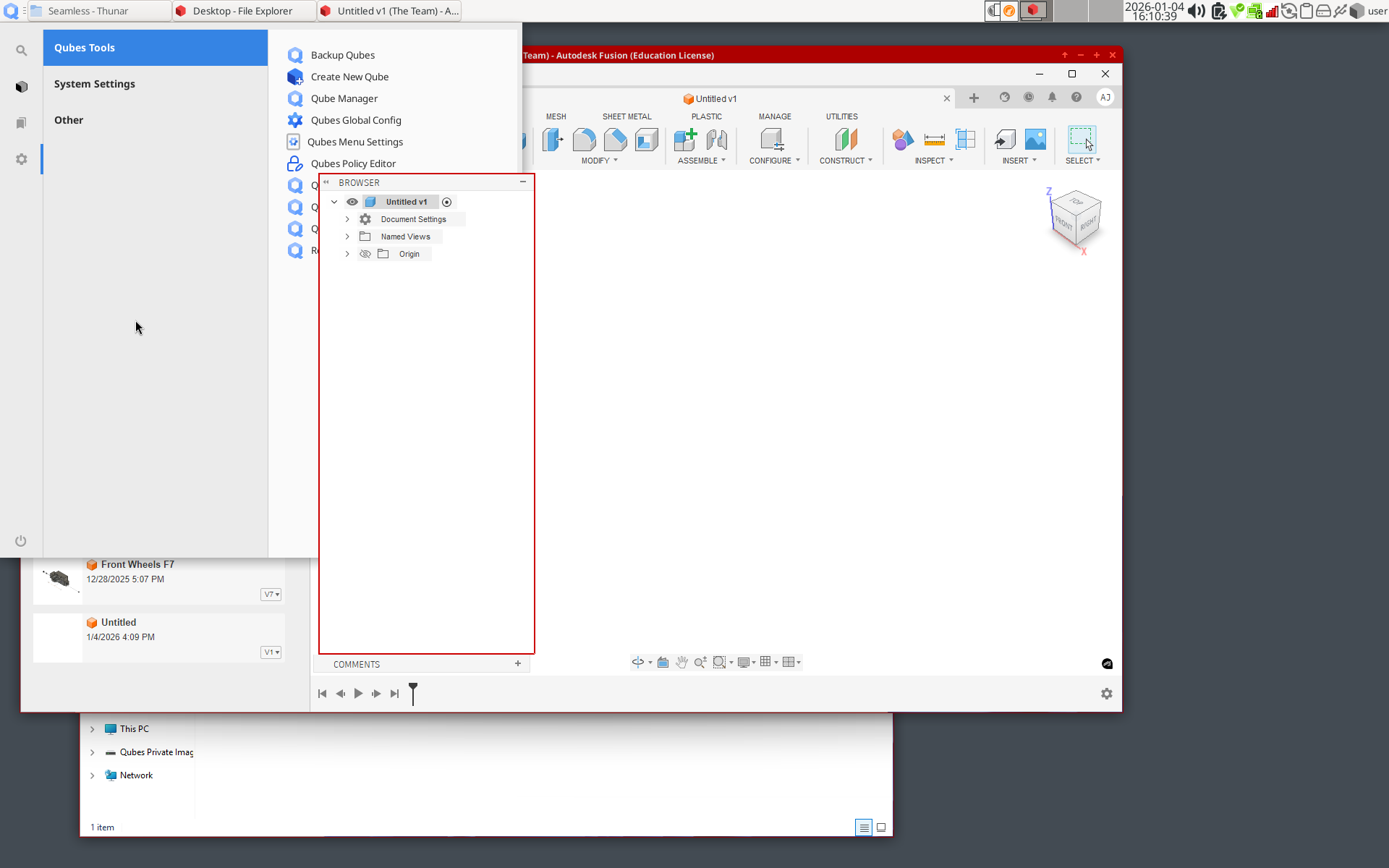
- Same box from Autodesk Fusion 360 always overlays the Q menu
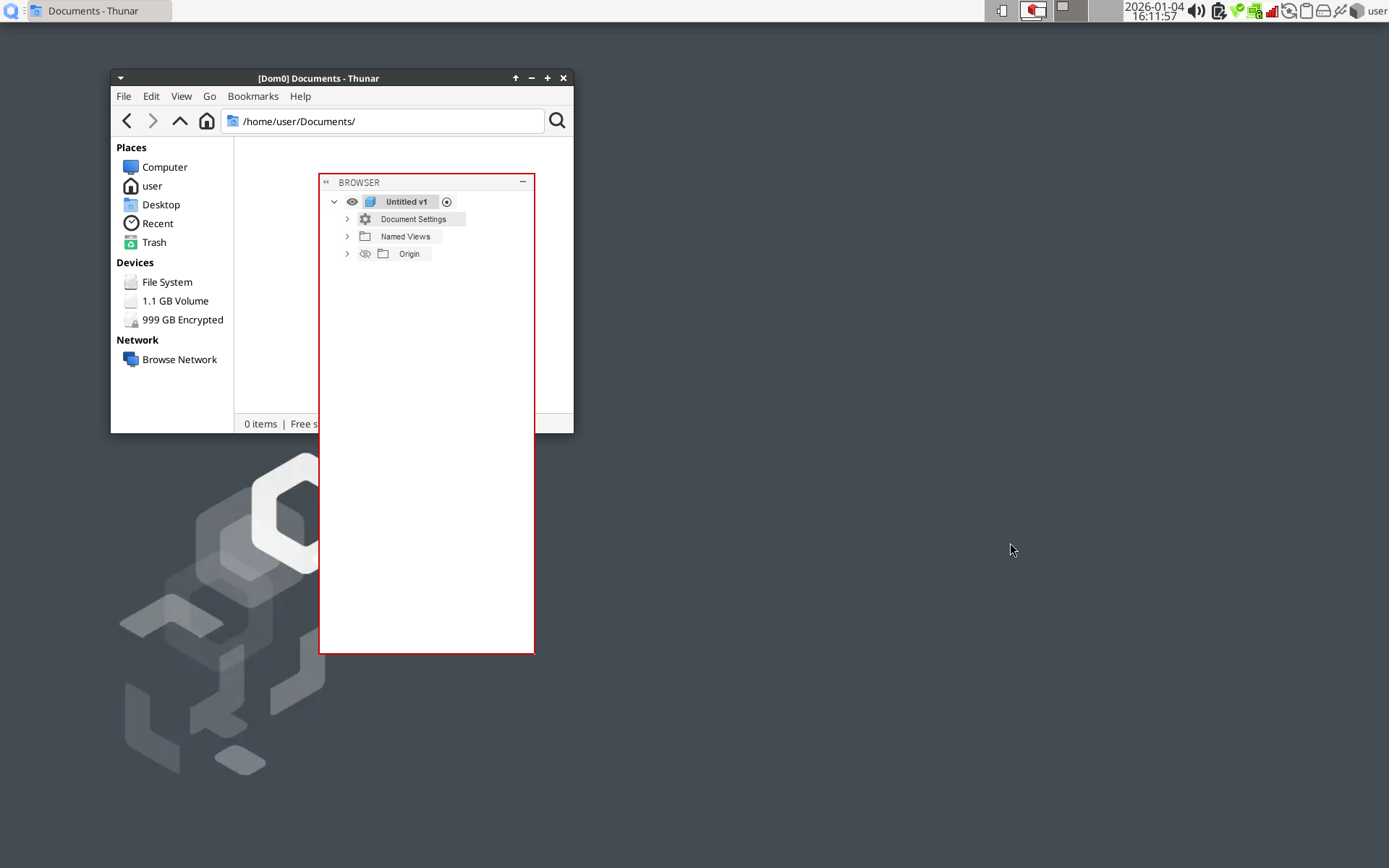
- Same box from Autodesk Fusion 360 persists in every workspace and overlays other applications
Another issue is I can’t see the mouse cursor (but it still moves around) when I use non-seamless mode, GPU passthrough, and USB passthrough to use Windows only on the external monitor. I disable seamless mode, connect an external monitor to the GPU’s HDMI port on my laptop, and in Windows settings choose “Show only on 2” in display settings. Then I connect a mouse and keyboard with USB passthrough. The visual artifacts I mentioned earlier are gone but then the mouse cursor is invisible but can still move and click.
The mouse cursor problem and the non-seamless mode problems are fixed by running $ qvm-features (qube name) gui-emulated 1 and $ qvm-features (qube name) gui '' in dom0 and restarting Windows, which apparently reverts to an old graphics driver. But this now disables seamless mode support. It is explained here.
I wanted to make a forum post about this to ask if anyone else also experiences similar issue with the new graphics driver. I would be happy to make a GitHub issue but I want to properly document the problems and ask if anyone else can reproduce it first. Thanks!