Hello.
This guide is for installing Safing Portmaster v2.
Do not upgrade Safing Portmaster v1 to new version - it makes more troubles than one wants.
Safing Portmaster v1 was installed as normal, hand run program and its auto start was controlled by .desktop files. Now it runs as service and cleaning up upgrade is not wort it.
So if someone have Safing Portmaster v1 installed I encourage you to completely uninstall and clean after it.
–
Now for installing.
Again, there’s no repository to add so we need to download .rpm package.
But first decide template in which you install it. Every appVM based on this template will run portmaster.service automatically.
I’ve installed it in my multipurpose/multimedia template but for the sake of this guide I will assume new template.
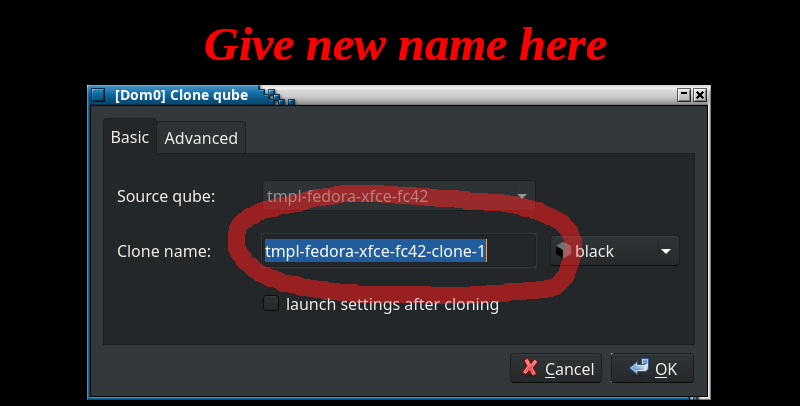
- Clone default
fedora-xfce4template and name ittmpl-portmaster.
Easiest way is from GUI atQube Manager.
- Download
.rpmpackage by disposable qube from Safing site
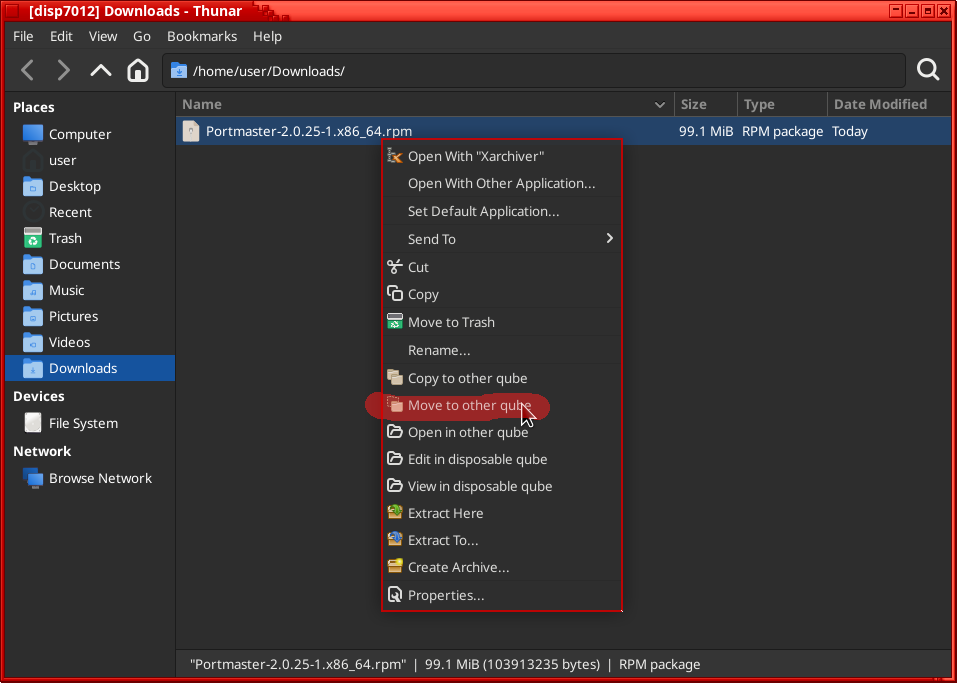
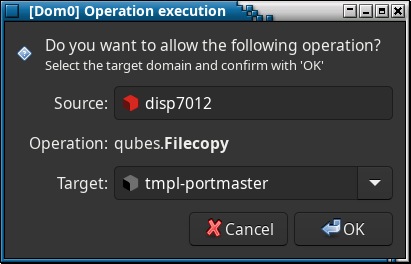
- Move downloaded file to 'tmpl-portmaster`
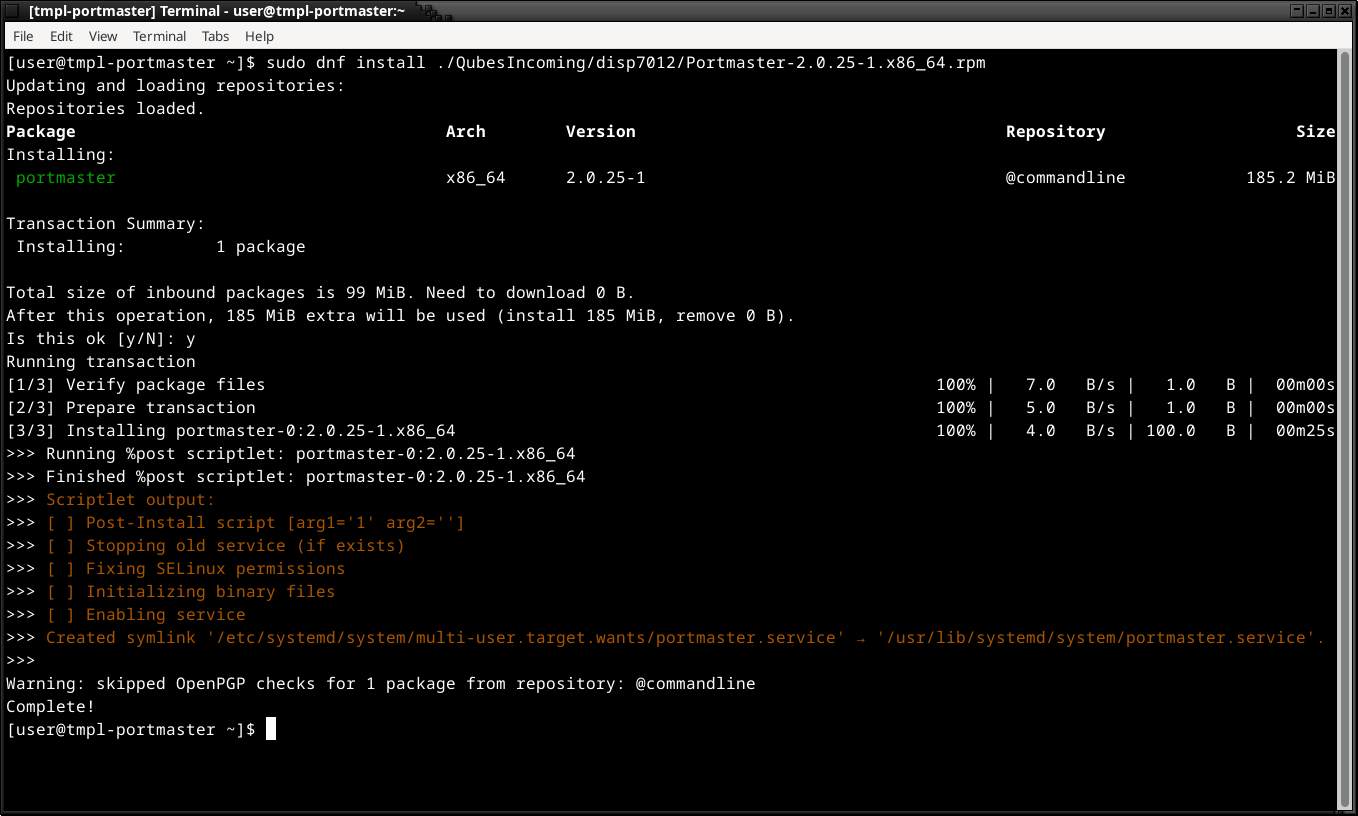
- Install
.rpmfile intmpl-portmaster
- Restart
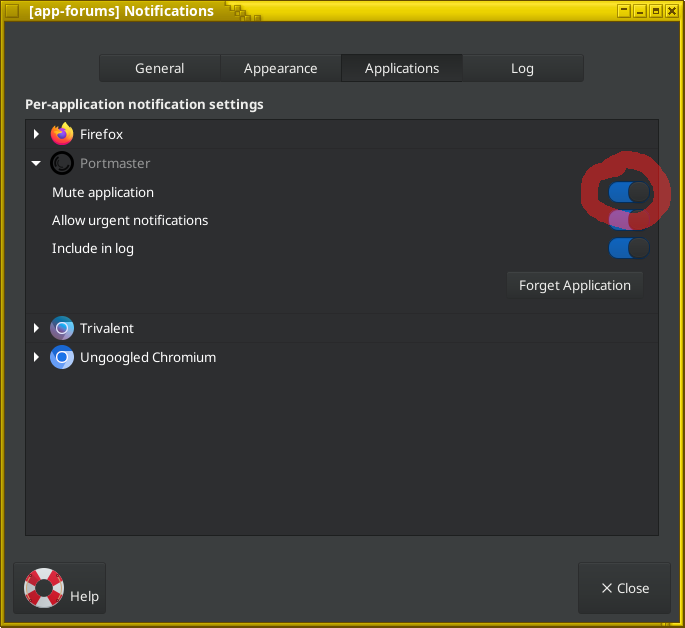
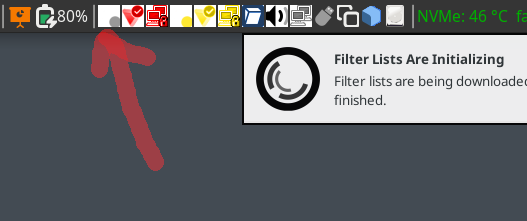
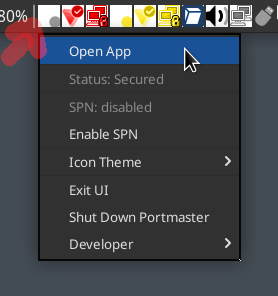
tmpl-portmastertemplate and you will see notification fromportmasterand its icon in system tray - open the app
- After opening
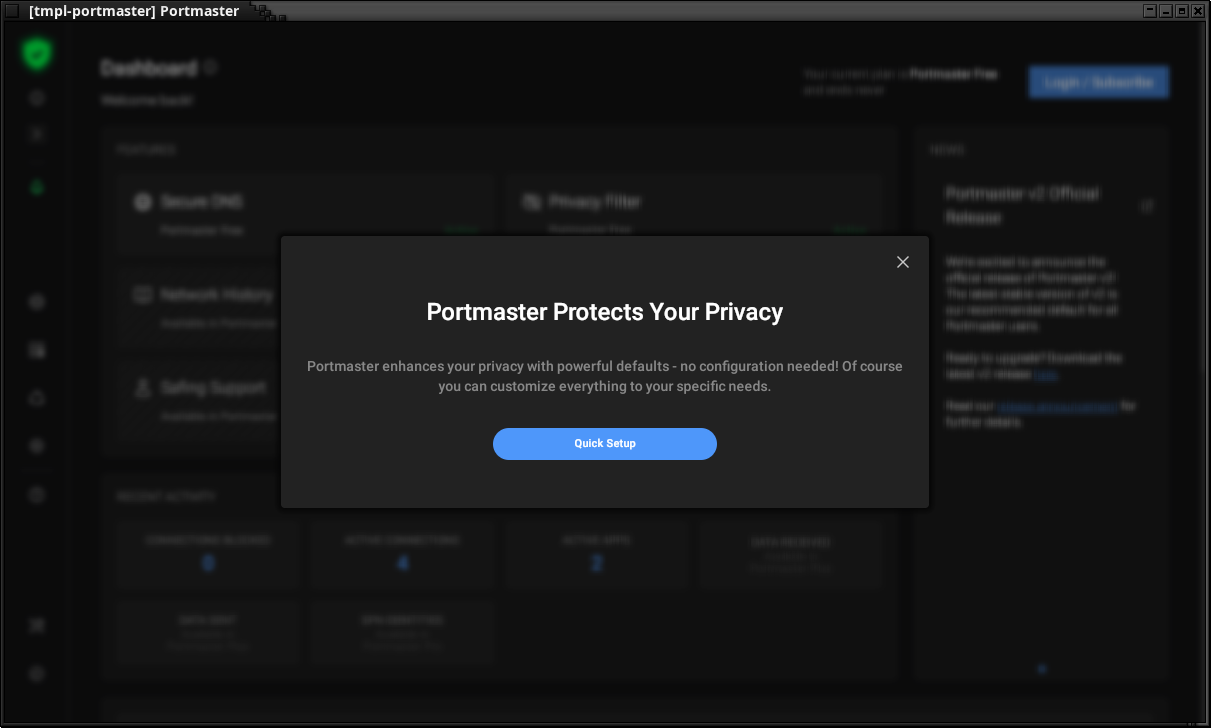
portmasterapp doQuick Setup- either leave everything default or change for example DNS to something more secure (I’m usingQuad9withCloudflare as Fallback)
- Close app UI and shutdown
tmpl-portmaster
–
Now you in every appVM you base on tmpl-portmaster, portmaster will start as service in background minimized to tray.
In order to be able to configure it per VM basis you need to make its configuration directory persistent as it’s located in /var/lib/portmaster/ this time.
- Open appVM
Xfce TerminalfromQmenu - Go to
/rw/
$ cd /rw
- Check if
bind-dirsdirectory is here
$ ll
total 32
drwxr-xr-x.  3 root root  4096 Aug 29  2024 bind-dirs
drwxr-xr-x.  2 root root  4096 Aug 29  2024 config
drwxr-xr-x.  3 root root  4096 Aug 29  2024 home
drwx------.  2 root root 16384 Aug 29  2024 lost+found
drwxr-xr-x. 12 root root  4096 Jun 25  2024 usrlocal
- if not, make it
$ sudo mkdir bind-dirs
- Go to
bind-dirsdirectory and makevar/liband go inside
$ cd bind-dirs
$ sudo mkdir -p var/lib
$ cd var/lib
- Copy
/var/lib/portmasterto/rw/bind-dirs/
$ cp -r /var/lib/portmaster/ ./
- Check if it copied
$ ll portmaster/
total 28
-rw-------. 1 root root  703 Sep 22 00:40 config.json
drwx------. 5 root root 4096 Sep 22 00:40 databases
drwxr-xr-x. 2 root root 4096 Sep 22 00:40 download_binaries
drwxr-xr-x. 2 root root 4096 Sep 22 00:40 download_intel
drwxr-xr-x. 2 root root 4096 Sep 22 00:40 exec
drwxr-xr-x. 2 root root 4096 Sep 22 00:40 intel
drwx------. 2 root root 4096 Sep 22 00:40 log
- Go to
/rw/config/and make sure thatqubes-bind-dirs.dis there
$ cd /rw/config
$ sudo mkdir qubes-bind-dirs.d
$ cd qubes-bind-dirs.d
- Make/edit
50-user.conffile
sudo nano 50-user.conf
- inside file, type
binds+=('/var/lib/portmaster')
- Restart appVM
–
That’s it.
Now you can change settings of portmaster in appVM (or disposable template - same routine)
PS: I don’t have any debian but if it uses systemd then procedure is the same except you download .deb file and install it by sudo apt install file.deb
PS2: when configuring Safing Portmaster don’t enable SPN Module - it’s for paid customer only and in a free version will make you trouble