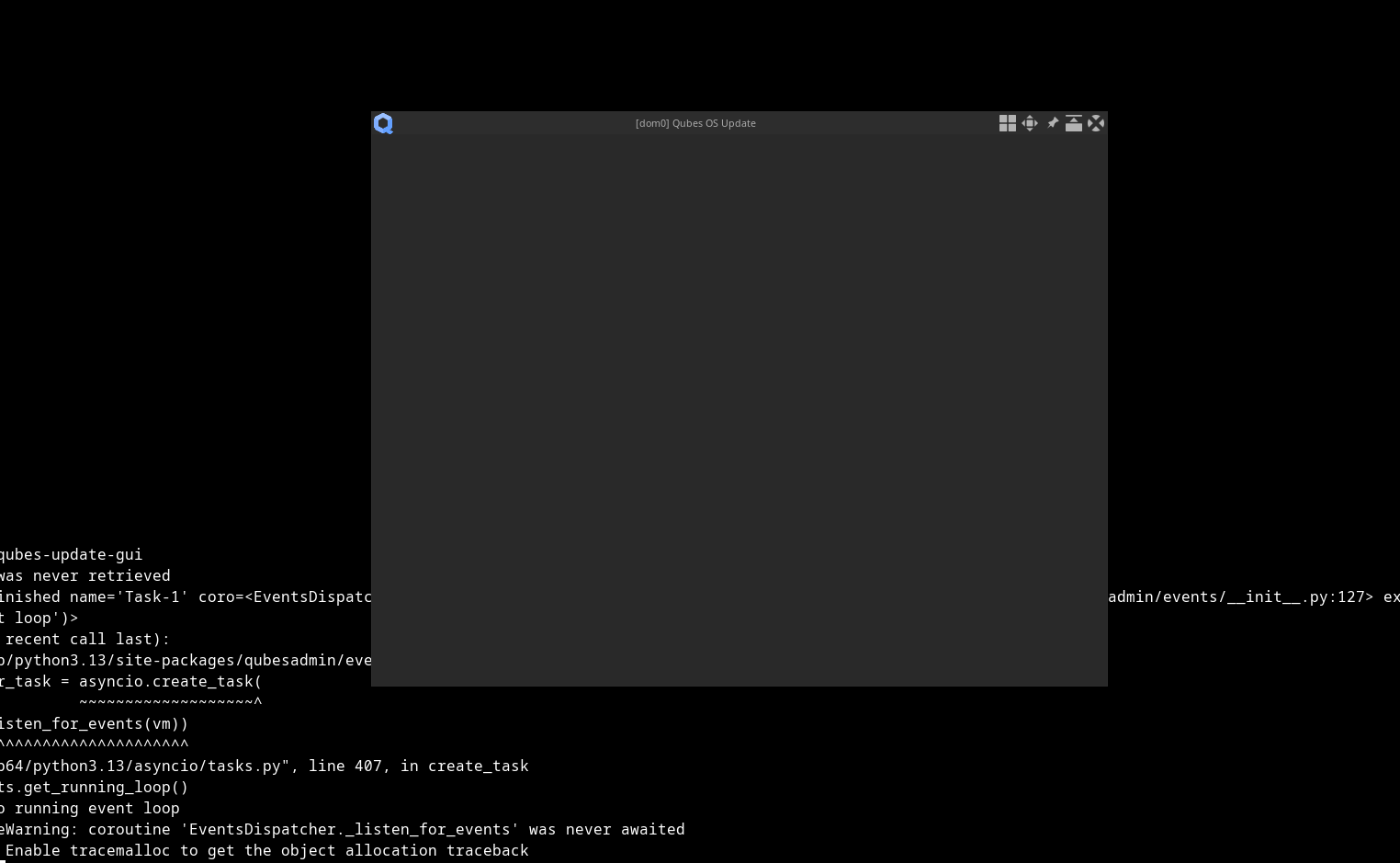
I’ve did update of dom0 and now update is not working.
[quboid@dom0 ~]$ qubes-update-gui
Task exception was never retrieved
future: <Task finished name='Task-1' coro=<EventsDispatcher.listen_for_events() done, defined at /usr/lib/python3.13/site-packages/qubesadmin/events/__init__.py:127> exception=RuntimeError('no running event loop')>
Traceback (most recent call last):
  File "/usr/lib/python3.13/site-packages/qubesadmin/events/__init__.py", line 142, in listen_for_events
    self._reader_task = asyncio.create_task(
                        ~~~~~~~~~~~~~~~~~~~^
        self._listen_for_events(vm))
        ^^^^^^^^^^^^^^^^^^^^^^^^^^^^
  File "/usr/lib64/python3.13/asyncio/tasks.py", line 407, in create_task
    loop = events.get_running_loop()
RuntimeError: no running event loop
<sys>:0: RuntimeWarning: coroutine 'EventsDispatcher._listen_for_events' was never awaited
RuntimeWarning: Enable tracemalloc to get the object allocation traceback
It kinda starts, but no widgets appear in update window.
I’ve attempted to reinstall qubes-desktop-linux-manager because dnf says that it provides qubes-update-gui, but
[user@dom0 ~]$ sudo dnf reinstall  qubes-desktop-linux-manager
Updating and loading repositories:
 Qubes OS Repository for Dom0                                                                                                                         100% |   0.0   B/s |   1.5 KiB |  00m00s
Repositories loaded.
Failed to resolve the transaction:
Packages for argument 'qubes-desktop-linux-manager' installed, but not available.
We don’t know yet the cause of the issue. Can you open two terminals, on the first, you type journalctl --user -f, it will hang, that is expected. In the second terminal, qubes-update-gui. The first terminal window should have some data in the journal, please share it.
What might also be interesting to share is the system journal, same procedure, one more terminal, and type sudo journalctl -f, it will also hang, then qubes-update-gui on the previous terminal.
I can create separate issue, and move all posts there.
But I think, both of this issues are related.
Update operation have not completed successfully and final system is inconsistent.