Qubes OS X11 boot failed

Hello ! I have start an Qubes OS installation on a usb stick.

But at the start I have RDSEED32 is broken

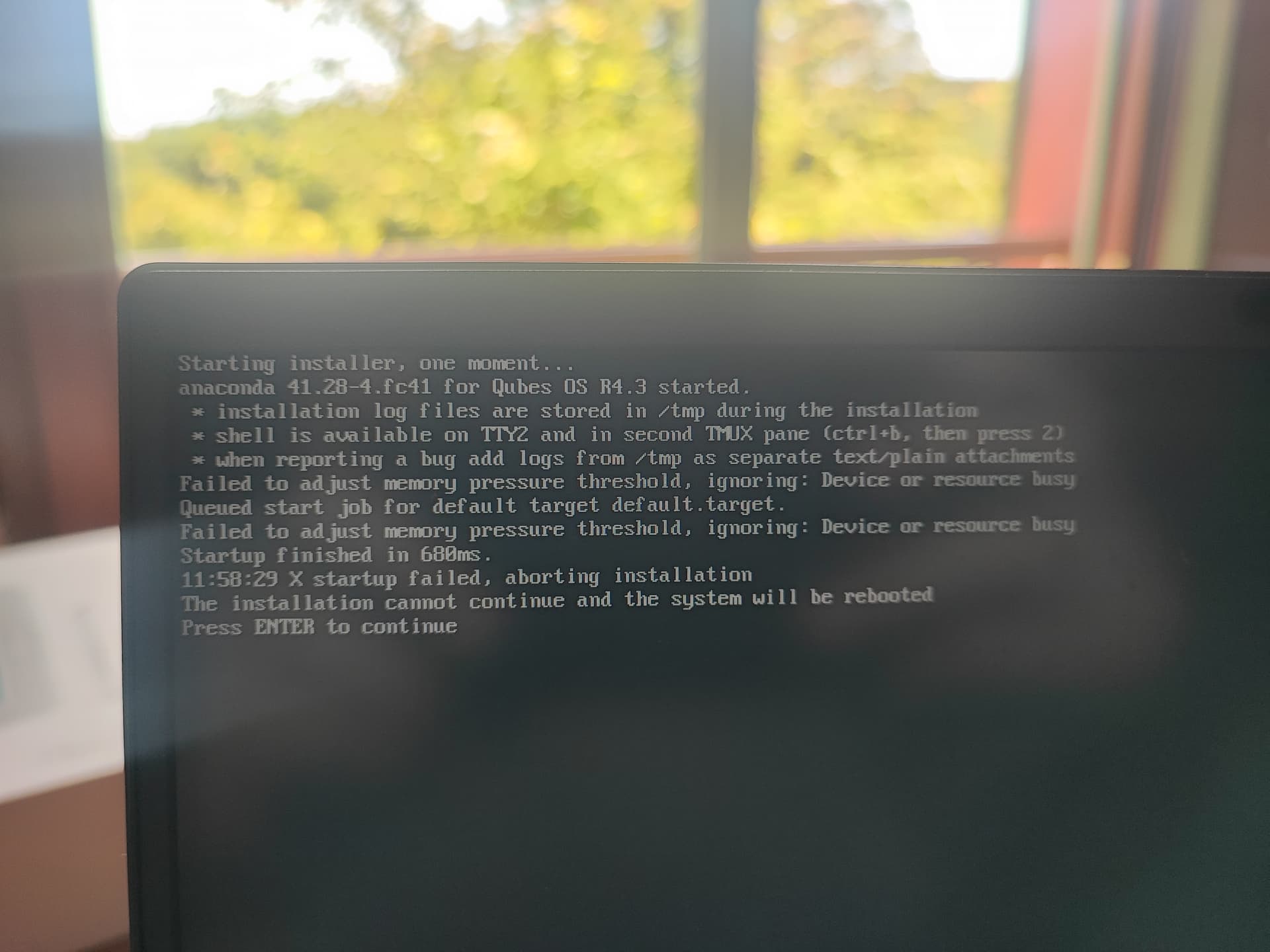
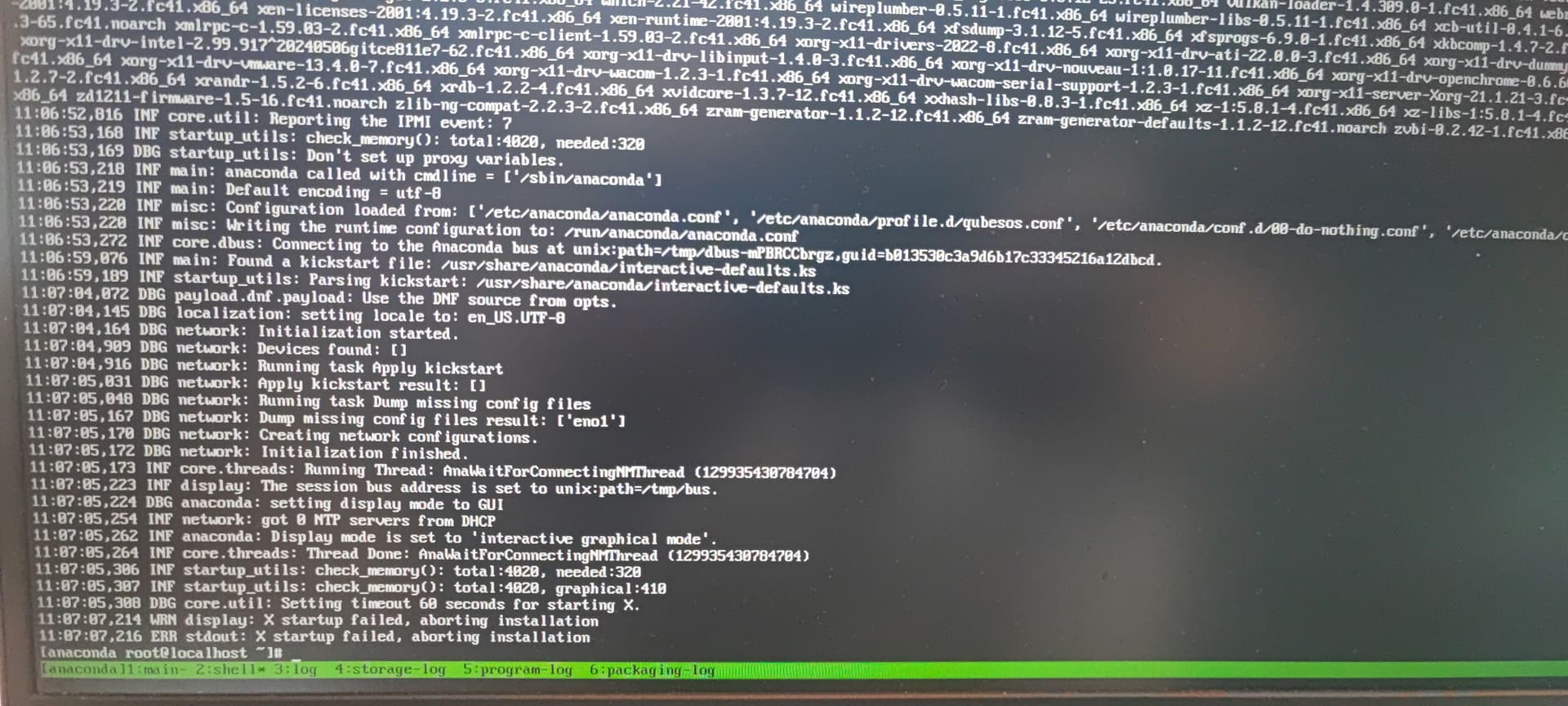
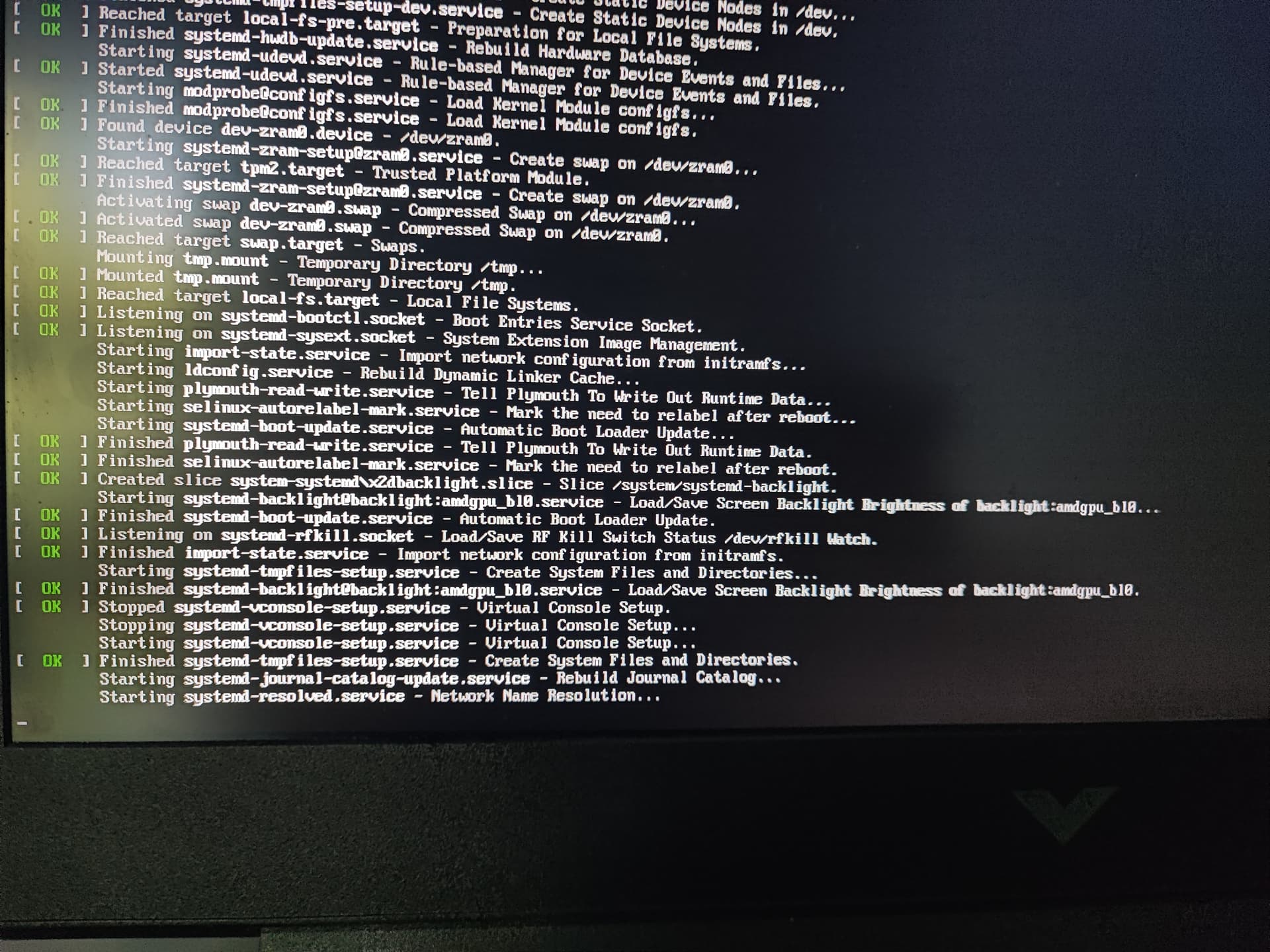
and after have this screen

And when I press enter key I have this :

Failed to adjust memory pressure threshold, ignoring : Device or ressource busy

And i have an amd 5 processor.

Thanks for your help !

Do as the system pleases.
(ctrl+b, then press 2)

Show us those logs.

CTRL + B don’t work
But ctrl + alt + f2 I have a terminal.

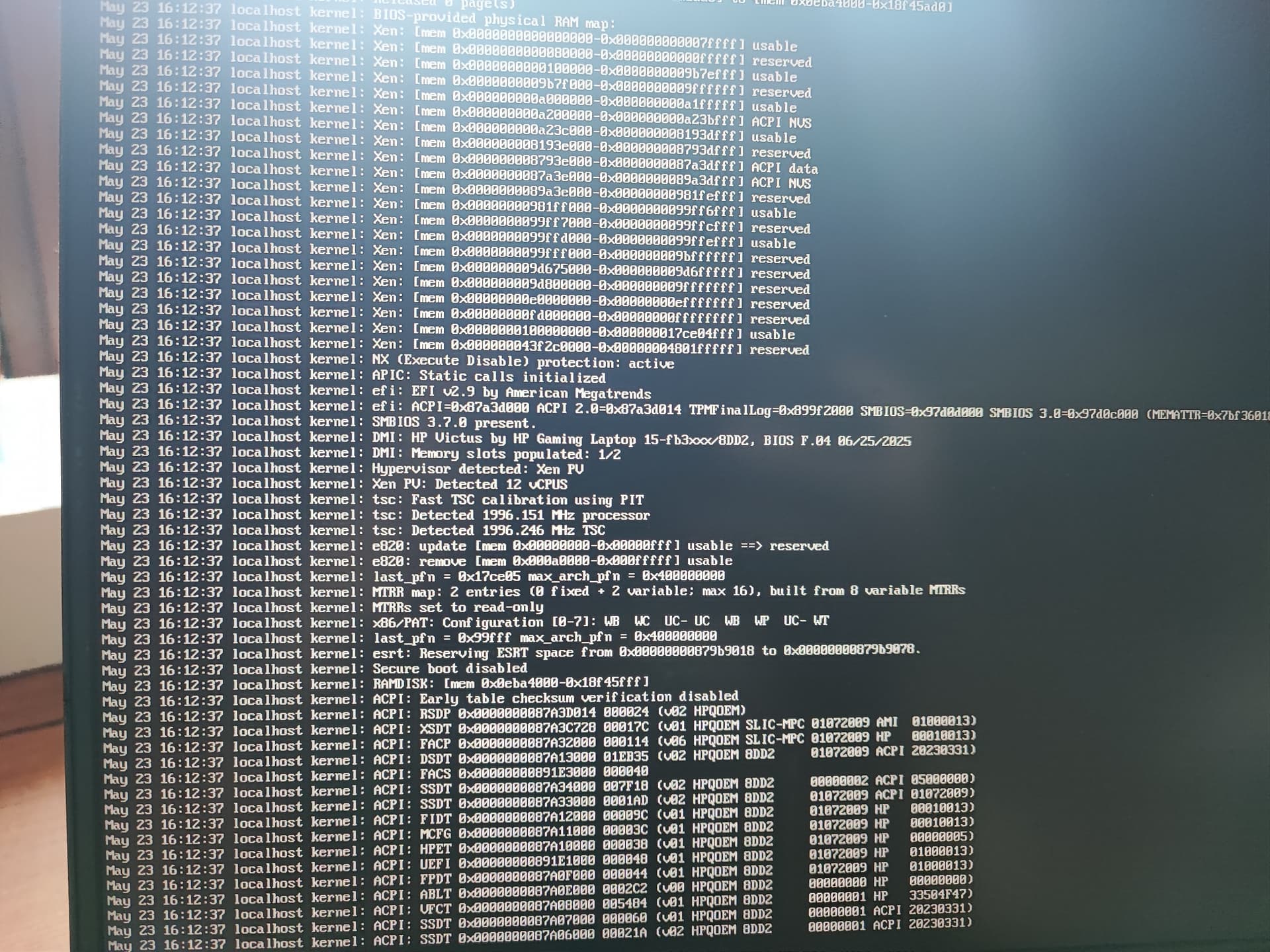
Journalcrl :

How have clean logs ?

Well, the first screen stated logs would be put on /tmp

Anaconda itself a generic installer for linux.
I’d therefore suggest to you, looking also at Anaconda/Logging - Fedora Project Wiki

H i Yuguoi - and welcome to the forum. :slight_smile:

I think the ā€œmagic key-sequenceā€ for anaconda is:

  • Press and hold Ctrl
  • Press and release the b-key
  • Release Ctrl
  • Press and release the 2-key

As I recall anaconda, there should be a terminal on second tmux-screen. You can switch back to the first terminal (the one from you first photo) with:

  • Press and hold Ctrl
  • Press and release the b-key
  • Release Ctrl
  • Press and release the 1-key

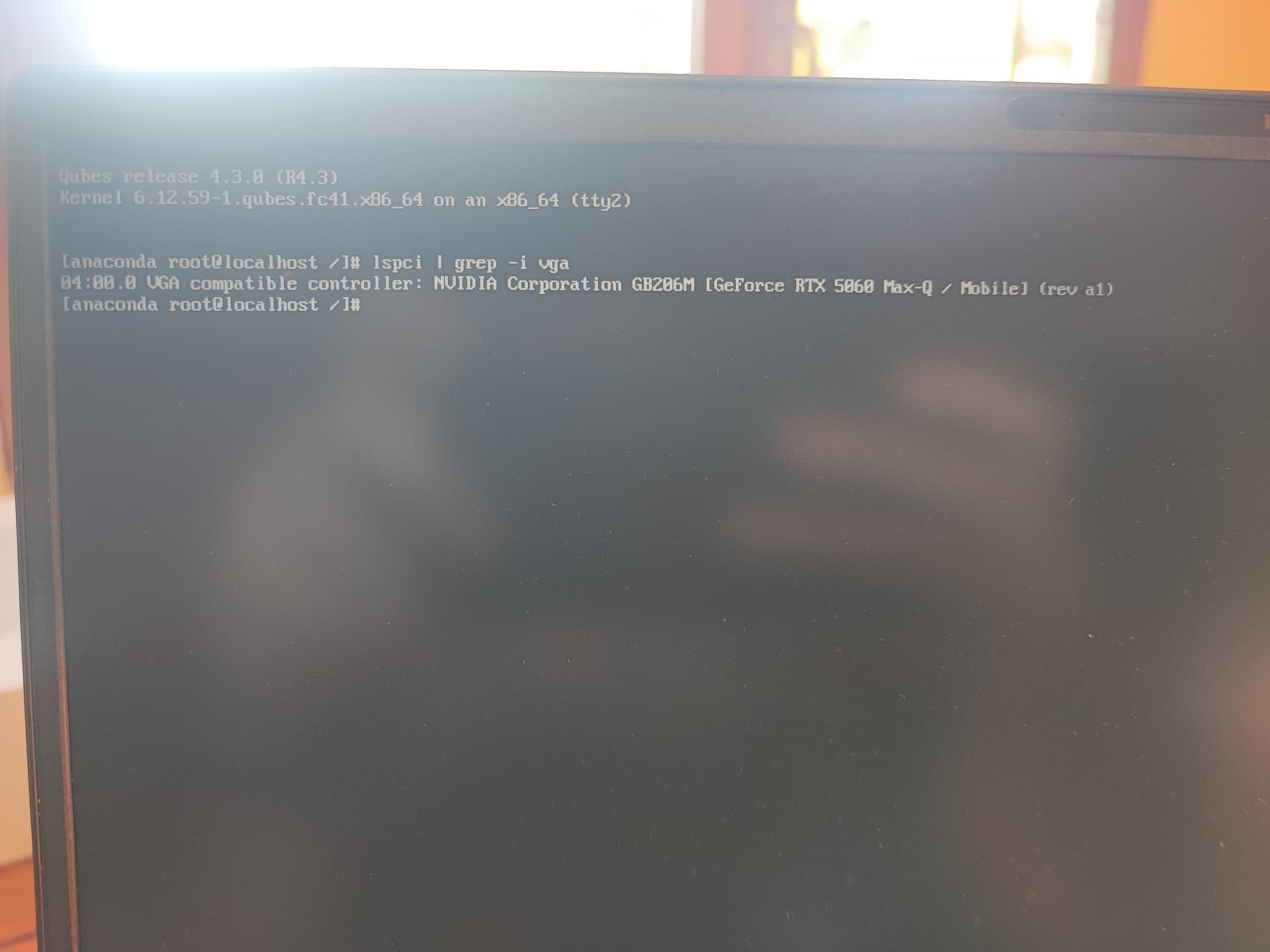
From the terminal (on the second tmux-terminal), can you share the output from:

lspci | grep -i vga

?

:slight_smile:

1 Like

when I run lspci | grep -i vga in the second tmux screen

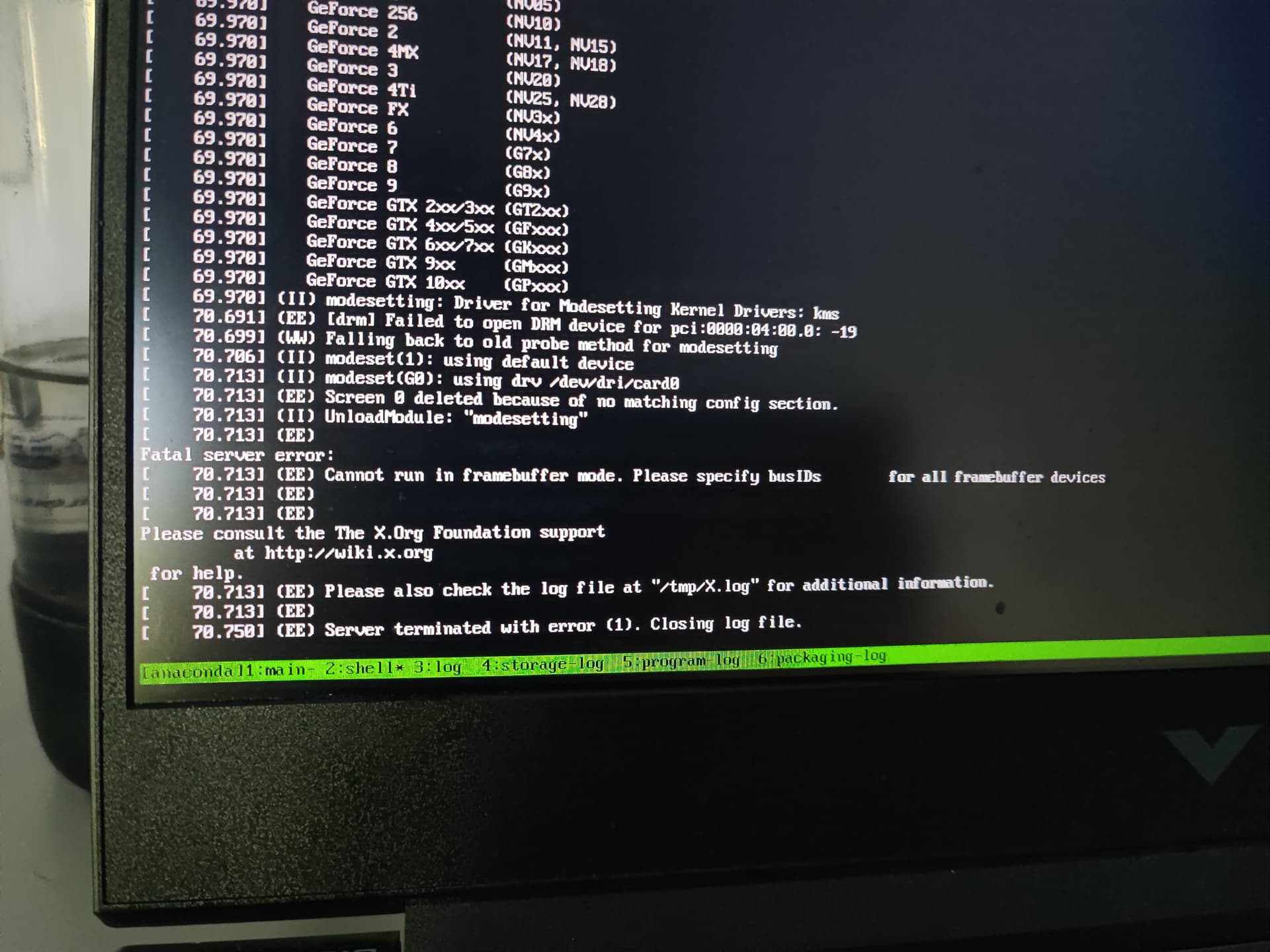
I have this screen :

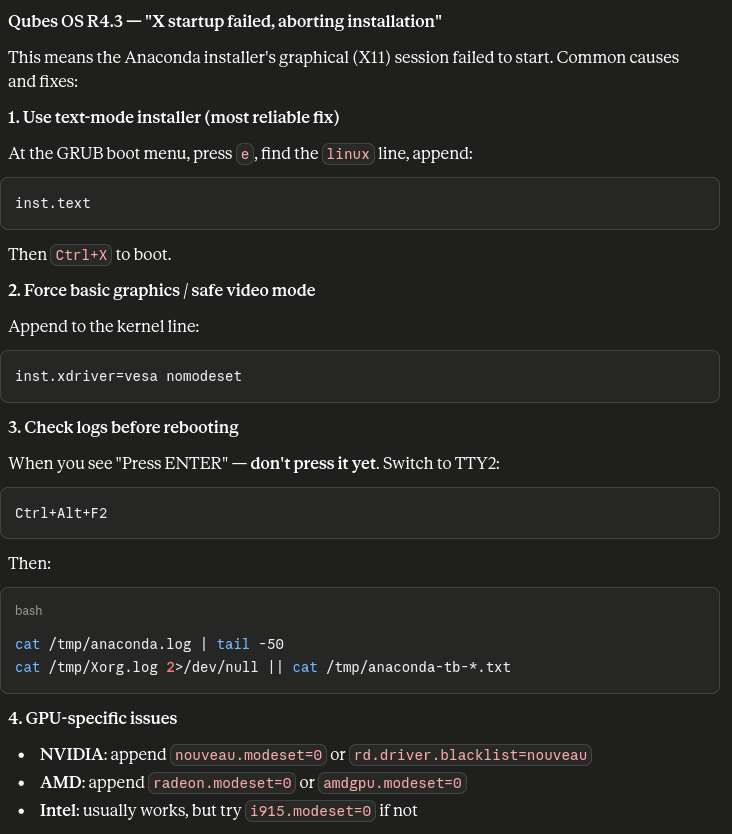
I ran your issue through claude and the output seems valid and yet undiscussed in this topic.

Regarding the RDSEED32 - it is supposed to be a non-issue triggered by zen 5 cpus

Xorg.log and anaconda-tb-*.txt don’t exist.

But X.log :

And the first line is :
(WW) Failed to open protocol names file /usr/lib64/xorg/protocol.txt

And in the boot I have placed nouveau.modset=0 and nothing.

The inst.text don’t exist.
amdgpu.modset=0 do nothing.

Thanks for your response but didn’t work

your latest logs shows the ā€˜interactive graphical mode’. Did you try out the text mode as described?

Yes, but inst.text didn’t work

Hi Yuguoi

Since you have a NVidia GPU, it makes sense that amdgpu.* is without any effect.

I don’t have a NVidia GPU, so I I’ve not tried any of this myself - but from reading other topics on this forum, I believe it should be something like:

  • Open the grub menu and edit the first line that starts with
    module2 /vmlinuz-..`
    
    where you replace quiet with
    modeset=0 nouveau.modeset=0 rd.driver.blacklist=nouveau video=vesa:off
    

If you want to try the text installer, you should be able to also add inst.text rd.inst.txt[1] the same place - but again, it’s not something I’ve had to test. :-/

:slight_smile:

[1]: I don’t have the manual for anaconda, but I recall seeing some new anaconda version requiring the rd. prefix …

[edit: after testing, it looks like for v4.3, inst.text is the way to request the text-installer]

That’s work

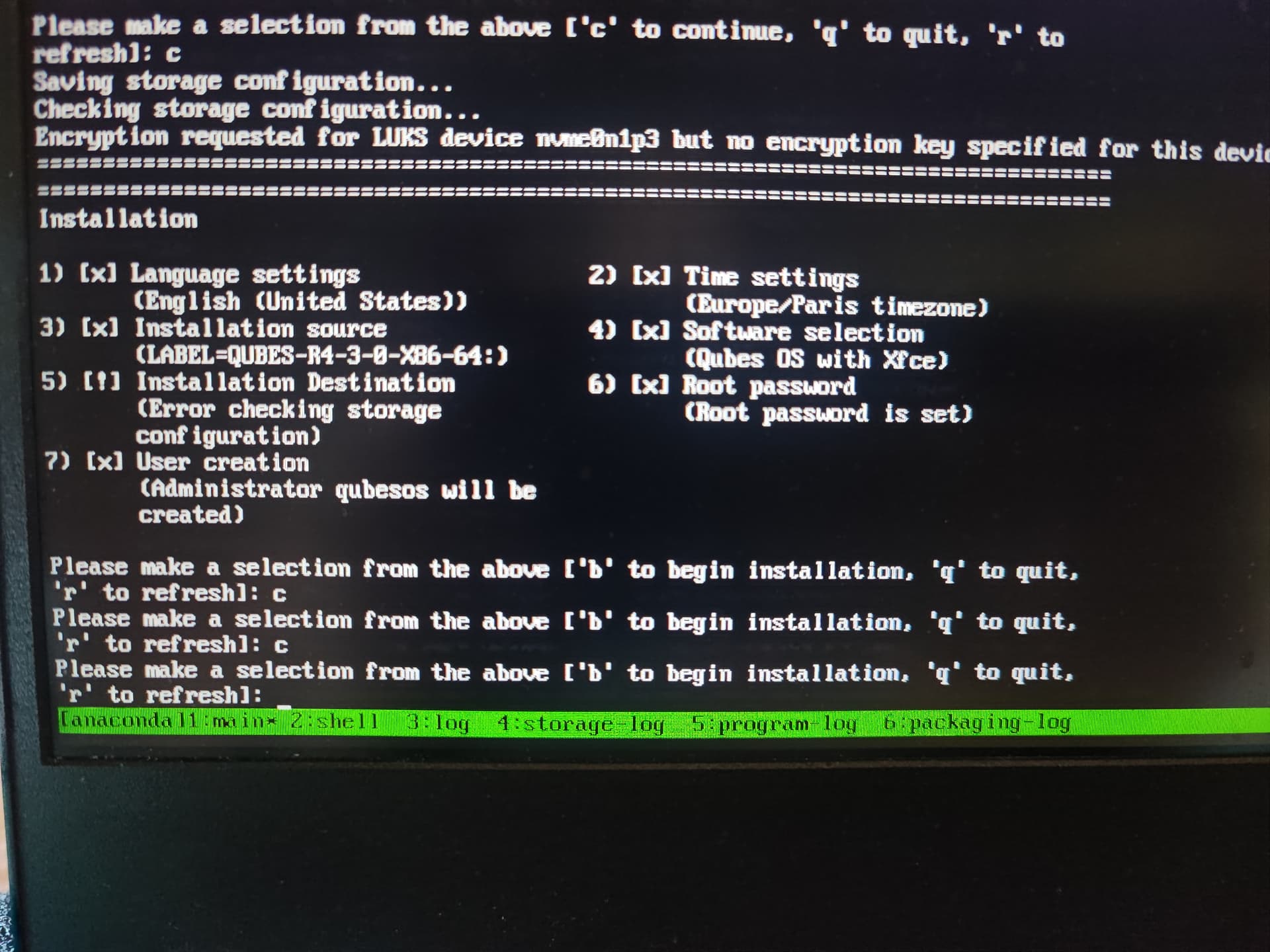
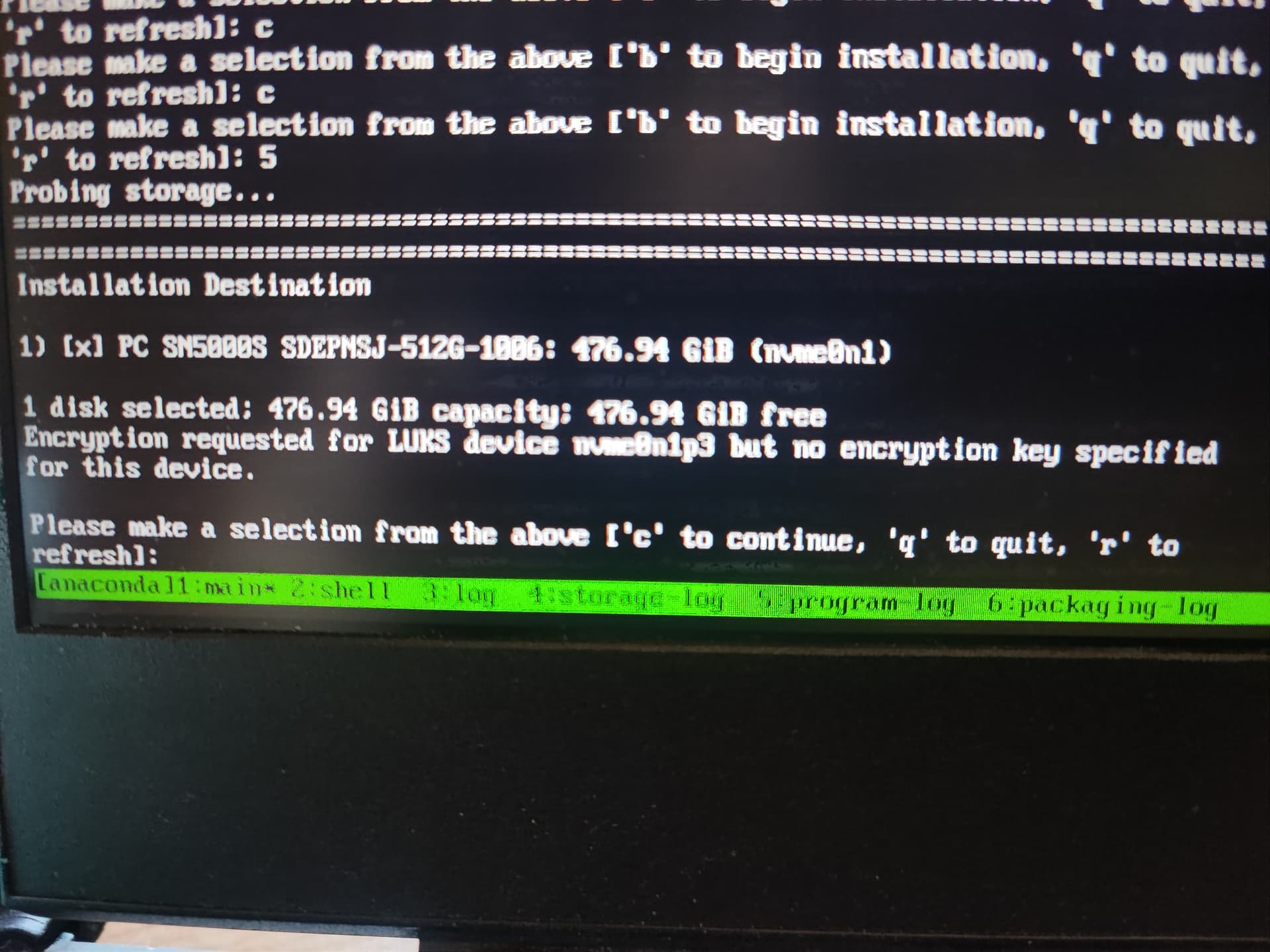
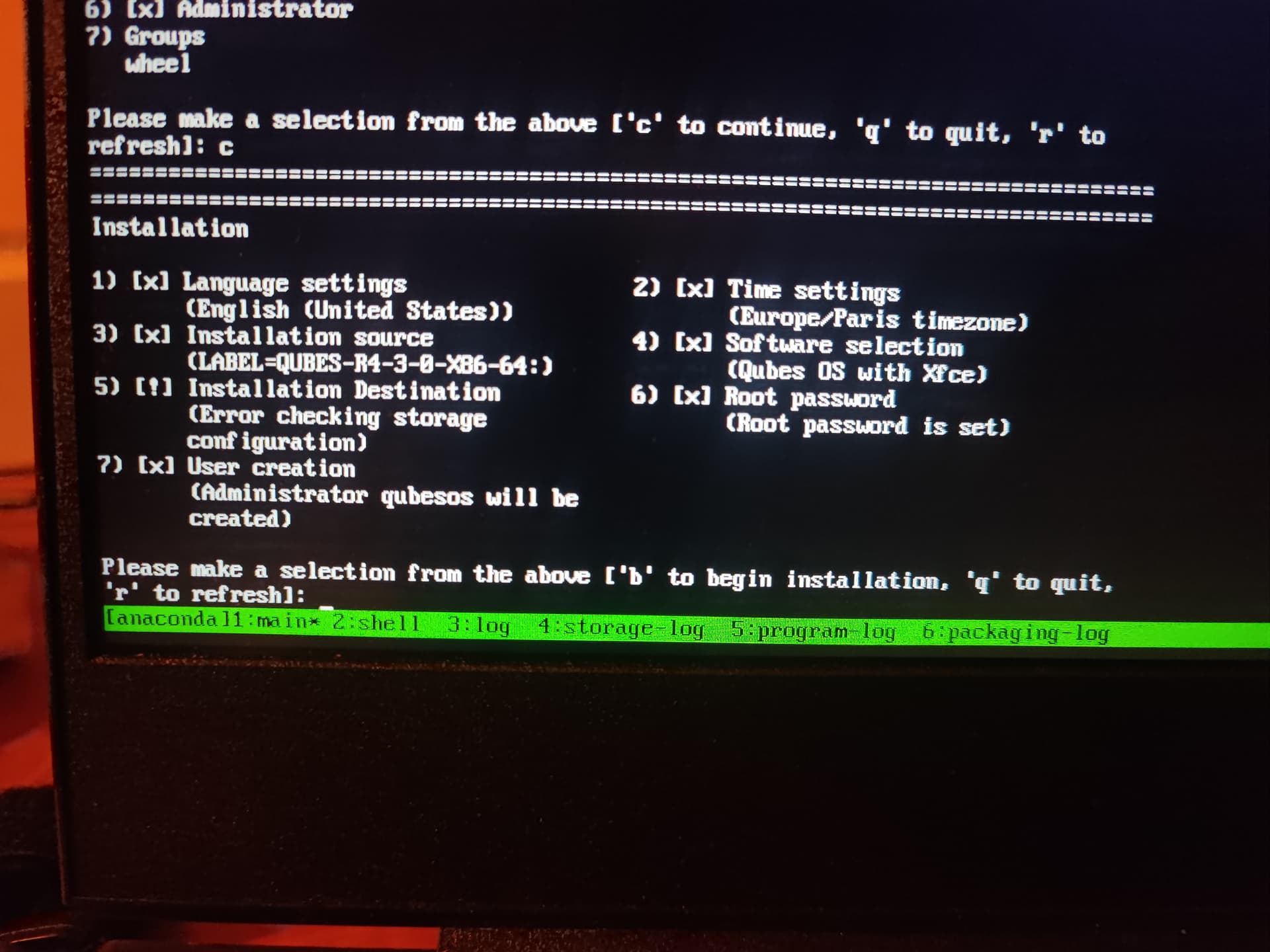
But when I select 5 for installation, I have

Encryption requested for LUKS device nvme0n1p3 but no encryption key specified for this device.

Hi Yuguoi

Will it allow you to continue, if you press c? - and let you pick a password for the encryption?

:slight_smile:

Don’t have any asked password.

Mhm. How exactly did you setup the storage configuration?

Did you let qubes create all partitions+luks?
Did you create luks yourself?
What happens if you go on the console and manually open the luks device?

I have let qubes create all partitions+luks.

I digged some deeper into anaconda and came across some documented limitations within text mode.
https://asamalik.fedorapeople.org/tmp-docs-preview/fedora/f28/install-guide/install/Installing_Using_Anaconda/#sect-installation-text-mode

Kickstart sounds viable but way to complicated.

I would encourage you to try getting the graphical mode working.

Hi Yuguoi

I’ll second the suggestion from balder86 – figuring out why the graphical installer doesn’t start, is probably the best way forward … Qubes without X11 is somewhat limited in use.

  • Have you tried booting with both the default kernel and the kernel-latest?

  • Did you try and boot with the options modeset=0 nouveau.modeset=0 rd.driver.blacklist=nouveau to both?

:slight_smile:

I haven’t boot on latest kernel, but I have try and boot with the options modeset=0 nouveau.modeset=0 rd.driver.blacklist=nouveau.
I try and I post the result

I have spend 10 minutes, and the screen have freeze. I go to see the anaconda doc.

In the /tmp/X.log I have :
(WW) Failed to open protocol names file /usr/lib64/xorg/protocol.txt
(EE) Failed to load "amdgpu" (modules does not exist, 0)
(EE) Failed to load module "nv" (modules does not exist, 0)
(EE) Failed to load module "fbdev" (modules does not exist, 0)
same for ā€œvesaā€

And

The (EE) significate error