After using the stick for a few days, I determined that it only appears in sys-usb the second time the stick is connected to the port. First time it doesn’t appear. Re-attaching the stick - it does. Perhaps this symptom will tell you something.
It is not clear to me what system configuration corresponds to the screenshots you provide, or to this new information.
Maybe it will help if you give exact details of your procedure, from starting the computer, or even from installing Qubes.
Your screen captures show differences of “Driver=” part between ‘working’ and ‘not working’.
Before every step, you could capture both the lsusb like above, and the lsmod output. Also note what are the templates, kernel versions, and … everything else that you have configured.
Everything was described in the thread body message or in the comments. Qubes 4.3 was installed with external boot partition with the method described in this thread by @apparatus and improved by @ merowing. I don’t use Fedora so system qubes are Debian 13 based. I connect the stick to the usb port that is assigned to the disposable sys-usb that is offline qube and has “provides network” option disabled. Normally the stick should appear there in devices list in hilink mode (as network device). Then I attach it to the sys-net (which is persistent). It appears there as ethernet connection which I turn on and start Tor connection.
This worked like this in Qubes 4.2 (which was with external boot partition too) but after fresh installation of Qubes 4.3 this all immediatelly started.
Fresh installed Qubes 4.3 has only one kernel: 6.12.59-1.fc41. I deliberately didn’t update dom0 so that Qubes wouldn’t switch to a different kernel and make changes that would cause this issue.
For the most complete information about the history of all the actions I took over the past two months, you can reread the entire thread.
Repost of the latest information from the GitHub issue report:
"It returned to the point where I don’t unberstand what’s really going on again. I updated Debian template a day before yesterday and yesterday everything worked (after system reboot too). But last night I suddenly found that stick doesn’t work again. And today all this also continued. All the symptoms returned. I did nothing except updating Debian and installing secure-delete package on it. While stick was not working I checked lsusb -tv again. Also was suggested the command lsmod so I tried this too. Here’s the outputs:
lsusb

As you can see, the driver changed to cdc_ether. So at first I thought this was its fault.
lsmod (Sorry for showing the full output. I’m not sure what info is useful for you there so posted all)
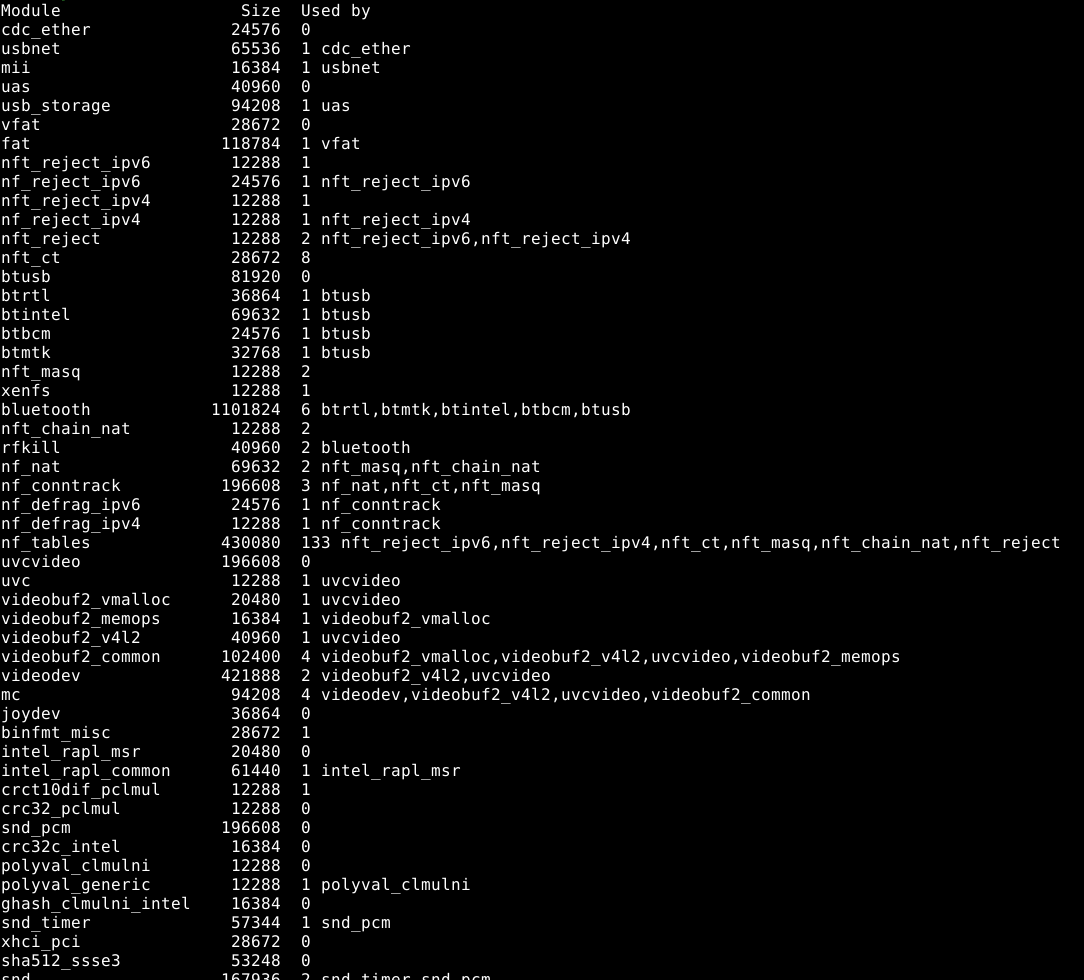
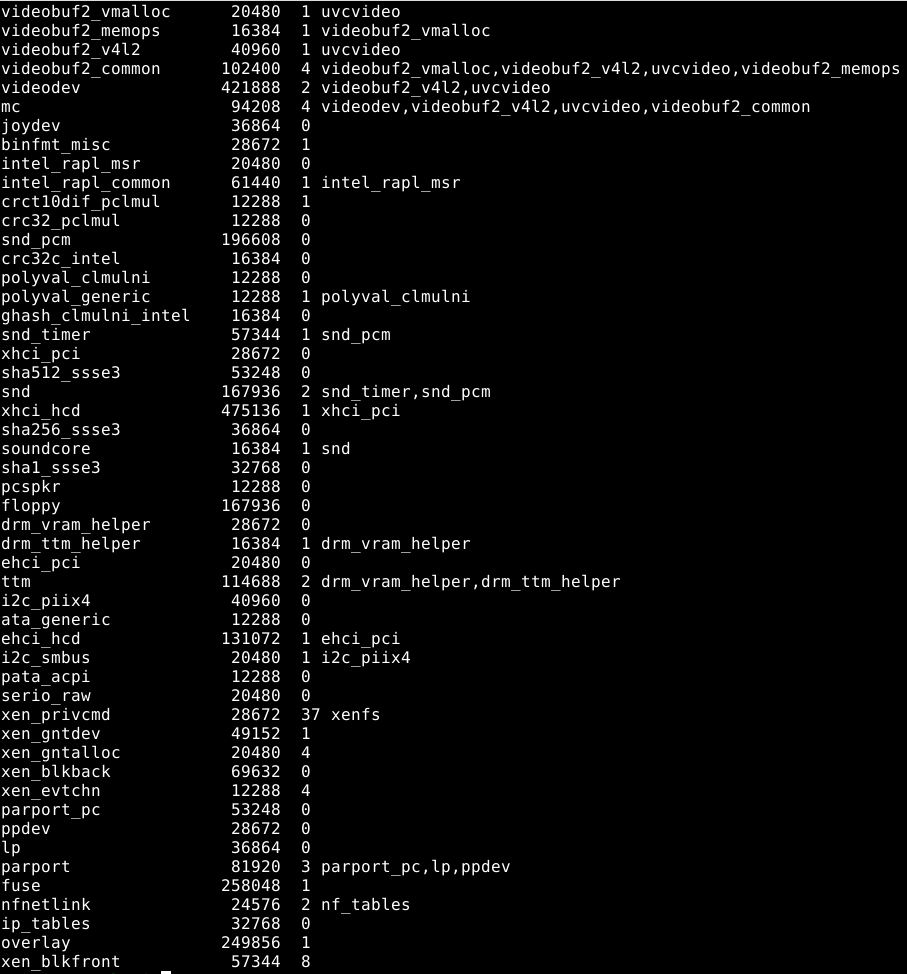
So today I restored Debian from the backup, changed system qubes’ template to the restored Debian. First nothing changed. I rebooted OS and stick started working again. Nevertheless I think the restoring helped more than reboot, because I rebooted OS one or two times before restoring and this didn’t help.
But the biggest surprise was waiting for me when I checked lsusb -tv and lsmod commands again:
lsusb -tv

lsmod
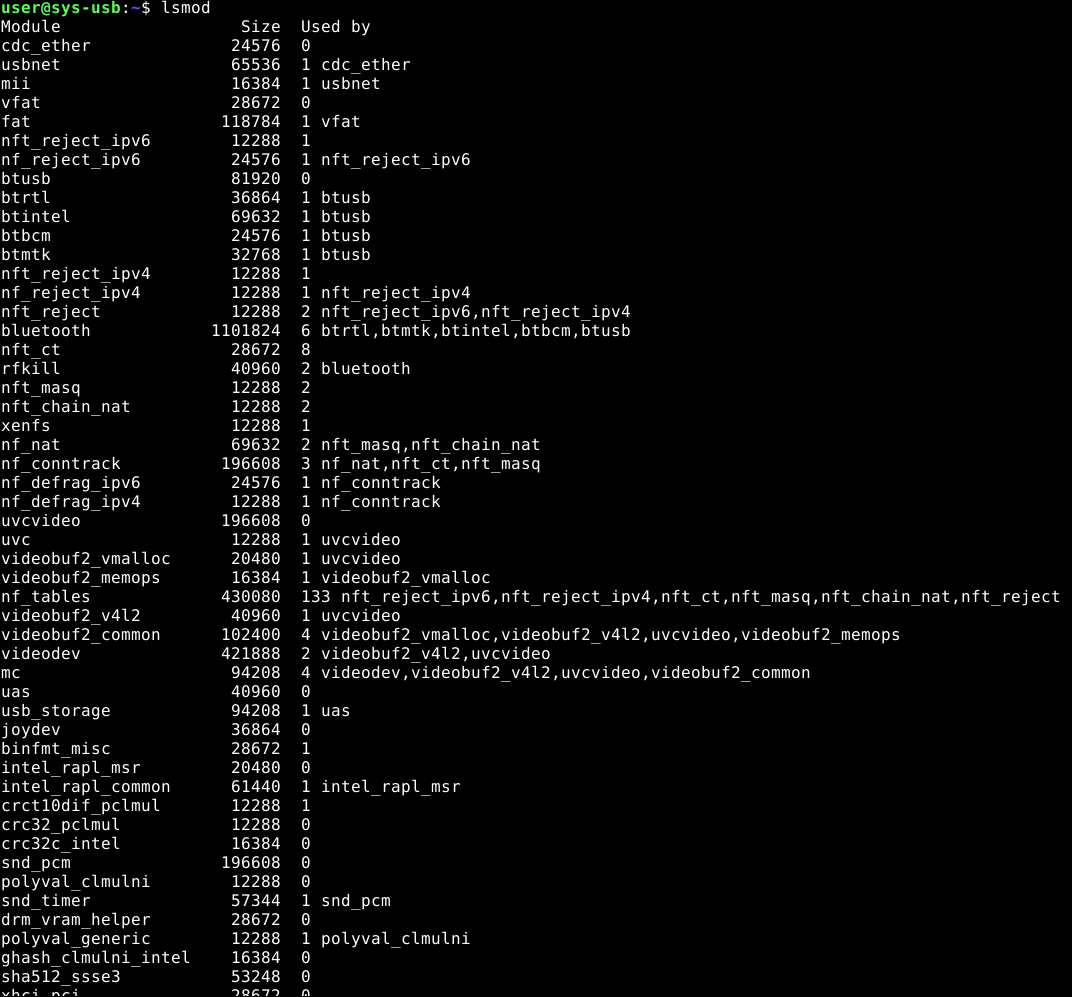
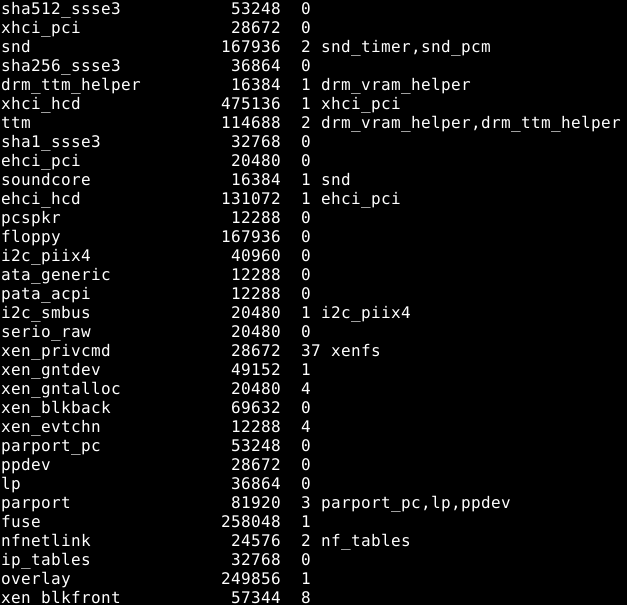
It turns out that cdc_ether is still present and the stick is still working. So it’s probably not the cause of the stick’s issue.
But there was something after the Debian update that stopped the normal functioning of the stick and what was removed when I restored Debian to its initial state.
At the same time, the cause is definitely not only in Debian itself, but must also be in Qubes itself, because I tried other templates (Fedora 43 and Debian 12) before and the situation there was just as bad as with Debian 13."
@ben-grande I have provided more up-to-date information. Both, on Github and here. Is there any information on when my issue will be diagnosed?
I don’t know.
Please try with fedora.
Does using the latest kernel causes any issue?
So you tried with Fedora and also with latest kernel?
I think that you should document every combination you tried. I don’t think anyone on the team has the same usb drive as you to make the tests. I don’t have the knowledge/expertise to reproduce your issue.
Log example:
- Debian 12
- Kernel X: works
- Kernel Y: doesn’t work on the second plug of the device
And repeat for each kernel version and template version.
1 Like
I don’t think so. I was asking for the detailed sequence of events and measurement of modules/drivers up to “suddenly found”. Posts back to January have none of that, and are quite confusing on other details.
Now it seems that the working state is possible both with cdc_ether and with ‘none’ as driver, but I am not sure because the different screen captures do not have enough information with them. I believe that if there is the same device in sys-usb and sys-net, and a driver is in both, then either it is a very clever driver or it is a risky situation.
Maybe you can give the information asked by @ben-grande for more effective troubleshooting.
This looked like this: every time, just after installation the stick worked. After about the second attaching, but it worked. Then, thanks to several installations, I realized that the problems always started after the first update. I tried other templates (Fedora 43, Debian 12) and all available Qubes kernels in all mentioned (including Debian 13) templates (including 6.12.59-1.fc41 kernel with what the stick worked before), which were: 6.12.64-1.fc41, 6.12.63-1.fc41, “provided by qube” option and the kernel from the “latest kernel package” which is 6.17. Nothing helped and changed anything. I didn’t use lsusb -tv and lsmod then, because no one suggested me this at that moment, but still.
This may not be necessary. From everything I’ve tried, it seems that all problems start with the update. Each time it started after first update. Not sure update of what: dom0 or Debian, or maybe both. The cause is there. You can check if there is something in your dom0/Fedora/Debian template updates, related to the drivers and the work with the usb drives that could disrupt the operation of such device.
What can I do to provide all the needed information? I used only suggested by users commands and provided screenshots or logs that were asked. I told in the very first message: just tell me how to get and where to find and I provide all info I can.
Is the situation where sys-net and sys-usb are combined into one qube and each usb flash drive/disk gets access to the network less risky? Anyway, in Qubes 4.2 this worked perfectly. I had no problems until I moved to 4.3.
I have one idea. If there will be no updates that fix the situation and if the presence of the driver in only one qube is of such great importance, I could create a separate qube for the stick, which will have both - assigned usb and network device. In fact, create a separate sys-net/usb just like in the option provided in the installer. So this way the stick will be connected to the qube that already has networking and in the same time other usb drives will be connected to the separeted, regular offline sys-usb. I could even assign different usb devices to those qubes so that the stick and other drives never will be connected to the same usb device.
What do you think? Can it work?
The only thing I don’t know is how to create that sys-usb variant and in the same time with the command that would be similar to the qubesctl state.sls sys-usb command. Is there something that I could add to this command to make it create the qube that I described? I will look into the list of sls files (qubes templates) to see if there already is such template but if you know that it is not there maybe you know what changes I could make in the sls command to create such qube?
I just updated dom0. The updater installed new kernel: 6.18.15-1.fc41 Contrary to what happened after previous first dom0 updates, this time it installed only this one kernel. But it’s OK and not the issue. I rebooted the system. Booted Qubes from this new kernel. Sys-usb uses this kernel too. Each time I attached the stick to the usb port, the stick started working in hilink mode (the needed mode) immediately!
I don’t know if it was because I suggested you to take a closer look to your usb drivers related updates or if you somehow fixed it yourself, but now everything works as it should!
Save this kernel and its configuration as a sample! With it everything works correctly! KERNEL 6.18.15-1.FC41
@ben-grande @phceac, admit it, you had a hand on this?! 
It is sure that I changed nothing, but it is good that it works 
Also, I do not understand what you have changed after first install of Qubes 4.3
Is it ONLY single install of kernel-latest?
When it started working, what was the “before” and what was the “after” state of your system?
Not sure if I understand what you mean under “first install”. After this issue started I tried three templates (mentioned above) with all kernels in them that were available in Qubes and including “latest kernel” package and “provided by qube” option. Also tried setting the rules in usb_modeswitch. This is what I can immediately remember at the moment, from everything I have tried in two months.
This took about three installations of Qubes 4.3. Later I realized that after each fresh installation stick worked until I updated the Qubes. So the last time I made backups of dom0 and Debian and did not update them until I see that it’s probably fixed by devs. Yesterday I updated dom0 of my another Qubes 4.3 (installed on other comp) that I use as example for tests and use for “home purposes”. I tried stick there and saw that it started working. So I realized that this moment had come. I updated dom0 in my main Qubes too and there appeared this new kernel 6.18.15-1.fc41 (it’s not the kernel from “latest” package. There was the kernel 6.17). You know the rest of the story.
Fresh installed Qubes 4.3 with not updated dom0 and not updated Debian 13 with system qubes based on it and default (and the only) kernel 6.12.59-1.fc41 everywhere
Everything the same except I updated dom0. There appeared new kernel 6.18.15-1.fc41 (which I had never seen before). It was set everywhere by default. After this the stick started working correctly.
I assumed that you and ben-grande may be the development team members
OK. I also updated Debian 13. Rebooted Qubes and tried attaching the stick again. Behavior has changed a little for a worse. Around the first second stick appears in storage mode and immediately disappears. Somewhere around the second second it appears in hilink mode and continues to work as it should. The kernel in Debian is 6.18.15-1.fc41, so the issue is not with the kernel (especially since before the Debian update it worked perfectly with this kernel). So this means there’s still something in the Debian update that negatively impacts the stick’s operation. However, the stick can still function, which is good.