and you put paste the next line to it, i probably did that part wrong , was i supposed to paste it on the same line then press enter ?
to look like this actually ? sudo nano /rw/config/qubes-bind-dirs.d/50_user.conf binds+=( '/var/lib/flatpak' )
But forget that, if you follow the thread, if you always use the --user option, you don’t need to persist /var/lib/flatpak.
As @KitsuneNoBaka wrote correctly, flatpak uses (with the --user option) a folder inside your home folder structure, don’t worry about additional persistence.
Unfortunately not.
Dektop files are located inside flatpak directory only and have no paths to executable so not work out of the blue.
For both installation in /var and in /home/user/
This will be cumbersome for @Cosmic3ye
okay when i open kleopatra and click on create a new Pair key, i get an error saying Warning : The creation of a New OpenPgp Certificate Failed Error: No Agent Running
honestly i have to do the flatpak install --user first, then reload my applications in the settings list of the template for it to show again… it will just show missing application in template, in the settings part…
which got me mad at the last person who had my laptop for months recently and updated windows 10- to 11 which makes me think it’s a combination of that along with some more new updates to fedora, whonix and etc… i know i didn’t need this much help in 2023-2024 installing no apps to qubes coming from windows 10… i need to do something in dom0 terminal to make it persistent and keep my apps .especially when i learn how to work kleopatra for my pubic gpg keys
Sorry what?
I’ve never heard of you telling that you install everything in a template.
It have no sense to install in template to user directory.
My guide for was that you install apps in personal.
If I tell you to run in appVM but you run everything in template then it never gonna work.
this is in personal appvm , no template my bad for the lingo when i type template … just look at my pictures is a personal appvm on fedora… i know templates are not meant to be connected to a “NetVM”
when i type template i thought thats what the qube’s manager settings is named, my bad im in qubes manager, click on personal then settings and i go to applications and i see the programs are missing let me use the correct terms . that’s after i restart my computer sorry that’s on me using incorrect verbaige
1 moment i’m downloading a different gpg-key application to replace kleopatra i see from this website here ,kleopatra have a bug causing it to now open and create a new pair key .
the last 3 posts at the bottom of this page is too complex for me to understand what he typed in the terminal.
Ok fix the issue. How; I do not know but here is the steps I took and it is now working. Kleopatra is allowing me to use the option ‘protect key with passphrase’ and create key with no fail.
in my .zshrc added the below

 my bad… forgot about
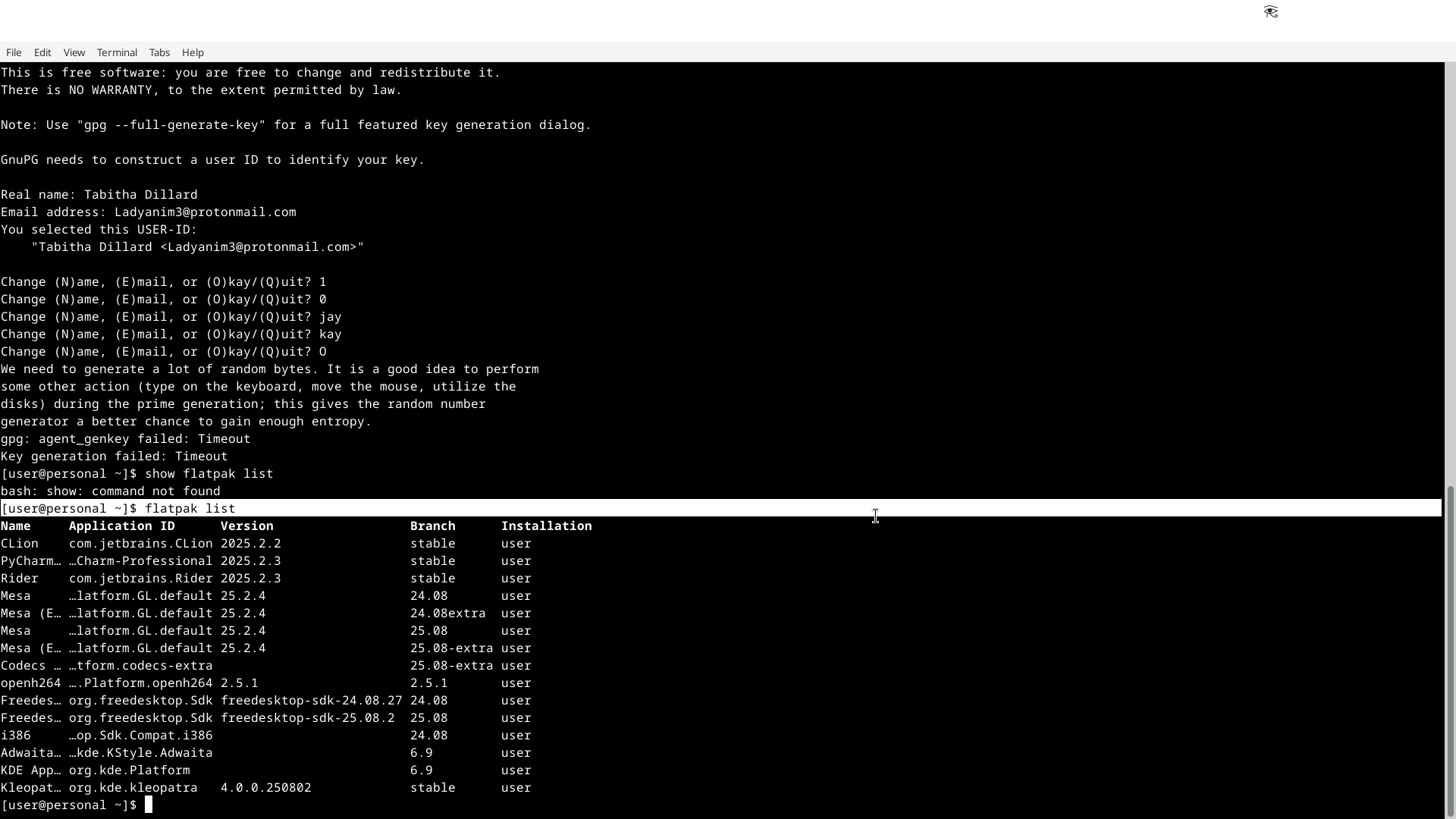
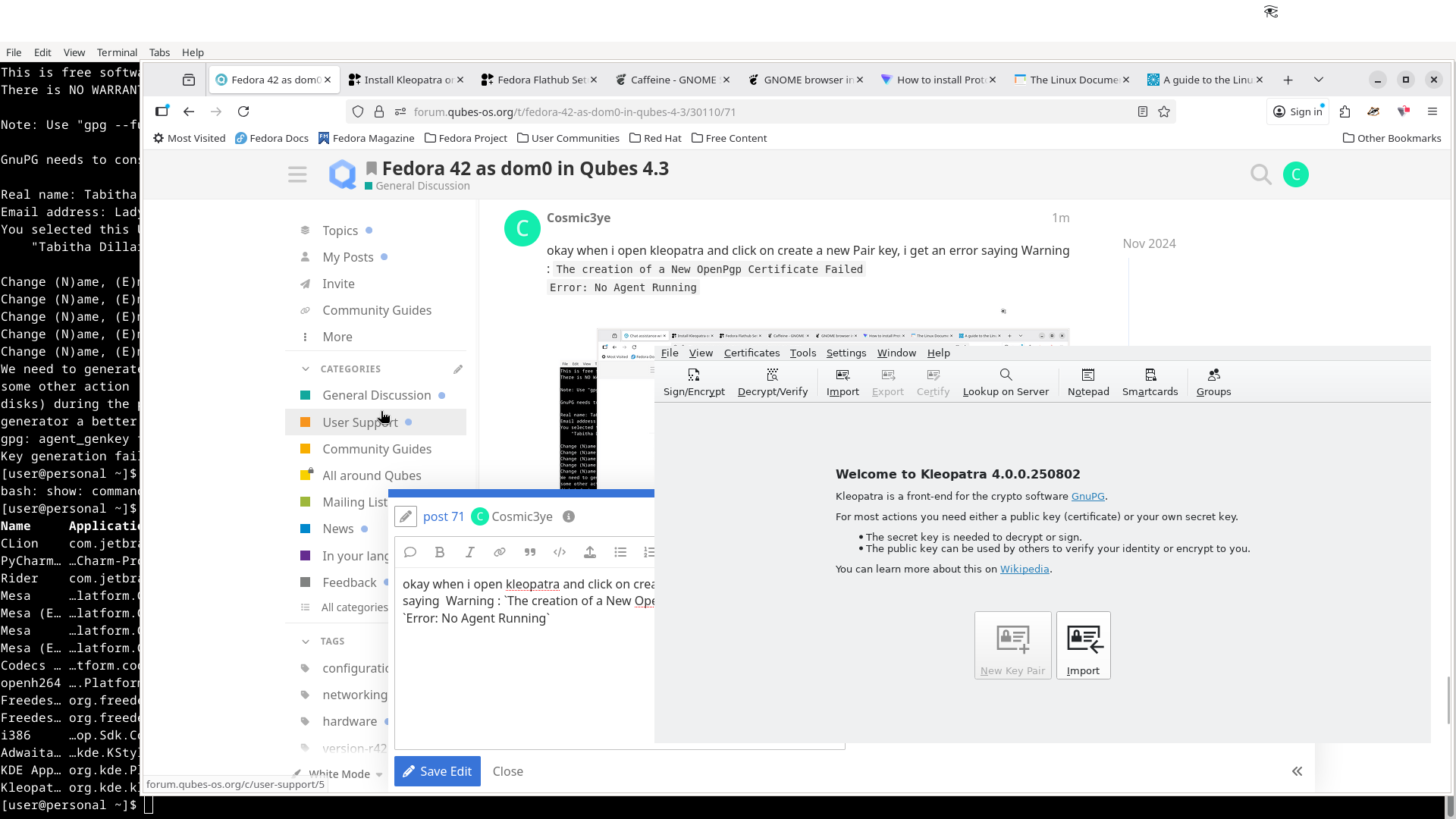
 sorry that’s on me using incorrect verbaige