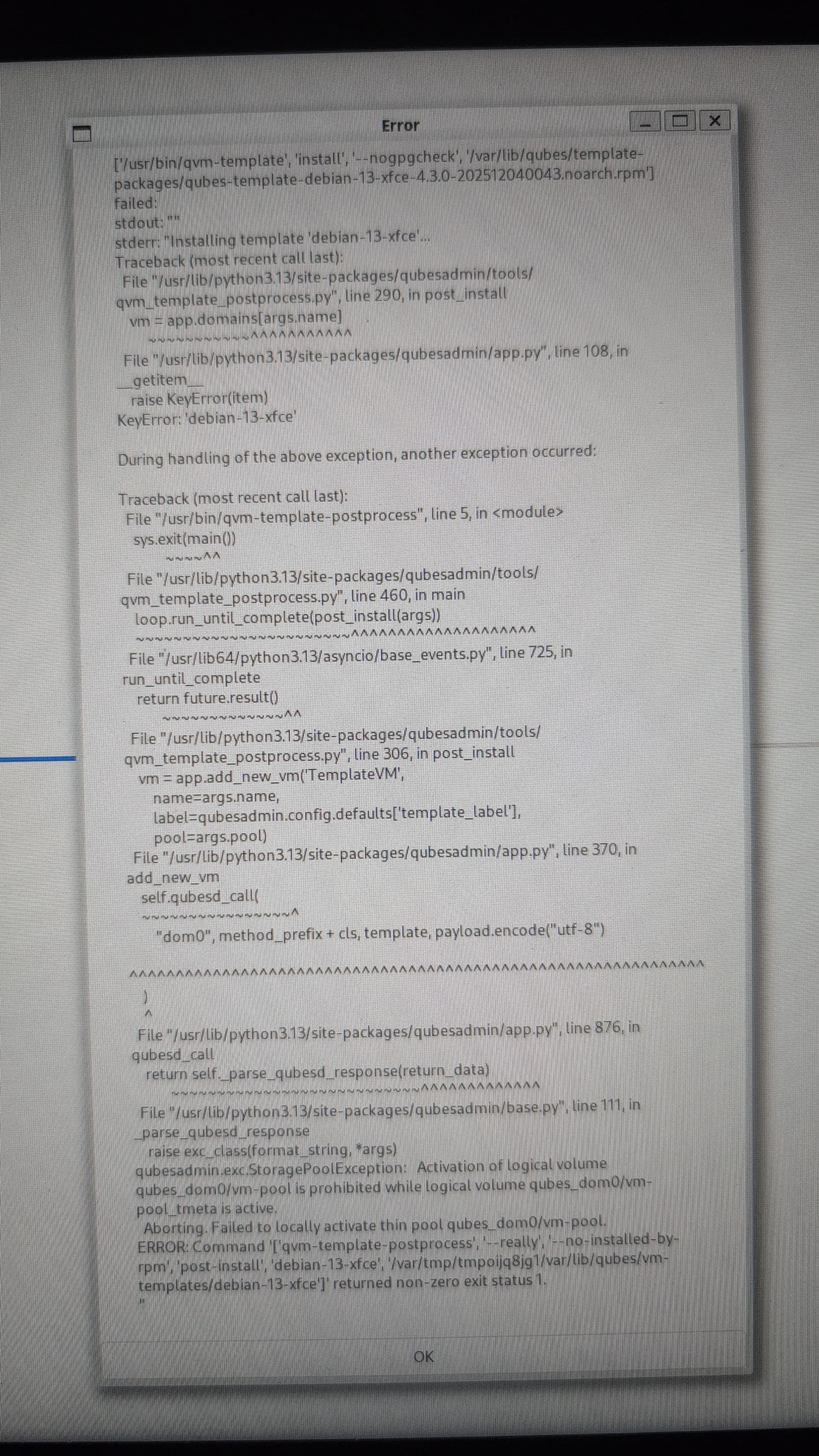
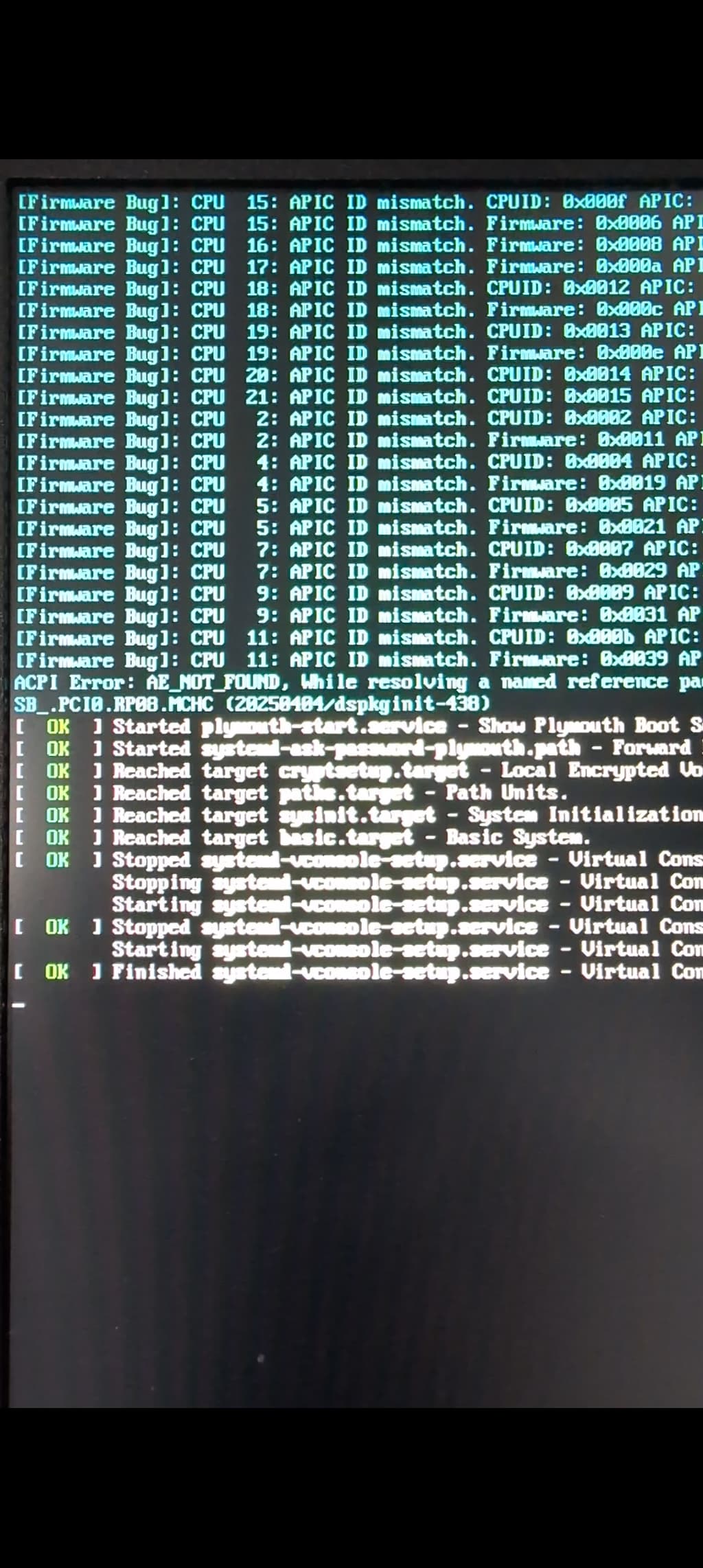
Hi, I get the following error message, flashed qubes on two different USB sticks and tried to install but same error!
What does it mean? After I click ok I can login but there are no VM’s except dom0…
Hi user777
Does it happen only to Debian-13 … or also with Fedora?
You could try to skip the “Initial Setup” (this will drop you in a dom0 without templates - much like you have it now) and then start the Initial Setup from a dom0-terminal, like in:
4.3: No templates installed; "Templates Configuration" screen never appeared

It fails at debian and it stops completely after I press ok. Default settings, just set the sys-net as disposable. I will try again but de-select the debian template, installing only fedora and whonix.
So, by reinstalling and unticking the Debian 13 template at the post-install screen the setup went through as usual. I installed the Debian 13 template afterwards from the template manager.
Looking good so far, the GUI is way better than before!
Hi user777
Nice that you have a working installation! – and weird that the Debian-13 didn’t work right away! :-/
If you re-verify the USB sticks, does the checksum match?
To help the next one searching the forum with a similar problem, could you mark your post about the solution?
Before writing the qubes image to usb I checked the sha256sum and it was a match. Don’t know what could have gone wrong.
How can I mark my comment as a solution?
Oh … maybe a “General Discussion” can’t have a “Solution” – I assume “Solutions” belongs in “User Support” … :-/
Moved to user support and marked solution.