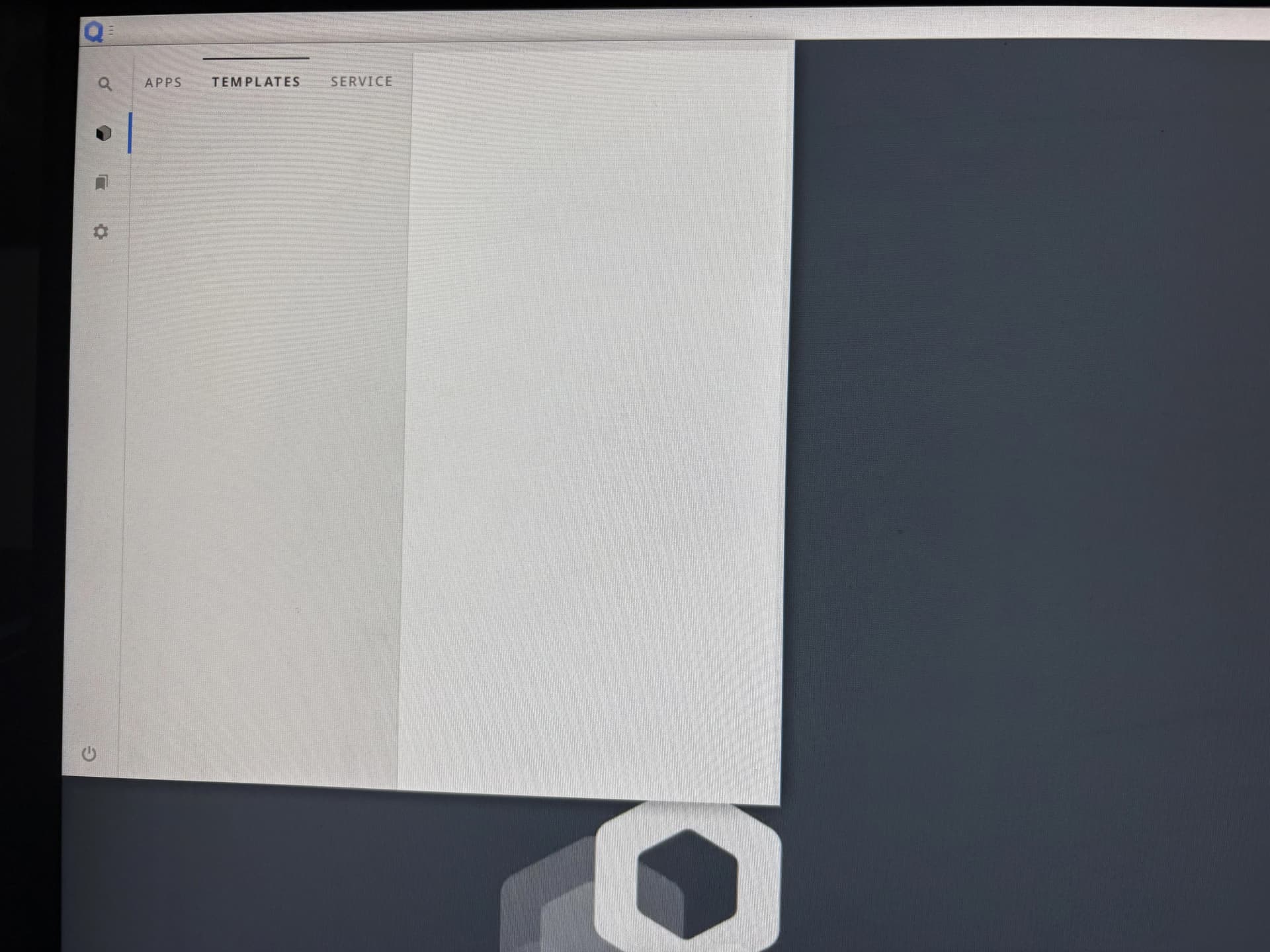
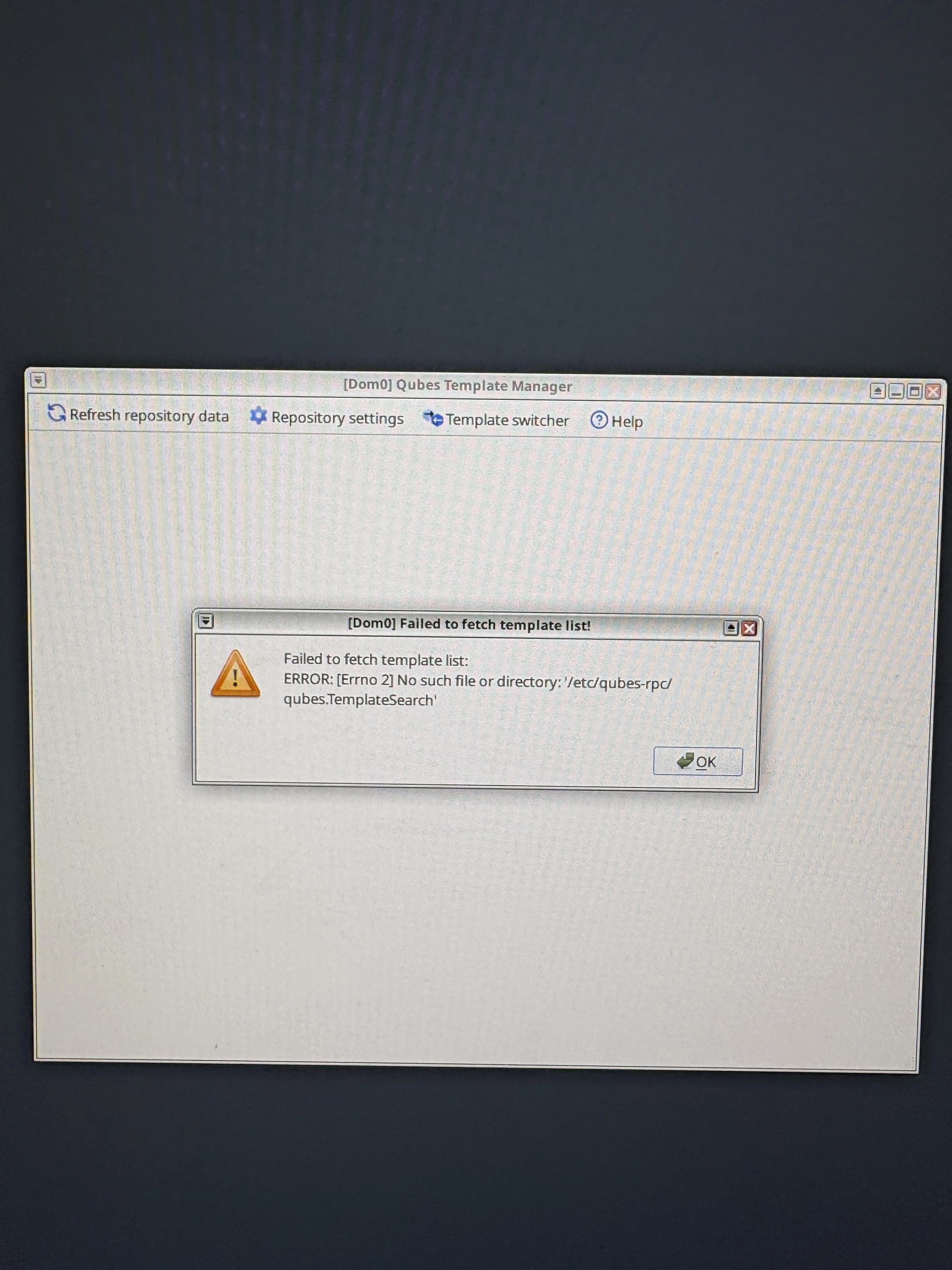
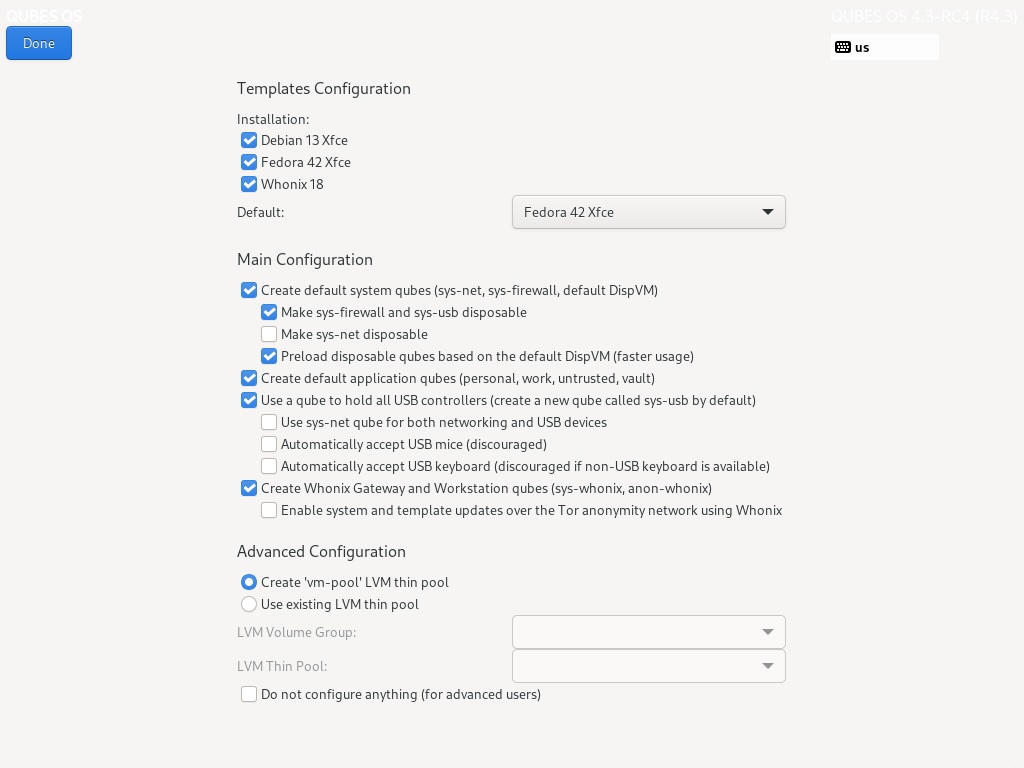
It’s a very frequent bug of Qubes OS installer: skipping the last installation screen/step. This bug was there in R4.2, R4.1 and probably before. I encountered it several times.
The solution that I know is to shred the disk and reinstall Qubes OS again, if you are installing it to an empty drive.
Are you sure that’s the only thing that is missed when this bug happens?
I mean I saw this workaround, but I am still not sure that it’s a good idea to run it and use OS further. Can it be, that something else should have been started by installer and was missed. Or not?
I have no idea, but I would guess that the post-install menu handles everything. If something important was missing, the system probably wouldn’t be usable.
Just in case this is useful data. Happened when doing clean install of 4.3.1. Didn’t have issues with 4.2 install. I had 3 GPUs during installation, all were active but connected only to two screens. I have a feeling that these details had something to do with it. Here is the journalctl data of the segfault.
Jun 23 20:44:07 dom0 initial-setup[4372]: Starting Initial Setup GUI
Jun 23 20:44:07 dom0 run-initial-setup[4394]: Date: 2026-06-23 EEST
Jun 23 20:44:07 dom0 run-initial-setup[4394]: [20:44:07.889] weston 14.0.1
Jun 23 20:44:07 dom0 run-initial-setup[4394]:                https://wayland.freedesktop.org
Jun 23 20:44:07 dom0 run-initial-setup[4394]:                Bug reports to: https://gitlab.freedesktop.org/wayland/weston/issues/
Jun 23 20:44:07 dom0 run-initial-setup[4394]:                Build: 14.0.1
Jun 23 20:44:07 dom0 run-initial-setup[4394]: [20:44:07.889] Command line: weston --config=/tmp/tmp.MitjY2lclT-wl-weston-firstboot-ini --socket=wl-firstboot-0 --drm-device=card0 --additiona>
Jun 23 20:44:07 dom0 run-initial-setup[4394]: [20:44:07.889] OS: Linux, 6.18.31-1.qubes.fc41.x86_64, #1 SMP PREEMPT_DYNAMIC Mon May 18 22:46:34 UTC 2026, x86_64
Jun 23 20:44:07 dom0 run-initial-setup[4394]: [20:44:07.889] Flight recorder: enabled
Jun 23 20:44:07 dom0 run-initial-setup[4394]: [20:44:07.889] Using config file '/tmp/tmp.MitjY2lclT-wl-weston-firstboot-ini'
Jun 23 20:44:07 dom0 run-initial-setup[4394]: [20:44:07.890] Output repaint window is 7 ms maximum.
Jun 23 20:44:07 dom0 run-initial-setup[4394]: [20:44:07.890] Loading module '/usr/lib64/libweston-14/drm-backend.so'
Jun 23 20:44:07 dom0 run-initial-setup[4394]: [20:44:07.892] initializing drm backend
Jun 23 20:44:07 dom0 run-initial-setup[4394]: [20:44:07.892] Trying libseat launcher...
Jun 23 20:44:07 dom0 run-initial-setup[4394]: [20:44:07.892] [libseat/backend/seatd.c:64] Could not connect to socket /run/seatd.sock: No such file or directory
Jun 23 20:44:07 dom0 run-initial-setup[4394]: [20:44:07.892] [libseat/libseat.c:76] Backend 'seatd' failed to open seat, skipping
Jun 23 20:44:07 dom0 run-initial-setup[4394]: [20:44:07.894] [libseat/libseat.c:73] Seat opened with backend 'logind'
Jun 23 20:44:07 dom0 run-initial-setup[4394]: [20:44:07.894] libseat: session control granted
Jun 23 20:44:07 dom0 run-initial-setup[4394]: [20:44:07.901] using /dev/dri/card0
Jun 23 20:44:07 dom0 run-initial-setup[4394]: [20:44:07.901] DRM: does not support atomic modesetting
Jun 23 20:44:07 dom0 run-initial-setup[4394]: [20:44:07.901] DRM: supports GBM modifiers
Jun 23 20:44:07 dom0 run-initial-setup[4394]: [20:44:07.901] DRM: does not support Atomic async page flip
Jun 23 20:44:07 dom0 run-initial-setup[4394]: [20:44:07.901] DRM: supports picture aspect ratio
Jun 23 20:44:07 dom0 run-initial-setup[4394]: [20:44:07.902] using /dev/dri/card1
Jun 23 20:44:07 dom0 run-initial-setup[4394]: [20:44:07.902] DRM: supports atomic modesetting
Jun 23 20:44:07 dom0 run-initial-setup[4394]: [20:44:07.902] DRM: supports GBM modifiers
Jun 23 20:44:07 dom0 run-initial-setup[4394]: [20:44:07.902] DRM: supports Atomic async page flip
Jun 23 20:44:07 dom0 run-initial-setup[4394]: [20:44:07.902] DRM: supports picture aspect ratio
Jun 23 20:44:07 dom0 run-initial-setup[4394]: weston: ../libweston/drm-formats.c:451: weston_drm_format_add_modifier: Assertion `!weston_drm_format_has_modifier(format, modifier)' failed.
Jun 23 20:44:07 dom0 audit[4394]: ANOM_ABEND auid=0 uid=0 gid=0 ses=4 pid=4394 comm="weston" exe="/usr/bin/weston" sig=6 res=1
Jun 23 20:44:07 dom0 systemd-coredump[4395]: Process 4394 (weston) of user 0 terminated abnormally with signal 6/ABRT, processing...
Jun 23 20:44:07 dom0 systemd[1]: Created slice system-systemd\x2dcoredump.slice - Slice /system/systemd-coredump.
Jun 23 20:44:07 dom0 audit: BPF prog-id=61 op=LOAD
Jun 23 20:44:07 dom0 audit: BPF prog-id=62 op=LOAD
Jun 23 20:44:07 dom0 audit: BPF prog-id=63 op=LOAD
Jun 23 20:44:07 dom0 systemd[1]: Started systemd-coredump@0-4395-0.service - Process Core Dump (PID 4395/UID 0).
Jun 23 20:44:07 dom0 audit[1]: SERVICE_START pid=1 uid=0 auid=4294967295 ses=4294967295 msg='unit=systemd-coredump@0-4395-0 comm="systemd" exe="/usr/lib/systemd/systemd" hostname=? addr=? t>
Jun 23 20:44:08 dom0 systemd-coredump[4396]: [🡕] Process 4394 (weston) of user 0 dumped core.

                                             Module libsystemd.so.0 from rpm systemd-256.17-1.fc41.x86_64
                                             Module libexpat.so.1 from rpm expat-2.7.2-1.fc41.x86_64
                                             Module libseat.so.1 from rpm seatd-0.9.1-1.fc41.x86_64
                                             Module libva-drm.so.2 from rpm libva-2.22.0-3.fc41.x86_64
                                             Module libva.so.2 from rpm libva-2.22.0-3.fc41.x86_64
                                             Module libgbm.so.1 from rpm mesa-25.0.7-3.fc41.x86_64
                                             Module libdisplay-info.so.2 from rpm libdisplay-info-0.2.0-2.fc41.x86_64
                                             Module drm-backend.so from rpm weston-14.0.1-2.fc41.x86_64
                                             Module libpcre2-8.so.0 from rpm pcre2-10.44-1.fc41.1.x86_64
                                             Module libcap-ng.so.0 from rpm libcap-ng-0.8.5-3.fc41.x86_64
                                             Module libglib-2.0.so.0 from rpm glib2-2.82.5-1.fc41.x86_64
                                             Module libgobject-2.0.so.0 from rpm glib2-2.82.5-1.fc41.x86_64
                                             Module libgudev-1.0.so.0 from rpm libgudev-238-6.fc41.x86_64
                                             Module libcap.so.2 from rpm libcap-2.70-4.fc41.x86_64
                                             Module libeconf.so.0 from rpm libeconf-0.6.2-3.fc41.x86_64
                                             Module libaudit.so.1 from rpm audit-4.1.1-1.fc41.x86_64
                                             Module libwacom.so.9 from rpm libwacom-2.13.0-1.fc41.x86_64
                                             Module libudev.so.1 from rpm systemd-256.17-1.fc41.x86_64
                                             Module libmtdev.so.1 from rpm mtdev-1.1.6-9.fc41.x86_64
                                             Module libffi.so.8 from rpm libffi-3.4.6-3.fc41.x86_64
                                             Module libpam.so.0 from rpm pam-1.6.1-8.fc41.x86_64
                                             Module libxkbcommon.so.0 from rpm libxkbcommon-1.7.0-4.fc41.x86_64
                                             Module libdrm.so.2 from rpm libdrm-2.4.124-1.fc41.x86_64
                                             Module libpixman-1.so.0 from rpm pixman-0.44.2-1.fc41.x86_64
                                             Module libevdev.so.2 from rpm libevdev-1.13.3-1.fc41.x86_64
                                             Module libinput.so.10 from rpm libinput-1.27.1-1.fc41.x86_64
                                             Module libwayland-server.so.0 from rpm wayland-1.24.0-1.fc41.x86_64
                                             Module libwayland-client.so.0 from rpm wayland-1.24.0-1.fc41.x86_64
                                             Module libweston-14.so.0 from rpm weston-14.0.1-2.fc41.x86_64
                                             Module libexec_weston.so.0 from rpm weston-14.0.1-2.fc41.x86_64
                                             Module weston from rpm weston-14.0.1-2.fc41.x86_64
                                             Stack trace of thread 4394:
                                             #0  0x000075e08d8367d4 __pthread_kill_implementation (libc.so.6 + 0x737d4)
                                             #1  0x000075e08d7dd39e raise (libc.so.6 + 0x1a39e)
                                             #2  0x000075e08d7c4902 abort (libc.so.6 + 0x1902)
                                             #3  0x000075e08d7c481e __assert_fail_base.cold (libc.so.6 + 0x181e)
                                             #4  0x000075e08d7d54c7 __assert_fail (libc.so.6 + 0x124c7)
                                             #5  0x000075e08d777650 weston_drm_format_add_modifier (libweston-14.so.0 + 0x18650)
                                             #6  0x000075e08cc435dc create_sprites (drm-backend.so + 0xb5dc)
                                             #7  0x000075e08cc4bb5a weston_backend_init (drm-backend.so + 0x13b5a)
                                             #8  0x000075e08d776f7b weston_compositor_load_backend (libweston-14.so.0 + 0x17f7b)
                                             #9  0x000075e08d9c719b wet_compositor_load_backend (libexec_weston.so.0 + 0x419b)
                                             #10 0x000075e08d9cd347 load_drm_backend (libexec_weston.so.0 + 0xa347)
                                             #11 0x000075e08d9d0f5c wet_main (libexec_weston.so.0 + 0xdf5c)
                                             #12 0x000075e08d7c6448 __libc_start_call_main (libc.so.6 + 0x3448)
                                             #13 0x000075e08d7c650b __libc_start_main@@GLIBC_2.34 (libc.so.6 + 0x350b)
                                             #14 0x000056d59f8370a5 _start (weston + 0x10a5)
                                             ELF object binary architecture: AMD x86-64
Jun 23 20:44:08 dom0 run-initial-setup[4373]: /usr/libexec/initial-setup/run-gui-backend: line 38:  4394 Aborted                 (core dumped) weston --config=${CONFIG_FILE} --socket=wl-fir>
Jun 23 20:44:08 dom0 systemd[1]: systemd-coredump@0-4395-0.service: Deactivated successfully.
To be clear. I didn’t get black screens. Just the first boot installer crashed every time I tried installing. I didn’t bother testing removing the second graphics card to make sure. Also, I’m not exactly sure what my hardware was at the time when I installed the 4.2. I got 4.3 working by manually starting the first boot installer (initial setup).
However, the hardware:
Integrated AMD graphics connected with DP to a solo monitor and HDMI to the second monitor
Discrete AMD RX 9060 XT card connected with DP to the second monitor
Discrete NVIDIA RTX 3050 card connected with HDMI to the second monitor
I tried deleting partitions by hand before running the installer.
The GPUs were connected to 2 monitors. Integrated was connected to both monitors. Discrete cards to only one and same monitor. All HDMI connections go through a HDMI switch so that only one is active at a time. I think all GPUs were active, because when moving the mouse cursor between the screens, it took a long time to appear to the second monitor. I’m assuming, the desktop was expanded by all GPUs. I’m assuming the integrated didn’t have the second monitor active, because it usually doesn’t get active unless I switch the HDMI switch to that port.
Segfault is not actually accurate description. The journalctl has a coredump, but I think it was an assert that decided to abort the initial setup program.
Edited and why:
Just had to do one word edit, which unfortunately changes the entire description of the setup. Previously I had I’m assuming the discrete didn’t have the second monitor active, because it usually doesn’t get active unless I switch the HDMI switch to that port. I had to fix it to I’m assuming the integrated didn’t have the second monitor active, because it usually doesn’t get active unless I switch the HDMI switch to that port. In other words, I don’t believe the integrated GPU was active on both monitors because the HDMI switch was set to the NVIDIA. I’m sorry for this mistake. The mistake was large enough that I think having a paragraph to especially highlight it is appropriate for people who have already read the post.