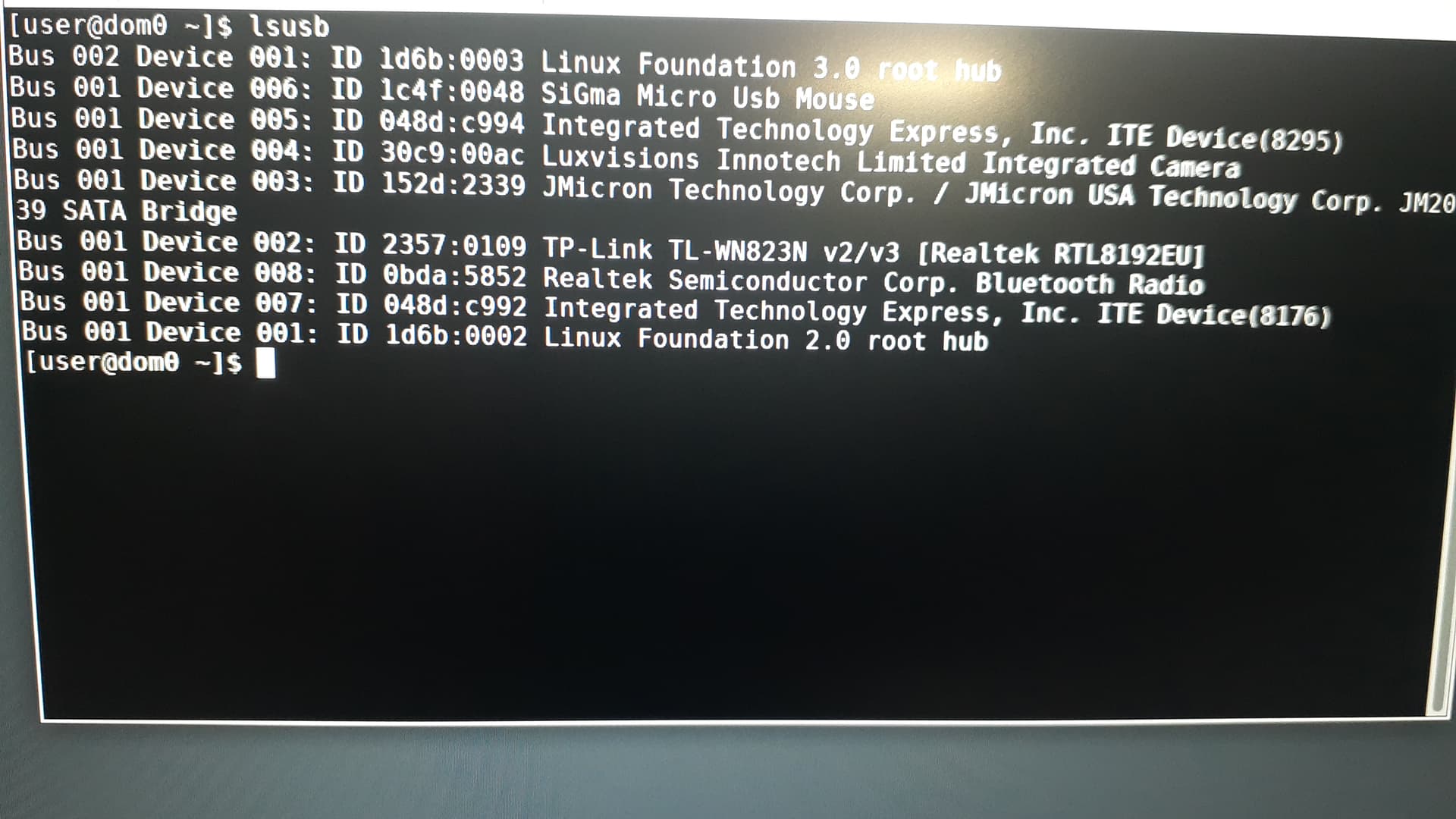
Hi linuxuser1
Has sys-usb been started?

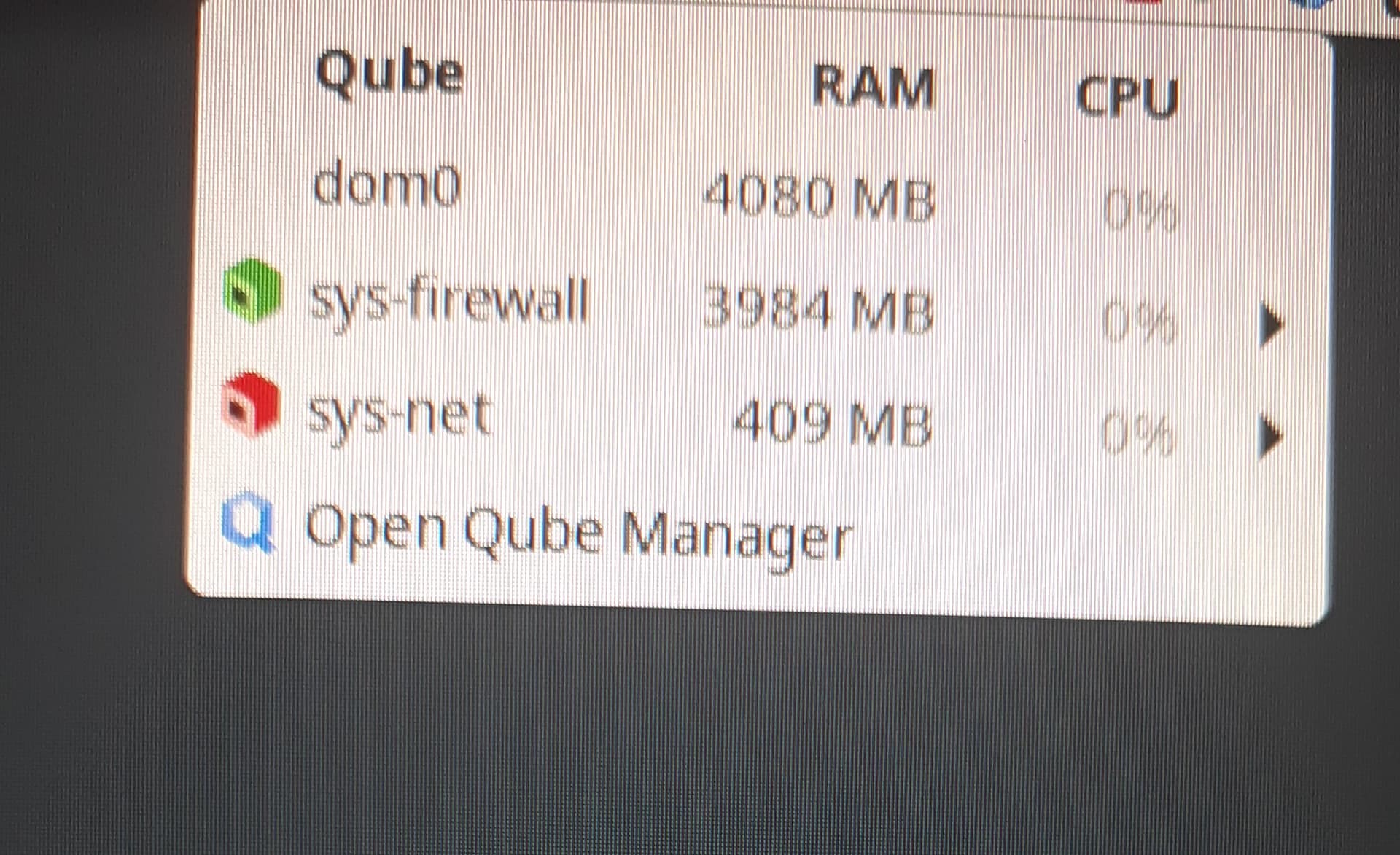
oh sorry. I didn’t read carefully. it seems sys-usb is not running and I don’t see it in the qubes manager
but if I plug in other usb sticks, it shows up in the device list
Hi Linuxuser1
Then I assume you use sys-net for USB-devices … can you start a terminal for sys-net and look at the output from
dmesg -T
when you plug in the WiFi module?
It seems that dom0 is being used for USB. The lsusb command sees the adapter in the dom0 terminal, but nothing is visible in sys-net. Also, USB flash drives are recognized in dom0, and then I can connect them to sys-net in the connected devices applet.
Hi linuxuser1
Then your setup differs enough from what I have (and know), that I don’t know how it should work. :-/
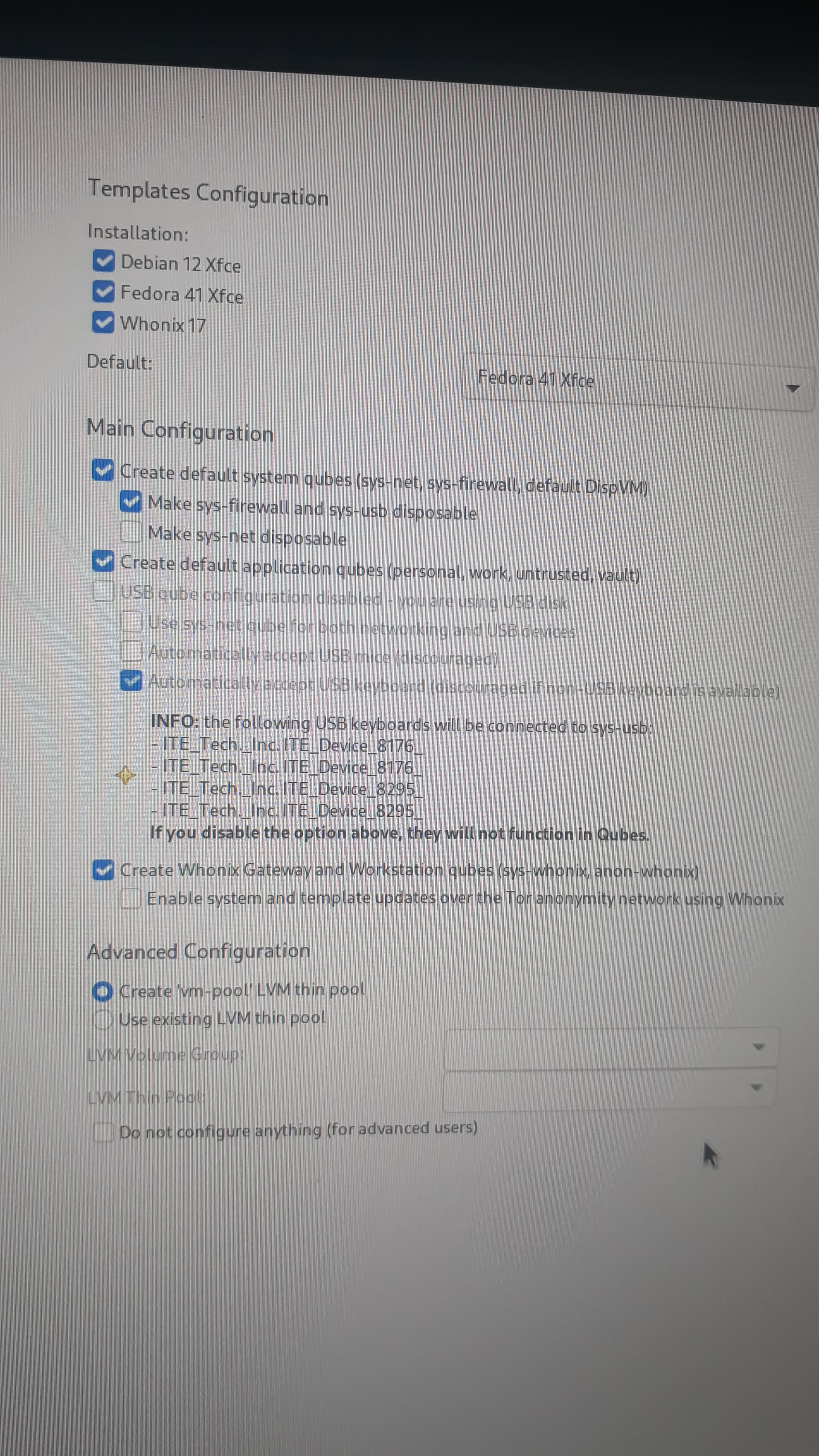
Hi linuxuser1
Oh!! – you have Qubes OS on a USB stick (?) … it’s been a while, since I tried that … I might be able to try it again - but it will be a week (or so), before I have time to do it. :-/
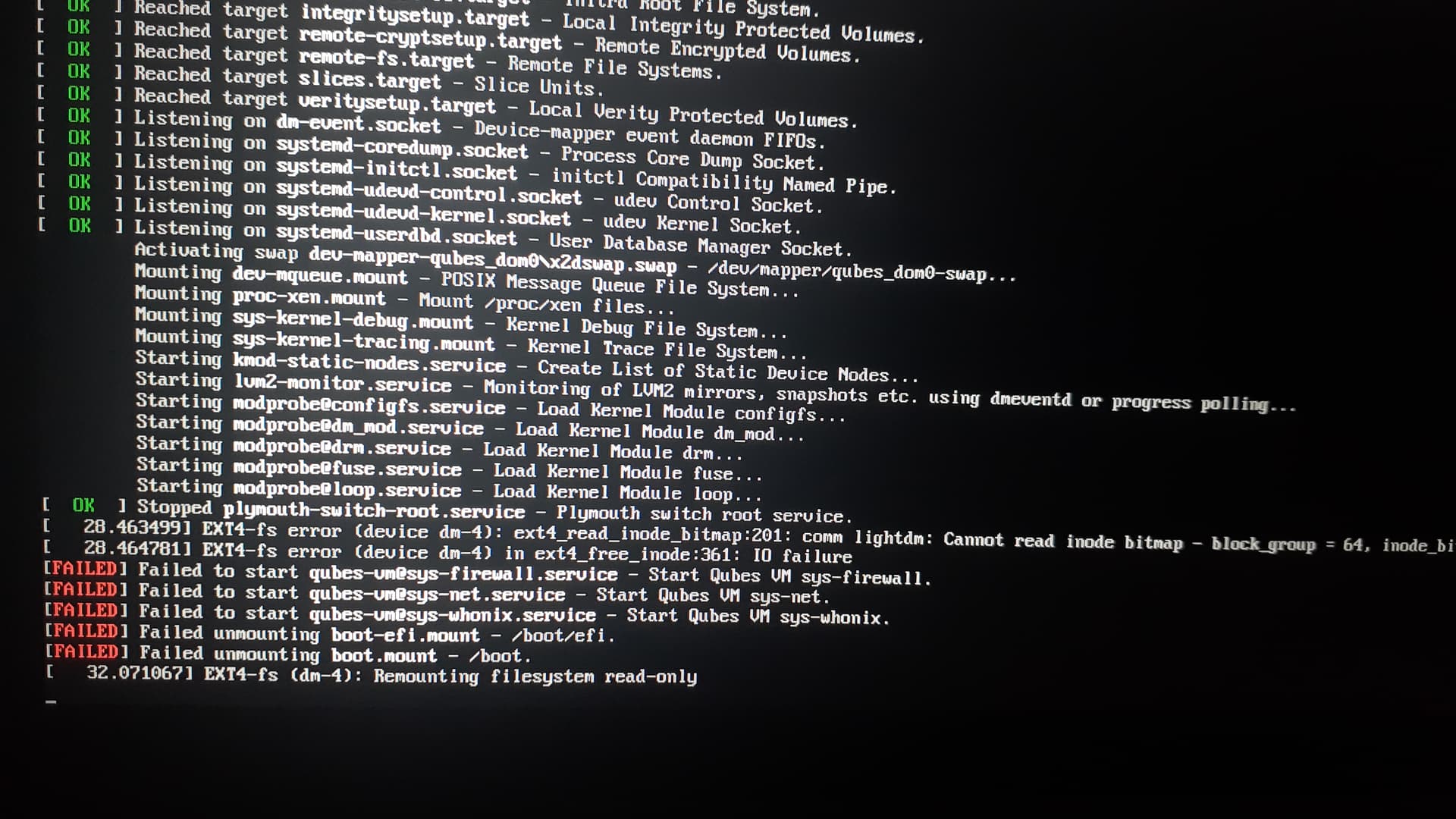
I use usb SSD
Hi linuxuser1
“USB stick” or “SSD on USB” are the same, in the sense that:
“The filesystem needs USB to work and can’t make sys-usb”
I’ve not tried that for a long time, so I’m not sure how the USB WiFi needs to be configured. :-/
Okay, I’ll install Qubes on disk now.
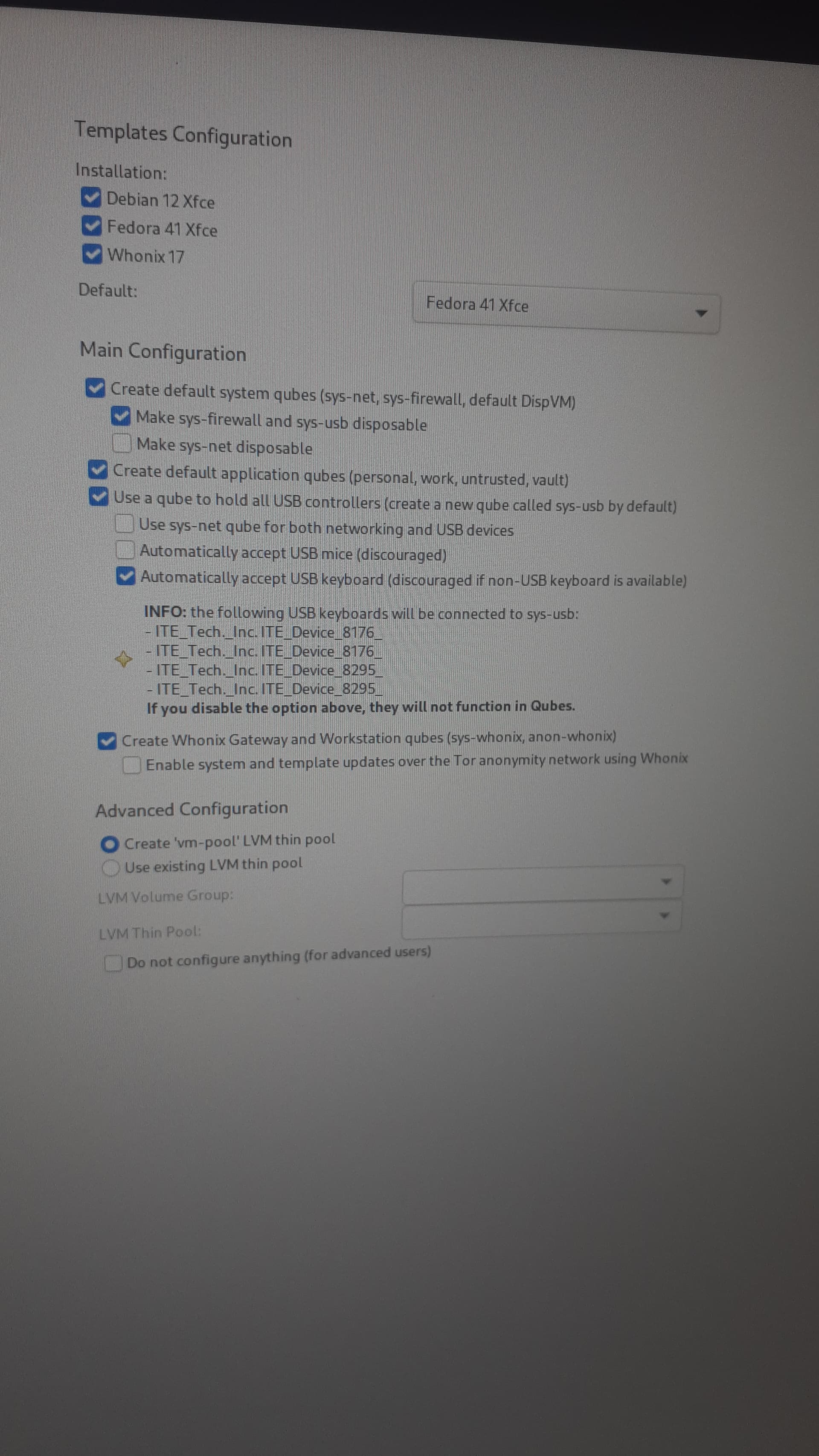
wifi works! I installed Qubes with kernel 6.12.11 on disk and selected “Use sys-net qube for both networking and usb devices”. thank you my friend  . I wish you a great day!
Hi linuxuser1
Nice!
Just to help the next person reading this topic:
Was it the build in WiFi that worked … or was it the USB TL-WN823N device?
USB TL-WN823N device