For some reason, I’m struggling with a very simple issue and can’t seem to figure it out. I’m struggling to install templates in general, any template, via the Template Manager.
I go to the Qubes Menu → The gear icon → Qubes Template Manager
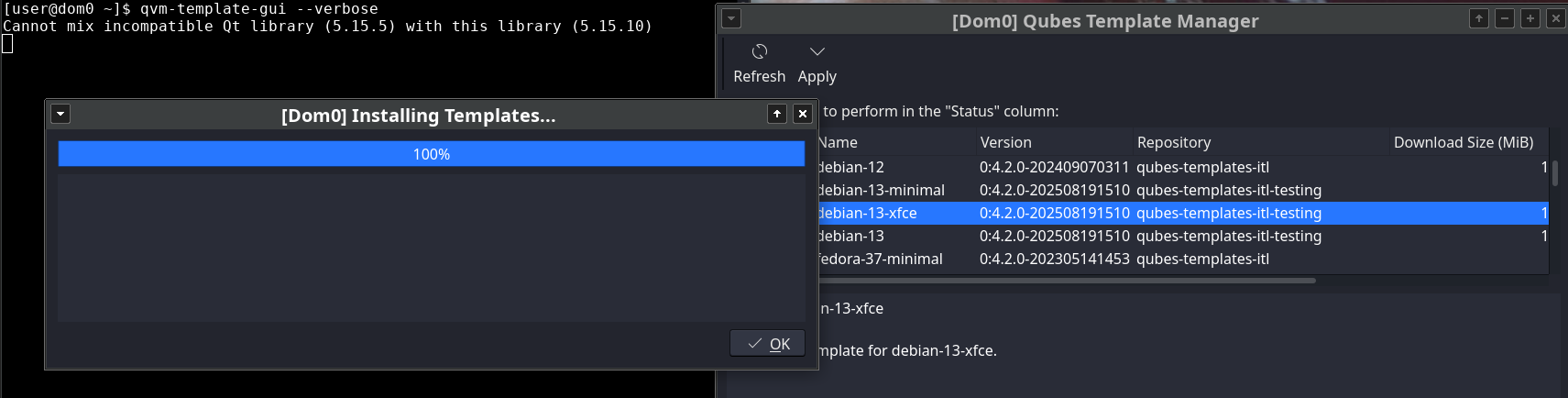
I click on the template I want to install and click “Apply”. It says 100% at the progress bar and that it was installed. But, it’s not, or at least I don’t believe it was.
Refreshing the Template Manager just shows the same page; that the template is still “Available”. I restarted the computer and that doesn’t do anything.
So, I obviously got around this by using the command line instead. With that being said, I’m wondering if there’s a way to fix this error for the Template Manager? I would prefer to use the UI whenever possible.
Template Manager (qvm-template-gui) uses the qvm-template under the hood.
In this case, the proper way to find the problem would be using the qvm-template directly with --verbose option to monitor the logs.
Or maybe try to run qvm-template-gui in dom0 terminal and check if it’ll output some error in terminal when it’ll finish installing the template (unsuccessfully).
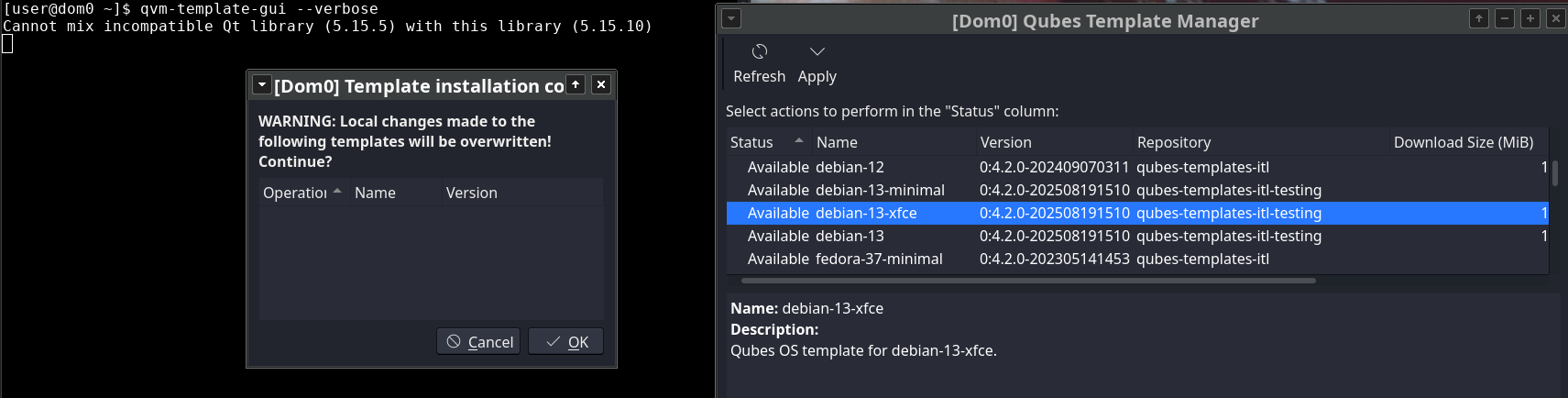
Hello. I’m getting this error. I’ve always installed templates via the terminal, but I decided to try the template manager. When I run qvm-template-gui --verbose and attempt to install a template, only one line appears:
qvm-template-gui --verbose
Cannot mix incompatible Qt library (5.15.5) with this library (5.15.10)
The Qt problem could be related to an error in installing templates through the package manager?
It dn’t prevent installing templates in terminal. I’ve always do it in terminal and decided to try the template manager for the first time. I have a lot of free space both in varlibqubes and in vm‑pool - more than 80% free space in each pool
Click on the “Available” in the Status column for the line with template that you want to install and change it to “Install”, then press the Apply button.
 . Thanks