so Im able to boot into qubesos then put the decryption password and login but after a minute it freezes and I can only move my mouse
What does the freezing manifest as? You can move your mouse and can see the UI but cannot click on anything? Can you switch to another TTY (CTRL+ALT+F3) and log in? If so, can you provide a screen photo of the end of sudo journalctl?
Is this 4.3? I saw @Atrate suggesting upgrade in your previous post.
yes it is 4.3 fixed my previous issue
alright I will upload it in a few hours
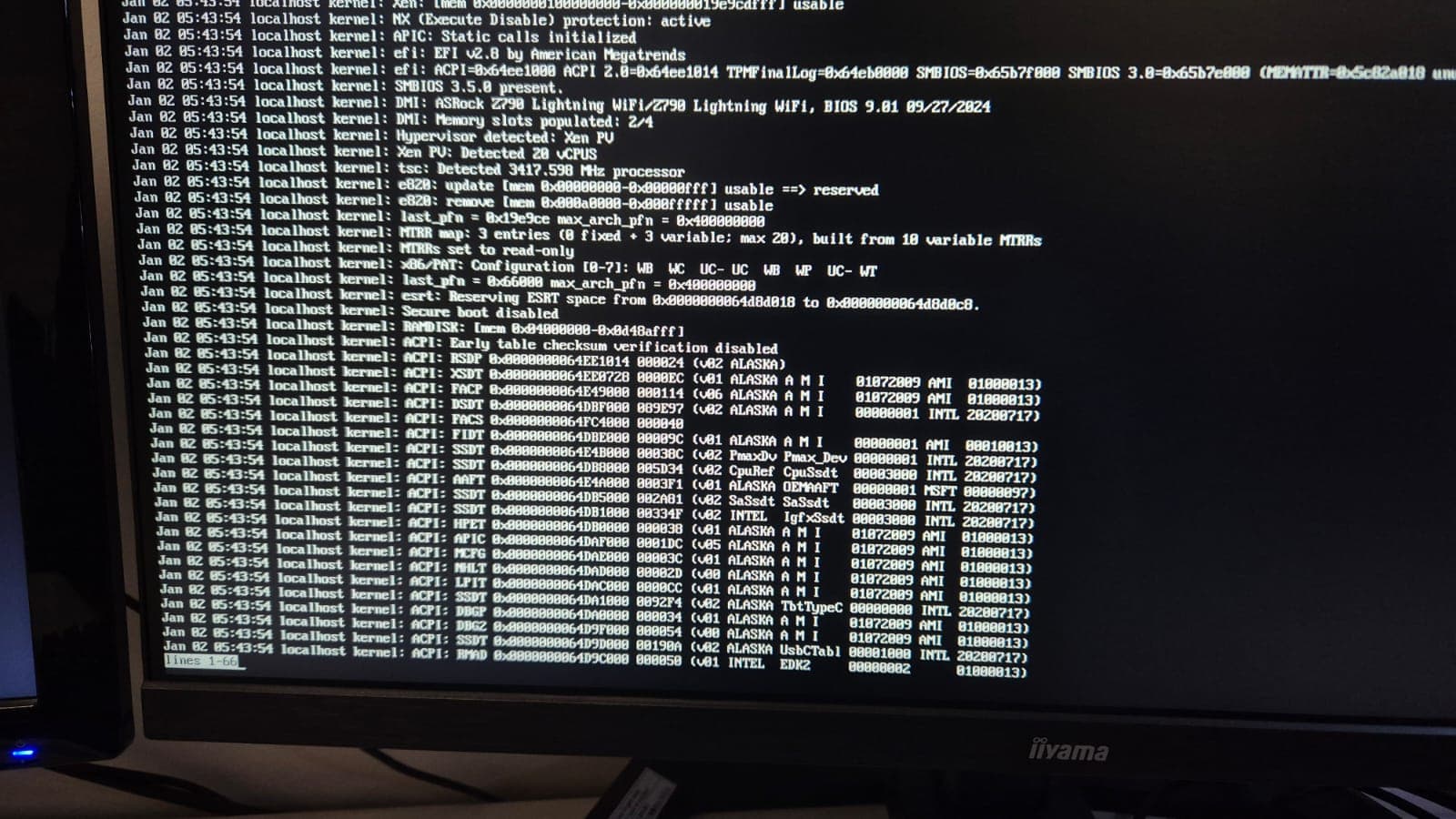
Oh right, journalctl has a pager by default.
Let’s do journalctl | tail -n 100 then. While we’re at it, the output of the commands from the previous thread could be helpful as well.
Also, what do you plan to do with your RTX card? Pass it through to a VM? In such a case, it will need to be “disabled” in dom0 anyways (through pciback) and this could solve your issues.
Pasting from @neowutran 's guide:
GRUB modification
You must hide your secondary GPU from dom0. To do that, you have to modify the GRUB. In a dom0 Terminal, type:
qvm-pci
Then find the devices id for your secondary GPU. In my case, it is dom0:0a_00.0. Edit /etc/default/grub, and add the PCI hiding.
GRUB_CMDLINE_LINUX="... rd.qubes.hide_pci=0a:00.0 "
then regenerate the grub
grub2-mkconfig -o /boot/grub2/grub.cfg
PS: @neowutran It seems that the certificate for your website is invalid 
The guide for gpu passthrough is also available on the forum here Create a Gaming HVM
( For the certificate on my personal website, I am quite opiniated. It is not valid following the rules of WebPKI, but it is valid either using DANE or after importing my CA certificate )
As for fywex issue, if he is not currently trying to do a GPU passthrough and trying to use his IGPU, it could be a CPU/motherboard amperage / voltage issue. The best way of solving that is manually settings the voltage and amperage for main CPU voltage/amperage and SoC using the motherboard BIOS. That what I needed to do on my specific hardware, the motherboard auto adjusted value for amperage/voltage are unstable and unusable.
I dont think I will really use my rtx for anything like I dont need any video heavy tasks its just that I dont want to switch to igpu so I have to unplug my monitors from my rtx everytime
let me know in your free time what I should do in this scenario
tnx for the help
I’ve been getting the same issue, I also am on a newer RTX card and have found two solutions. I believe it’s due to xfce4, at least mine appears to be. I have multiple monitors, and after changing monitor layout, and restarting, it’ll start happening.
Two solutions, second works best (fixes xfce4).
- Swap to KDE (gross, it’s laggy)
- Fresh boot + Login via TTY and run:
rm -rf ~/.config/xfce4
rm -rf ~/.config/xfce4-old
then sudo reboot, should work now.
No clue why, but changing display layout or Panel default output causes it.
will try tnx
it didnt fix my issue unfortunately