Hello again, excellent questions that get right to the heart of the matter. I will answer them in detail:
1. What Settings Are Required in /rw/config/rc.local for Whonix?
Simply put, Whonix has certain “peculiarities” in its operation that require special handling. If you apply Amnesic Tmpfs to it without the correct configuration, the Tor Browser will not start.
The solution is simple: the startup commands in /rw/config/rc.local differ between a regular amnesic-dvm and an amnesic-whonix-dvm. The solution is to copy the correct Whonix-specific commands from a working template to your VM’s rc.local file. You can find the correct template in community posts on this topic.
2. Combining Live Mode, RAM Pool, and Amnesic Tmpfs – Important Warning
I do not recommend combining Amnesic Tmpfs and RAM Pool on the same VM. The reason is that they both try to achieve “amnesia” in different and conflicting ways:
- RAM Pool: Makes the entire VM run in RAM, and when stopped, the VM vanishes completely without any trace.
- Amnesic Tmpfs: Redirects specific folders (like
/home) to RAM, but the operating system and applications remain on disk.
When applied together, Amnesic Tmpfs will try to redirect folders like /home to /volatile, while RAM Pool puts the entire VM in RAM. This overlap can cause:
- Mount point conflicts.
- Boot failures because the system tries to access non-existent paths.
- Unexpected behavior from applications that expect a stable filesystem.
Therefore, the recommendation is:
- If you want full amnesia for a specific VM, use RAM Pool only.
- If you want partial amnesia (for specific folders only), use Amnesic Tmpfs only.
- Do not mix them on the same VM.
For the scenario of Live Mode + RAM Pool: This is an excellent and safe combination, because Live Mode makes dom0 run in RAM, and RAM Pool does the same for individual VMs. There is no conflict between them.
3. Important Warning: Updates and Software Installation
-
For RAM Pool: If you want to update or install software on a VM using RAM Pool, you must boot that VM in normal mode (without RAM Pool) first, because the entire VM runs in RAM and any changes will not be saved after shutdown.
-
For Amnesic Tmpfs: You can update and install software without needing to return to normal mode, because the core system folders (/usr, /etc, /bin) remain on disk and are not affected by Amnesic Tmpfs. Only the redirected folders (like /home) disappear upon shutdown.
Note: dom0 is not affected by these features, so you can update it normally without restrictions.
4. Script Updates
Within this week, I will add linuxuser1’s Live Mode update to the main auto-script.sh, with proper attribution and the necessary adjustments to make it compatible with the current script’s structure.
Yes, new updates are coming. I welcome any suggestions or Pull Requests to improve the work. Stay tuned!
5. Final Recommendation (Step-by-Step Approach)
What you are describing is an advanced setup. I recommend starting gradually:
- First, try
RAM Pool on default-dvm.
- Then, try
Live Mode on dom0.
- If you want
Amnesic Tmpfs, apply it only to VMs that do not use RAM Pool.
And always remember:
- For full amnesia:
Live Mode + RAM Pool is the strongest option. It wipes dom0 and VMs together, but requires large RAM (32GB+) and requires returning to normal mode for updates.
- For partial amnesia:
Amnesic Tmpfs is sufficient and does not hinder updates.
6. Quick Summary
- Do not combine
Amnesic Tmpfs and RAM Pool on the same VM.
- RAM Pool: Full VM disappears on shutdown. Updates require normal mode.
- Amnesic Tmpfs: Only wipes specific folders. Updates work normally.
Live Mode + RAM Pool: Best for full amnesia, but memory-intensive.- Script updates: Coming this week with
linuxuser1’s Live Mode.
Final Reminder: This is an advanced setup, so start gradually and test each layer independently. Good luck with your experiment!
 .
.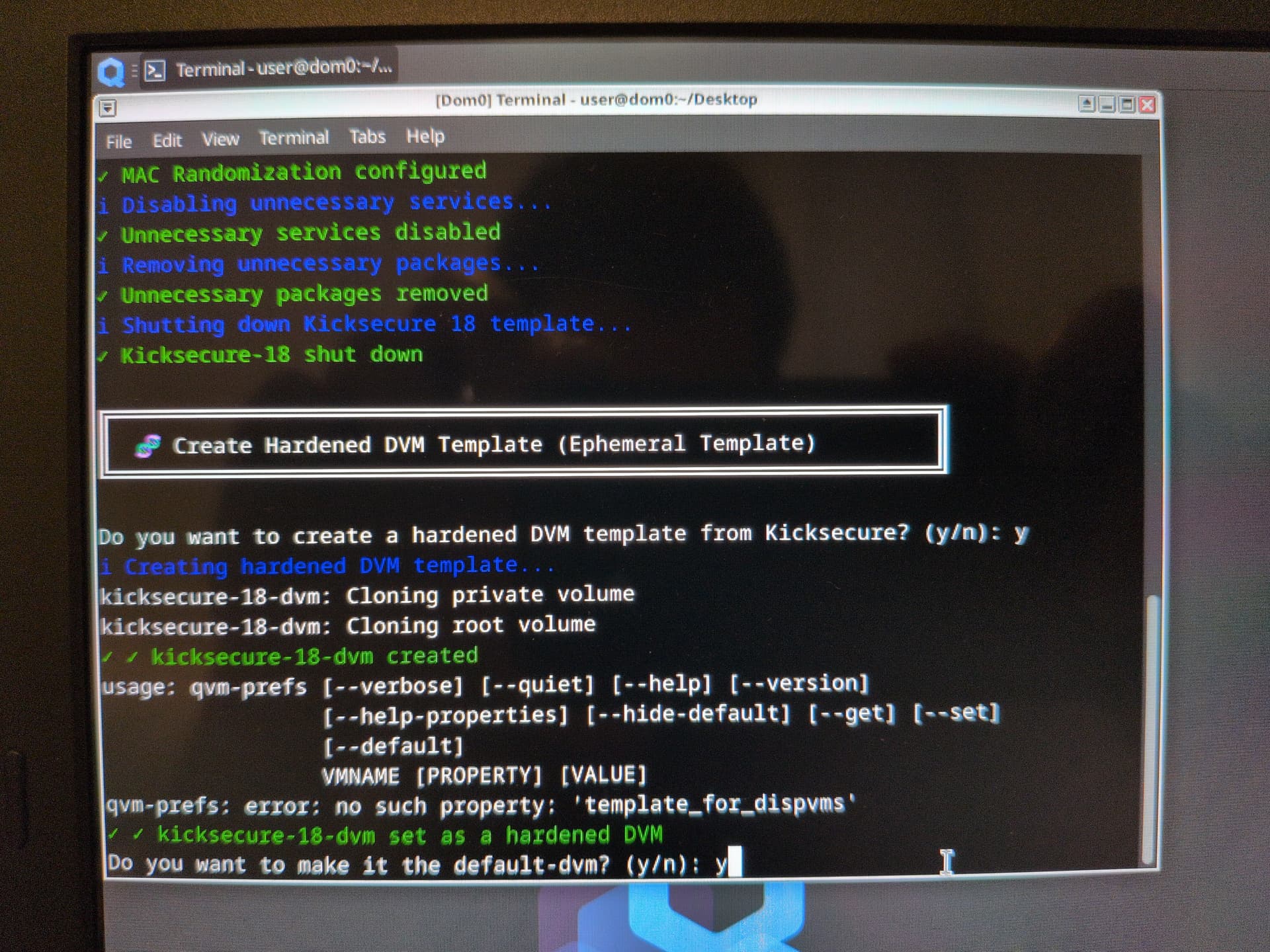

 Additional Tip: If you want “complete forgetting” rather than just wiping specific folders