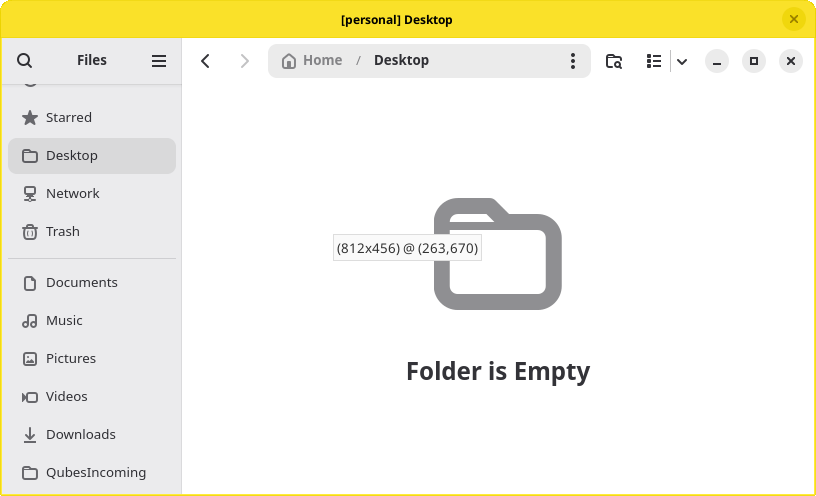
After a fresh install of 4.3, I started noticing any time I drag or resize a window, there is a small tooltip that appears in the center of that window displaying its dimensions and position on the display, like this: (890x550) @ (26,778) This occurs in any qube, including dom0, so I know it’s not an issue with a template.
Choose your battles wisely, but if this really truly bothers you then use qubes-builderv2 to build a forked dom0 xfwm4 package without -DSHOW_POSITION:
Thank you. I’m not sure if that’s a task I’m up for right now. But I am curious if this is an intended feature or a bug. And if it’s intended, what purpose does it serve?
When it was introduced (not clear how many asked for it), there was talk
of being able to turn it off. I think if that has been introduced it
is not yet in our version Xfce.
I never presume to speak for the Qubes team.
When I comment in the Forum I speak for myself.