I am unable to install Qubes 4.3 from a USB stick.
I am currently using Qubes release 4.2.4 (R4.2) on my Lenovo and would like to reinstall Qubes 4.3. I downloaded Qubes-R4.3.0-x86_64.iso into the “Internet” app and copied/moved it to a 16 GB USB stick as usual. When I restart the computer, the USB stick with the ISO is only recognized once Qubes 4.2 is already running.
When I press the Esc key while starting the computer, I get into UEFI GRUB. Here I have no idea if and what needs to be set so that a USB stick with an ISO image is recognized.
When I exit GRUB, I am taken to the boot manager, where I can choose between Qubes OS (SSDPR……) or EFI Hard Drive (SSDPR……). A USB stick is not included.
My questions are 1. Where and what do I need to enter in UEFI so that a USB stick is recognized and can be used? Since I have never created an ISO stick with Qubes before, can I simply copy the ISO file to the USB stick, or 2. is there another way? It doesn’t work with sudo dd if=Qubes-RX-x86_64.iso of=/dev/sdY status=progress bs=1M conv=fsync because the USB stick is mounted in sys-usb.
all I can say is to refrain from using mobile devices for flashing ISOs. also upload a video, i have no idea what you are talking about, either you are talking it wrong or I am dumb. I want to see the ordeal myself, so post here a vid.
Qubes UEFI is not responsible for devices discovery. It’s BIOS work.
Everything depends how you “moved” ISO to USB. It must be with dd command or any other tools that work in dd fashion (Fedora Media Writer, Rufus in dd mode).
Either way you need to enter BIOS boot manager and chose USB from there otherwise normal boot from storage will happens, not from USB.
As I can see, you don’t even know how to mount USB to qubes…
Yes, I don’t know how to connect a USB stick to Qubes. But I can ask how to do it. Thank you for your quick reply.
I have now installed Fedora Media Writer, but the tool can’t find the USB drive either, possibly because the BIOS boot manager is not set correctly. Until now, I thought that Qubes had replaced the BIOS with UEFI.
How can I access the BIOS boot manager with Qubes and Fedora?
You need to write the ISO image to the USB drive by attaching the USB drive to the “Internet” AppVM using the Devices Widget or qvm-block:
Afterwards, you can use the dd command with the correct mount point to write the ISO to the USB drive, then you should be able to boot from it by modifying your boot options to prioritize booting from the USB drive first.
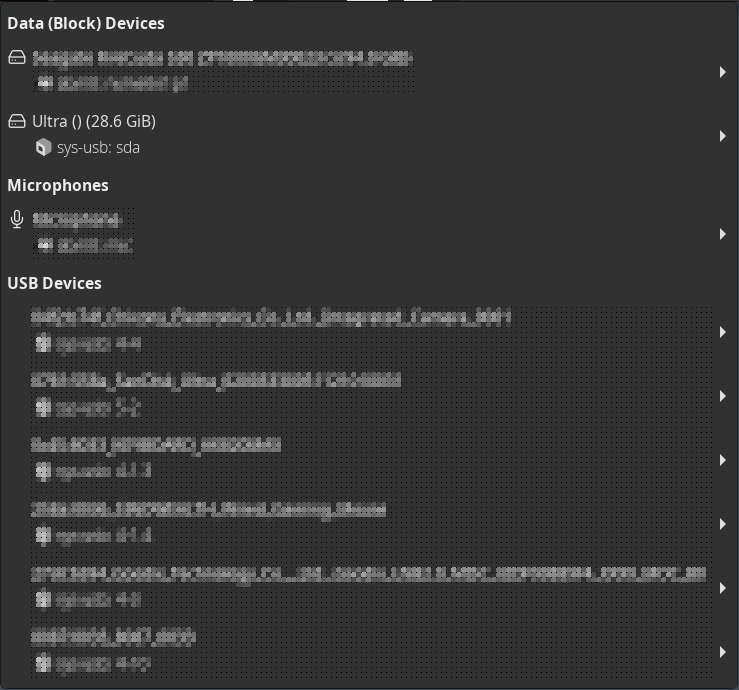
Oh, it’s so simple. I always connected USB sticks to the app in the selection window starting at the top with “Data (Block) Devices.” You have to use “USB Devices” further down. Because I don’t know what I’m doing…
I’ll probably find the BIOS the same way as in Windows by pressing the function keys during bootup.
Thanks.
also use && sync option at the end and then run cat > /dev/sdY /path/to/file, trim the irrelevant bytes so that amount written and copied via the cat would be equal and then run md5sum. you may alternatively use cmp too but sometimes the pipe doesn’t clear and you cannot confirm what you had written matches with the source file (ISO) in this case. maybe use reboot and cmp, that is easier than cat
QubesOS or any operating system don’t replace BIOS. BIOS is writen to hardware memory of motherboard and whatever it’s Legacy BIOS or UEFI BIOS is not dependent on installed operating system. Whatever you install QubesOS, Ubuntu Linux or Windows it wont change BIOS of your motherboard/computer.
Fedora Media Writer would work in sys-usb only because in appVM to which USB will be attached it’s seen as non removable media, so Fedora Media Writer won’t recognize it as USB media.
When attached to appVM, USB is not seen as /dev/sda but as virtual device, something like /dev/xvdi. To check it out run in appVM terminal:
lsblk -Af
and search for your USB by name of partitions. Don’t use device with numbers, because those are partitions on device not full device itself.
So, if USB is attached to appVM as /dev/xvdi and ISO of Qubes-R4.3.0-x86-64.iso is in Download directory, then dd command would looks like this:
Thanks, now I understand the difference between BIOS and UEFI, I hope.
I am someone who understands programming languages, but cannot really use them myself. That is why I almost exclusively use programs that can be operated with the mouse. Fedora Media Writer only finds the USB stick if you connect the USB stick to the desired appVM in the Qubes Devices tab under the heading USB Devices. It works.
For people who prefer graphical operation, it would be nice if the Fedora Media Writer program and the correct way to mount media could be included in the installation guide. With a picture not here but there.
I too am wired to look for the none console solution coming from windows. Solely because that is what usually works for me. I am being sucked in more and more because when your really good with console. it’s all fairly easy to teach your self from either man pages or a quick search online.
While I am sure the above solutions given by others work well or even better than what I am about to say.
You may find it easier to search how to do X (in your case How to burn an iso to a thumb drive in console) on fedora or debian. Depending on what os is the base for the app vm.
This has worked for about 80% of what I have come up against an may be a place to start in the future.
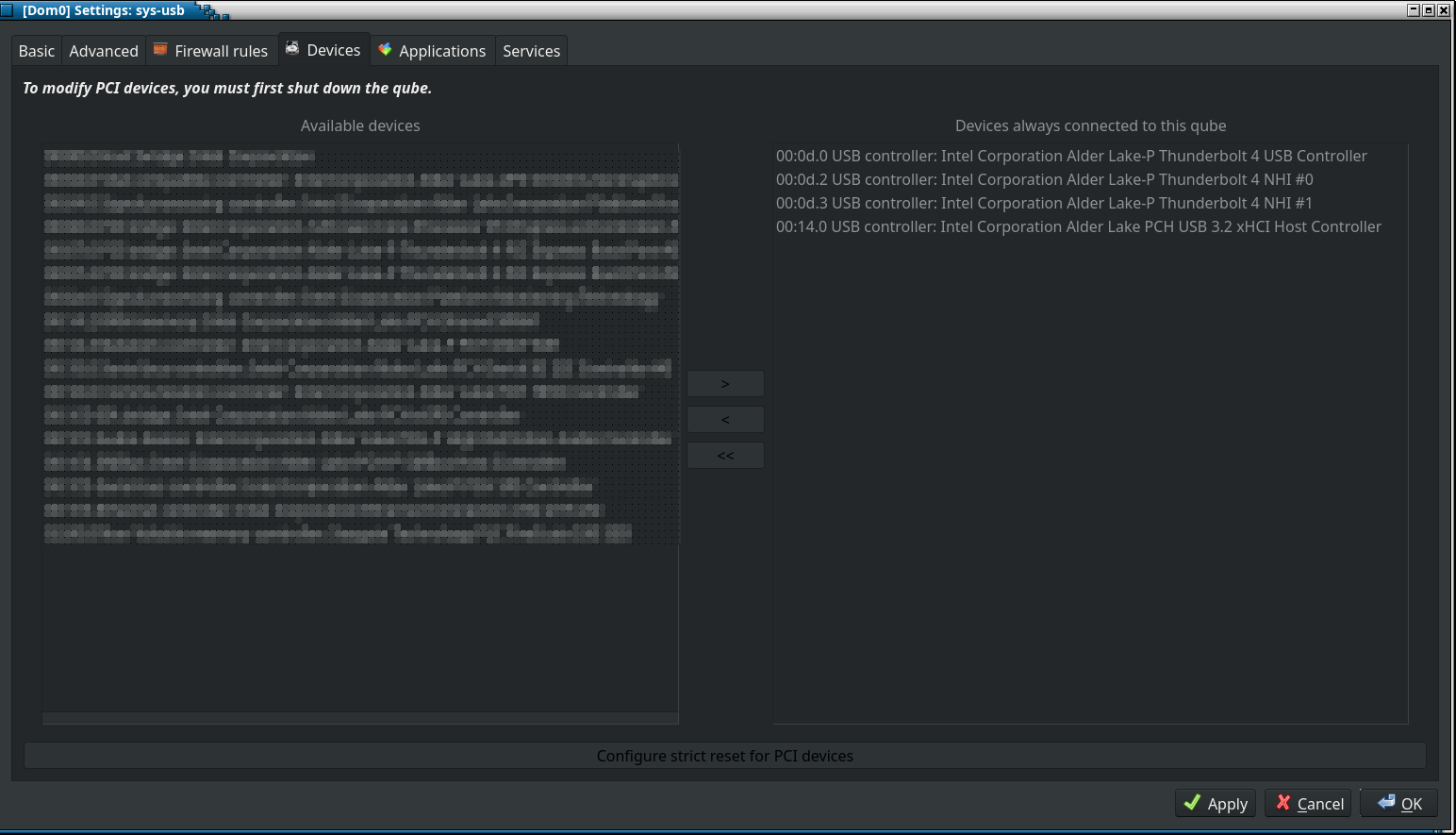
What? You cannot attach USB device in Devices tab in VM setting. You can attach whole USB controller to appVM but then you need first remove it from sys-usb so if you have only one controller (most cases on laptops/computers which have only one USB controller from CPU) you lose any USB connectivity (usb mouse and keyboard) in a system except to that one appVM.
In order for Fedora Media Writer to see USB in appVM is attach it to appVM with qvm-usb for which there is no GUI, so you need to open dom0 terminal.
List available usb devices in sys-usb:
qvm-usb list sys-usb
attach USB that is listed as sys-usb:5-2 to app-internet:
qvm-usb attach app-internet sys-usb:5-2
Now it’s visible as removable USB device in appVM and can be used with Fedora Media Writer.
[edit]
Ah, ok, my bad, didn’t see it.
It’s listed in tray devices icon, down below block devices in USB Devices.
Sorry.
It can be attached from GUI.
Here is a summary:
Using the mouse, insert the USB stick into the desired AppVM in Qubes Device Manager using the line below the heading USB Devices. It does not work with the entry under the heading Data (Block) Devices. Then, as described on the Internet, create an ISO disk using the terminal command dd… or, for Fedora, use Fedora Media Writer.
To set the stick to boot, select the bottom entry UEFI Firmware Settings in the start window when starting the computer in Qubes. Here you can set the boot order. USB booting was already enabled for me. I just had to connect a properly created iso stick.
Good luck!
 ) next to the like count.