I install qbittorrent in my debian template but icon is not showing.
What do I need to do for fix this please?
Did you:
- shutdown the template after installing new apps/packages?
- restart the qubes based on the updated template?
- go through the steps outlined in the Documentation (or onion link)?
- yes
- yes
- yes
I have sys tray icon but no icon in task bar
I don’t understand what you’re trying to achieve.
I want qbittorrent icon to show in task bar like other applications.
I have qbitorrent icon show in sys tray in here:
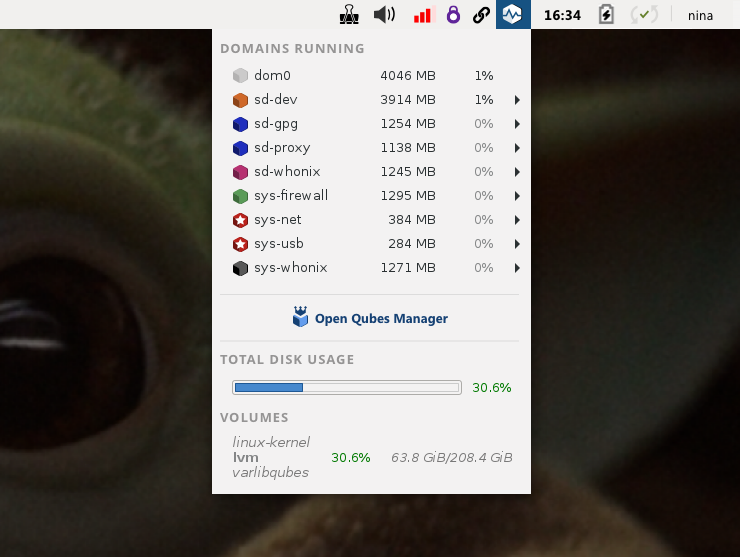
But in task bar here:
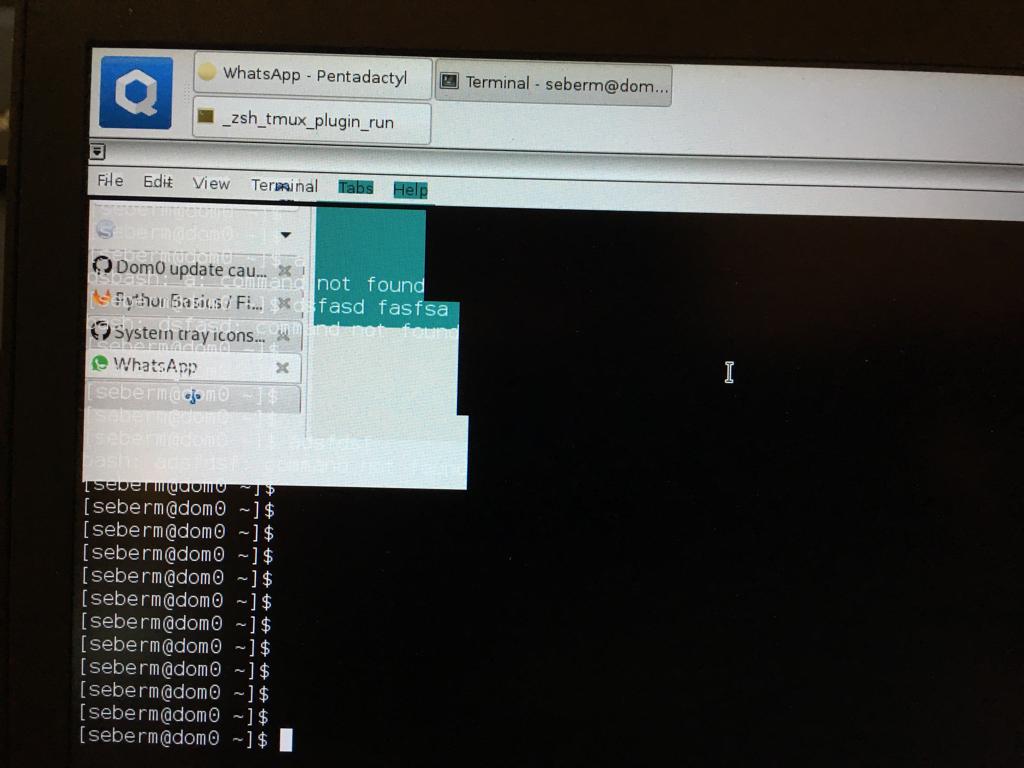
there no qbitorrent icon.
Where?
You have no qBittoremt icon anywhere…
If you didn’t make separate app-qbittorrent qube then there will be no qbittorrent qube in qubes list.
Installng app in template don’t make separate qube automatically.
And second, you need to add qbittorrent in prefs in app qube not in template. In template you install app but it’s not place where it runs.
Simplified steps to install apps:
- You install app by
sudo dnf install qbittorrentin desired template, close template - You create
app-qbittorentqube based on template where you installed qbittorrent - You open prefetence of
app-qbittorrentqube, go to application section and move qbittorent from available to selected section and save - In menu you have
app-qbittorentqube and qbittorent in aplication list - run it - It opens qbittorent window and icons will be visible
As @barto pointed - How to install software | Qubes OS
Screen shots not mine it was for example.
You see task bar icon for whatsapp and terminal applications? I have this window for qbitorent but no qbitorent icon
Do you use non standard desktop envinronment (not xfce4)?
No I have debian and fedora but use debian.
I try with fedora and it same.
You have qbittorent icon in task bar?
Don’t remember. Icons in sys tray for every app is no concern or desire for me. I need service only there.
I have qbittorrent icon in fedora but no in debian
In task bar I want qbitorrent icon
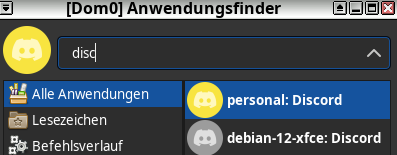
I’d like to hook into that thread with a similar (same?) issue. I am running a Debian 12 AppVM based on a Debian 12 TemplateVM where I have installed Discord client (official deb package). Unfortuantely when starting Discord the xfce4-panel does not show the proper icon:

You can see other apps with their proper icons, but the Discord icon (first one on the left) is a generic qube icon. I have tried several things like adding the icon in different sizes to “/usr/share/icons/hicolor” and “/usr/share/icons/default” or checking the application folder in “/usr/share/discord” for the icon (it is there as discord.png). I also updated applications from within dom0 and in the Qube Manager, nothing helped, not able to get it working.
Maybe somebody has an idea what is missing. Shouldn’t be much, most likely one small thing, but very difficult to figure out… To be honest, I am not the most experienced guy with QubesOS, so maybe it is even something “very simple” that I have missed.
Thanks!
This is very important.
Why no help please?
did you configure qbittorrent to put an icon in the systray? It’s in the preference, first tab, somewhere below in “desktop” category.
I have qbitorrent icon in sys tray.
I don’t have qbittorent icon in task bar.
Oh ok, I misunderstood the problem.
Could you sum up where you are now: Which template is being used and from which source you installed qbittorrent? A lot of stuff happened in that thread.
1 Like
Yes thank you.
I have debian template and I use
sudo apt install qbittorrent
1 Like
Did you use the button “refresh applications” in the qube settings?
Which debian version?
1 Like
No but I try this now and not working.
Debian 12 XFCE
1 Like