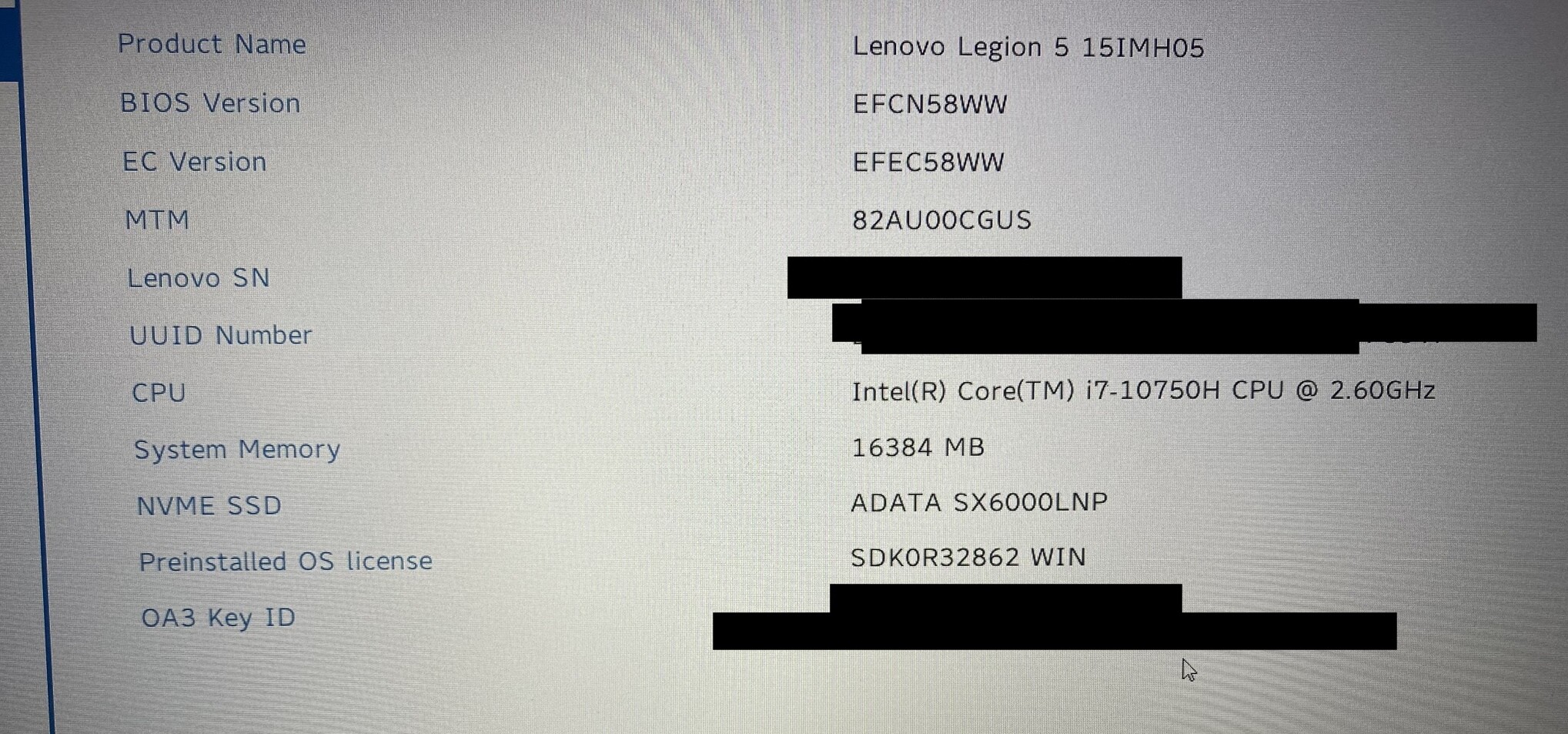
Is there a way to locate the same one for the “PREMIUM” version of the legion 5i? specifically the RTX Invidia 2060… would this work the same or significantly worse? Am i just better off getting a regular Ubuntu driver?
In regards to coreboot; did you flash your BIOS? What hardware changes have you made to your machine? Removal of microphone/camera? Upgrade or change the WIFI hardware? etc.
Thanks again. If you don’t mind meandering with me on this thread one final time I would really like your feedback some more. I have come upon the same machine for pennies for what it’s worth and thinking of making it my daily driver with QubesOS (though not having experienced the OS other than the video content and the reading I have done).
What hardware threat level concerns do you perceive having with this machine should it physically be lost, stolen, or worse? Buying a 2013 Lenovo x230 is not on my list of desirable choices being it’s so dated. So with your experiences and usage so far, what measures have you taken to jump start your QubesOS install in this regard? What precautions have you worked around for the hardware compromise at the QubeOS level if any. Think that’s my final questions about this topic and sorry to nag you. I have no real QubesOS friendly hardware lying to experiment with nor do I want to acquire any unless it’s mitigating reasonably privacy threats. Thanks for being a good sport for the barrage of questions! :o)
PS: I would absolutely love a system76 laptop but I don’t think I want to spend that kind of money for something I am sure I would enjoy but that I could mitigate privacy concerns around with some software principles and practices.
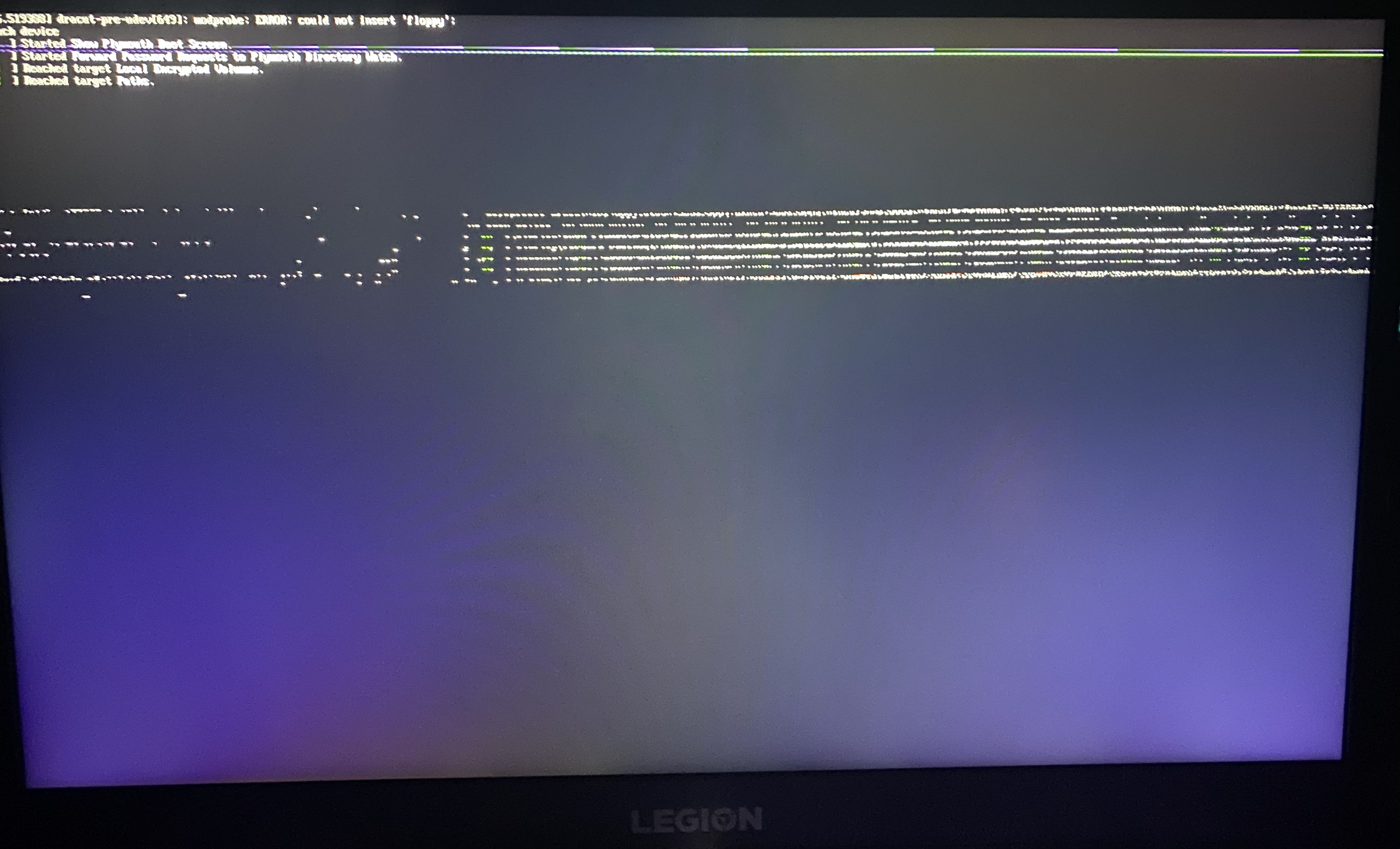
Hello again @51lieal - I went ahead and purchased the machine. I cannot get the QubesOS installer from GRUB to pass through and get a familiar error in the community: “Failed to start udev”. What were your relevant BIOS setting changes? So far I have:
Boot order to USB first
Use of “Dynamic Graphics” instead of “Discrete Graphics” from UEFI menu
Disable Secure Boot
Did you append anything to the Xen command line from GRUB like mentioned here?
UPDATE 1: Disabled UEFI and only enabled Legacy BIOS support and the “Failed to start udev” error went away entirely but I have been sitting at a black screen for 40+ minutes…
UPDATE 2: Screen finally after 2+ hours showed that /root could not be mounted and was unresponsive to a USB keyboard or on-board keyboard input, cursor is rapidly blinking about 10x faster than it normally would (I presume)
UPDATE 3: I tried the latest ISO from the test branch: Qubes OS openQA: qubesos-4.1-install-iso-x86_64-Build4.1.202303180203-install_default_kernel_latest@hw10 test results and can’t even get GRUB to show up
UPDATE 4: Found @51lieal comment which they should have put in the notes when reporting the YAML file update steps taken or linked to this comment: Qubes 4.1 on Legion 5 pro R7 5800H RTX3060 - #10 by 51lieal. Downloading the same ISO on the same hardware and will try to follow these exact steps. A link to this comment should be in the notes for the YAML. Will try once I have the beta ISO downloaded and BIOS is configured.
UPDATE 5: When editing the line for Install as suggested in UPDATE 4 I had to remove the part of the line which had i915.alpha_support=1 between plymouth.ignore-serial-consoles and quiet so now the part of the line is: plymouth.ignore-serial-consoles quiet i915.force_probe=* and I get a blank screen for 30+ minutes…