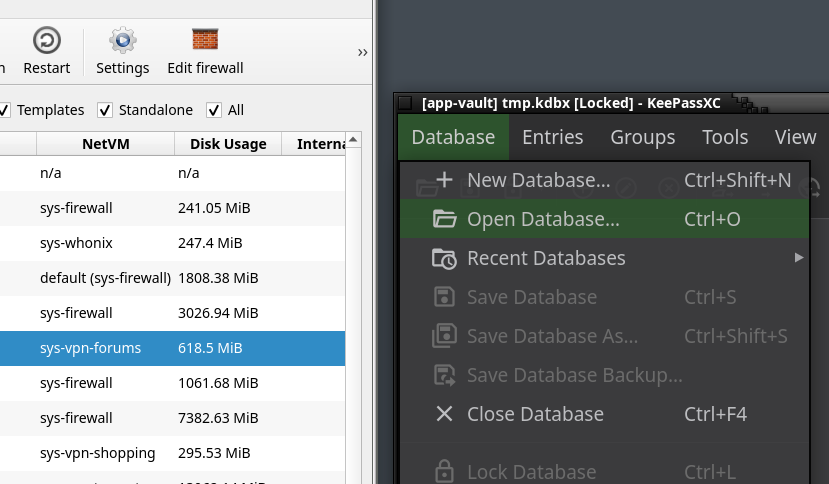
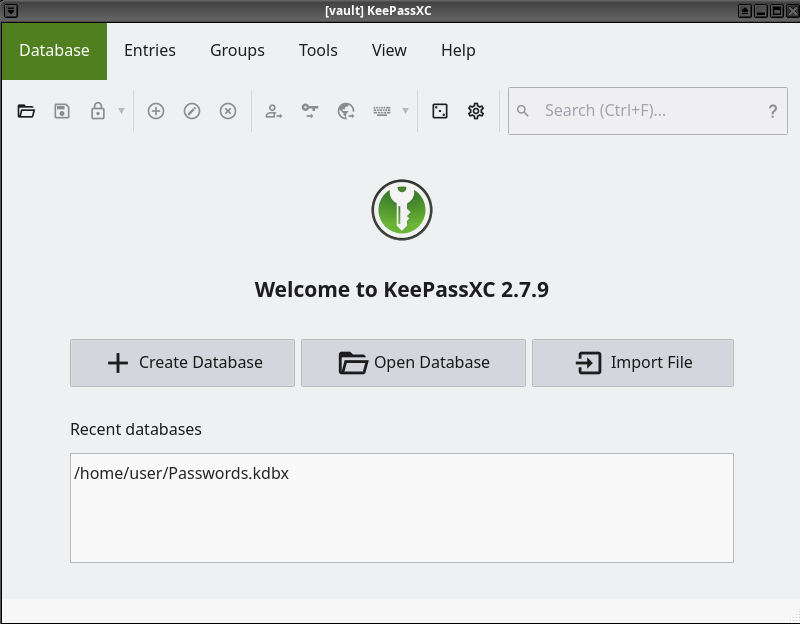
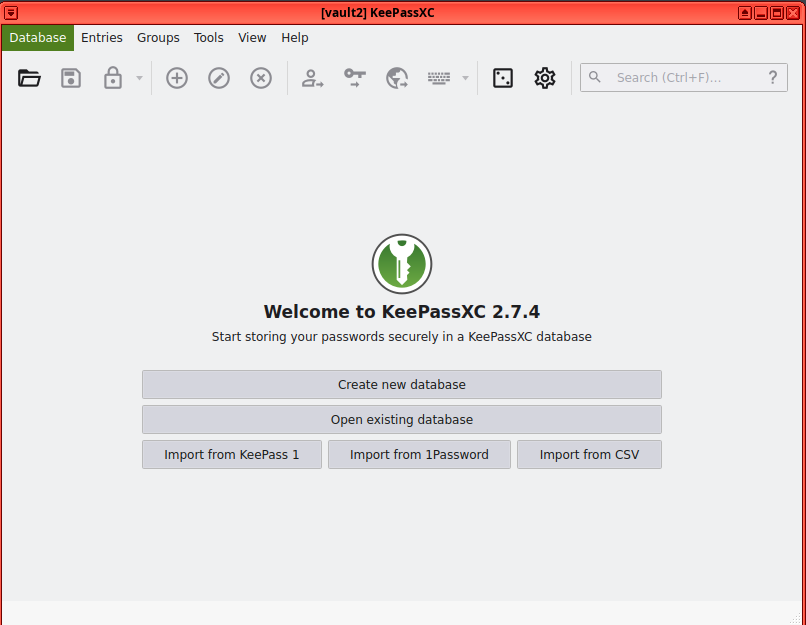
I am new to Qubes. I have a 4k monitor and have set the resolution of dom0 to 2560x1440 (16:9) with 1x scaling in order to get dom0 and VMs at a comfortable viewing size for me. Browsers all look perfect in their respective VMs but when I try to fire up KeepassXC in the default vault VM (running fedora-40-xfce template) it is all far too big. The menus and other UI elements like buttons seem too big.
If I create a new qube with no networking based on debian-12-xfce then it all looks much better. UI elements sized as expected and much more usable.
Is there any reason that Fedora was chosen as the default vault template and would it be a mistake using the Debian template for a vault qube to run KeepassXC?
And is this a known problem with/without a solution for Fedora?
Thanks - yes I had been playing with DPI scaling for ages before experimenting with different templates. I couldn’t get DPI scaling to work at all in the qube. I was reading a lot of different advice previously posted online with a lot of different methods.
I’ve been playing around again with this but still can’t find a cause or solution. Both Fedora and Debian templates are the default xfce. I could use Debian for my vault but it means lagging behind with the KeepassXC version.
If I run 2.7.9 via AppImage on Debian the GUI still looks good, so it’s not that they’ve broken the newer versions on xfce unless its the build. But having said that firefox on the fault looks good.
After implementing this fix, I get the following error message while trying to start KeePassXC through the desktop file: Failed to add a plugin to the panel -- GDBus.Error:org.freedesktop.DBus.Error.ServiceUnknown: The name is not activatable
It works when starting KeePassXC from the command line using QT_QPA_PLATFORMTHEME= keepassxc.
Hi, sorry if I’m unearthing an old thread.
I am using Qubes4.3 and a vault AppVM with template fedora-42-xfce.
I have an autostart configuration set up for KeePassXC in this qube, so I followed the fix given by equbes here for .desktop file in ~/.config/autostart:
It works perfectly when keepassxc autostarts on qube boot.
Yet, if I close the app and open it from the application list in qubes app menu, it still appears wrong. I also added unset QT_QPA_PLATFORMTHEME to my ~/.profile file in the AppVM but it did not change anything, including after running source .profile and rebooting the qube.
In another vault AppVM with no autostart configuration (i.e. no .desktop file), the fix unset QT_QPA_PLATFORMTHEME does not change anything either.
Any chance someone is having the same issue or has any idea of another fix, or why the fix proposed by Glimmer868 does not work ?