Hello so im trying to download kali on qubes as virtual machine to boot kali inside the virtual machine and keep it isolated but im failing and i cant do it chat gpt doesnt help as well just giving me bullshit guides so i really need help
We can’t help you with your problem without more details. Please provide how you tried to install it and how it failed.
As parulin noted - more infos would be more helpful…
From what I understand, you seem to plan to install kali into a standalone qube. Thats quite easy, cause you only need to create a new qube (name it ; label=orange f.e. ; check “launch qube settings after creation” ; do not clone ; Network=sys-firewall ) and change in settings later then:
- private storage = as much space you prefer
- System storage = probably somethings between 10 and 20 GB
- initial memory = between 400 and 900
- max memory = between 4096 and 8192
- And finally choose the .iso file “the qube should boot into” (and install) under “Boot qube from DISC or block device” - where you choose the qube, where the .iso is downloaded (i.e. personal) and the path (in personal) where it is located…
- and press OK (and the installation should begin, as it does, if you do a proper install on an empty device from a USB-stick or CD-rom)
1 Like
TheGardner, might mention setting up the internet from the information in Settings to the manual settings inside the Kali Qube.
Or perhaps, OP wants documentation on how to create Template for a Kali Qube?
What is the current best guide to create a Template?
1 Like
I maintain Kali Qube (not in repo) for myself last few years, In order to get Kali work on QubesOS you should find and follow guides for non intuitive technical manipulations, and any exist guide run out of relevant after one or another Kali patch.
Just to mention, ParrotOS much easier to maintain as Qube in QubesOS.
Which guide you follow last?
Depend on use case.
For Kali, I believe that best is to morph exist Debian template into Kali.
Most trusted solution provided by QubesOS team member:
https://qubes.3isec.org/Templates_4.3/
2 Likes
Probably too hard to setup for Yuki… So, for me -two years ago- the Standalone version was the first step to setup kali in QubesOS. In 4.2 then I first tried to setup the template part, but run into errors at any point (after installing the kali-default package) and updating the entire thing via Qubes updater…
Learned much more about it now and probably will try another setup on 4.3 (when all is ready here on my device) with the actual templates from unman.
2 Likes
I wanted to download it as StandaloneVM isolated and such a things but there was always fail in everything ive been trying to do it these 4 days
this should help you install kali in a hvm
Download the complete installation iso into a qube
https://cdimage.kali.org/kali-2025.4/kali-linux-2025.4-installer-amd64.iso
in dom0, create kali-vm
qvm-create kali-vm --class StandaloneVM --property virt_mode=hvm --property kernel=‘’ --label=red
Go the the settings of kali-vm and set system to 40g or whatever size you want your kali disk to be. Also adjust the ram to allow the installation of kali, something lik 4096m as a starting point
start the HVM and the installation
qvm-start kali-vm --cdrom=<QUBE_WHERE_YOU_DOWNLOADED_THE_ISO>:/home/user/Downloads/kali-linux-2025.4-installer-amd64.iso
once installed, check the IP address, gateway and DNS of kali-vm in it’s settings and adjust the network card in kali
Hello i did everything but now when i started the qube im having problem error can you help or someone else help me fix it idk why there is error im pretty sure i did everything right
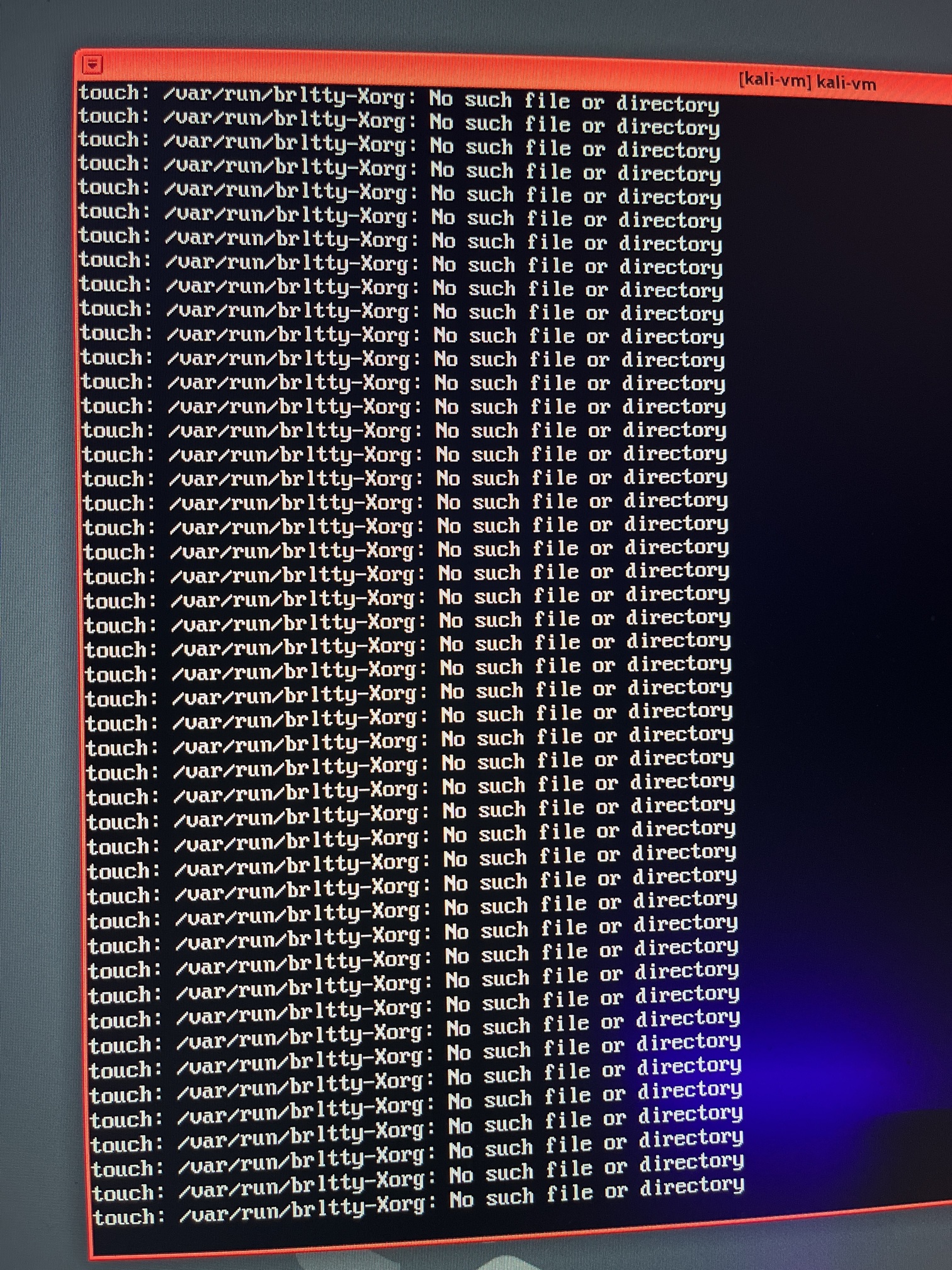
Please would you put down the error message in text. This makes it
searchable and also helps people who cannot see the image. Help us to
help you.
I never presume to speak for the Qubes team.
When I comment in the Forum I speak for myself.
1 Like
my mistake, make sure the qube has enough ram allocated. Make sure it has at least 4gig of ram (4096M) in it’s settings
this will allow installation but please check the system requirements here if you want to use kali regularly
Just a reminder that a standalone like this will not be able to use any
qvm-tools and will not be integrated in to Qubes window handling. If
you want your Kali to be integrated in to Qubes, then you must either
use a prebuilt template (the official one is simply broken - I provide
one as linked above), or create a standalone from an existing Debian
template and morph it into Kali.
I never presume to speak for the Qubes team.
When I comment in the Forum I speak for myself.
2 Likes