Hello everyone. While unsuccessfully trying to follow a tutorial to bypass authentication on x.com using Google’s Authenticator app on Android OS, I unknowingly messed up the shell yesterday. Today I booted my Coreboot laptop with the Coreboot Heads firmware. Here’s the Nitrokey signature problem, shown in the screenshots. Artificial intelligence told me to update the Nitrokey signatures. I’m using a translator because I don’t speak English.
How do I update Nitrokey signatures?
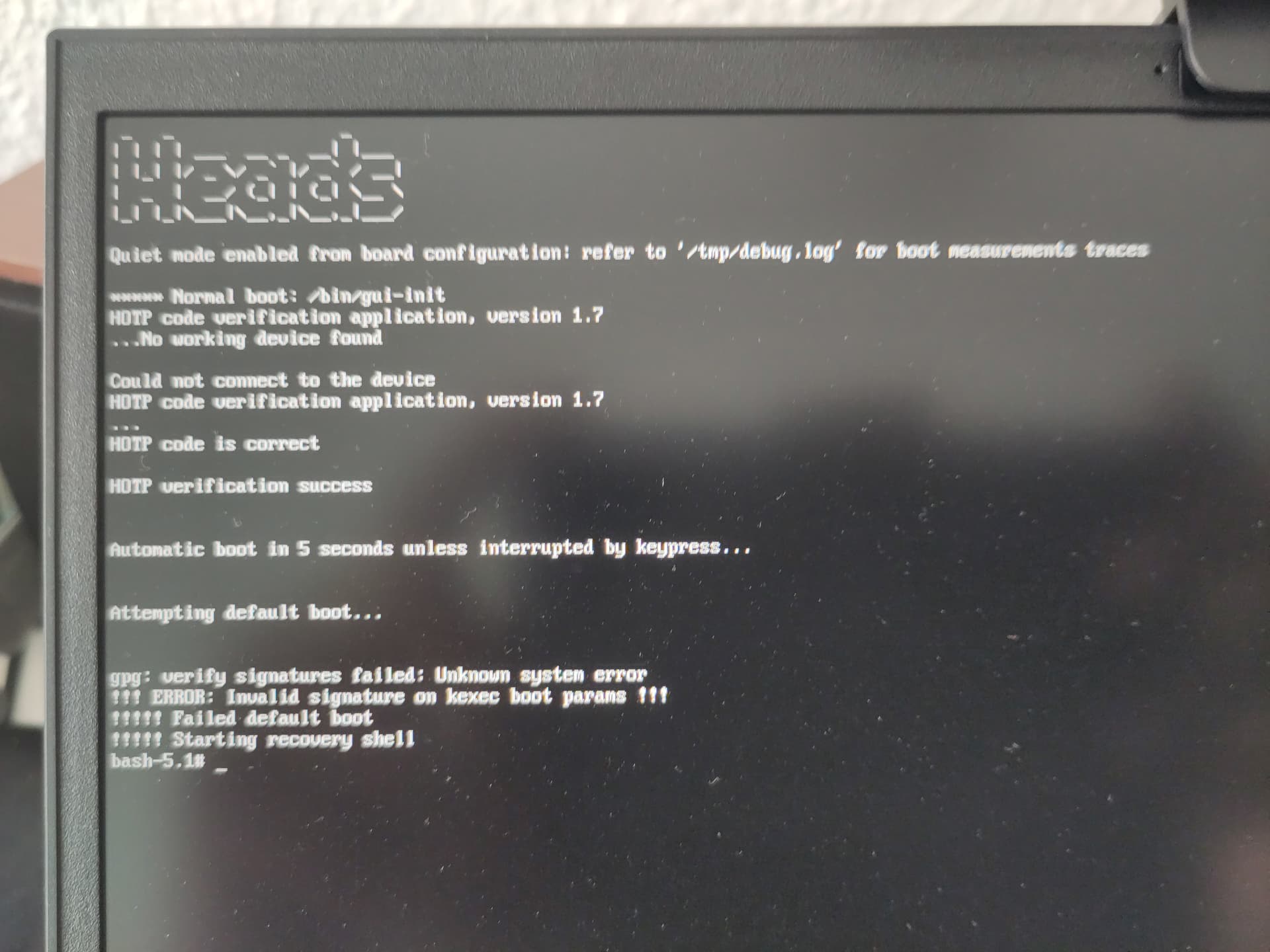
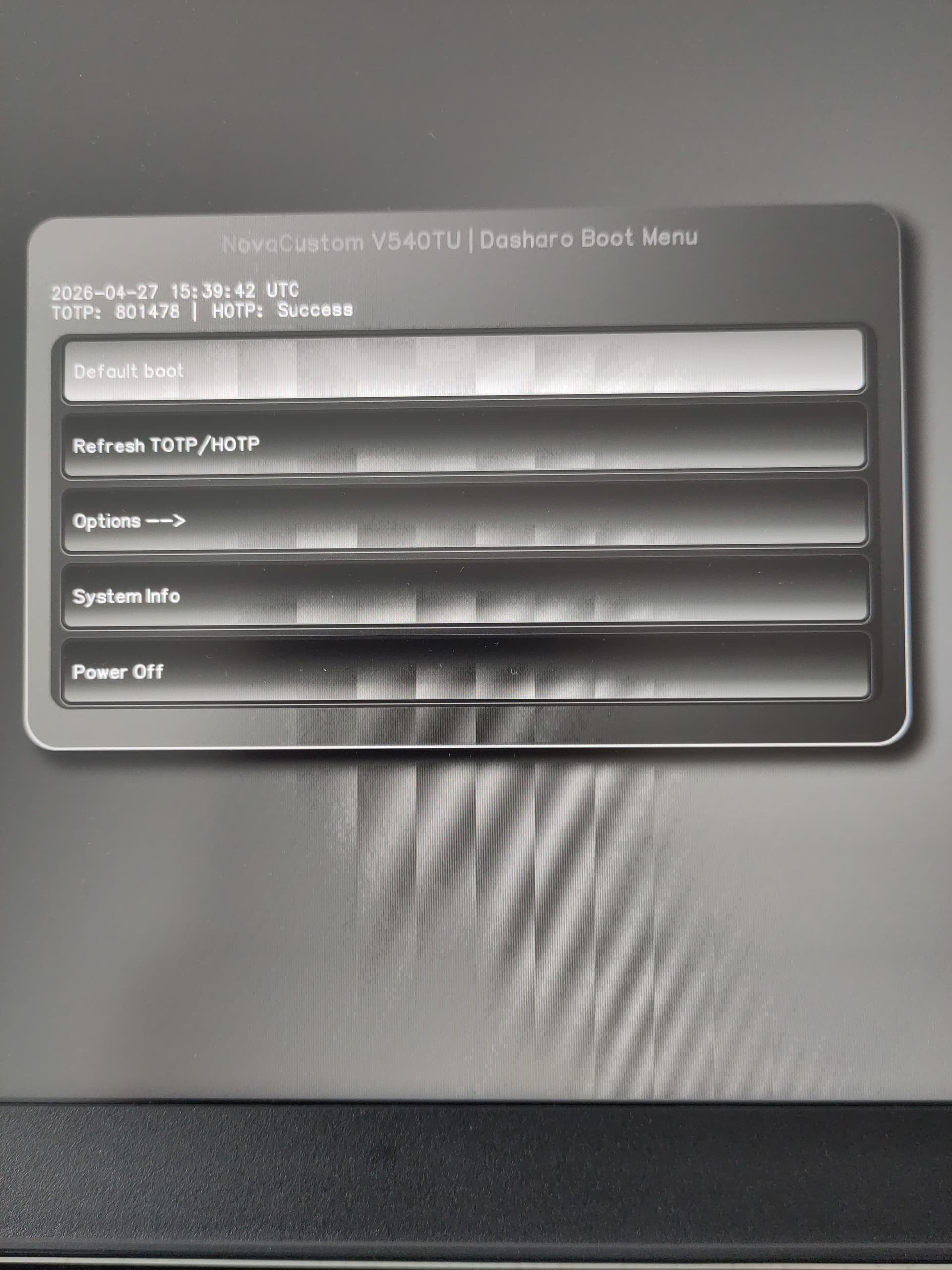
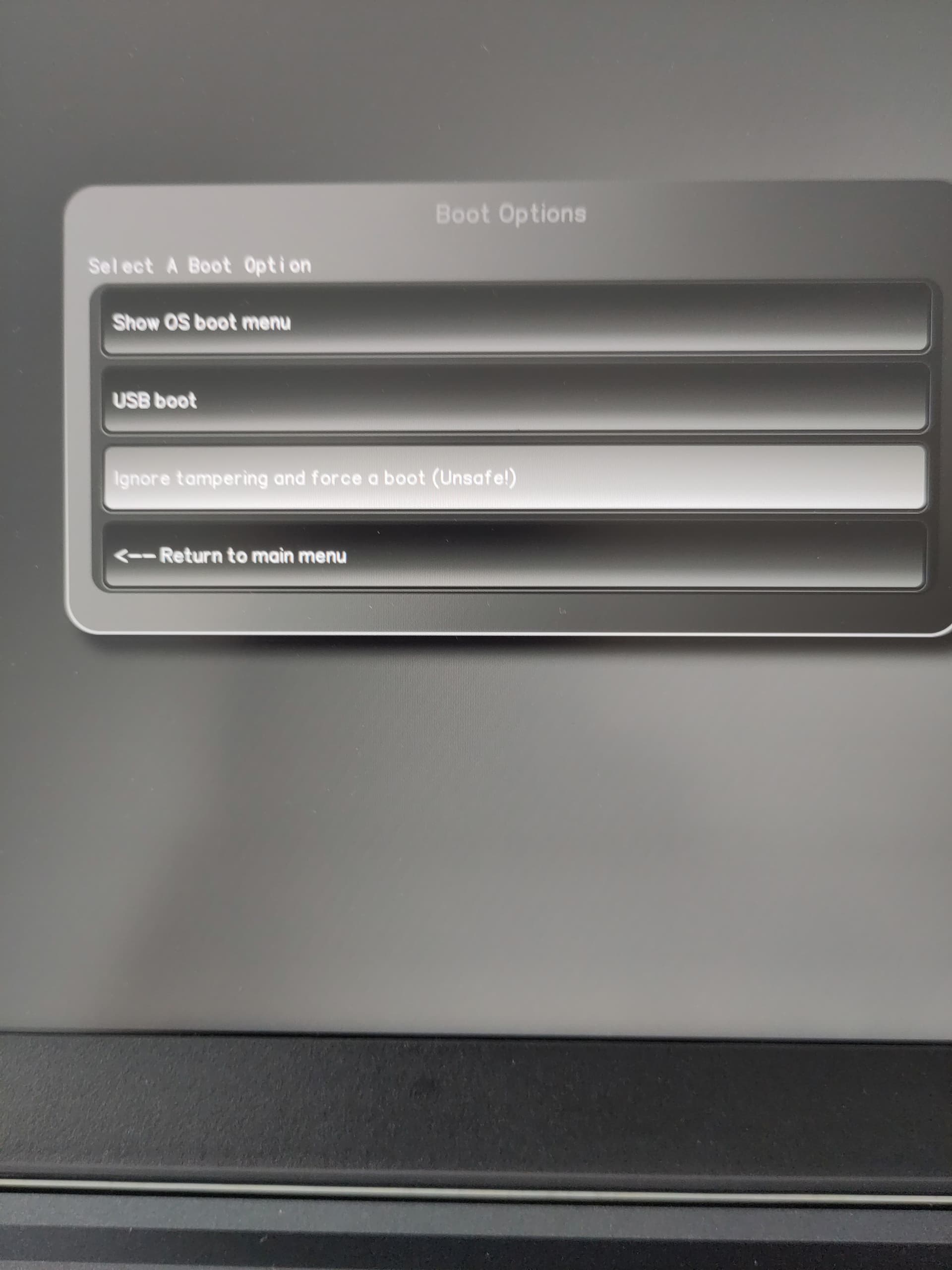
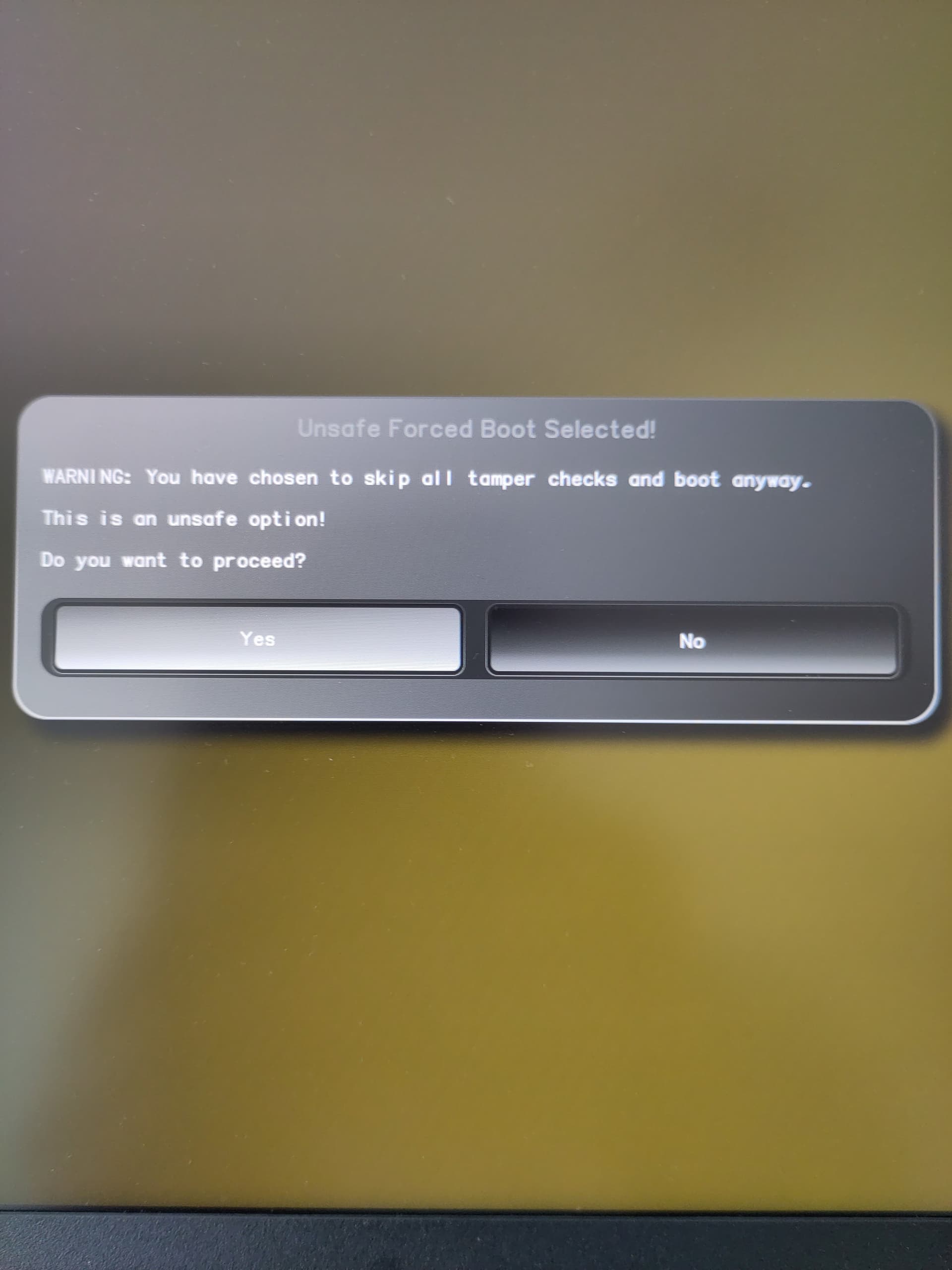
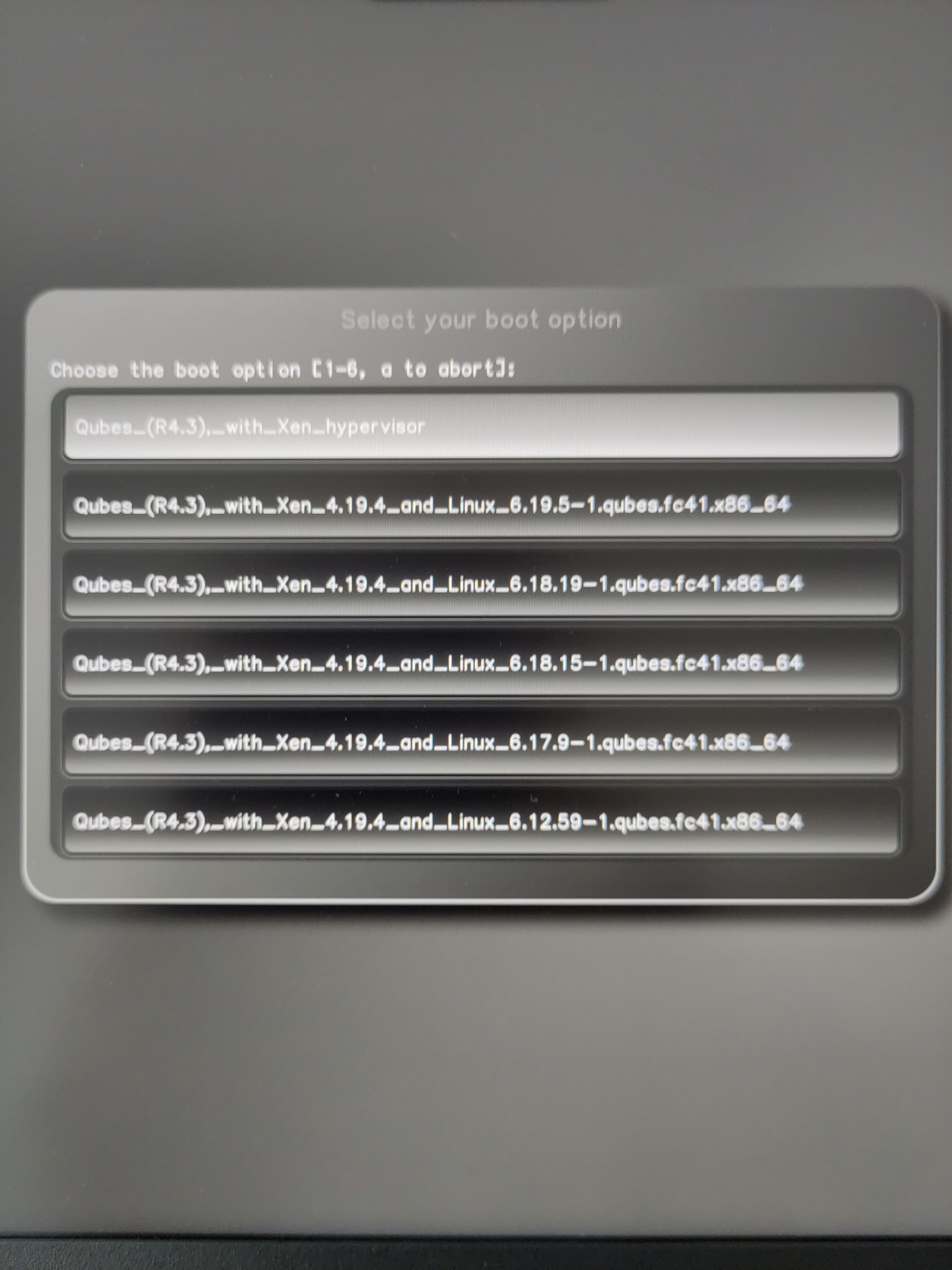
usually at the point where is written Automatic boot in 5 seconds… you press any key and reach the coreboot menu, from there i would think you need to sign the boot files with your gpg keys, though your explanation is kind of not clear : You tried to bypass authentication where? What exactly did you proceed with and how did this manage to change your qubesOS?
I need first to understand what has happened before giving any instructions on what to do
I’m closing this topic to avoid a duplicate in two different languages.