no help…
I have an ASUS Vivobook. Runs latest Qubes just fine. However, the whole, lid-down-suspension-thing prevents me from waking-up, shutting-down, re-booting -whatever.
Isn’t there a keyboard command to un-suspend?
How do I get my computer back on?
NOTE: I’ve tried many combinations with the power-button (counts) & unplugging all USB devices. Nothing
Help, please, someone!
N
Have you tried pressing Control-Alt-Delete key combination? I don’t have this problem on my Framework, but pressing this seems to suspend my system immediately. When I press any key after this, the system brings up the Qubes login screen and I can log into my previous session. This key combination goes back to the early years of the microcomputer era, so your ASUS might respond to it.
Best of luck.
The lid-close suspend and wake problem on ASUS laptops in Qubes has two separate things worth checking.
First, the BIOS sleep state. ASUS VivoBooks often default to Modern Standby (S0ix) rather than traditional S3 suspend. Xen and older Linux kernels expect S3 for proper suspend/resume. Go into your BIOS under Advanced then Power Management and look for “Suspend Mode” or “Sleep State”. If you see an option to switch to S3, try that. Not all VivoBook models expose this, unfortunately.
Second, the dom0 lid-close action. If you just want to stop the lid from triggering suspend in the first place, you can change that in dom0. Open a dom0 terminal and run these two commands:
xfconf-query -c xfce4-power-manager -p /xfce4-power-manager/lid-action-on-battery -s 0
xfconf-query -c xfce4-power-manager -p /xfce4-power-manager/lid-action-on-ac -s 0
That sets lid-close to “Do nothing” in both battery and AC scenarios. Dom0 uses XFCE power manager so this takes effect immediately.
For waking from a suspend that has already happened, a brief single press of the power button (not a hold) is the standard ACPI wake trigger. If the machine is completely unresponsive to that, you can check which devices are configured as wakeup sources by running cat /proc/acpi/wakeup in dom0. Devices showing “enabled” in that list can trigger resume.
If even a hard long-press power button does nothing, the machine has likely crashed rather than suspended cleanly, which points back to the S0ix vs S3 mismatch above.
Thank you, Rian. I will check all these options. I appreciate tge time you took to suggest all these possible solutions.
Mike C
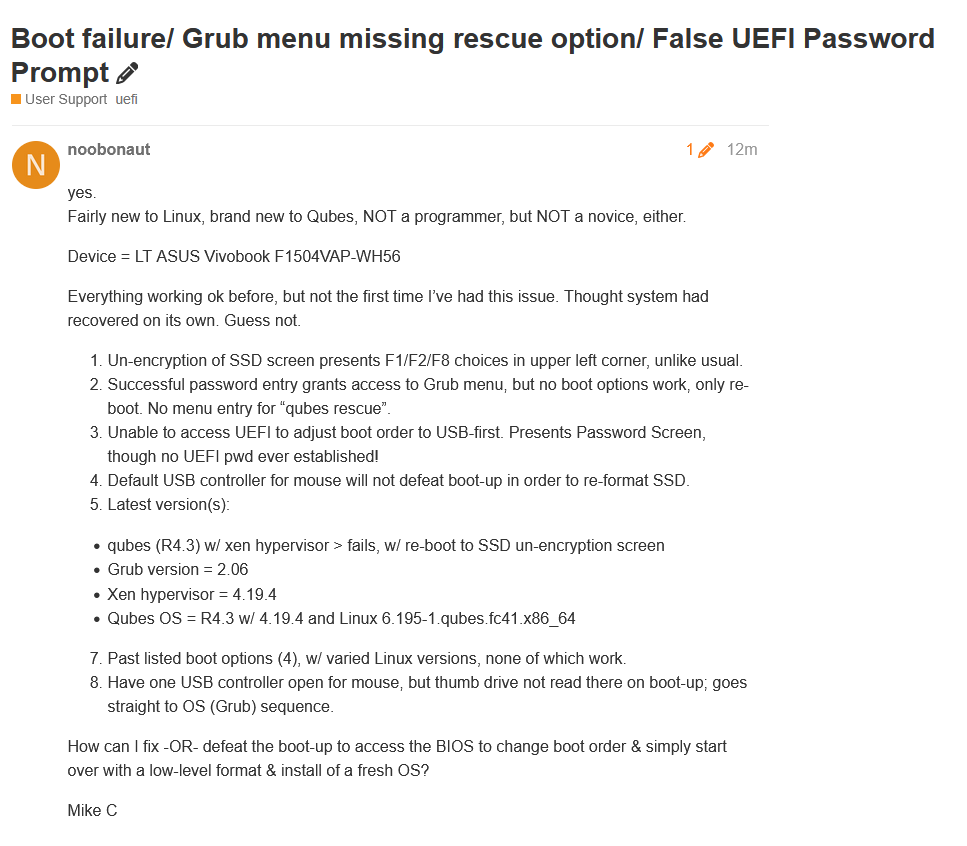
very late response. thank you for responding in April. I have a much bigger issue going on now. Don’t know why or if it’s related to an update.
Mike C
Hello Rian-
You were so kind to offer help before, maybe you have some direction for me now…