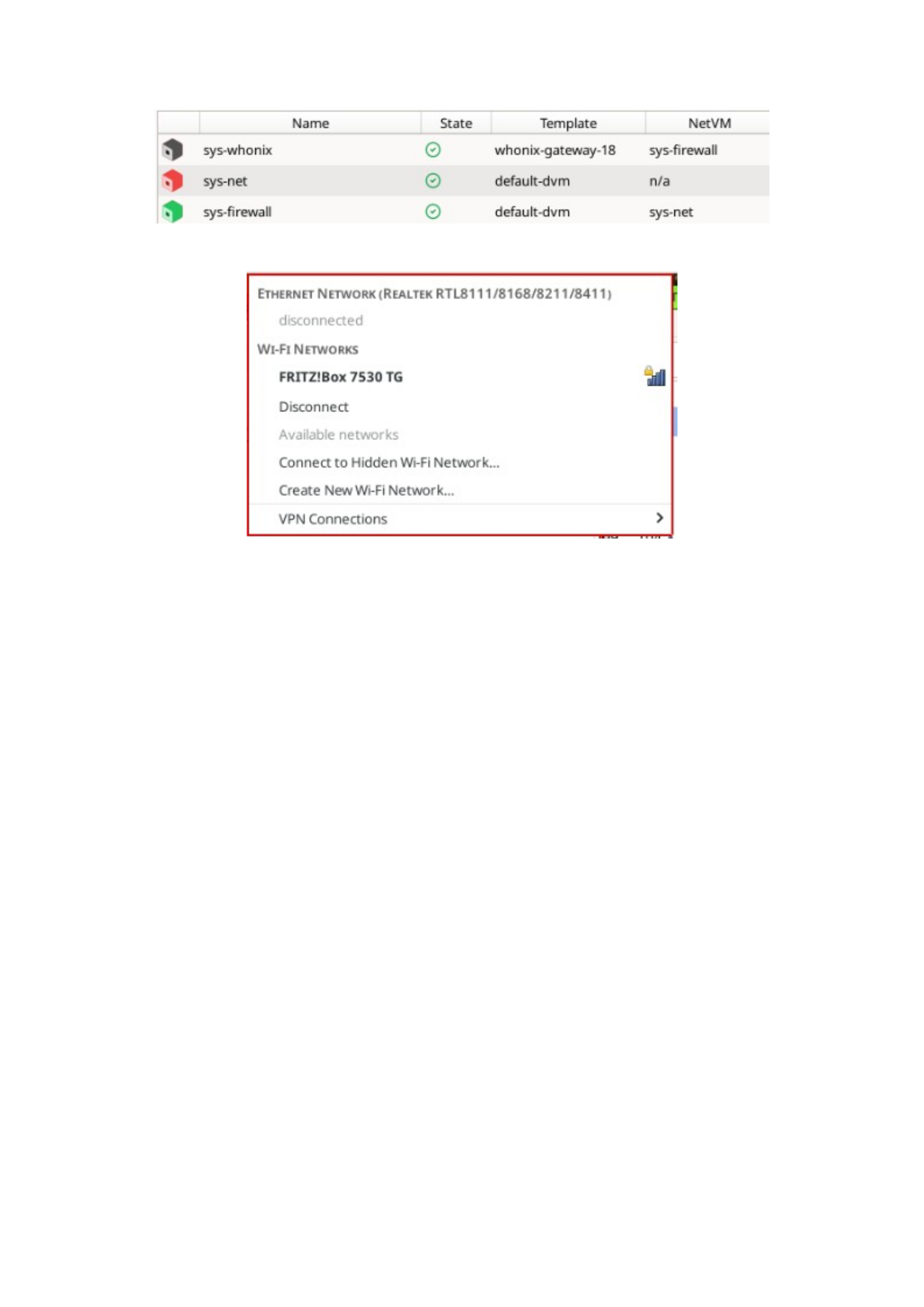
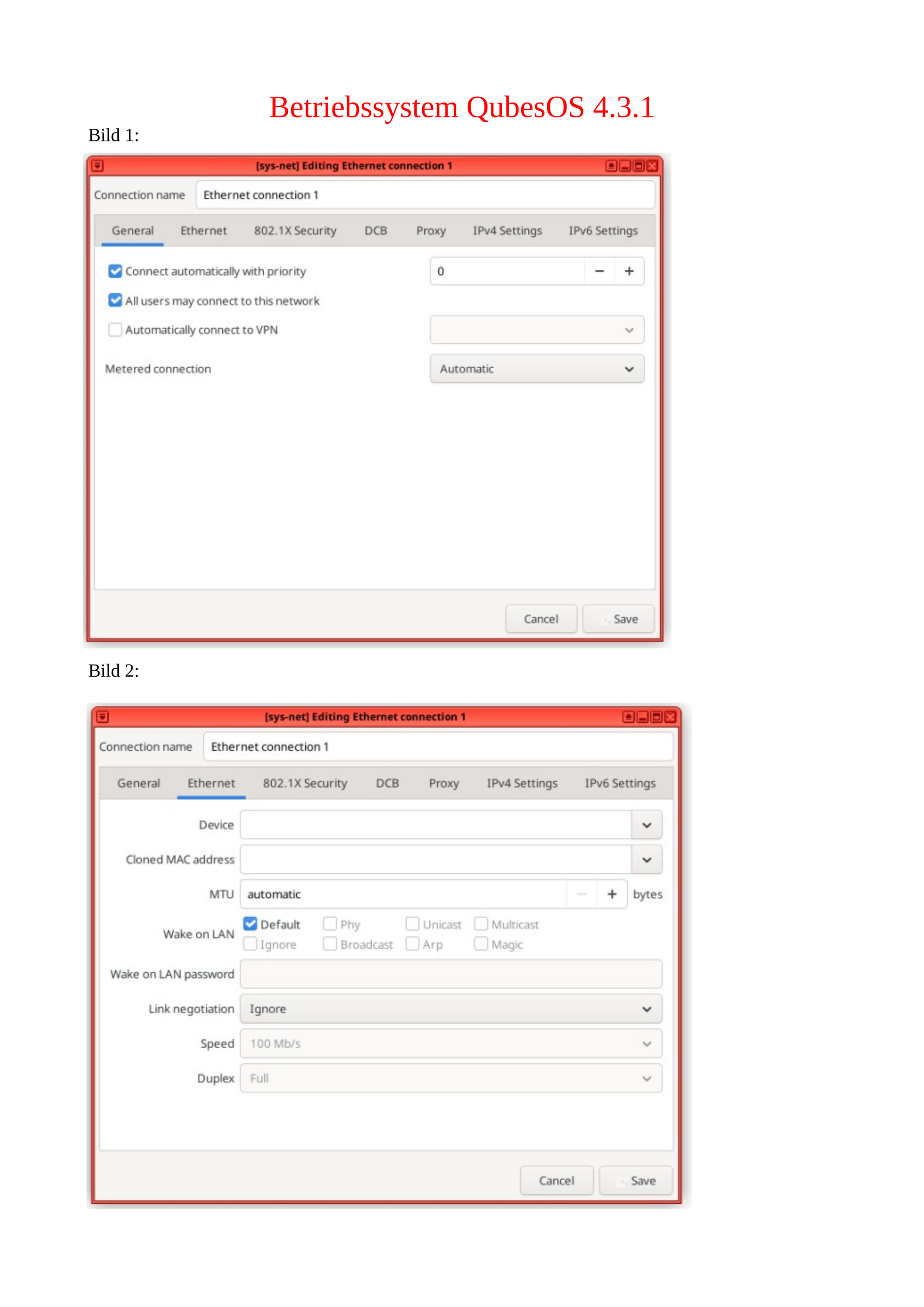
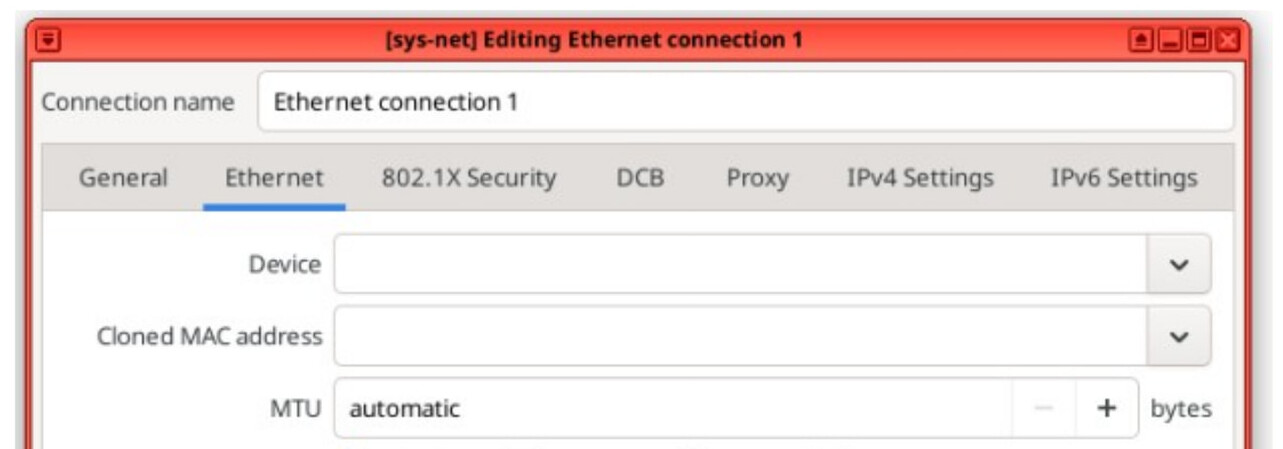
How do I set up a DSL connection to the router using an RJ45 cable on QubesOS 4.3.1?
And how do I set up a USB-C (laptop) connection to the router’s USB port?
Although I’ve tried the automatic connection several times, it doesn’t work. Now that I’ve plugged the USB-C cable into my laptop, I still need the Wi-Fi connection as well—otherwise, I can’t access the Internet.
That’s why I need help with the setup now!
Is there a video that shows me what to enter and where, so that it actually works in the end?
wait. rj45 or usb-c?
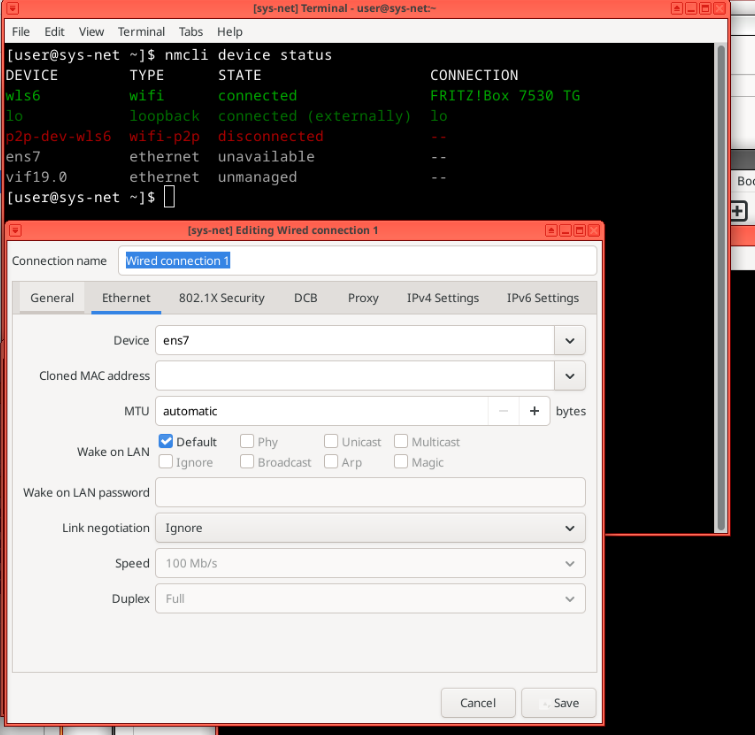
if you connect by rj-45 and it does not work, you probably do not have proper network drivers installed in sys-net.
if you connect by usb-c, you would need to attach the router as external NIC to sys-net – if it supports this mode, which I doubt in general. most likely it is there for some different purpose and just won’t work. some cellular routers would, but DSL.. oh man, who even uses DSL today?!
Just like any other router …
Have a look at the NetworkManager taskbar icon, if it says connected when you have the rj-45 attached, just use your browser.
You will have a the basic vodafone router or a fritzbox - none of these offer network via usb.
Starting two projects simultaneous was simply said a dumb idea.
Maybe use another PC to set up the internet initially or a simple live cd.
Or get familiar with qubes os on a working internet connection.
Which type of connection over USB you try to setup. console-serial, data, power or network?
In your QubesOS installation, sys-usb and sys-net are separated or combined?
No matter why you need our help, we here to help each other.
I’m not familiar with Vodafone hardware, but most likely:
Their modem USB port is console/serial port, it doesn’t support network mode at all.
Unless you want to use network over SSH over serial, but it out of QubesOS scope - check ethical hacking forums.
DSL connection between modem and ISP already handled by ISP, so you have nothing to setup in their modem.
Your ISP (Vodafone) should provide you with basic support regrading any requested setup from your side. example: user + password for dial-up. If so, just google for setup dial-up connection in fedora/debian and apply those steps in your sys-net/usb qubes.
(remember that sys-net/usb are named disposable, so test your setup within them and after that for future use apply within template and disposable template (appvm). )
Every morning, I first have to connect to the Internet using my cell phone, then connect my laptop to the cell phone, and only then can I see that my Fritzbox 7530 TG is also accessible via Wi-Fi.
Unfortunately, I can’t connect to the Internet directly using my laptop and the Fritzbox 7530 TG.
The laptop then connects to the Fritzbox 7530 TG; I can then disconnect my phone from the laptop and launch the Mullvad VPN. That way, I can slowly get back to work.
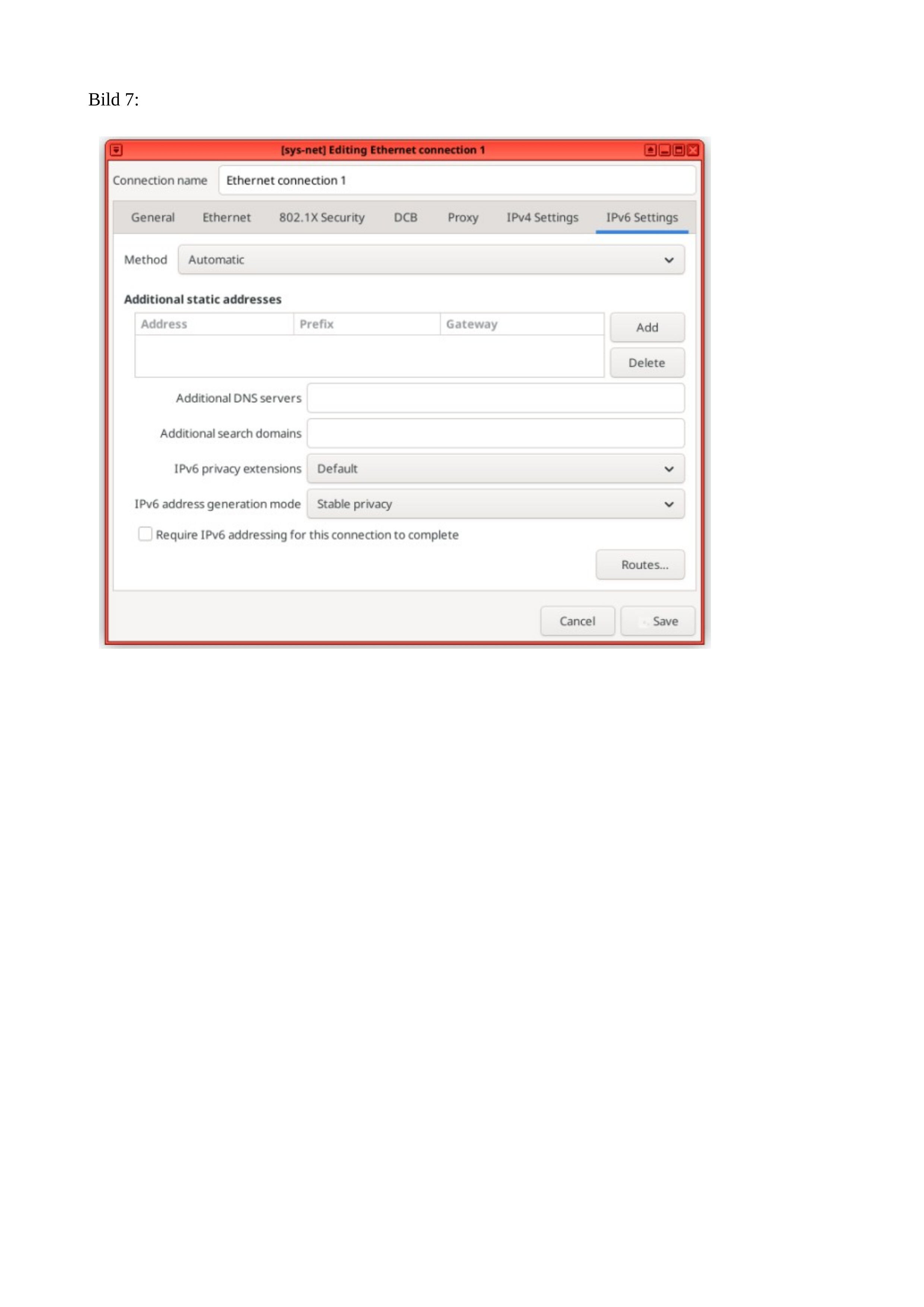
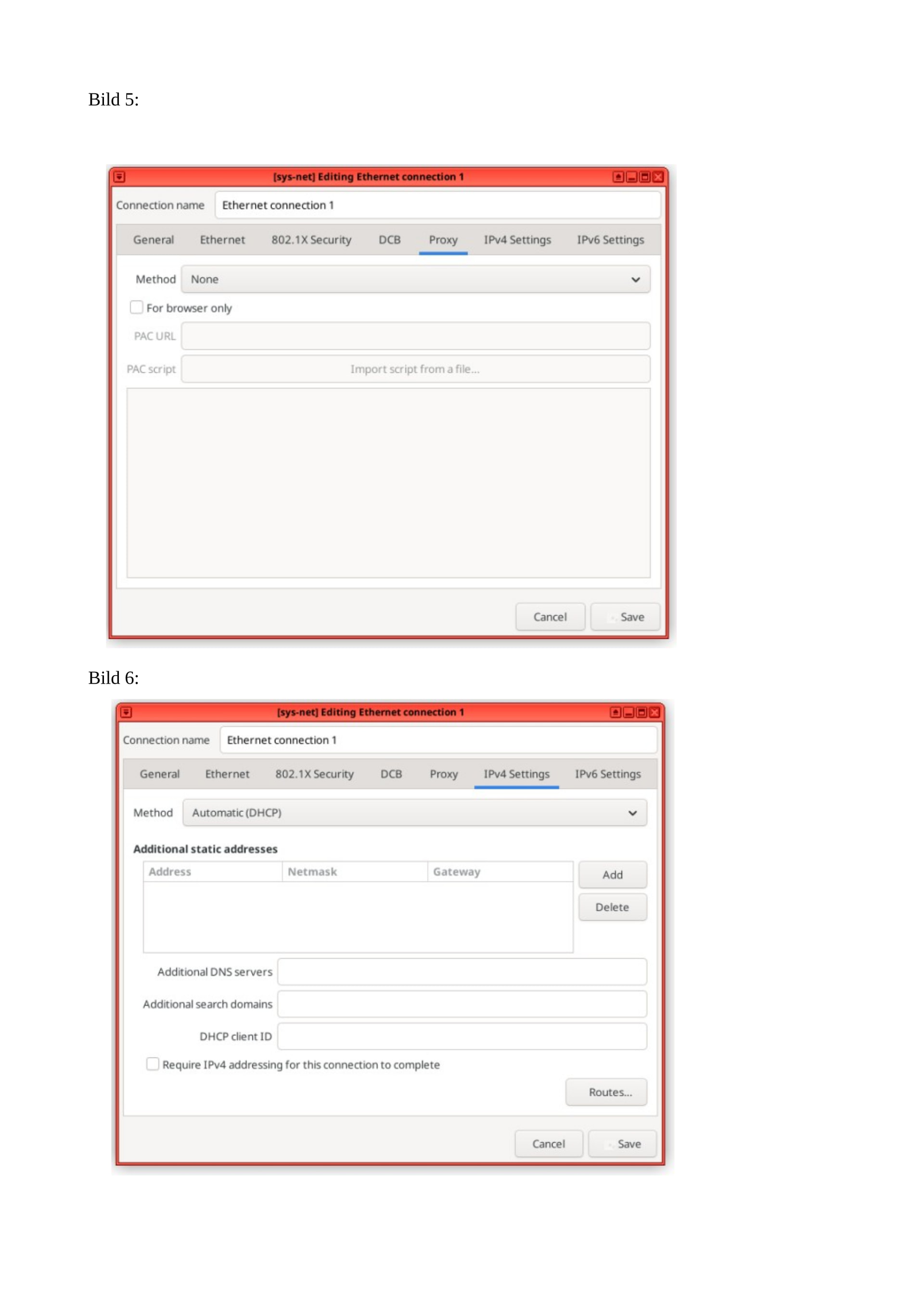
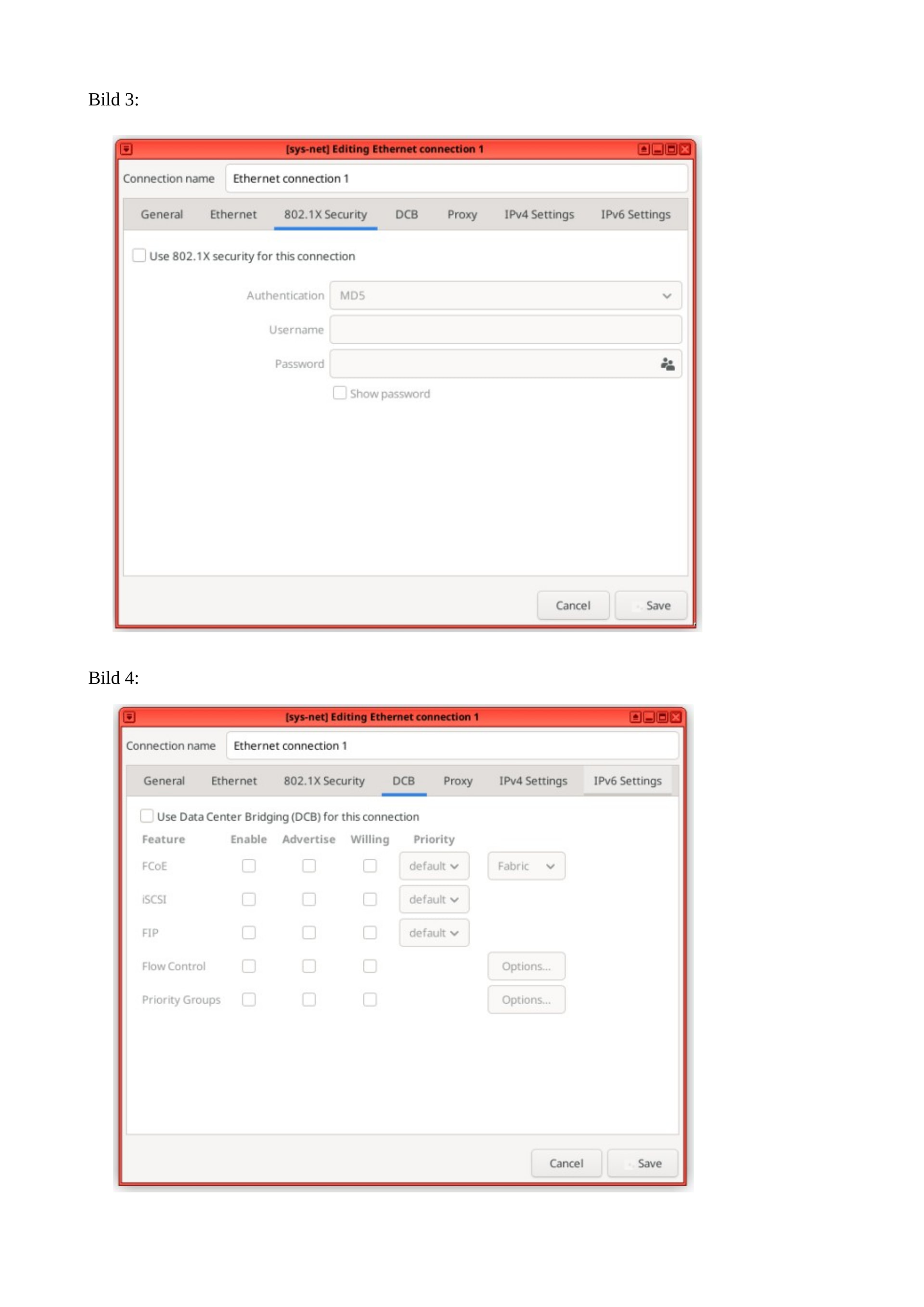
Unfortunately, I don’t know what I need to enter in all the fields—nothing I’ve tried so far has worked.
So far, I’ve mostly been able to get online via Wi-Fi.
Once, it automatically retrieved the data, so I was able to get online even without Wi-Fi.
I’d much rather have a wired connection—1,000 times better—so I wouldn’t need Wi-Fi anymore.
The whole setup with sys-net and WireGuard is still too complicated for me.
I’ve tried that several times already, but then I gave up.
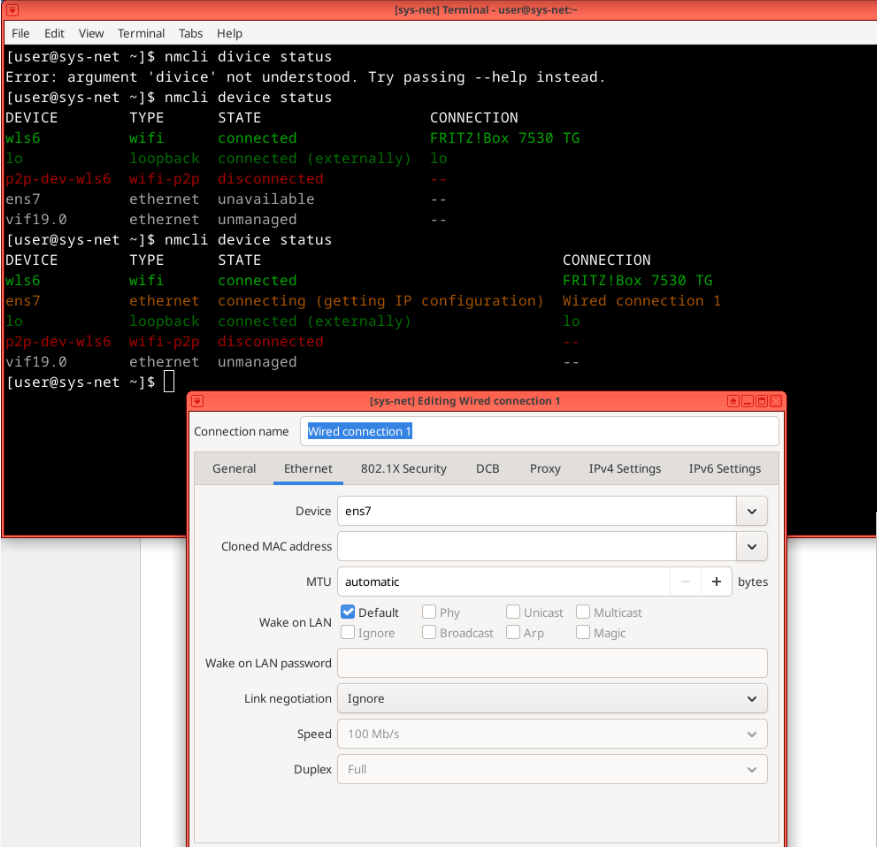
[user@sys-net ~]$ nmcli divice status
Error: argument ‘divice’ not understood. Try passing --help instead.
[user@sys-net ~]$ ip route
default via XXX.XXX.XXX.1 dev wls6 proto dhcp src XXX.XXX.XXX.XX metric 600
XX.XXX.X.XX dev vif19.0 scope link metric 32733
XXX.XXX.XXX.X/XX dev wls6 proto kernel scope link src XXX.XXX.XXX.XX metric 600
[user@sys-net ~]$
It looks like these entries aren’t automatically carried over to the second screen.
How can I change this so that this information is entered automatically?
I heard once that you can also connect a second mobile device to the Fritzbox so that, in the event of a data interruption, the connection is routed through the other device to the laptop. This is also supposed to be useful for campers.
No, it is not possible to transfer DSL data via a USB cable between the Fritzbox 7530 and a laptop.
The USB port on the Fritzbox 7530 is intended exclusively for USB storage devices (e.g., external hard drives, USB flash drives) or printers.
It is not intended to serve as a WAN port or for a network connection to other computers.
To connect the Fritzbox 7530 to a laptop, you must instead plug a LAN cable (Ethernet) into one of the yellow LAN ports or use a Wi-Fi connection.