then it is running!
check qvm-ls
Yes, the 3 of them are running. That’s great!
Any ideas why now I can’t start a terminal in sys-net to run the network applet (so I can connect to the internet)?
I tried the following in a dom0 terminal, but a terminal doesn’t open. The cursor just moves to a blank line, no errors appear:
qvm-run -p sys-net ‘xterm’
I also tried using ‘gnome-terminal’
qvm-run sys-net xterm
I now get a response:
Running ‘xterm’ on sys-net
But xterm doesn’t open
Perhaps the issue is that I never started anything other than sys-net, sys-firewall and sys-usb.
Should I be running another command to get other things up and running?
cat /etc/os-release
if it says 4.3 I would reboot and choose a 4.3 kernel.
I guess there is no x-server running.
I want to see the logs from the vm booting.
/var/log/xen/console/guest-sys-net.log
yes, it shows 4.3.
All the kernels show are 4.3, so I’m already using a 4.3 kernel.
I’m concerned that if I reboot I will loose all what I did today to get qubesd running. (I still don’t know which step got it running)
Any particular part of the log as it’s too long to take photos of it all.
I tried to copy it to a usb drive, but even though sys-usb is running, I still have no way to get into any of the apps or attach the usb drive to usb-sys.
Probably starting the virtxend services.
The last part is fine enough, just want to get a glance at the state the vm.
What also comes to mind is the gui serves between the vm’s and dom0.
What is the state of qubes-gui-daemon ?
If down, start it and try xterm again.
Also, lets see what else is still broken.
systemctl --failed

systemctl list-units --state=inactive
1 Like

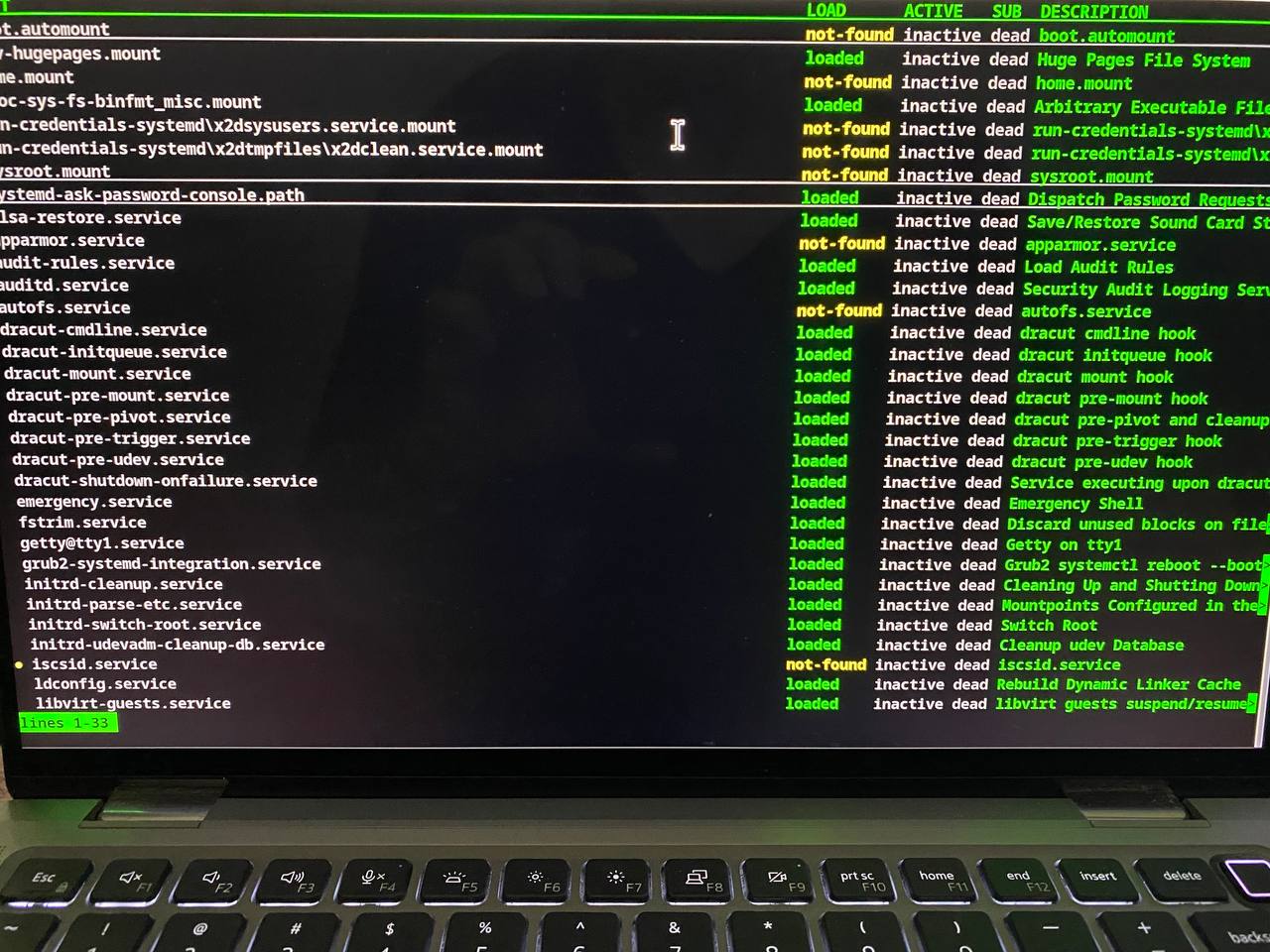
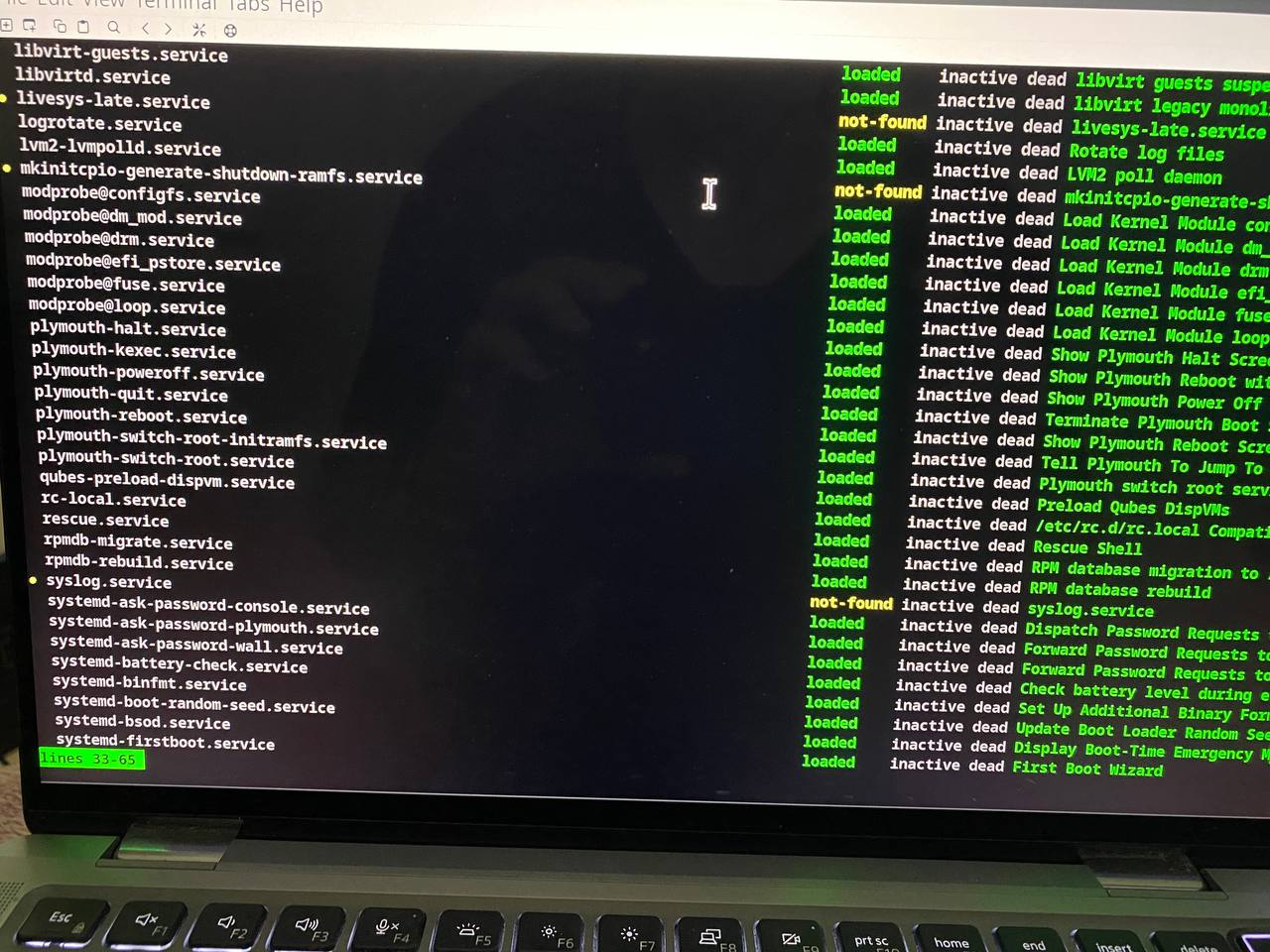
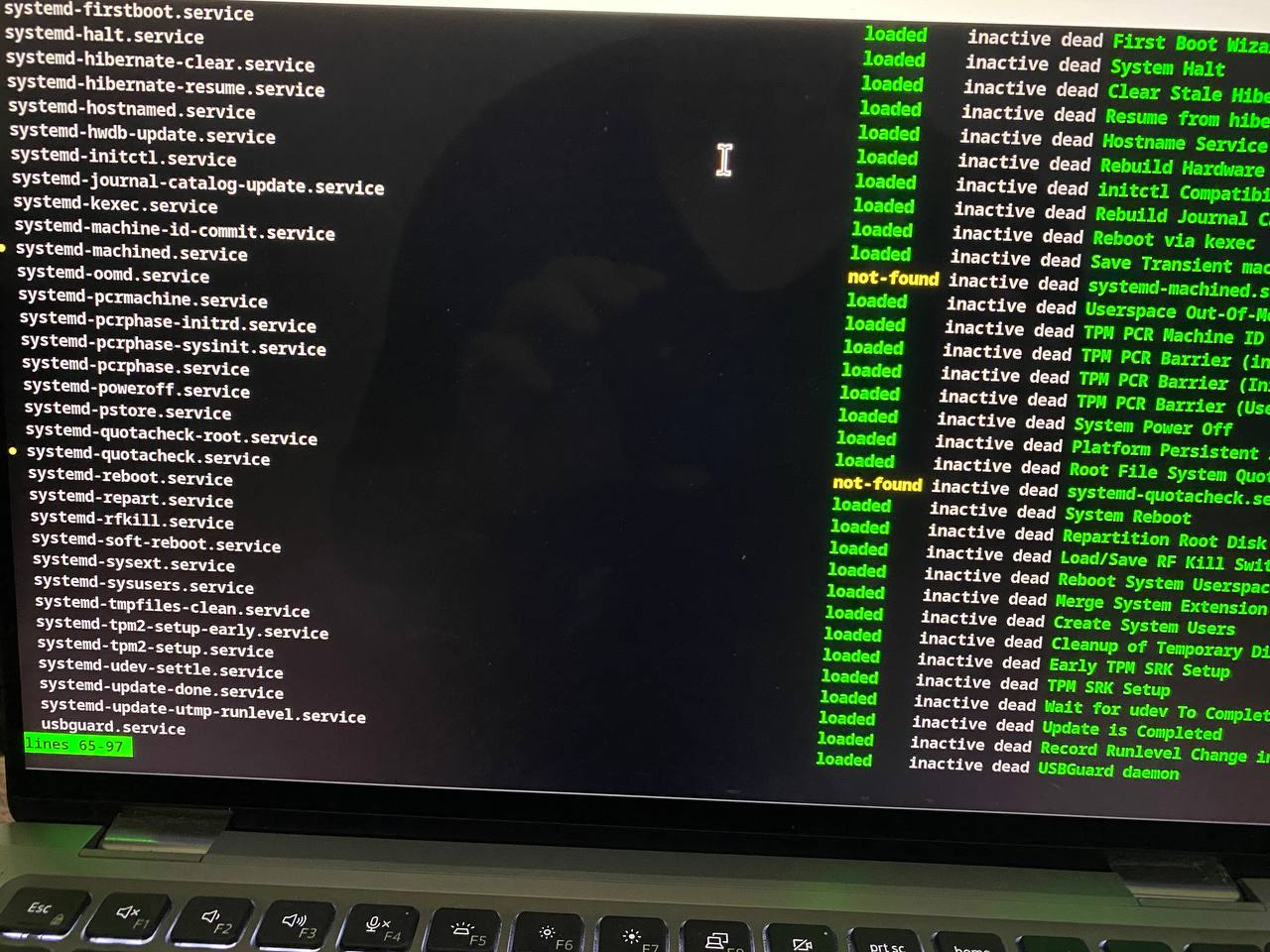
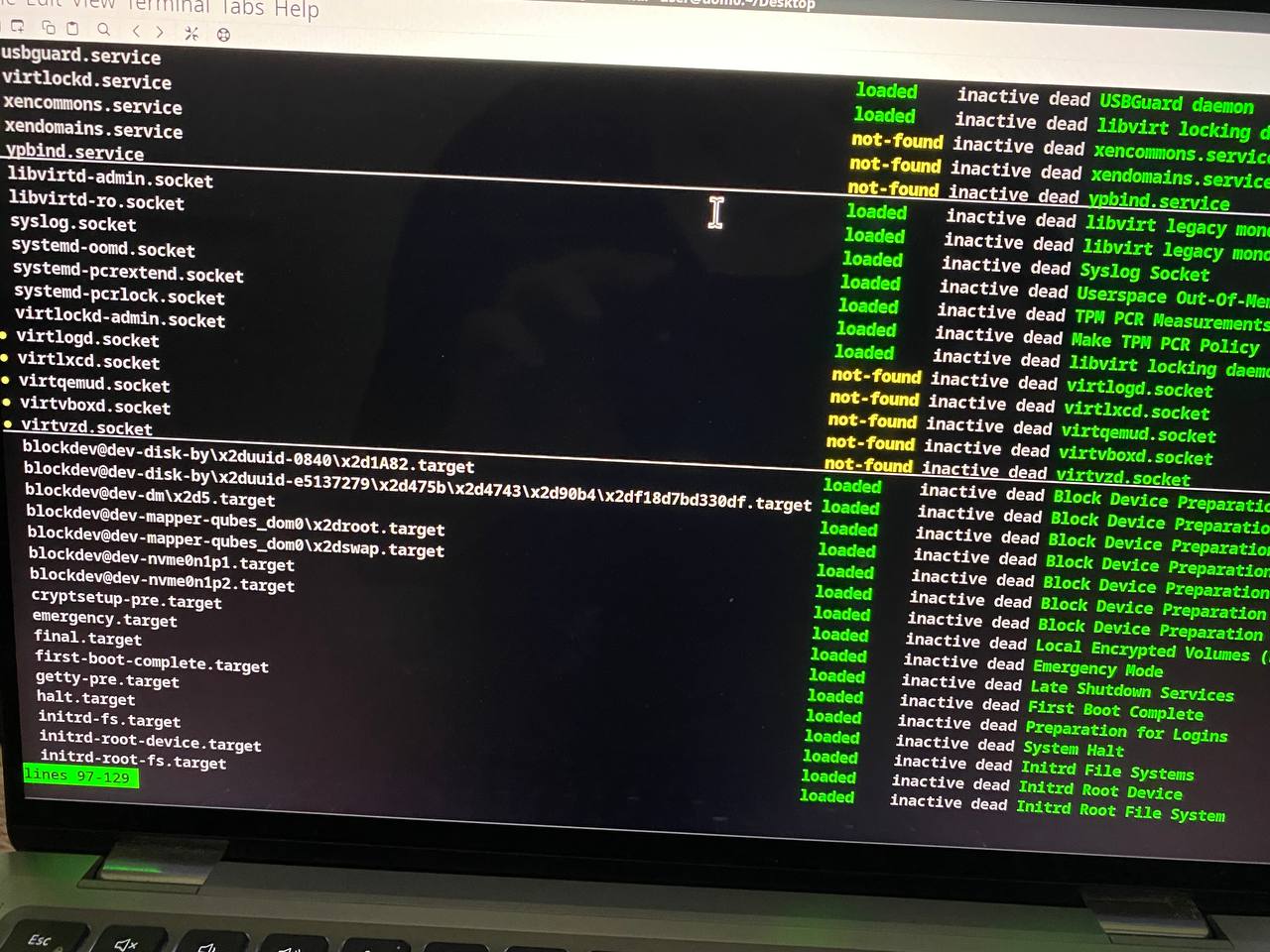
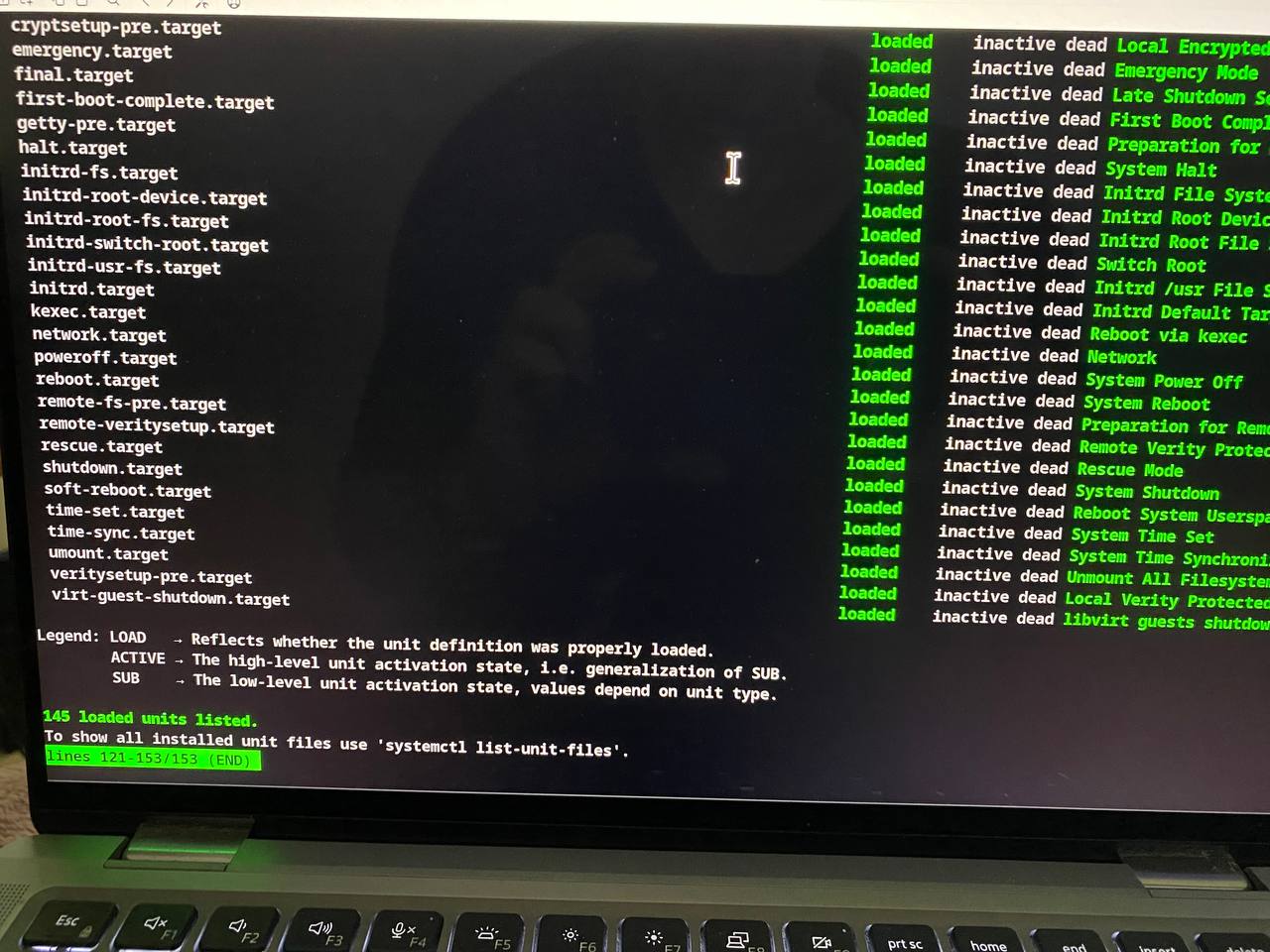
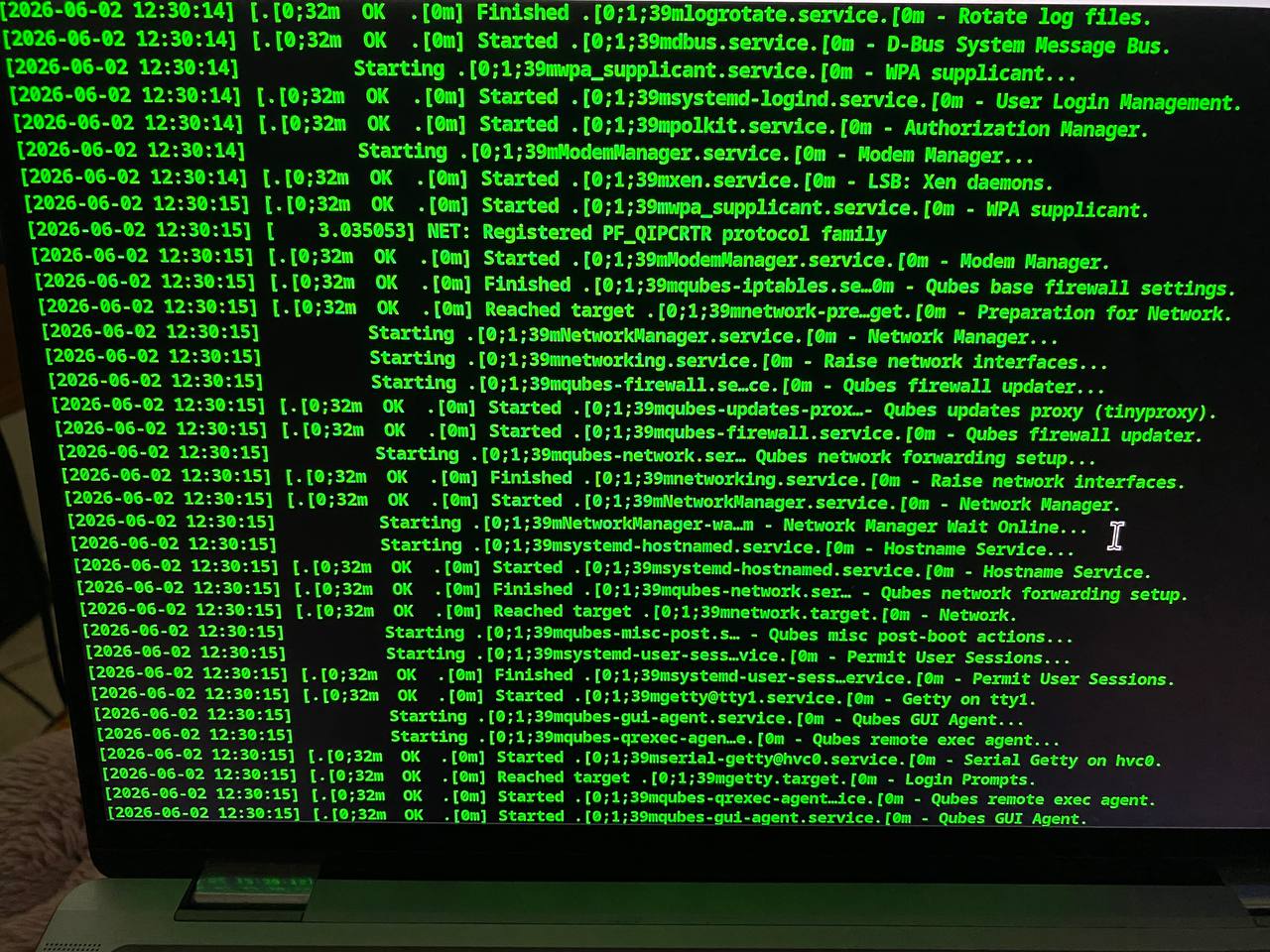
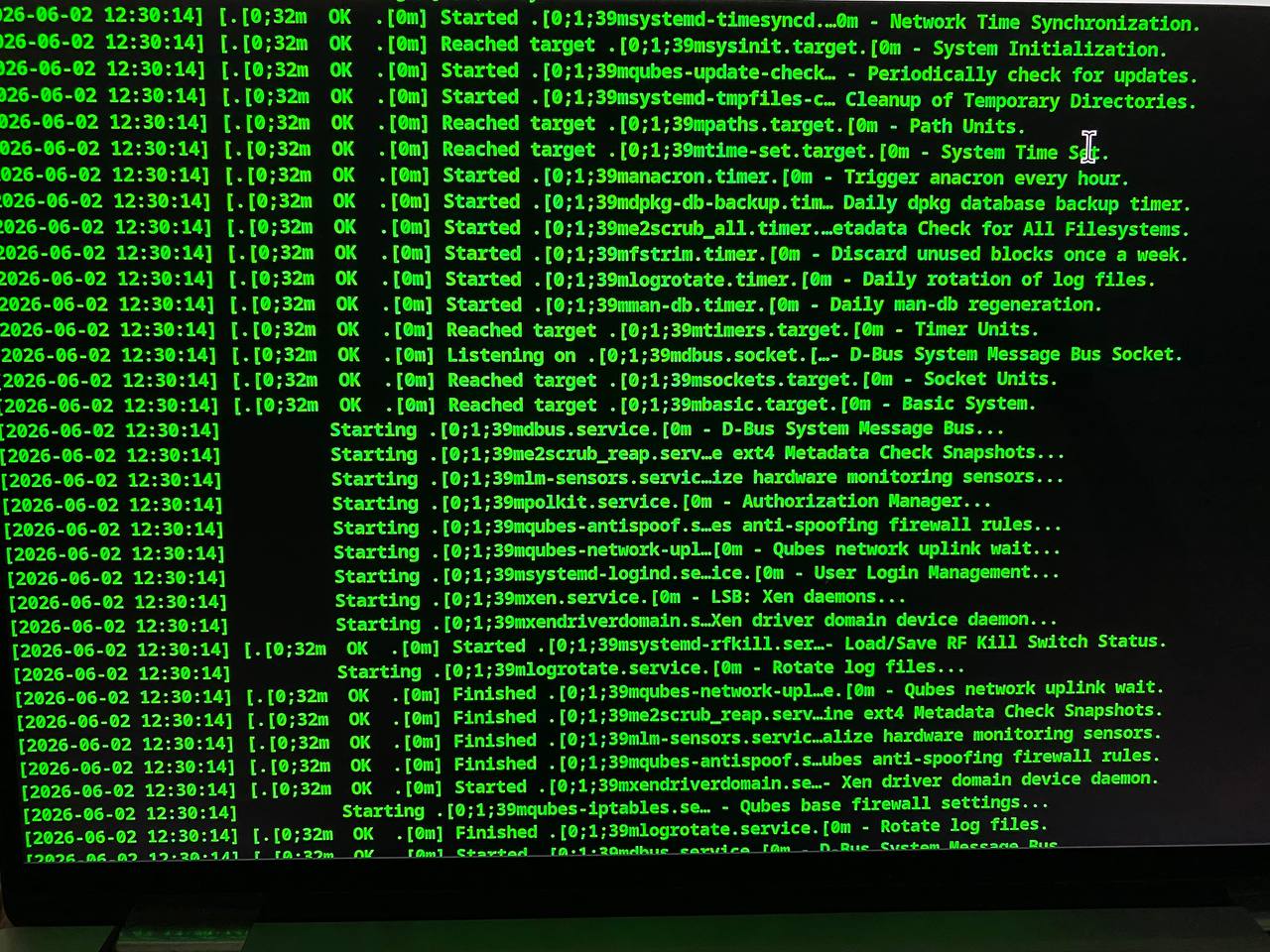
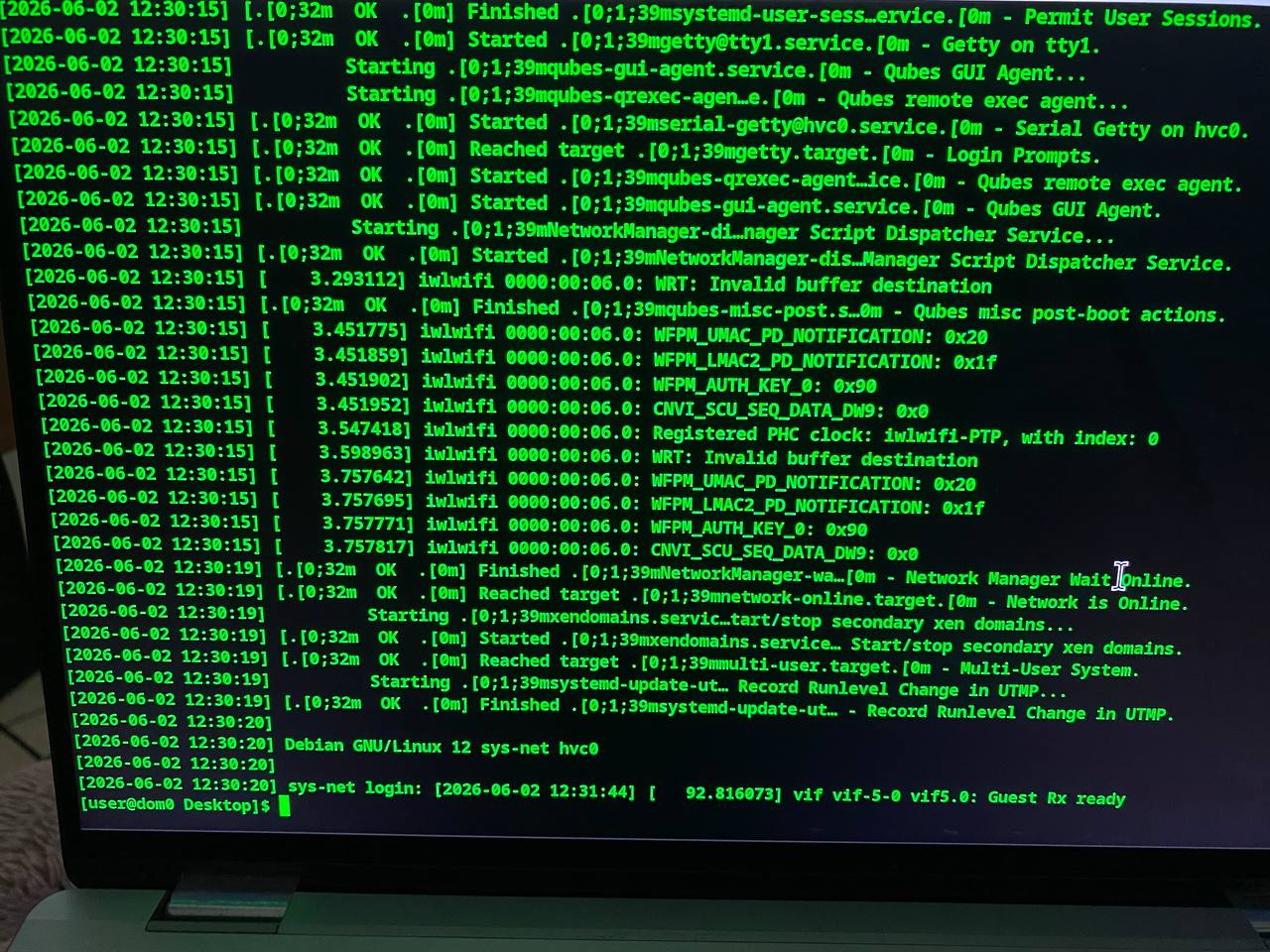
Your vm looks fine.
Sorry, for the issue with the qubes-gui service on dom0 - there i was a bit too quick to shoot.
Do a ps faux | grep qubes-guid to see if the receiving x11 service is running.
Apart from that - I’m out of ideas for now.
returns one line:
user 38976 0.0 0.0 230348 2424 pts/10 S+ 16:42 0:00 \_grep --color=auto qubes-guid
Is it normal for sys-net, sys-firewall and sus-usb to running and also be loaded but showing failed under the Active and sub columns with systemctl --failed ?
I understand. I very much appreciate all the help today from everyone.
I feel we made a lot of progress and we almost got there.
Hopefully someone will come along and see that final piece that is missing 
Well, on your system virtxend failed, therefore qubesd failed which in turn let your vms not autostart but since you booted them not by hand we can call the vms atleast “running”.
Okay, so that might be the last issue. qubes-guid is not running for your vms. You should have gotten a line for each active vm.
According to Claude you can start the guid with qubes-guid -d <vmname> … maybe try to discuss the handling of that tool with Claude.
1 Like
I’m now thinking outside the box here.
Is it perhaps possible to revert the changes?
When I was upgrading and said yes when asked if I wanted Qubes to backup Dom0.
From reading I understand that it would have taken a snapshot of Dom0, but I can’t find where it is saved and Claude doesn’t know either.
According to this post: Automated backup during 4.2 upgrade, should I clean it up? - #2 by DVM the snapshot is not deleted until stage 5. Since I only got as far as stage 3, it in theory should still be on my system.
I was able to get the gui working and connect to the internet. I have outlined the steps below:
First I confirmed that qubes-guid existed with
which qubes-guid
This should return:
/usr/bin/qubes-guid
Then confirm that it is enabled and active with:
ps aux | grep qubes-guid
Then I obtained the vm name and ID # using
sudo xl list
i.e.:
Name ID
sys-net 1
Then to connect the GUI of the appvm I ran
sudo qubes-guid -d 1 -N sys-net
Repeat the above for each appvm you need gui, i.e. sys-usb, sys-firewall
Sounds good.
Is it reboot stable?
What does the qubes version inside /etc/fedora-release say?