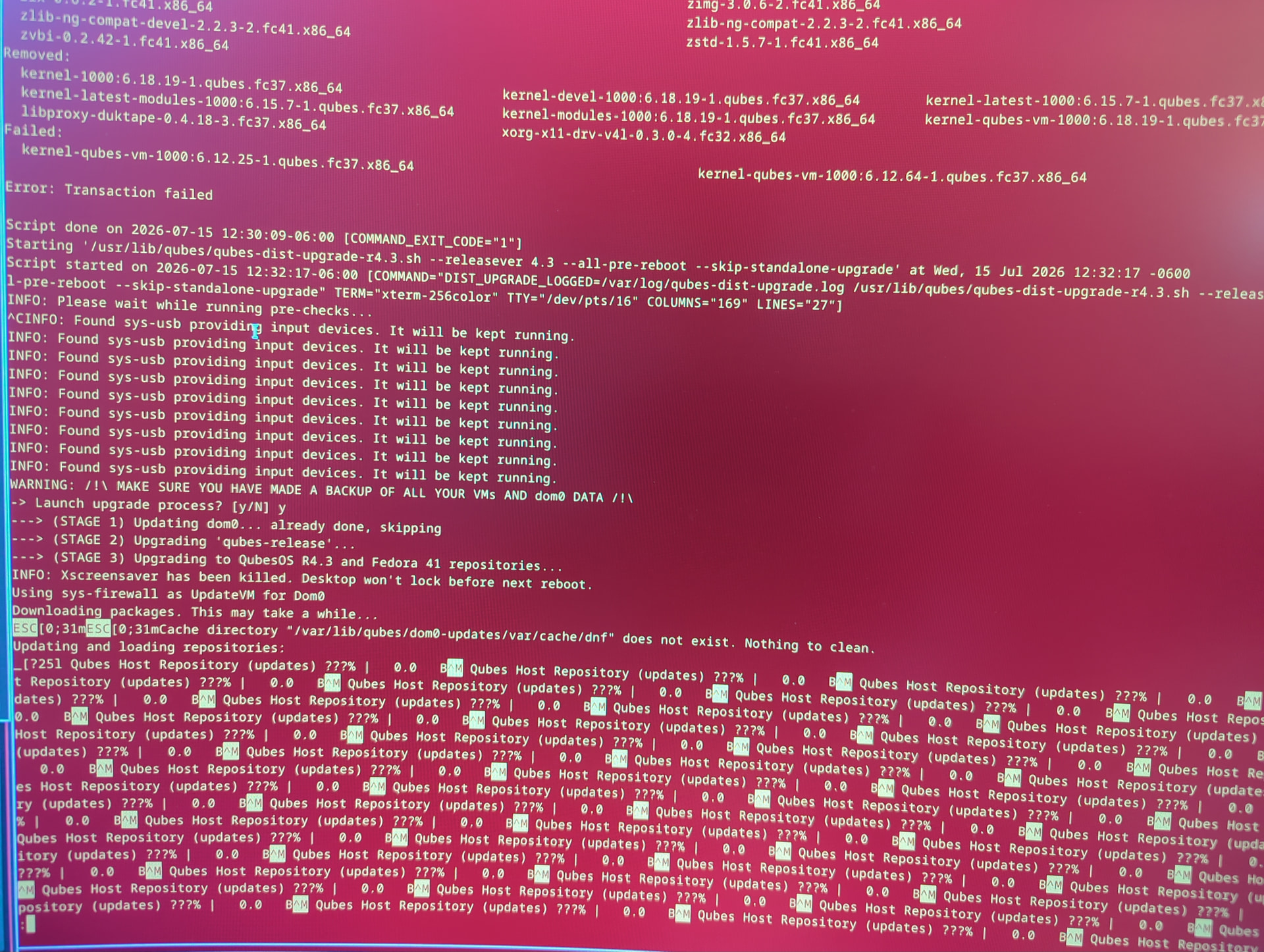
After starting an inplace upgrade to 4.3, it failed on installing kernel 6.12.25-1 and 6.12.64-1
I cannot start any other qube and networking doesn’t work. I’m afraid to reboot for fear of everything failing. Luckily my USB qube is still working for now but I won’t dare attempt to restart it.
In the terminal that I was running the upgrade command, it just says error: transaction failed. And above that it says failed with the two kernels. I checked the /boot, But I’m not sure I should expect those kernels to be in there.
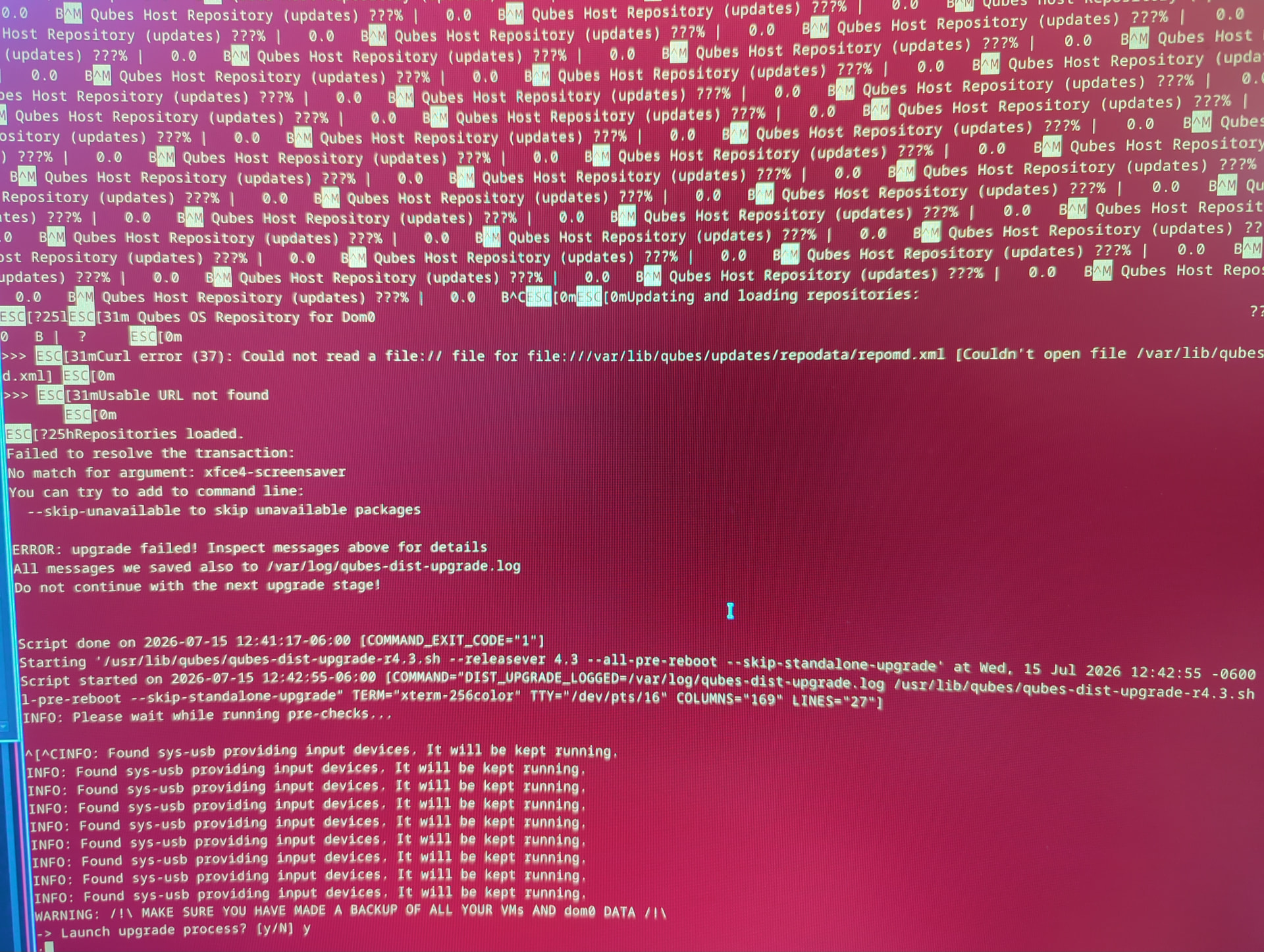
I’ve tried to rerun the upgrade command. But it hangs because there’s no networking anymore.
I was following the official upgrade guide in docs.qibes.org
The qubes-dist-upgrade.log shows a few curl errors and horns being not to proceed with the next upgrade step. But I think I may have overwritten it with my subsequent attempt to run the command.
(1) is the more time consuming option, considering I would need to export my backups off, and networking is easier to do that. The VM they are stored on, will not start. The data isn’t gone, but it’ll be easier to troubleshoot this as is rather than going that route.
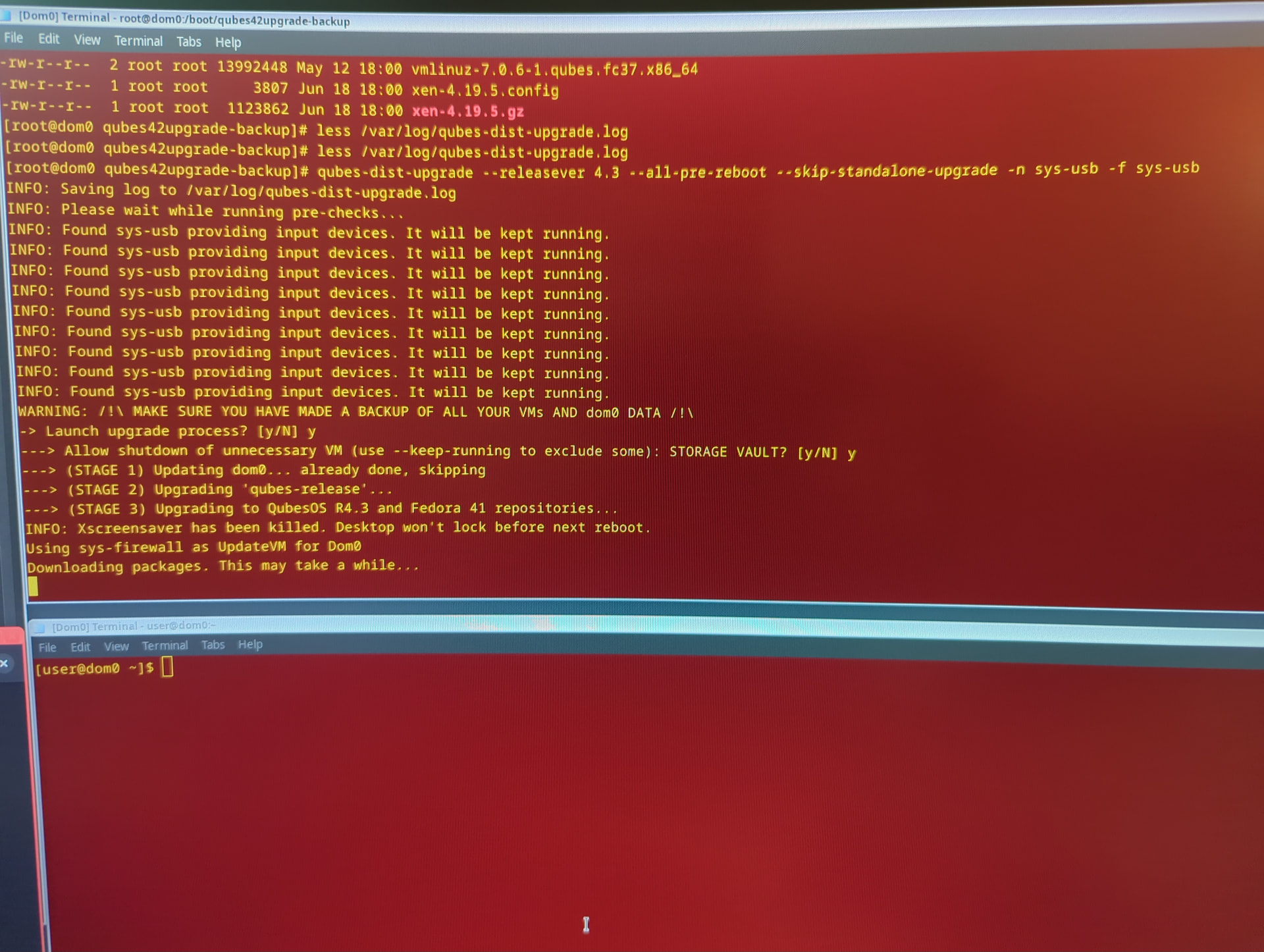
I think, consider it as intuitive troubleshooting, that you skip define for:
    --usbvm, -u                        Current UsbVM defined (default 'sys-usb').
    --netvm, -n                        Current NetVM defined (default 'sys-net').
    --updatevm, -f                     Current UpdateVM defined (default 'sys-firewall').
for qubes-dist-upgrade --releasever 4.3command, as a result your network was lost during patches download.
Update process should run without any interaction for around 30 minutes, sometimes even more. I don’t know what to check from now on, lets wait for more comments from advanced users.
I consider fresh installation as only reliable solution at this point.
Never use hvm as update vm, in this case you must use at less sys-firewall and sys-usb. Another point is that sys-usb can’t function as firewall while it provide network connection, so you about to donwload patches without using any type of firewall between you and network connect.