I just installed Redshift (See here and it works fine when I activate it in the terminal.
But when I try to automate it, using System tools Session & Startup, for some reason it won’t work at all. See this screenshot.
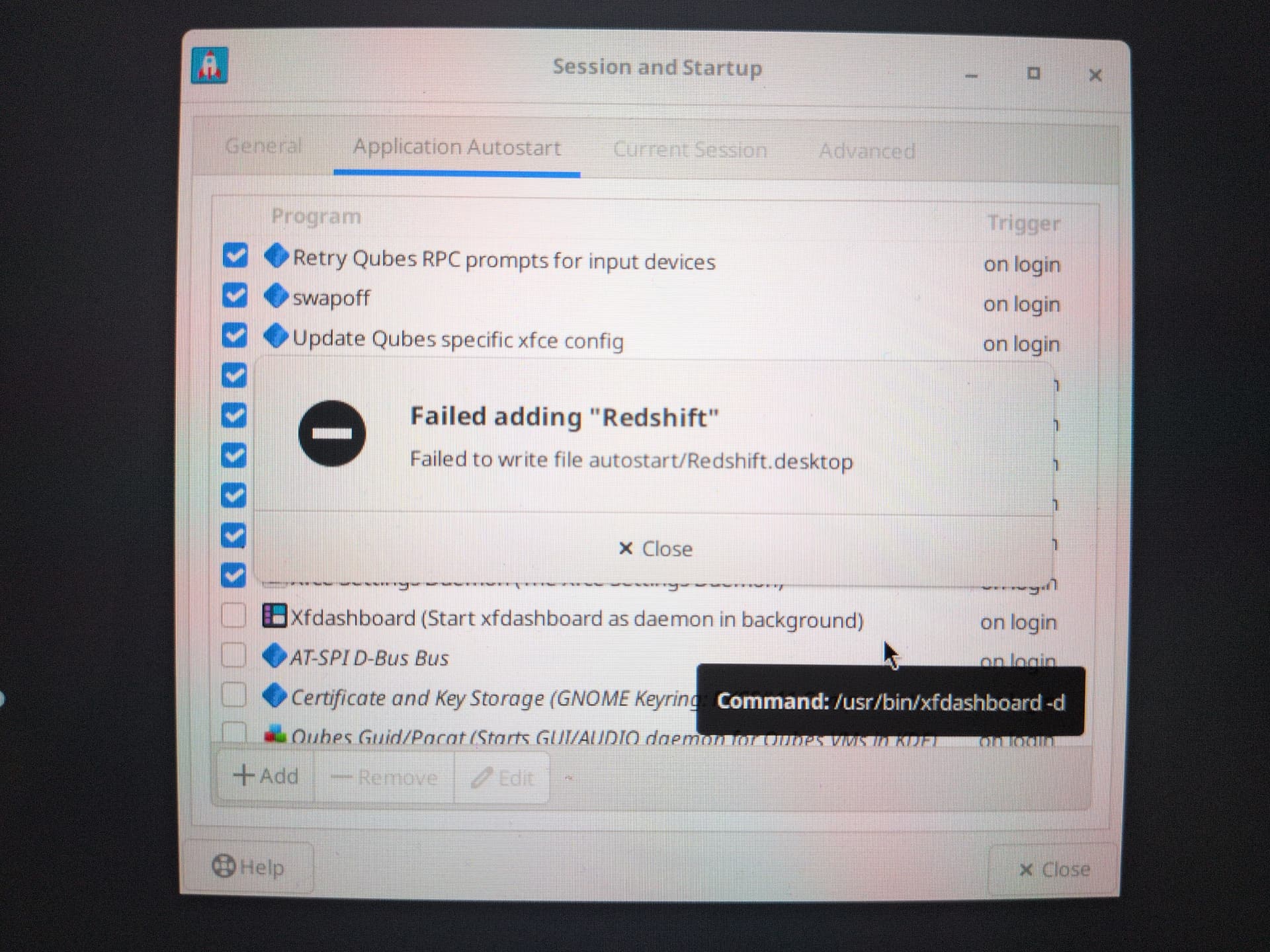
Has anyone else encountered this problem?
To note, I tried this after I ran the Qubes Live Mode script.
Whether or not this is the cause of the problem, is there any other way I can autostart redshift whenever I login?