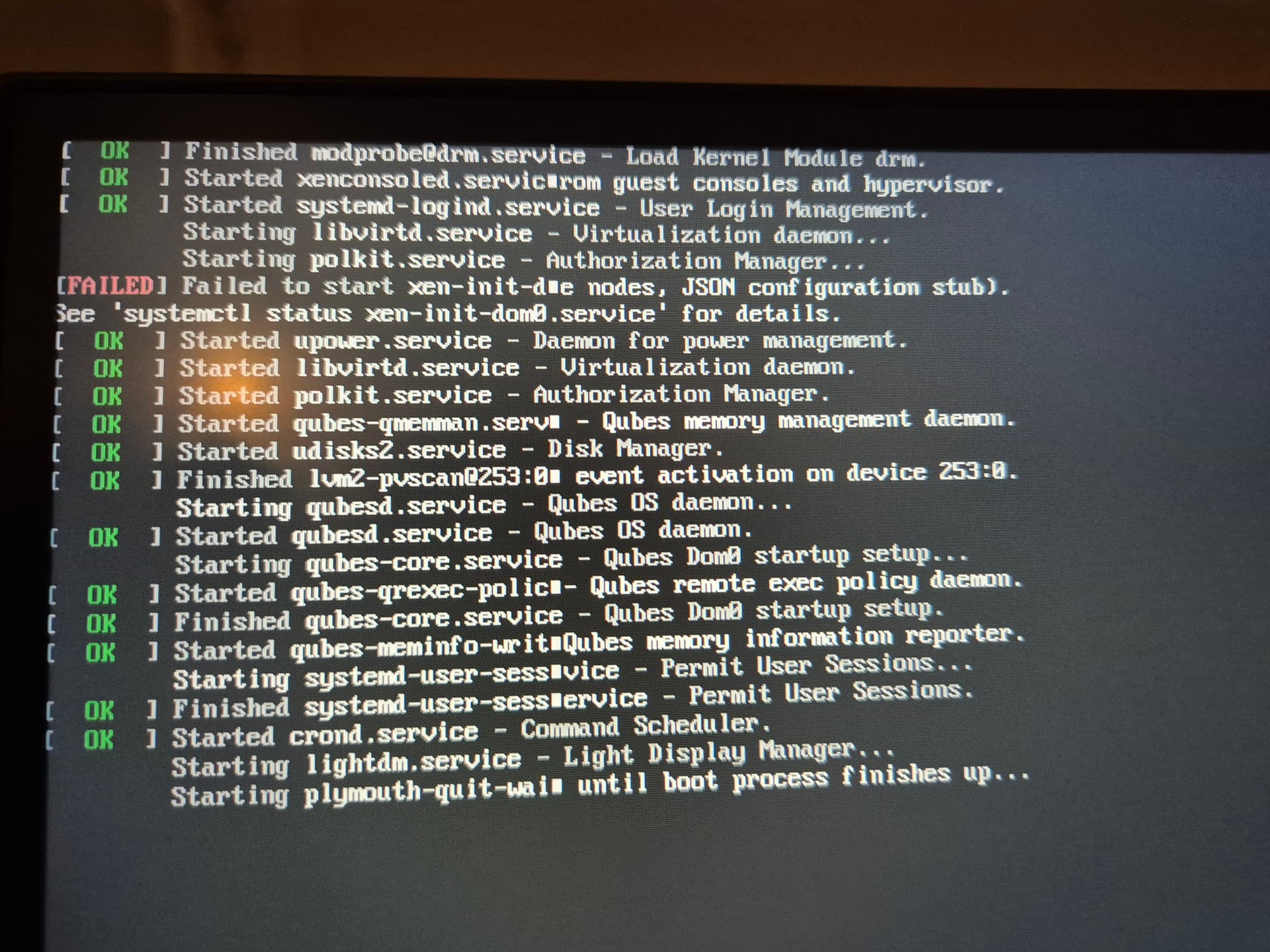
Hello guys.
Got this problem while booting. Yesterday i was doing backups of my qubes into new debian13 qube so i could later transfer it to external hdd drive. I deleted few old qubes, i dont think i changed anything related to sys net etc.
What is the way out of this? I need to at least copy my qubes to hdd usb so i can make new install. I wanted to do upgrade in system to 4.e before.
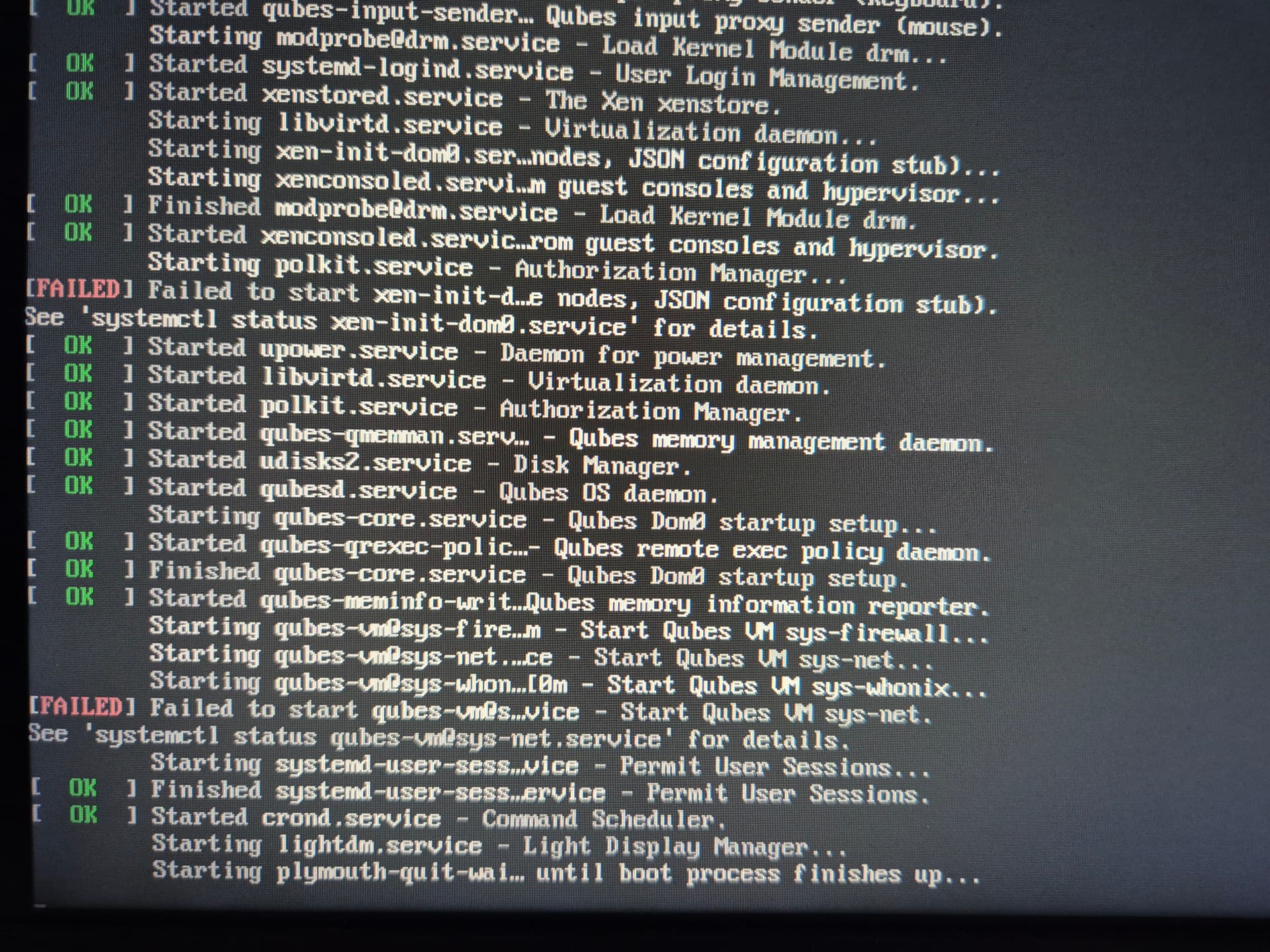
Thanks in advance for help.
phceac
December 24, 2025, 9:46am
2
Hello @Jannowak ,
I do not know much, but here is the first thing I would try…
Can you tell us:
What is the actual problem? Is there no graphical display for login? Is it possible the GUI login is on a different screen output?
Can you use keys Crtl-Alt-F2 together to get a login prompt?
If yes, can you log in as user, and try the first systemctl command that is recommended?
Maybe it is better to put sudo before.
I am guessing there are no earlier errors.
Maybe there will be a clue in the output.
Another useful command will be : systemctl status
It will tell if “lightdm” failed, or not.
Remember, if you do not have a standard Qubes install, then more details about your system may help you to get useful suggestions.
I will try this out soon when i come back from Holiday at 27th and let you know how it goes, thank you.
1 Like
When i access command line, systemctl doesnt work. login prompt works, after i put password it shows what i sent.
i did this step - Autostart troubleshooting — Qubes OS Documentation
and now it shows still - failed to start xen-init-de nodes, JSON configuration stub)