Hmm, if an error was thrown during installation, best would be to reinstall the OS again.
Investigate an error on a OS in unknown (and maybe errornous) state is a complicated task.
First goal should be the complete OS installation with no error (or with errors, that are known and fixable).
Unfortunately, it is in a normal state and Qubes OS could require some labour when installing depending on the laptop components and age.
Does this mean Qubes OS cannot be installed properly on this computer?
Hi @N00b5926 ,
please don’t mix problems at all.
First:
Can you install Qubes without errors on your computer?
If no, what error occours?
Second:
Can you use Qubes OS after installation normally (including mounting some USB-Drives)?
If no, what error occours, in which environment and in which process?
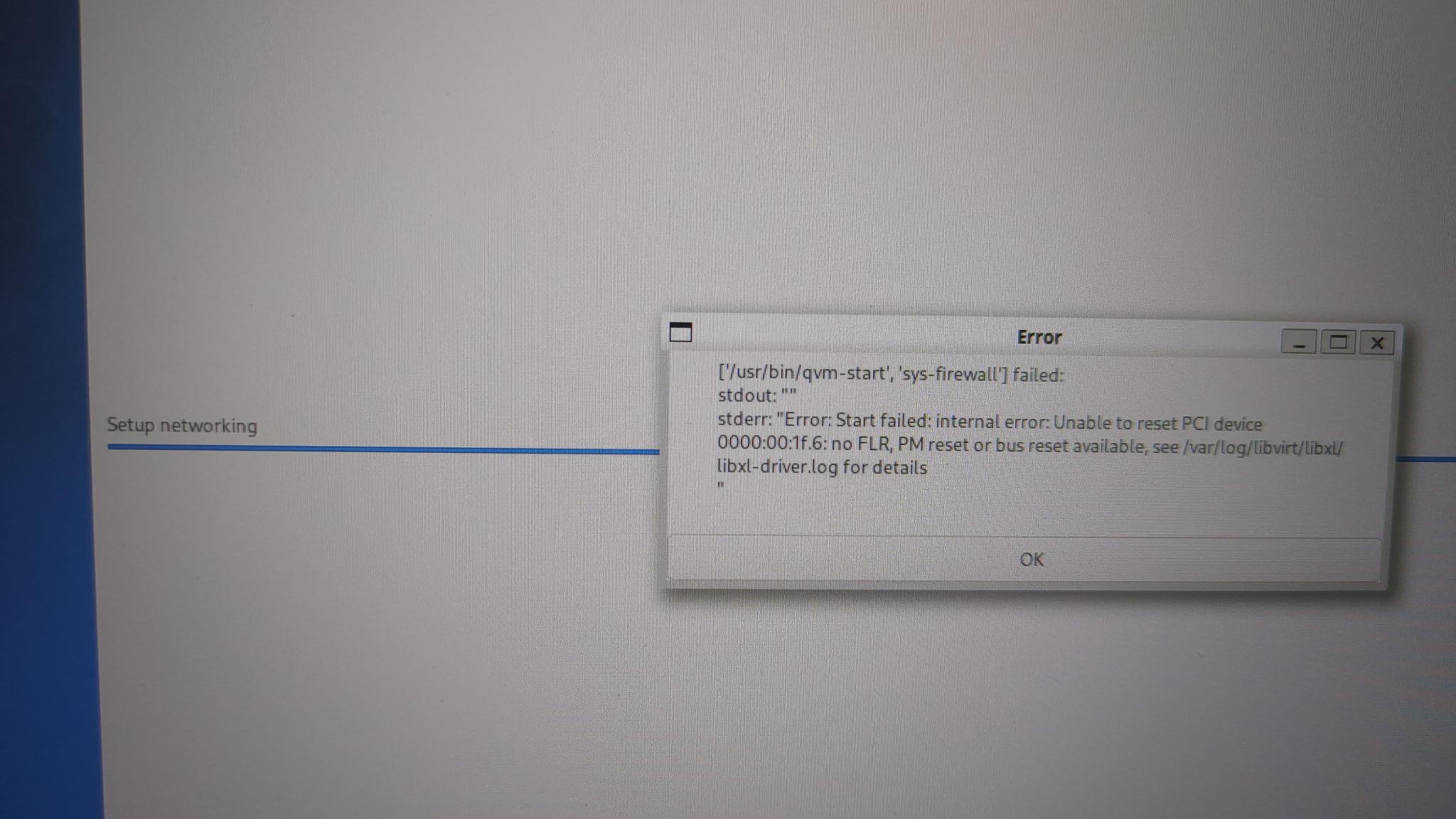
First, when attempting to install Qubes, the error message shown in the image appeared.
Subsequently, sys-net was unable to connect to the internet properly, but I understand that error was resolved with some assistance.
Later, I noticed that sys-usb could not mount USB drives. Even when connecting a USB drive to sys-usb, an error message stating it could not be mounted appeared. That is all.
Ok, the error during installation has nothing to do with the USB mount problem.
I think, the error with the PCI reset was solved.
The second problem has nothing to do with that. sys-usb is not meant to mount directly USB-drives.
For usage of USB drives, follow these steps:
- start an App Qube, that should use the usb-drive
- connect the USB drive to your computer, watch, that the USB drive is shown in the devices widget (top right of screen)

- click on the USB device (the complete device like /dev/sda, not an partition like /dev/sda1) and attach it to your App-Qube.
- open a filemanager on your App-Qube (like thunar), you will see your USB-device on the list left.
If you click on that device, it will be mounted onto your App Qube.
Please don’t forget to unmount (and after that!, unattach) your USB drive to prevent file corruptions (like in all other OS).
I tried it, but the result ended in failure.
I was able to connect the USB drive from another AppVM as instructed. I thought the restore proceeded without issue, but the restored virtual machine did not have any data saved.