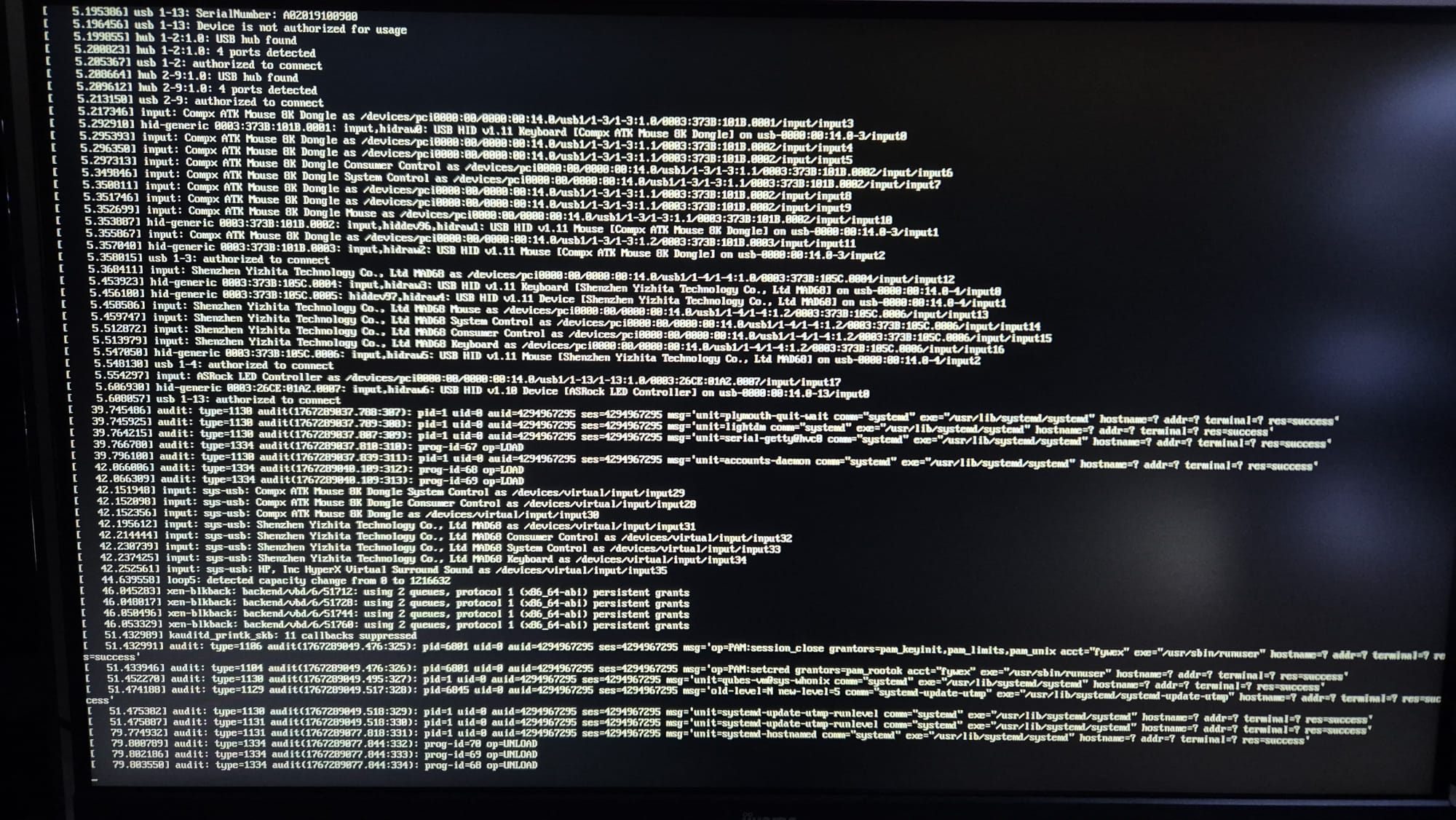
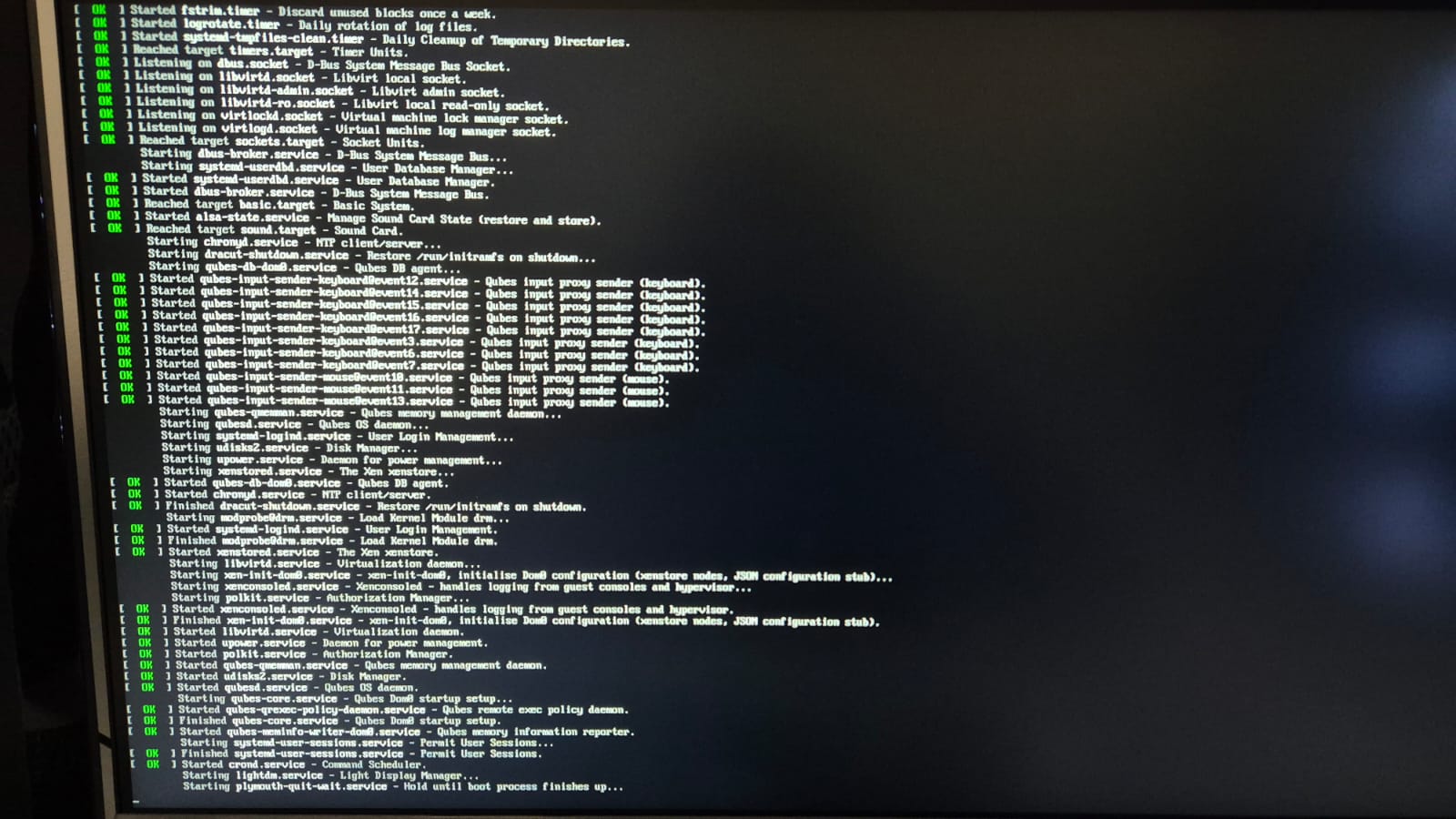
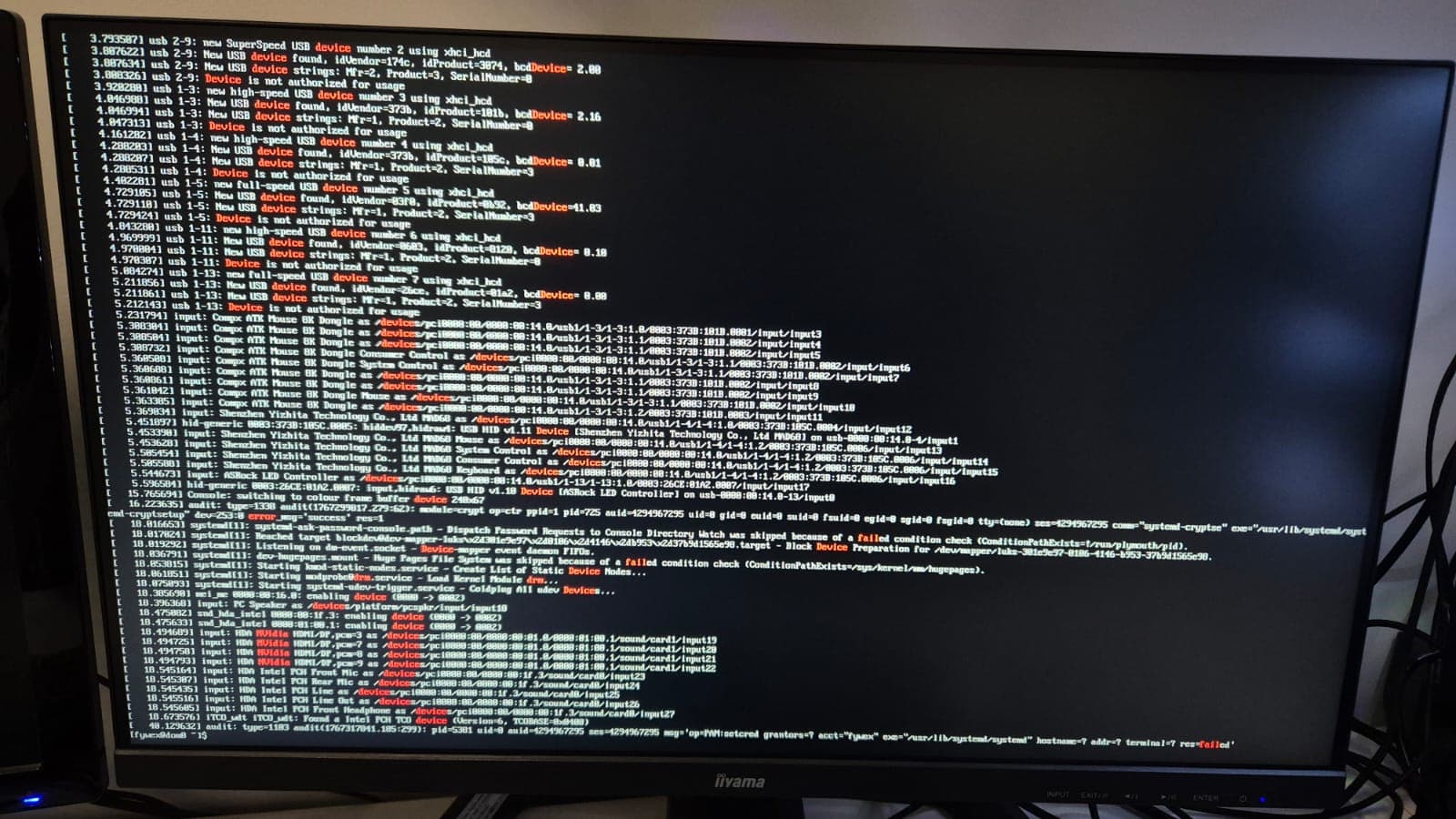
So I downloaded qubesos restarted then put my passphrase in but the bar loading is being stuck in the end
I tried doing what some posts in here suggested which where going into grub options pressing ‘e’ and editing this file by deleting “rhgb”, “quiet” then adding nomodeset at the end of the line (I tried a few other thinks to add I saw that were suggested) but it got me to the same point where it logs my usb devices then gets stuck at the end and does nothing.
I would love to get some help
Could you 1) append qubes.skip_autostart to GRUB_CMDLINE_LINUX in GRUB before booting; 2) enter your LUKS passphrase; 3) press Esc again like you just did and 4) send a screenshot of the output from the console? Skipping VMs autostart has a chance to allow us to debug further — there might be a problem with some of your devices that could’ve gotten hidden by verbosity settings. If you didn’t get “unstuck”, see my next steps.
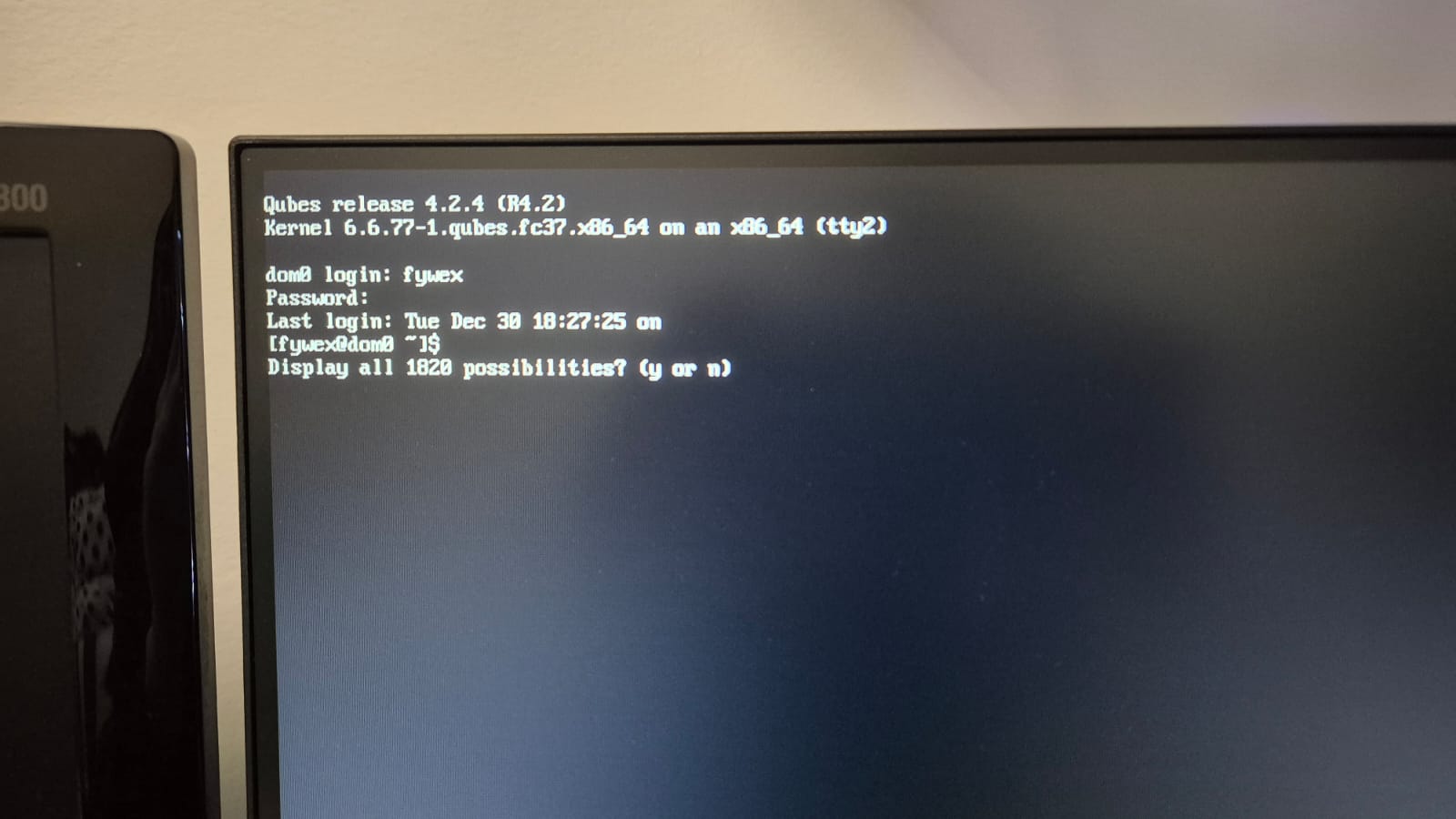
While at the “stuck” screen, can you try hitting Ctrl + Alt + F2 or Ctrl + Alt + Fn + F2 (try F3 too in both cases) and see if you get into a login TTY? We’ll see if you booted but lost the GUI.
Our last resort is to boot straight into text mode bypassing the GUI all-together: before booting, append systemd.unit=multi-user.target to the same GRUB line mentioned above and see if that gets you in.
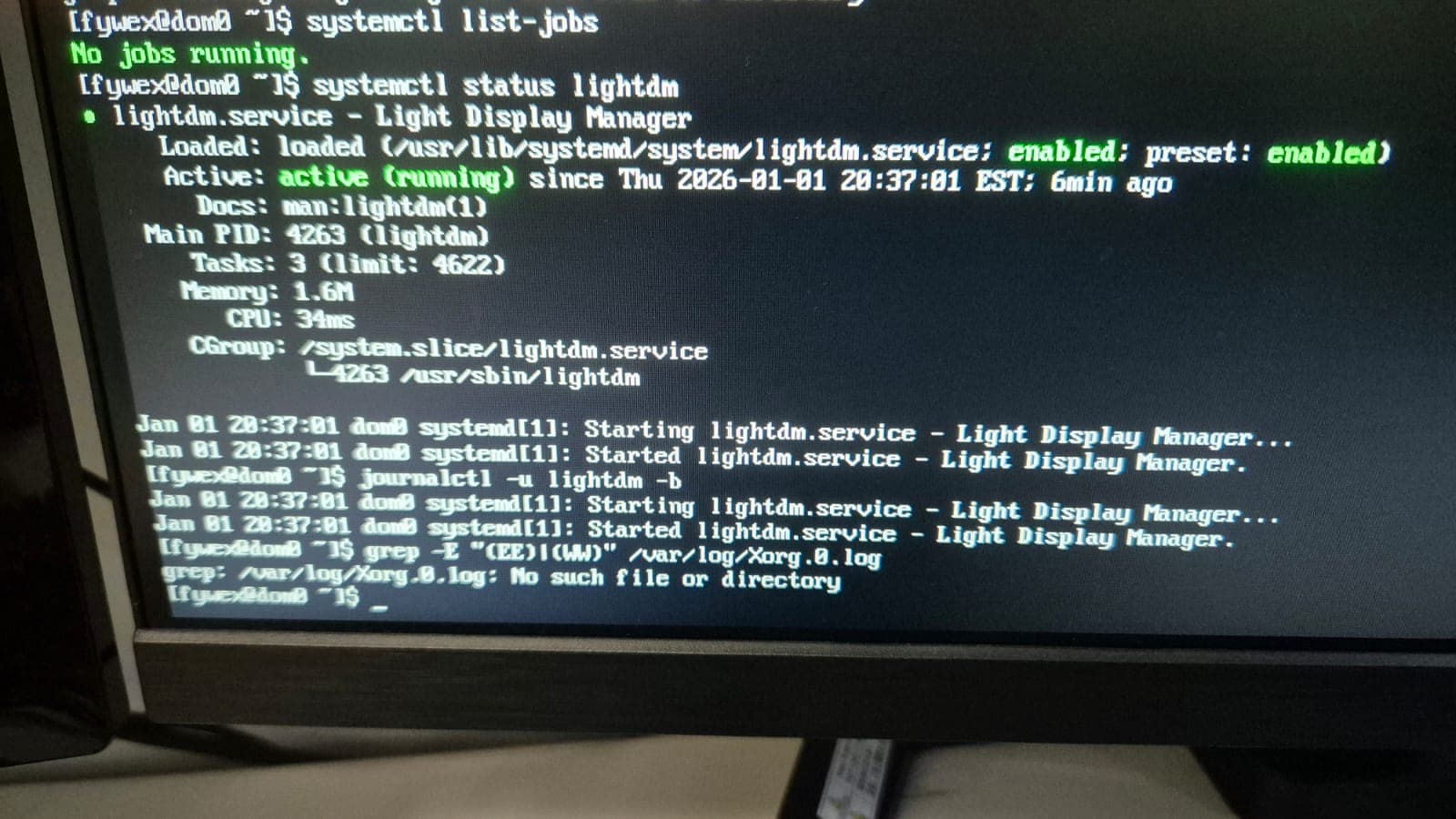
systemctl list-jobs (to see what is stuck in start or running forever)
systemctl status lightdm – that will tell us what display manager has to say
do journalctl -u lightdm -b as well
Xorg might’ve failed to spin up, so try grep -E "(EE)|(WW)" /var/log/Xorg.0.log
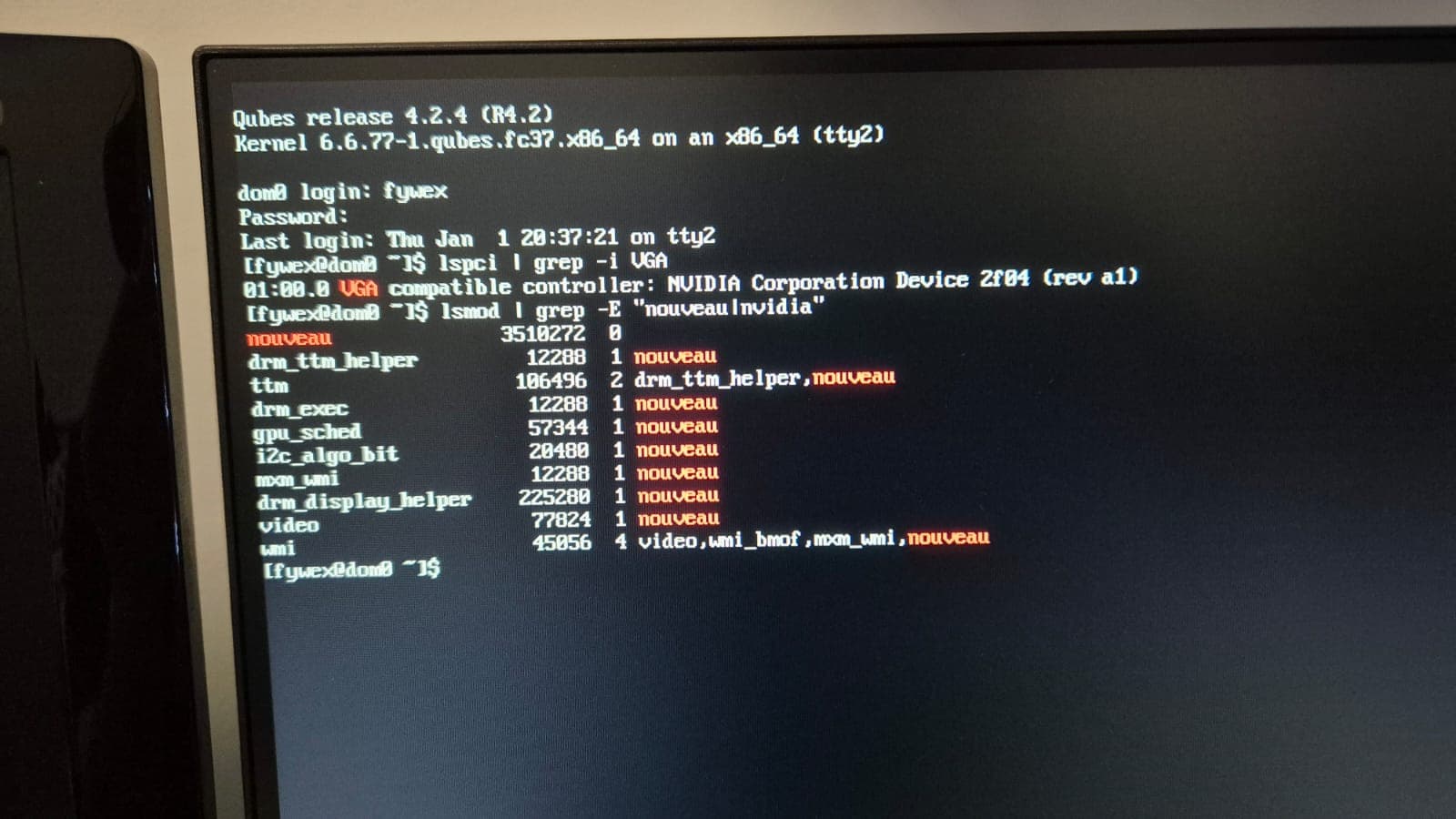
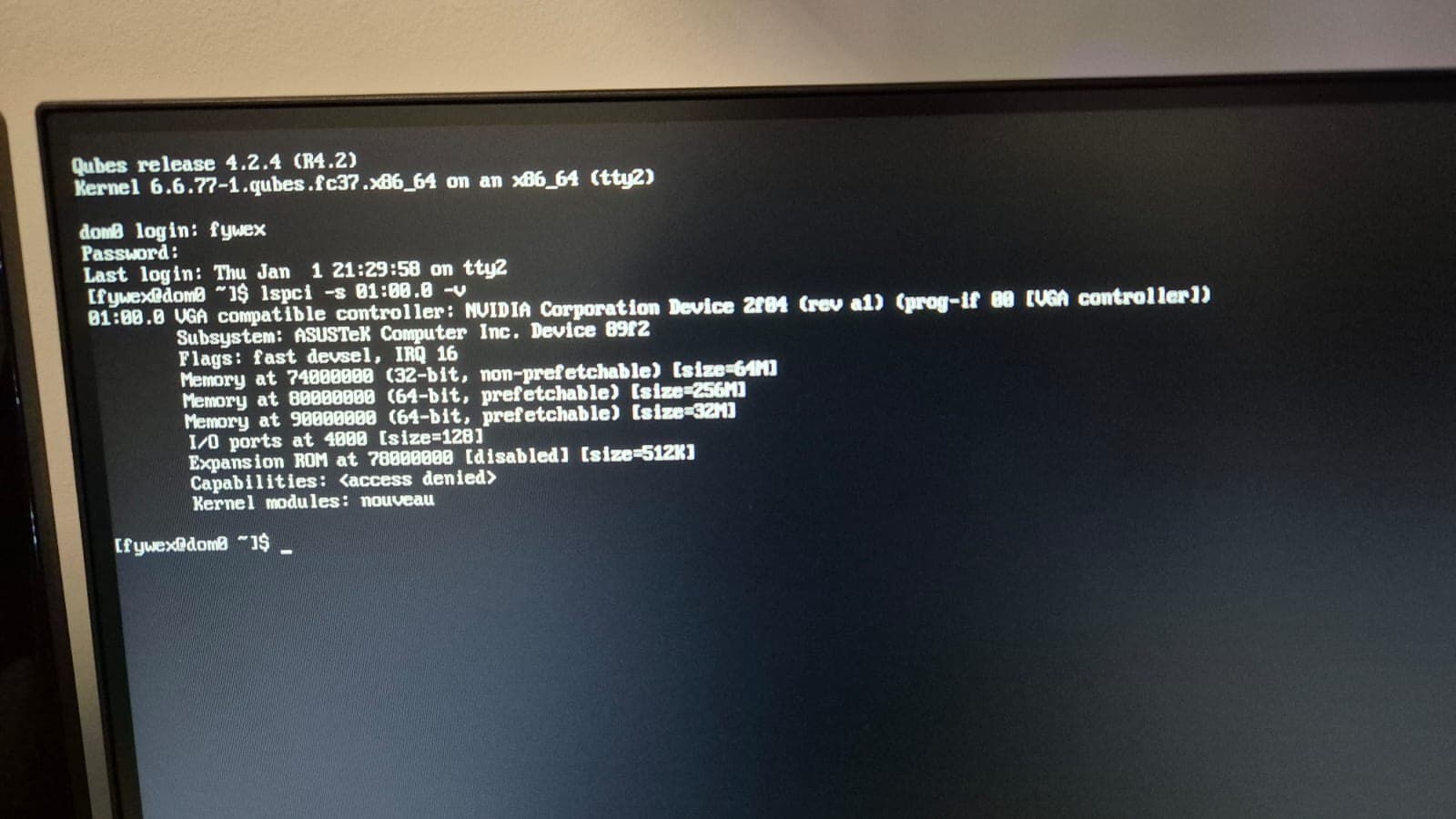
and finally, sudo dmesg | grep -iE "drm|kms|nouveau|nvidia|driver|fail|error|device|firmware" – I am 99% sure this is NVIDIA and its drivers being the final most evil boss which is like what NVIDIA always does
@fywex Does your PC have an integrated graphics card with your CPU or do you only have a dGPU? Also, Qubes OS r4.3 came out recently and I believe it would be a good idea for you to try installing that, as it will be easier than trying to upgrade from r4.2.