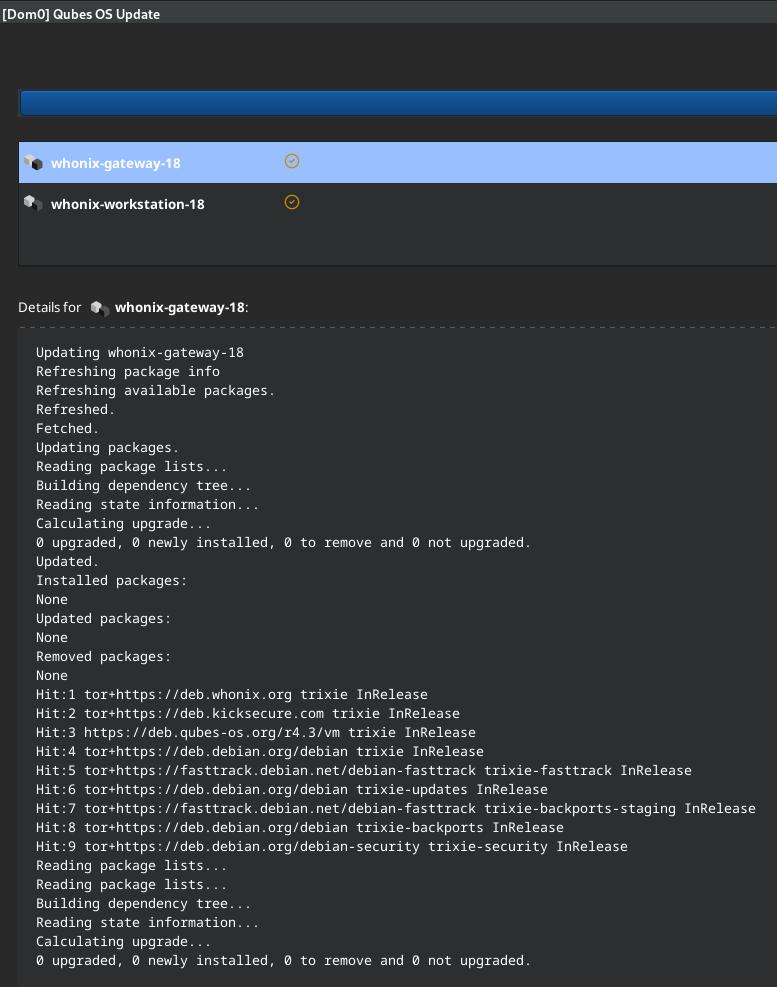
Today running Qubes Update failed on templates whonix-gateway-17 and whonix-workstation-17 (with two tries), due to an invalid signature, possibly of @adrelanos
Can someone please check what’s going on?
An excerpt of the relevant error messages is appended below.
Thanks in advance for any help,
ChildsPose
W: An error occurred during the signature verification. The repository is not updated and the previous index files will be used. GPG error: tor+https://deb.whonix.org bookworm InRelease: The following signatures were invalid: EXPKEYSIG CB8D50BB77BB3C48 Patrick Schleizer adrelanos@kicksecure.com
Preferably, avoid doing anything in dom0 whenever possible. The commands in the linked documentation are meant to be run in the template and should work for most users.
But you can also do this: Download the key in any VM, verify the fingerprint, copy it to the Whonix template VMs and standalones and place it in /usr/share/keyrings/derivative.asc. Just as good. I personally prefer doing as little as possible in the template.
How do I add the new key into the Whonix Workstation template? I cannot execute sudo, the ability to do that was removed like half a year ago. And the linked instructions assume I can execute sudo?
I also want to know what action is taken by Whonix team to prevent this from ever happening again. Bricking software updates for everyone like this for a security and privacy critical piece of software is of course a major issue. Not all activists and journalists that depend on Whonix may be able to repair their installation, or even realize they must, putting them in great danger. @adrelanos
Is there anything the QubesOS team can do to repair existing installations, through a dom0 update? @marmarek
Please use existing forum thread(s) in case more discussion on sudo/root is required to avoid duplicating these here.
The latest version of the signing key has no expiration date.
(If I try really hard, an argument can be made with an expiration date would be preferable but in the grand scheme of things, these kinds expiresig issues are much worse.)
Key expiration date, for the key used for the release channel, should be the software end of life date.
A developer on my team thought that was what you guys were doing when I first saw the key expired.