For people who want to use a CNC Machine (mill, engraver, laser, plasma, water-jet, EDM, …) with a GRBL controller (or similar USB based controllers) on Qubes OS, here is a simple guide.
CAD
I would recommend FreeCAD as a general purpose parametric 3D computer aided design software. It works well on Qubes OS. Even on my “not so powerful” PC. It is currently only available in Debian official repositories. Not Fedora. Here is a video on 30 reasons to use FreeCAD in 2026.
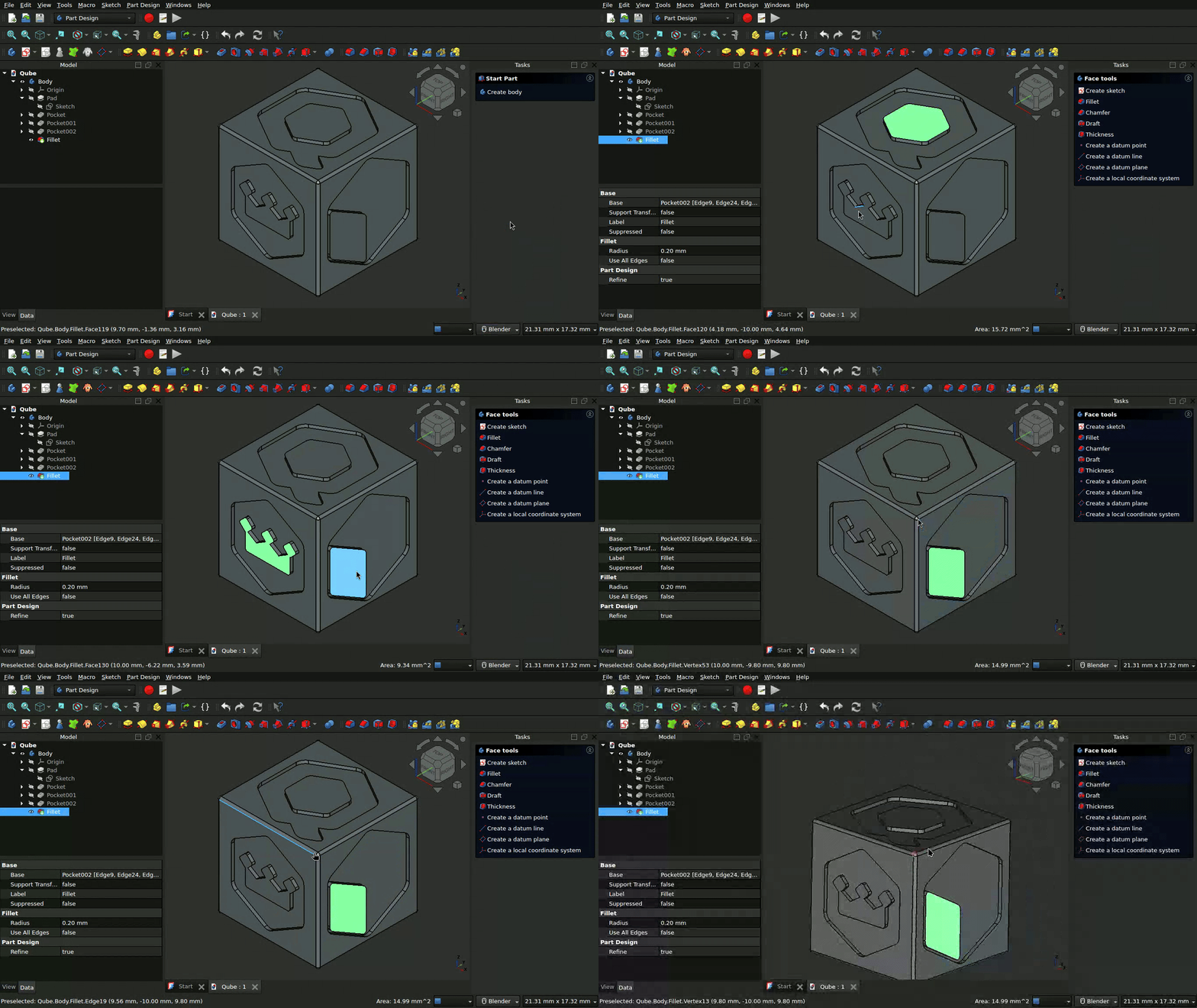
People with programming approach might prefer OpenSCAD. People with artistic approach might prefer Blender.
CAM
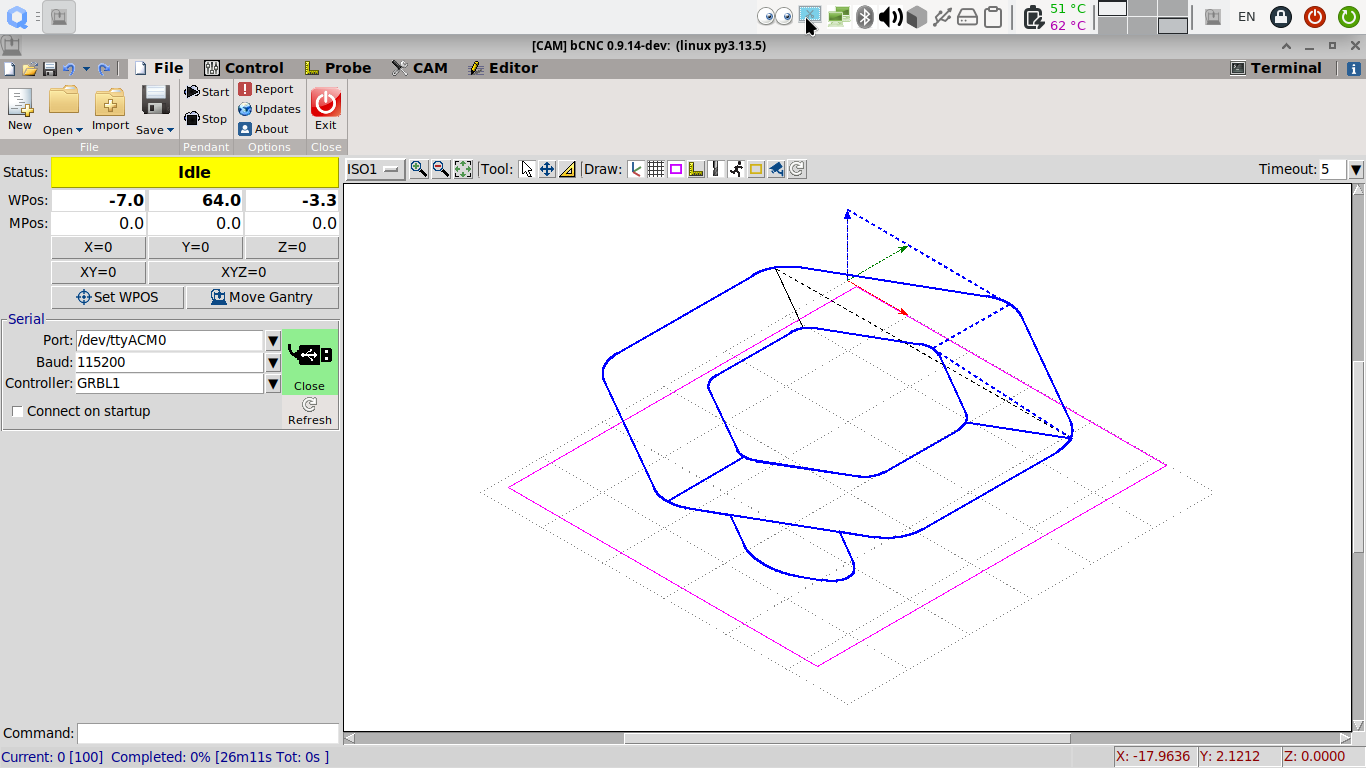
The only CAM software I am aware of which is available in stable repositories of any official template is bCNC. It is only available in Debian based templates. Candle and UGS should also work. But I have not tested them. bCNC is quite capable and more than sufficient (at least for my use cases).
USB pass-through of the controller to CAM qube is usually straight forward. You could assign the controller to CAM qube for easy automatic attaching (only on Qubes OS r4.3).
To allow bCNC (or other G-CODE sender software) to access the USB-to-Serial interface of the GRBL controller, it is necessary to add the user user to dialout group in the CAM qube’s template:
sudo groupmod -a -U user dialout
Then you will be able to connect to your machine and control it. Happy secure machining!
Epilogue
LinuxCNC
It is not clear to me if LinuxCNC (or other RTOS operating systems) would work as an HVM qube if it has enough dedicated cores and allocated RAM. But I do not see any reason why it should not work. Considering the nature of the work environment where someone would want LinuxCNC together with internet access on the same PC, Qubes OS could be a perfect candidate.