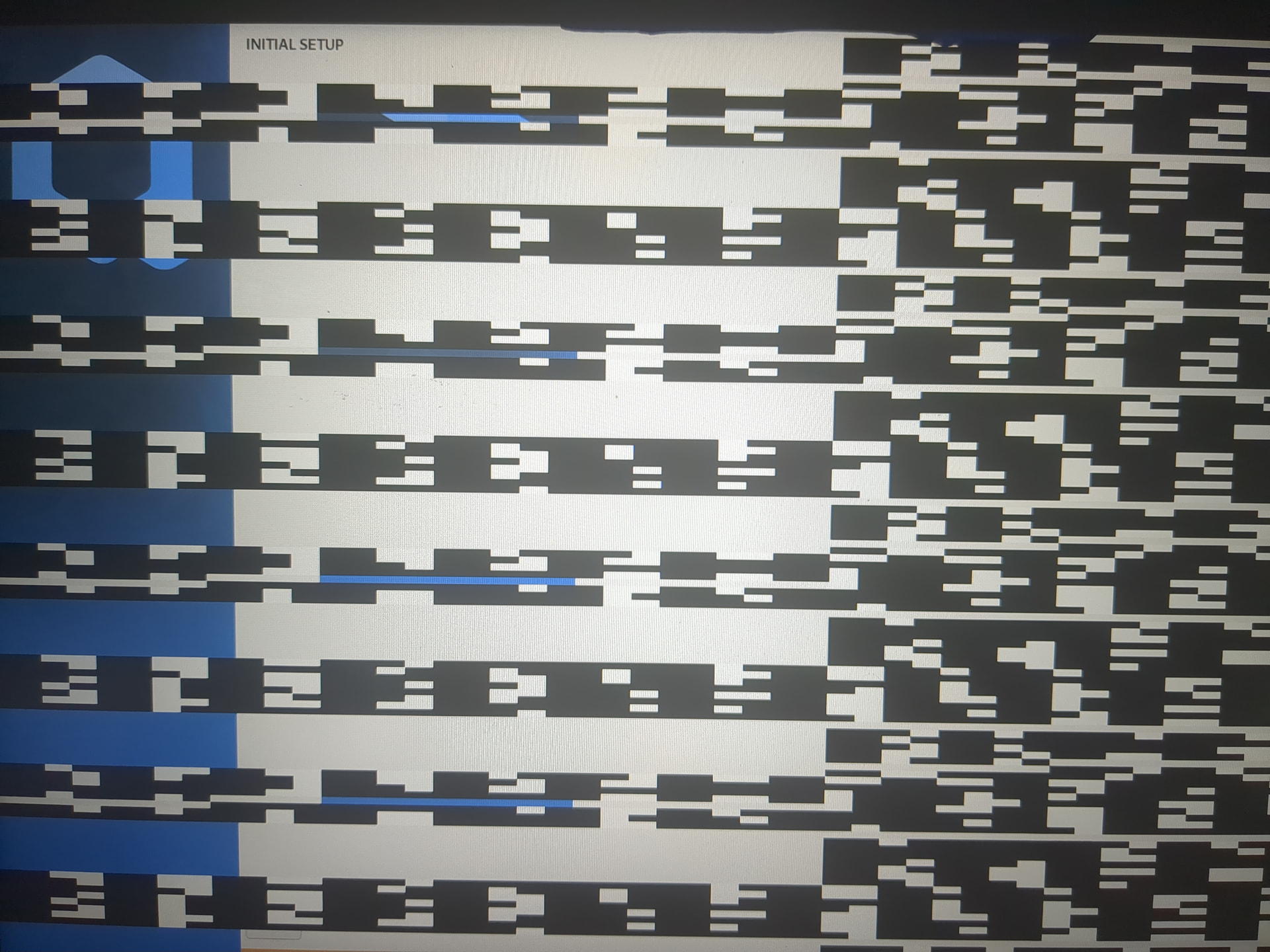
This issue was not present in the installation medium, nor is it present in the decryption screen that you get before this one.
The “rescue” option present in the installation medium does not detect my installation, and manually mounting the drive i can find no xen.cfg under the qubes directory.
With little information about how you set up the installation, I am guessing…
If you moved your external disk to a new computer, then the PCI layout has changed.
Therefore all of the attached PCI devices in sys-usb and sys-net are probably “wrong”, because they refer to the old layout. If one of them is given essential dom0 hardware, like the boot/dom0 USB controller, then there will be BIG PROBLEMS.
You could try to reboot and edit the grub line that starts with module2 vmlinux. Add to the end of the line a space and then qubes.skip_autostart
If it works, then you will need to decide how to avoid those incorrect PCI assignments, and make sure that dom0 can see its filesystems…