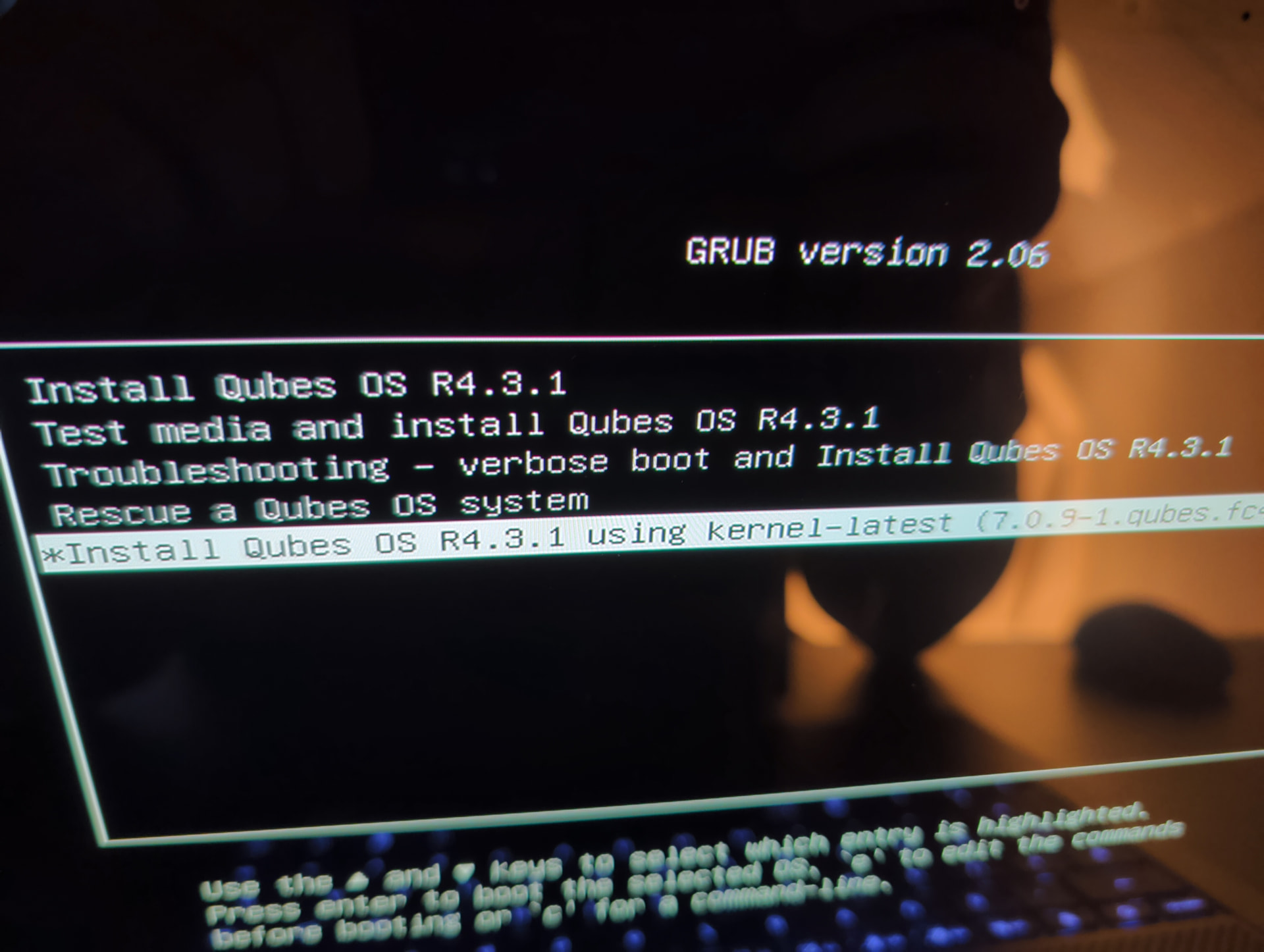
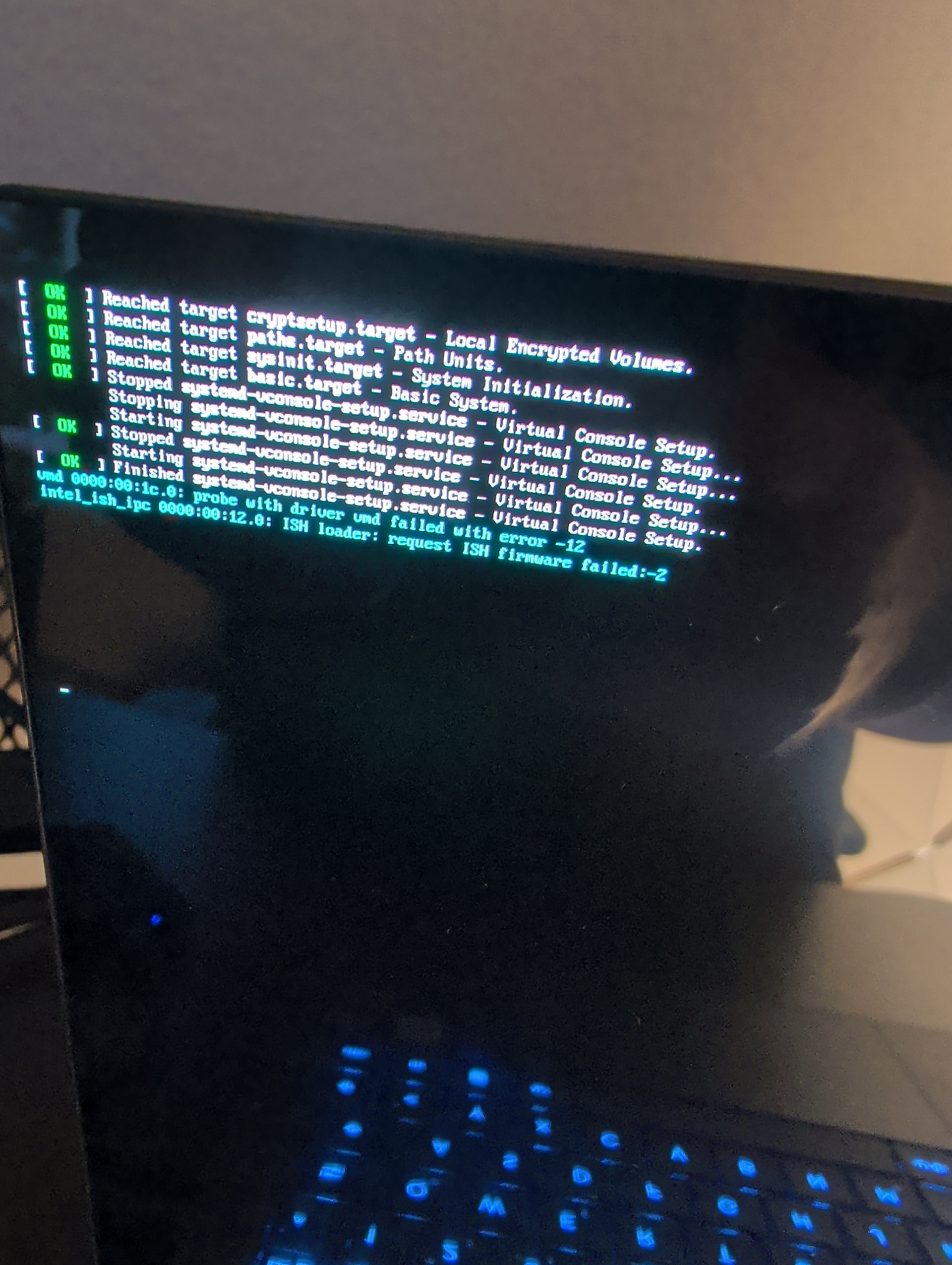
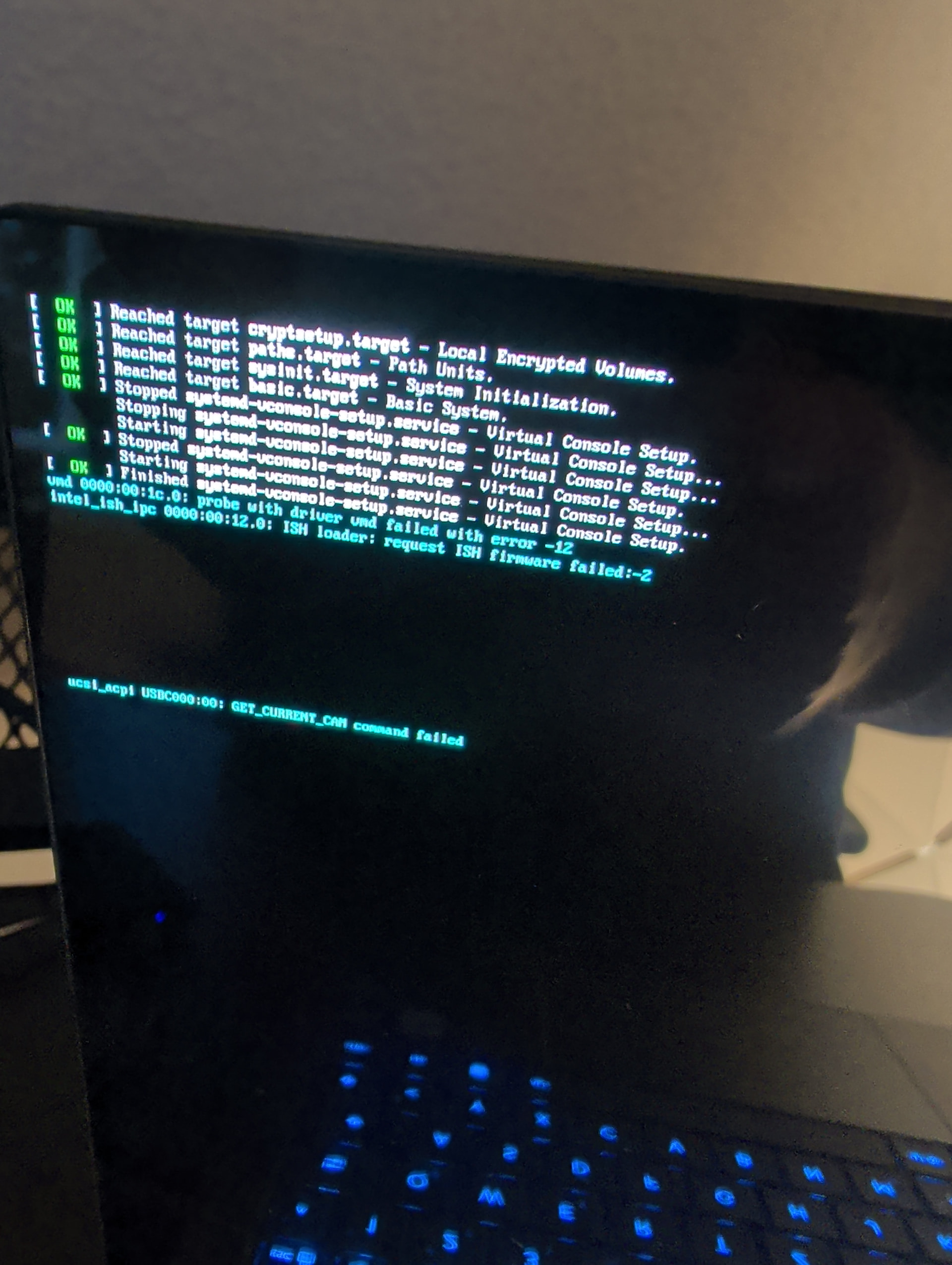
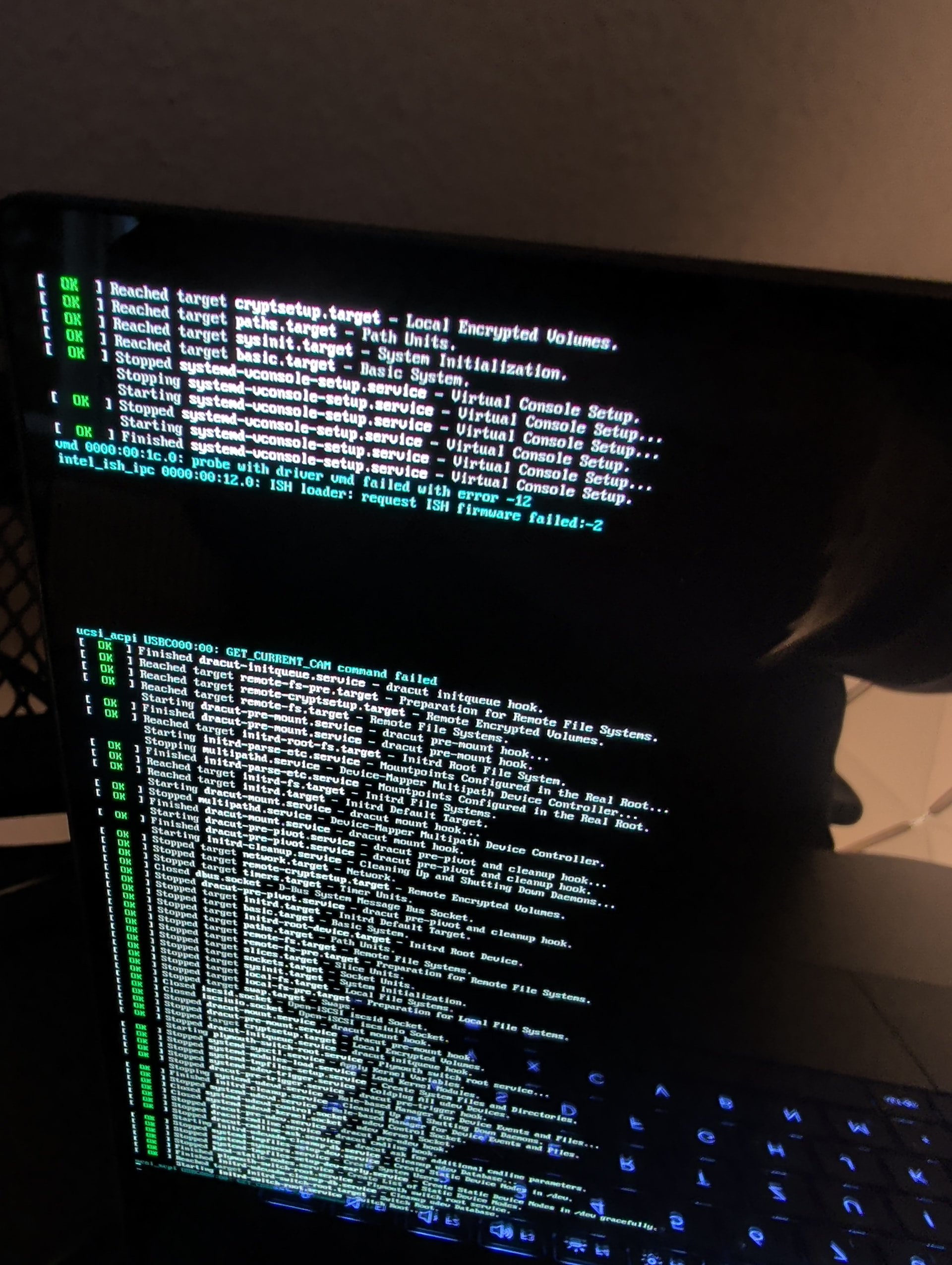
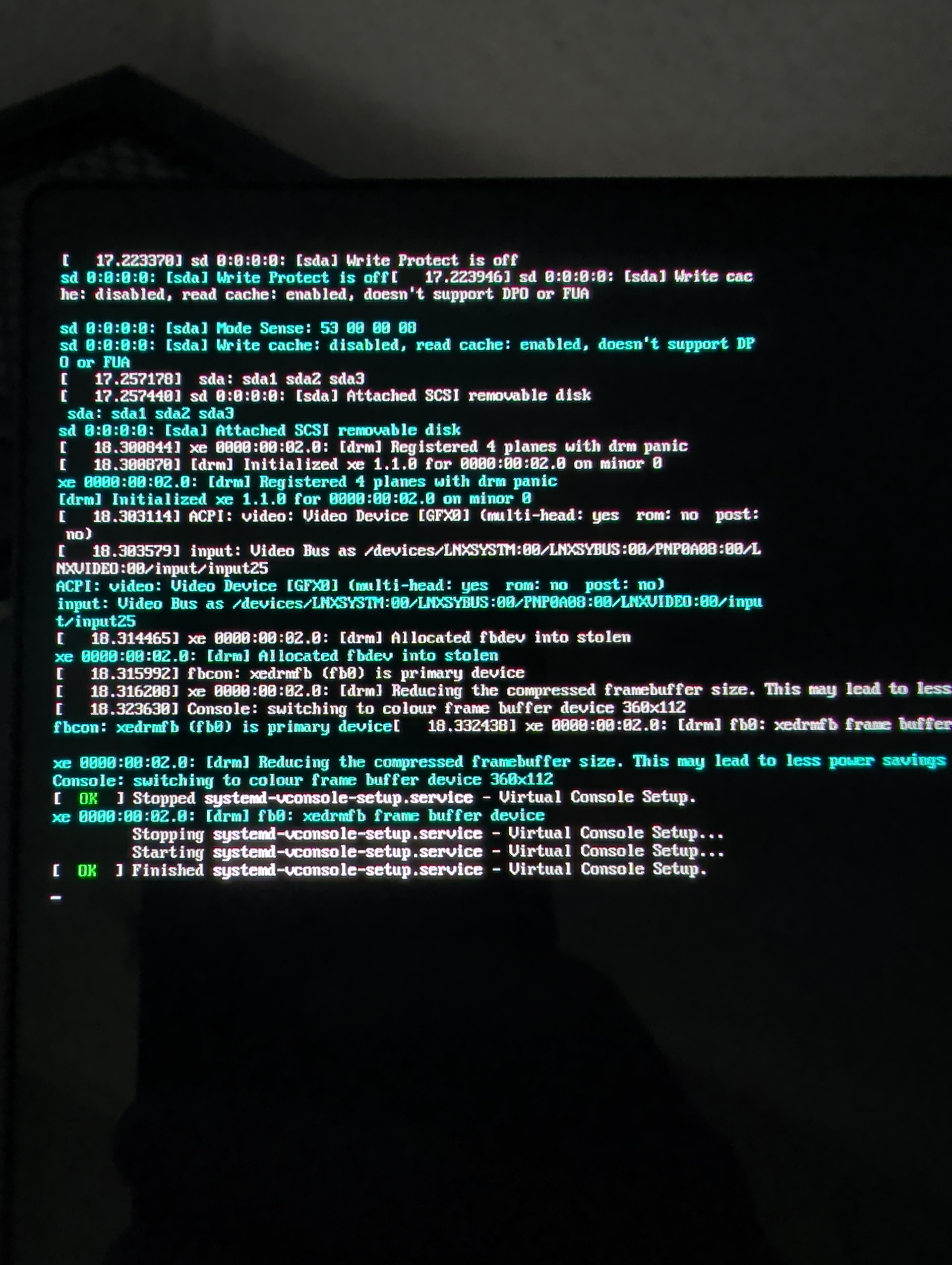
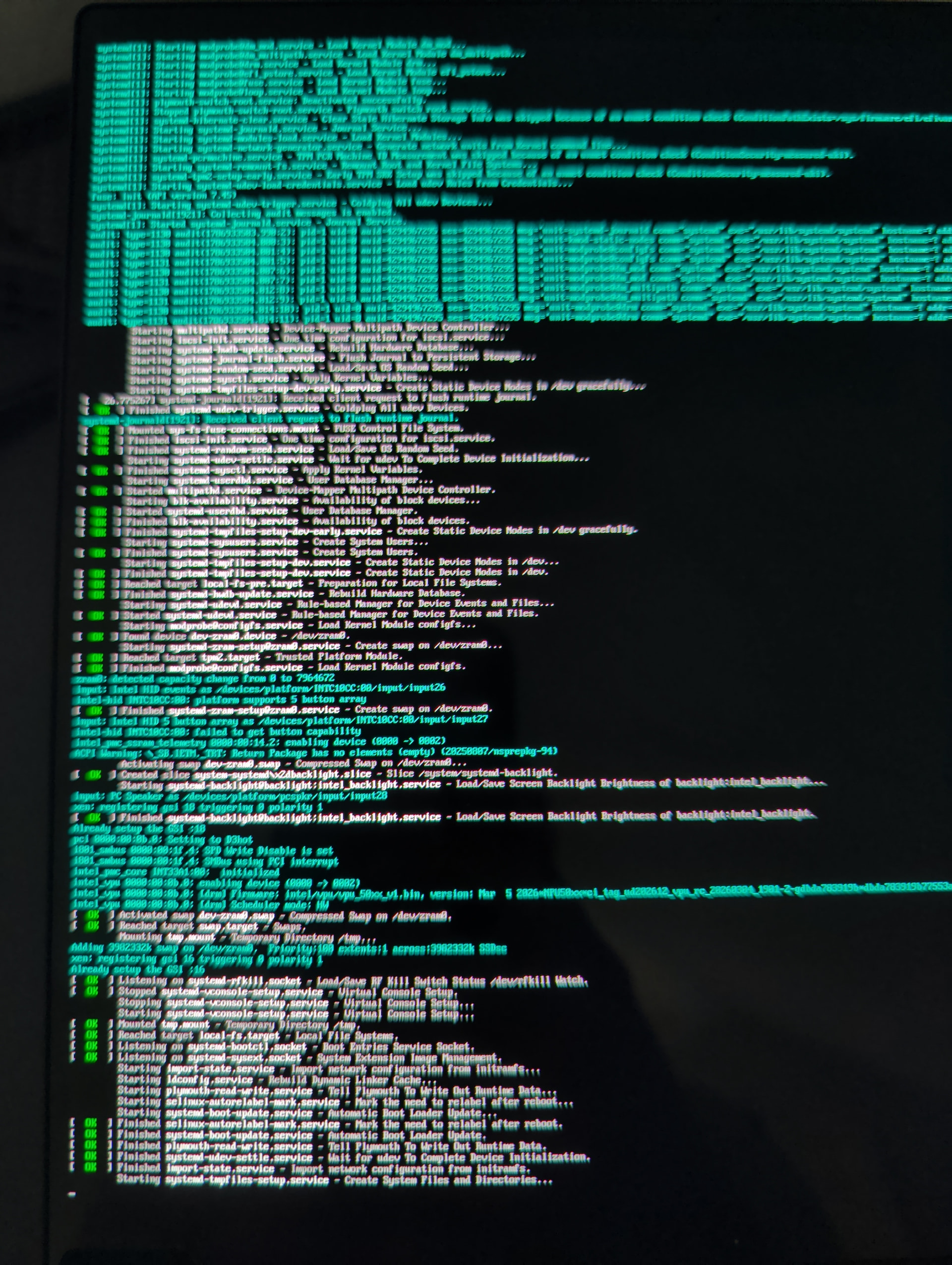
Rufus has a lot of options, Rufus has sometimes worked for me, sometimes, and sometimes not at alll. I have not had good experiences building the Qubes install USB from Windows.
I have discovered I should use a fast USB. not an old one. now I use a 3.2 USB. I have discovered using a freshly new SSD/Hard Drive might need to get started by, well sometimes it is not recognized by firmware. that is a rare case. I have used a Windows Install USB to start a freshly new drive. As every one who manufacturers drives, will make sure that Windows can be installed to it. I only run it as far as to format the drive.
If II had your Laptop sitting in front of me, right now, I would create a USB install of desktop Fedora 43. Use the live version of Fedora 43, Install Fedora 43 on the target computer drive.
This should give you some idea if the laptop is -working - functional. Download the Qubes ISO there, Verify Qubes Iso. use disks to blank the USB key. Then use Fedora Media Writer to put ;your Qubes Install on the USB. Then try to do the install again. I am hypothesizing that when blanking drives it serves the purpose of testing the drives for errors.
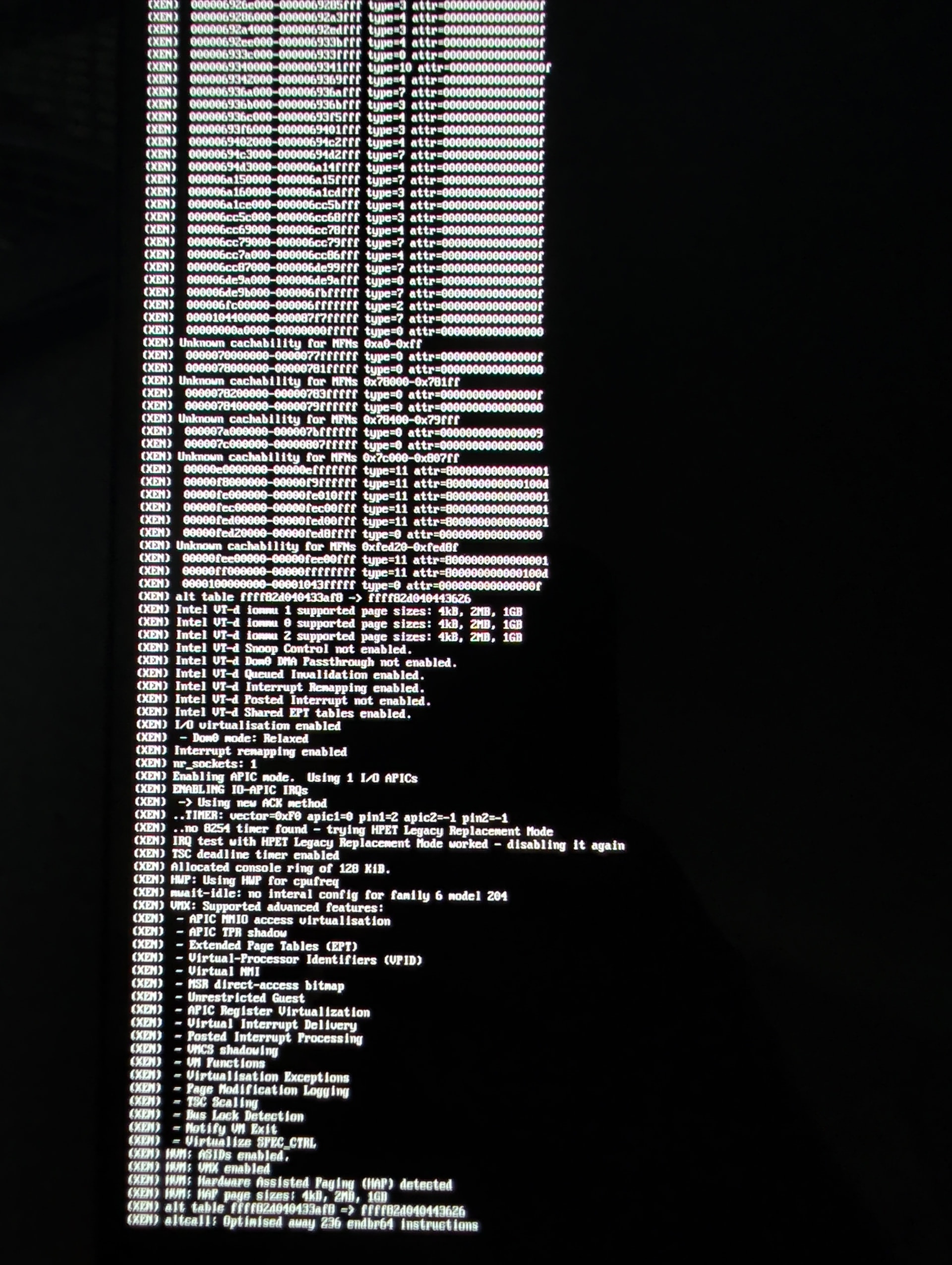
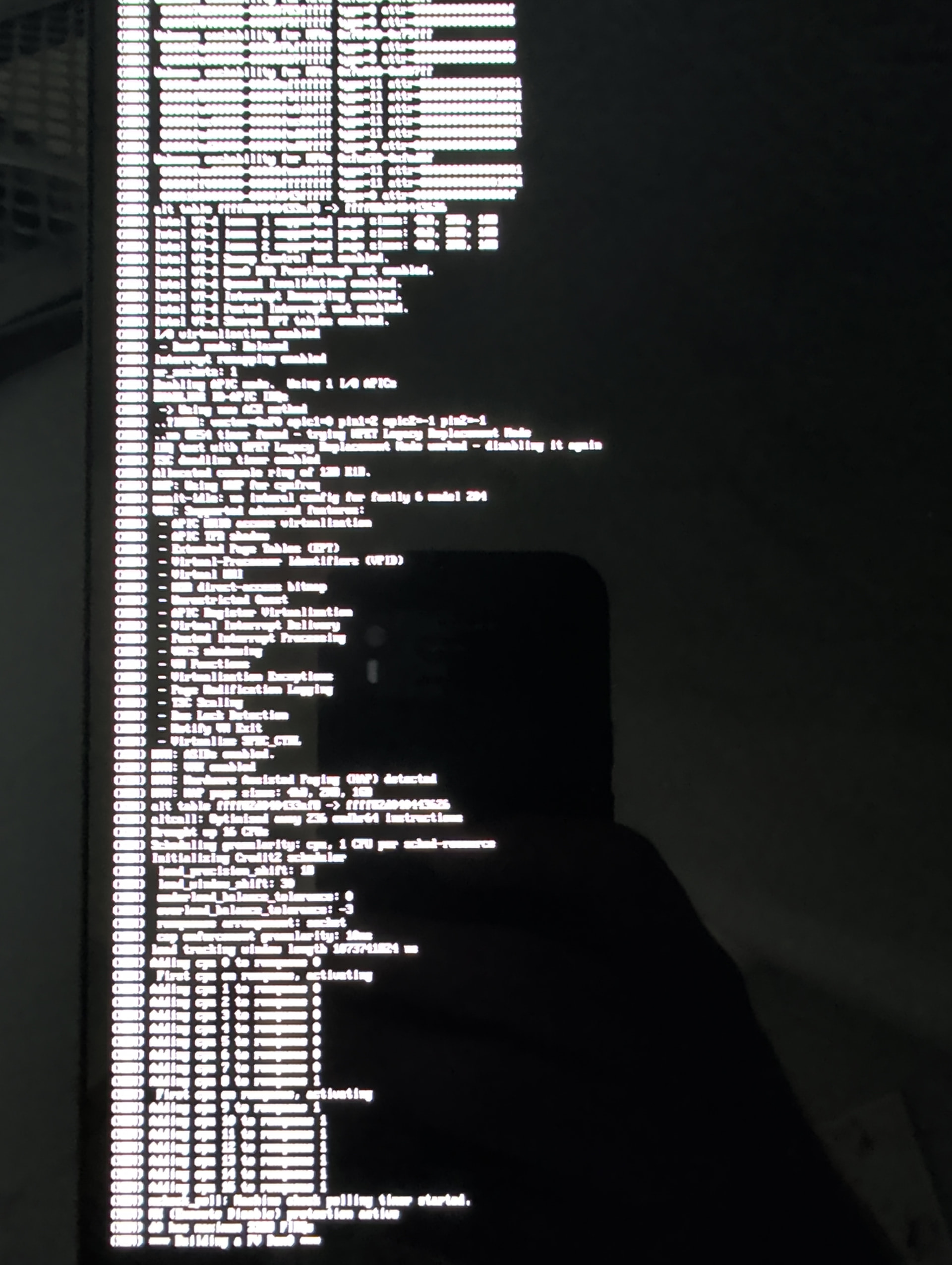
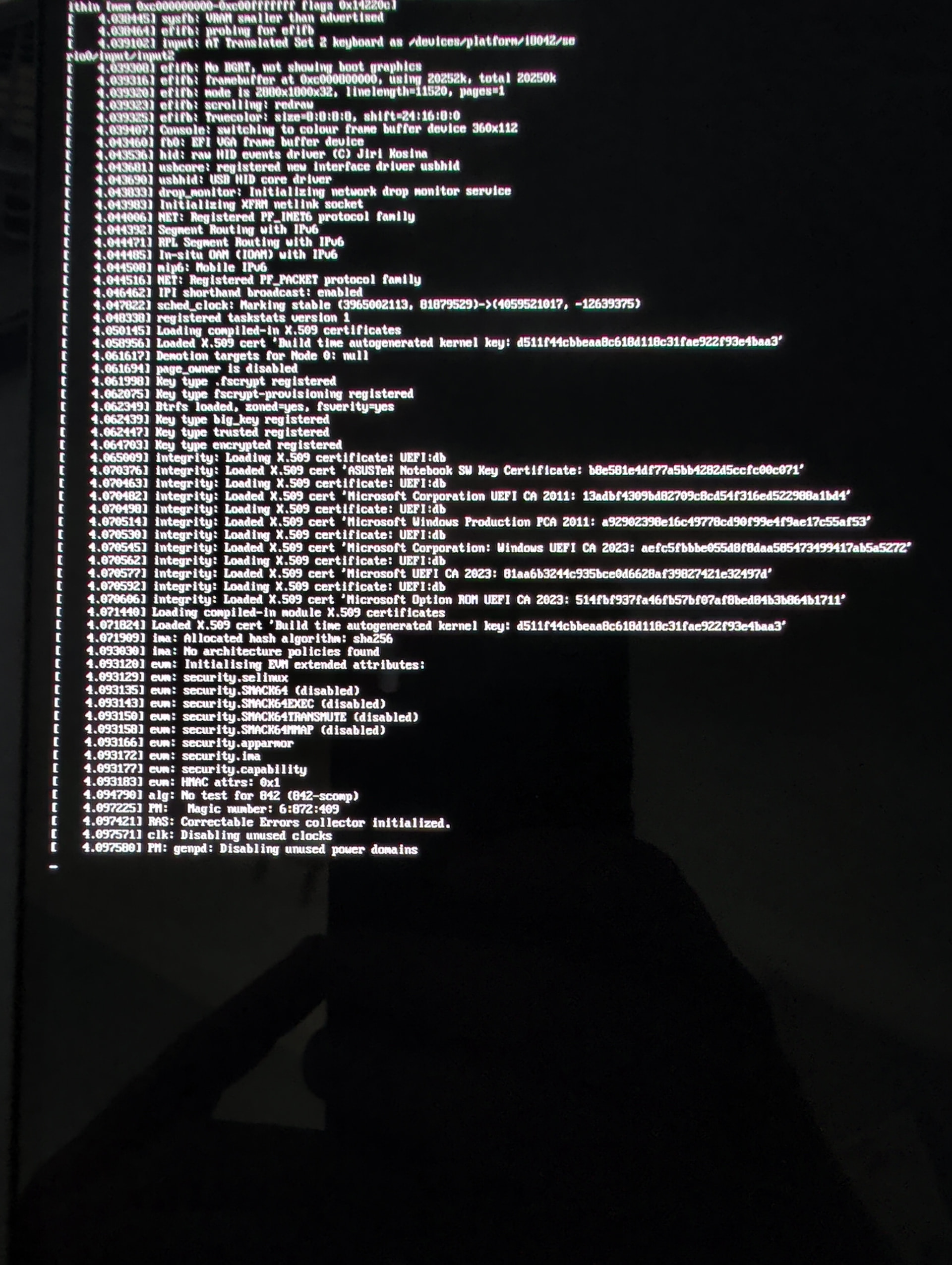
I am guessing you remember that a Qubes install , to the laptop drive, is in two parts. first to write something onto the drive. then a restart where it will install the different Qubes, Debian Fedora, Whonix.
Each of these steps might allow you to isolate an issue.
Most likely the initial speculation that you might have some incompatible bit of hardware to the current Qubes, Llinux Kernel. ??
The Qubes documentation on how to install Qubes is excellent. Tho it is easy for someone who has experience in Linus to overlook some detail or the other.
I know, I have made nearly every mistake that could be made .
Best Wishes
I should write for a newcomer to Qubes, instead of the experience level of the OP.
One can search the HCL for all the bits and pieces of computer hardware you have.
Of the different methods to discover what the hardware specificallly is, I would use a USB of live Easy OS. but there are some other good options that the user might be more familiar with.