Hi GauravPrakash19
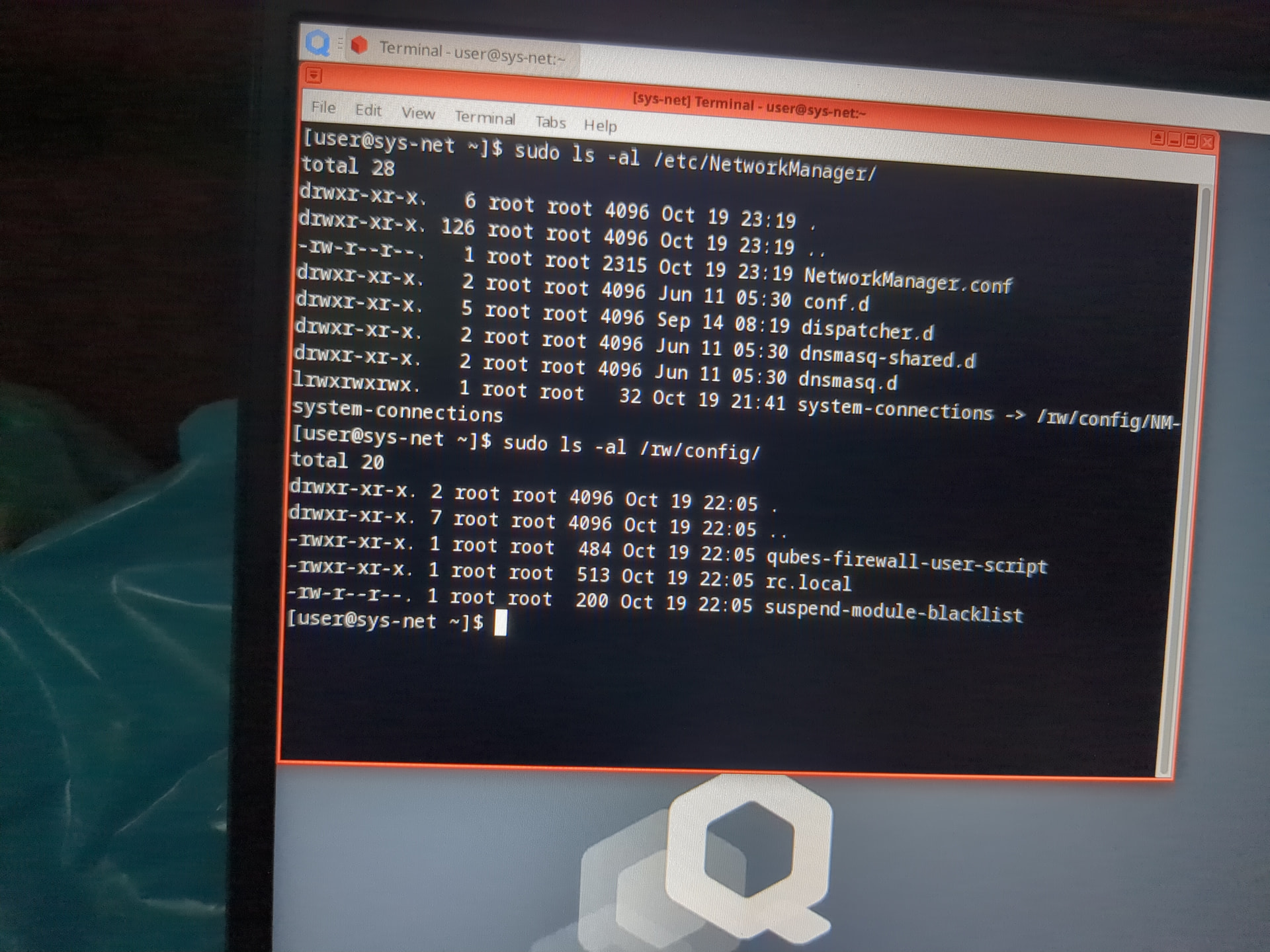
If you open a terminal inside sys-net (Icon next to your name → highlight sys-net and select “Run Terminal”), try this:
sudo ls -al /etc/NetworkManager/
sudo ls -al  /rw/config/

Hi GauravPrakash19
If you open a terminal inside sys-net (Icon next to your name → highlight sys-net and select “Run Terminal”), try this:
sudo ls -al /etc/NetworkManager/
sudo ls -al /rw/config/
In the sys-net terminal, run:
sudo mkdir /rw/config/NM-system-connections
sudo chmod 755 /rw/config/NM-system-connections
sudo chown root:root /rw/config/NM-system-connections
To be safe, try a restart of sys-net and then try to add a WiFi network again.
Thank you very much ChrisA . Now it works . Your help is appreciable .
Hi GauravPrakash19
Well – you are online with WiFi .. but does sys-net work if you add the Ethernet card to sys-net?
Don’t know , how to do these things . but I am happy now  .
Hi GauravPrakash19
Okay – if you don’t need the machine to work with an ethernet cable, I guess you don’t need to change anything.
If you need to reinstall Qubes one day, you’ll probably hit some of the same problems .. :-/
I hope you’ll enjoy the way Qubes works! 
@GauravPrakash19 : marking your own post as “Solution” after all the help received from @ChrisA, is borderline rude.