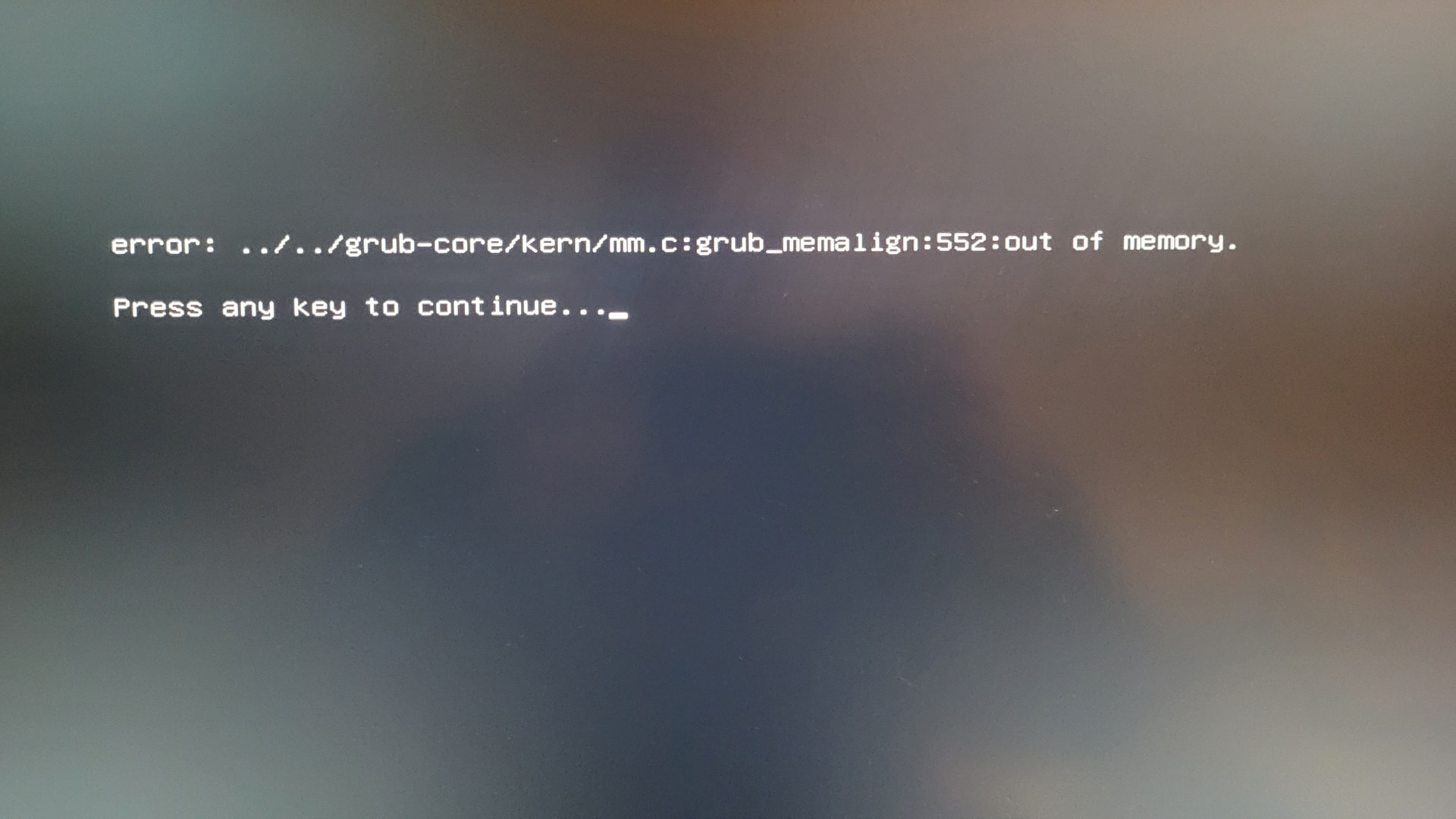
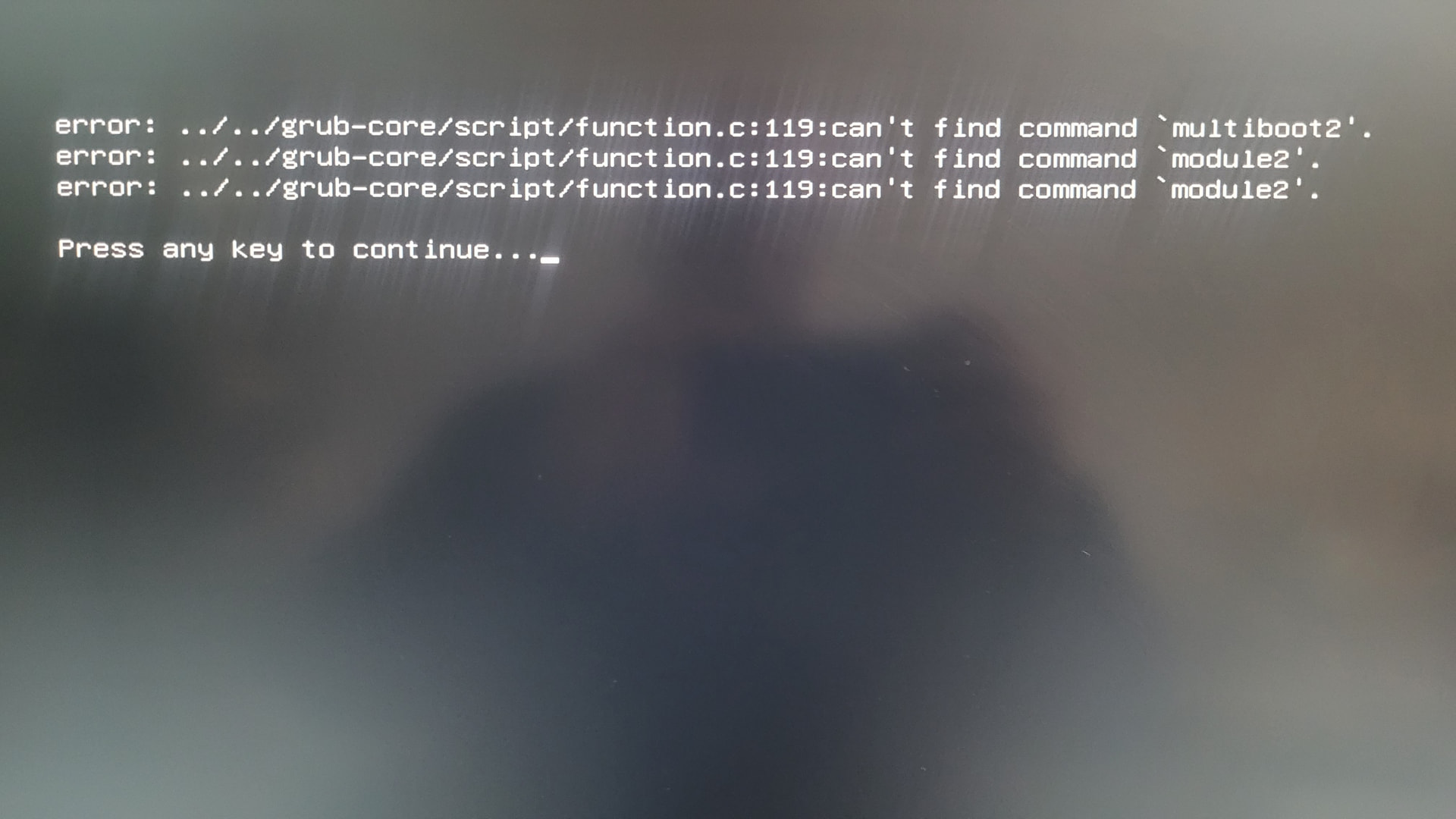
When attempting to install Qubes, I get a black screen with the text: error out of memory

Hi dwpk20

No worries! – we all have interrupts to what we would like to do and what we need to do .. :slight_smile:

Within the last week, this guide was posted/added:

with some steps to handle Nvidia cards .. but the “out of memory” is before the kernel is even loaded .. right?

The link to the Fedora Project suggests some BIOS settings (or version?) - have you tried any of that?

Have you tried other Linux distros on the same machine (Fedora?) – did they boot out of the box?

:slight_smile:

Yes the error happens before.
I am going to check what they suggest on that fedora link now.

I have not tried other distros no, but I will give it a go to check,

TY :slight_smile:

Hi dwpk20

I had a quick look on some of the Fedora posts .. one of them has success with an old (Fedora 40?!) installer ..

If you can get one of them to boot, that would be an improvement .. and give something to look at/start from ..

I believe all the posts about Nvidia (and how to install with a Nvidia card) is something to look at, after we can get GRUB to load a kernel & initrd and get them to start ..

[Edit: Maybe the “old and crappy laptop” can be a way to have a “workbench” to make changes to a second USB stick, allowing it to load the kernel & initrd for the latest Qubes OS?

Also: Thanks for adding all the extra information to the post – I was about to ask some questions, that you added! :smiley:
]

:slight_smile:

:slight_smile: You’re welcome!

I’ve tried the CSM option and it did not work.

I will try what you mention tomorrow. I think today I’ve been 10 hours at this. I need a break hehe

Hi dwpk20

Take the breaks you need – I’ll do the same.

My idea for at second USB stick is to use the old machine to:

  • create partitions on the second USB stick
  • put an older GRUB on it
  • copy a kernel & initrd on it
  • try to boot on the new machine from the USB stick

:slight_smile:

How big is this USB stick is supposed to be? I have the one I bought for the Qubes installation and 2 really small ones 8gb.

And TBH, I don’t know how to do any of the rest.

Copilot says (lol):
Could you provide a more detailed procedure or point me to a guide?

Which GRUB version should I use? Which kernel/initrd should I copy? Should these come from the Qubes 4.3.2 installer ISO? Do you have a known-working example?

I am really trying to get this done on my own but keep failing, seems you are my only hope @ChrisA

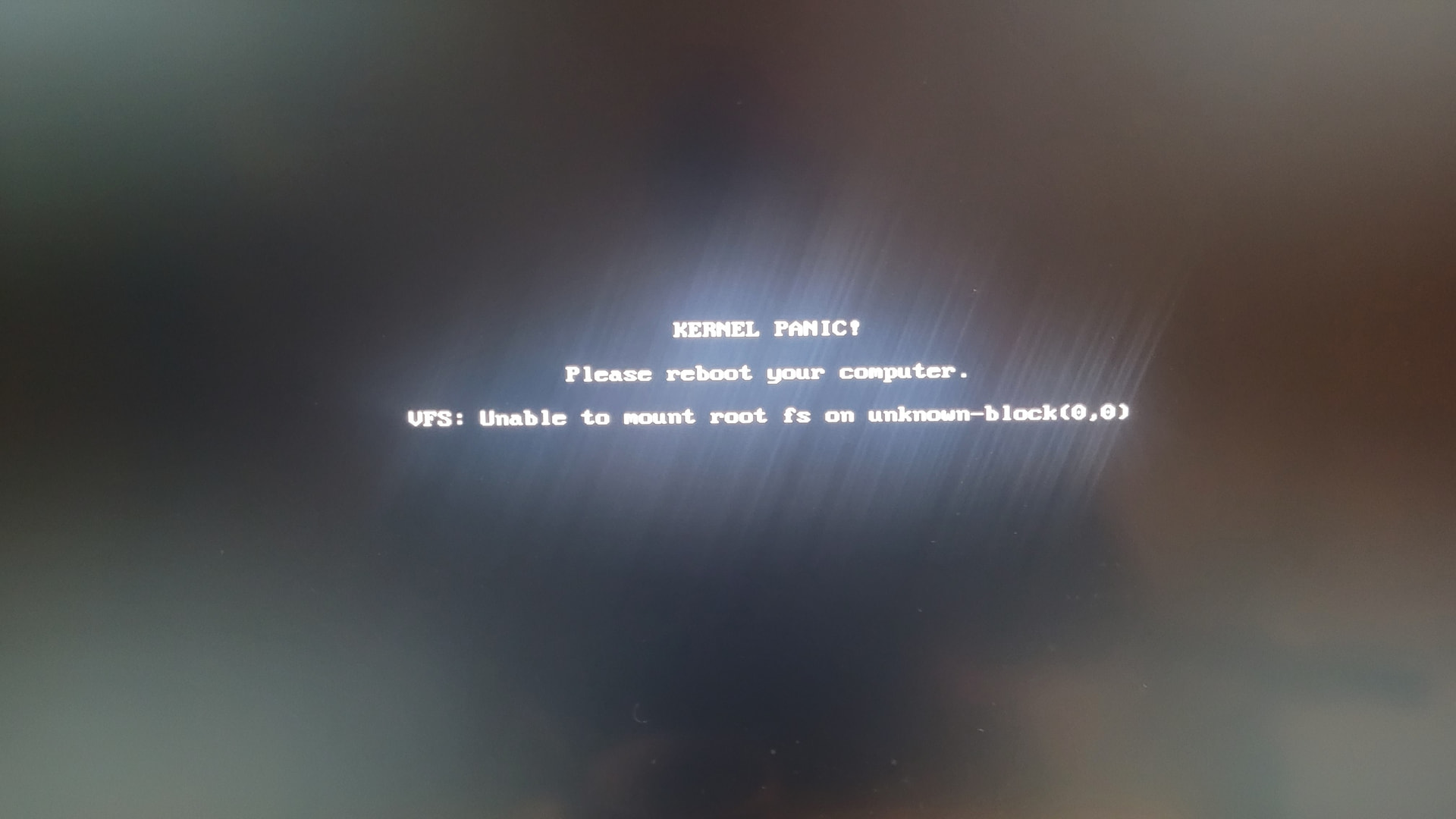
By the way, I just tried to install Fedora, and it did not work either:

I tried what was mentioned in that link (CSM), but it made no difference.

Another edit:

I stripped my PC down, left it with no GPU, only 1 RAM stick, 1 new SSD with nothing on it, the Qubes OS pen drive connected. The minimal. And I am still getting the same error. No memory.

Hi dwpk20

Sorry - I’ve been offline until now. :frowning:

For the second USB stik (to test old GRUB versions) 1-2gb should be enough – so a 8gb is more than enough! :smiley:

What version of Fedora did you test? - their forum suggested Fedora 40 (Qubes v4.3.2 is based on Fedora 41) ..

I should have some of that size (somewhere!) .. but haven’t had time to find them and try my idea myself yet .. :-/

:slight_smile:

Right right, I obviously had to do it wrong. I tested the latest, 44. I am looking now and I don’t see where I could choose another older version. You know where?

As far as for the USB, 8gb then hooray! I’ll just stash the one that’s arriving tomorrow from Amazon.

You’re going to end up up to there with me, because I am going to need toddler guidance for this USB you mention. :grinning_face_with_smiling_eyes:

Hi dwpk20

You should be able to download an Fedora 40 iso from the fedora archives:

– the image is ~2gb, so it fit on a 8gb USB .. :slight_smile:

:slight_smile:

Burp. Mine post off topic. Again

Hey Chris,

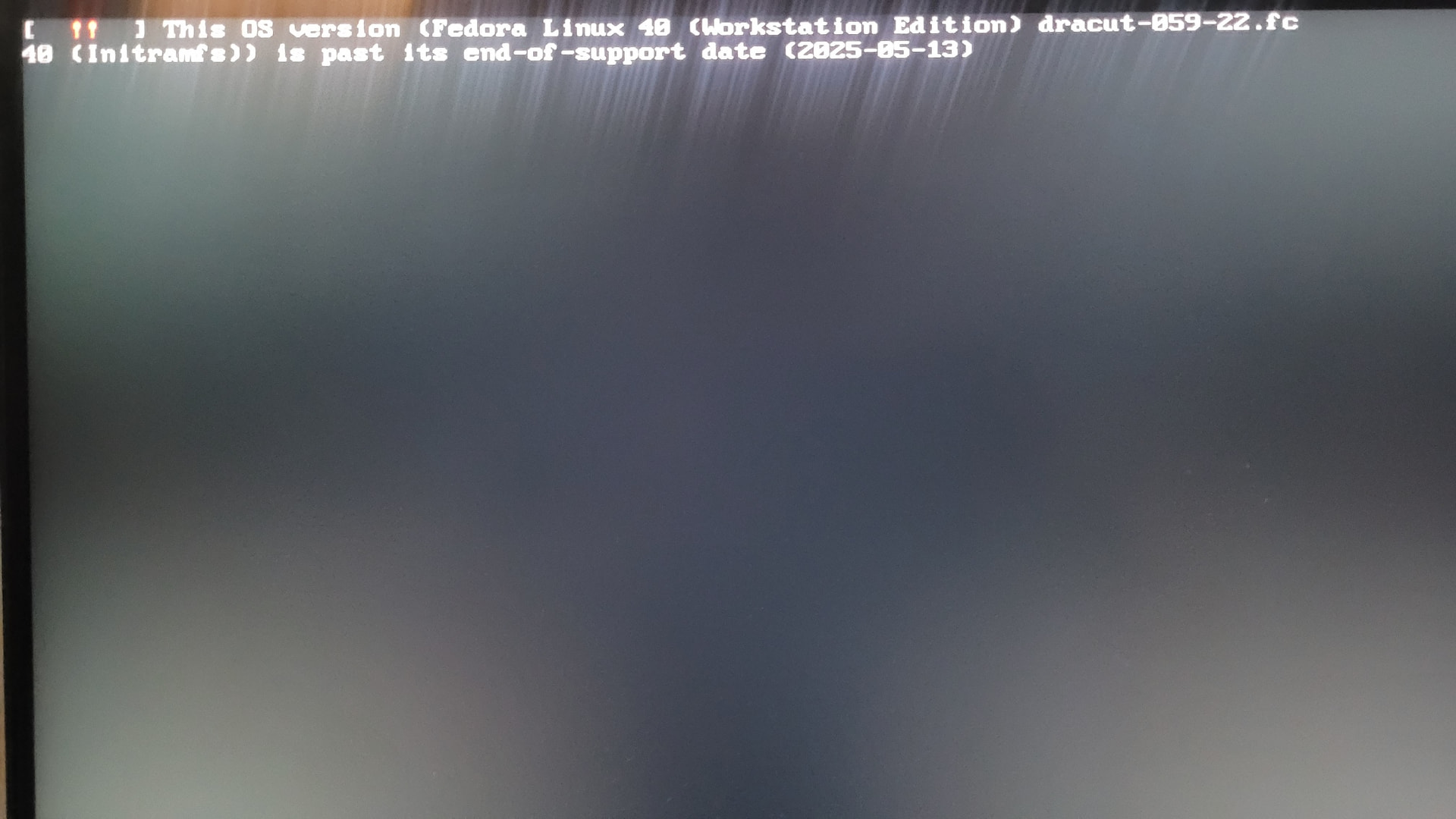
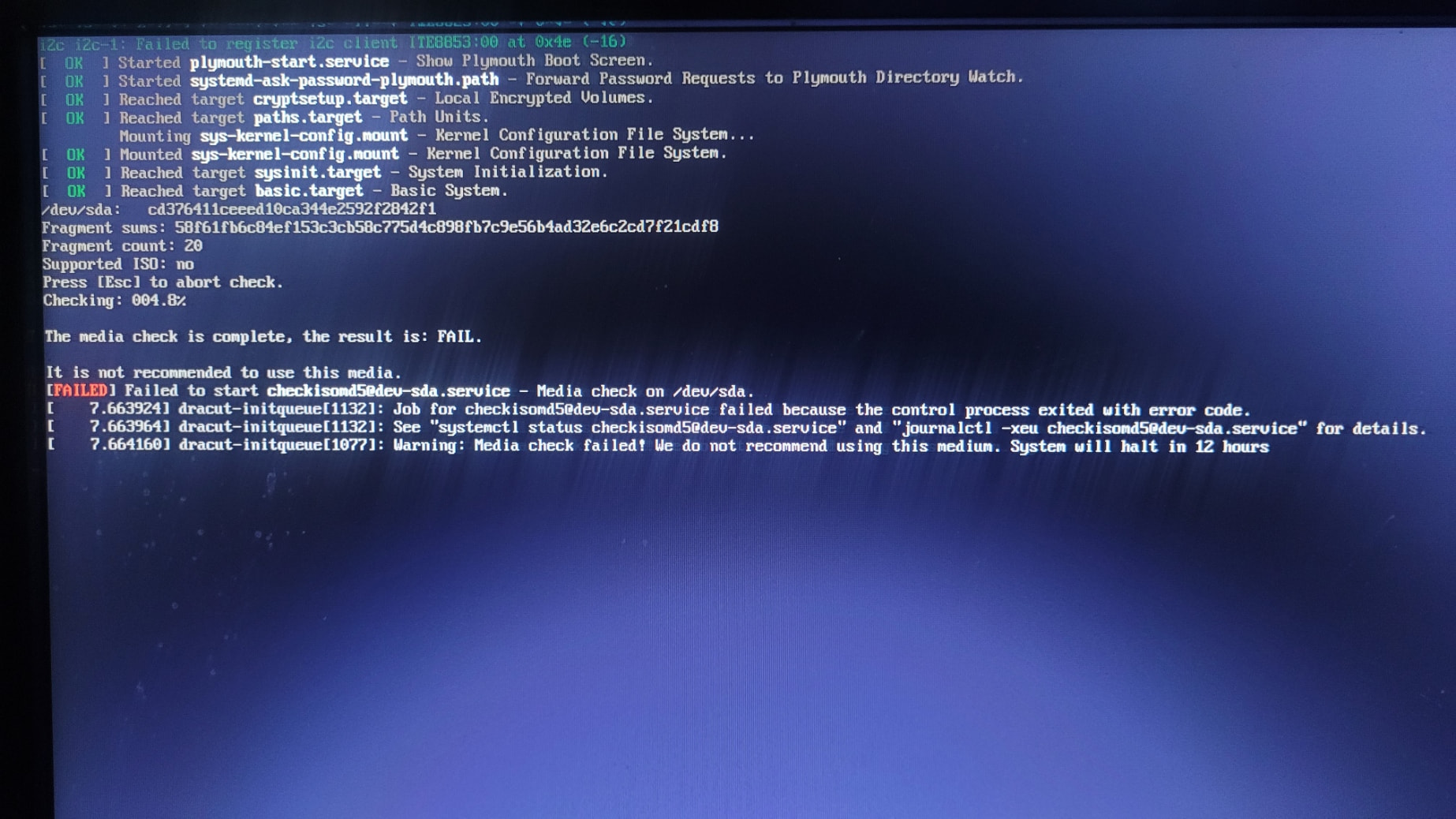
This time with Fedora 40 I went beyond grub! (I think). The installation failed. But I think we did something different.

Here are some shots:

What do you think?

Nope I have never had Linux on this computer. Not even Ubuntu, but hey, I have time, I will try it now.

The SSD is all brand new, there is nothing on it. Bought it just for Qubes.

I am using Rufus to create the USB.

I have a crappy laptop I was able to install cubes. I can probably create the bootable from there?

Yup, secure boot is off.

I’ll give a go to Ubuntu why not.

Thanks for taking the time! :slightly_smiling_face:

Hi dwpk20

Looks like the old GRUB (on the Fedora 40 USB - F40) was able to load a kernel and an initrd .. that’s a good step forward. :smiley:

Does the F40 USB show a GRUB menu when you boot it? If so, can you try this:

  1. plug both USB sticks into the the machine
  2. make the machine boot from the F40 USB
  3. when you see the GRUB menu, hit c (IIRC) and try the following commands:
    configfile ( and hit tab-key
  4. if you see something like hd0, hd1, hd.. try for each:
    configfile (hd0 and hit tab-key
    configfile (hd1 …
  5. Does one of them show “iso9660 - Label 'QUBES-R4-3-2”? - if so, try:
    configfile (hdX,gpt1)/boot/grub2/grub.cfg (you should be able to use the tab-key to see lists of files
  6. hit enter – does it now show the QUBES R4.3.2 boot menu? - and can it boot it?

If it works, test the install .. if not, snap photos of the commands and share them. :slight_smile:

:slight_smile:

BTW, I was able to install Fedora 40! I just re-wrote the USB stick, and it worked. Tada!

Now I will try what you listed here.

TY TY :slightly_smiling_face:

Uh some fresh new drives are not always so well recognized by the firmware, or the Install USB.

While, it is a bit spooky to trust Windows. One thing Windows does, can do, is see a any new drive, when other things do not. Might work, create a Windows Install USB. Run it to the point where it formats the drive. Then try to install Linux.

No hard drive/SSD can stay in business if they do not make it available for Windows to Install to.

In Ye olden days. I had to have optical disk with a program (from the Hard Drive manufacturer) then (then a spinning hard drive) to initiate a particular manufacturer hard drive. Different Manufacturer, different program.

Might be the SSD manufacturer — (for the specific SSD you have) – also offers a program.

Another option being a program that is to recover a damaged hard drive. that is either $$ or the free versions require learning how to use. I am lazy. I just use Windows.

Not sure if Linux uses the same -TRIM that Windows does. But, What might work as well as using Windows to the first initialization of the drive. is the Linux Program Disks, which is available in a live distro. As I think of it, I believe Disks is on the Tails OS. Which being smaller is faster to put the Live -bootable on the USB. and still being separate than the SSD, one can format the SSD inside the computer. Might be interesting to see Tails OS. but I have always been lazy, anytime I have seen something like this with a newly purchased drive in the computer. I just booted Windows, and ran it to the point where it formatted the drive in the computer.

I have done this with Windows 10. After having a working Windows 10 on the computer. Create an Ubuntu Install USB, and it will co-install with Windows 10. It is kind like, you will be given option in the Install of Ubuntu, where Ubuntu will say, Hi, Tell me I can have so much of your disk space. I will shove myself into this. After, I-Ubuntu is installed, when you start computer you will be given the option to boot either Ubuntu or Windows.

Not that I advocate running anything with Windows. Normally Windows does not play well with others. And usually-- In my limited Windows experience - Windows requires UEFI to be enabled, if it was installed with UEFI, and Secure Boot Enabled. Meaning to switch between Ubuntu and Windows on might also have to change the Firmware to get whichever OS you want to start/run.

Qubes – to be as secure as possible, must be alone on the computer.

Does that help?

haha. while I was typing that in. You got Fedora installed.

It does help a lot, thank you really for your input. I was able finally to install fedora and it recognized the disk and installed itself there without me having to format anything before. It did everything alone.

So that’s a step forward. Going to try @ChrisA suggestion and see what happens.

TY! :slightly_smiling_face:

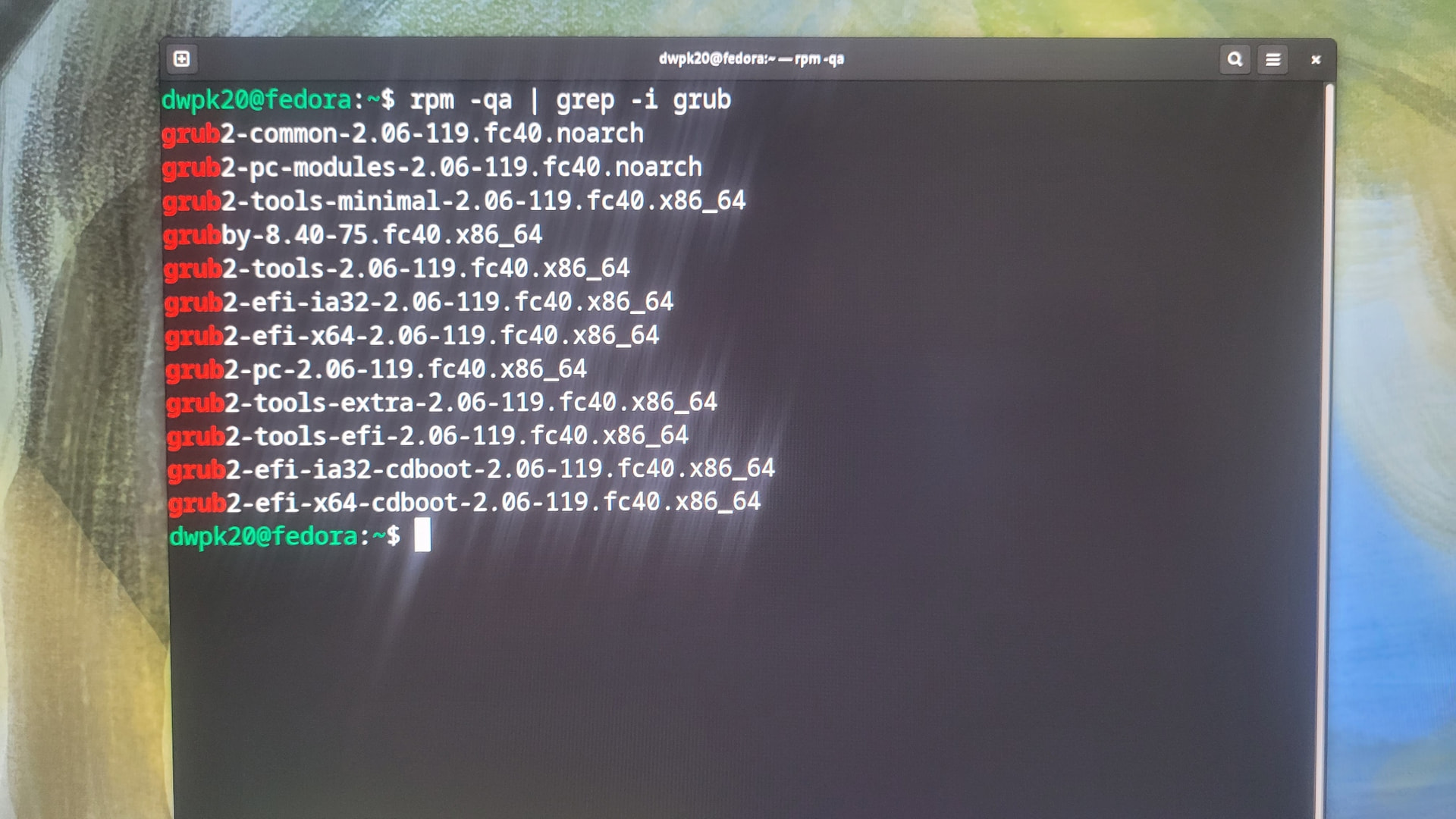
Nice that the F40 installer worked! – if you still have the F40 installed, can you try to run:

rpm -qa | grep -i grub

in a terminal? – just to collect the version numbers that works for the machine.

If you are able to boot the machine from the F40 USB and then load the kernel / initrd from the QUBES installer the installed machine will probably add a new version of GRUB to the internal disk .. so the boot from the internal drive might fail .. but we’ll find a way to cross that bridge, if the installer works .. :wink:

:slight_smile:

So, several things.
I was able to locate Qubes via Fedora’s grub, and entered what you said:

This opened grub for Qubes! So that is something, but when hitting install I got something new:

And as per your request, here’s the output for
rpm -qa | grep -i grub

So still no Qubes, but lots of new stuff. :slightly_smiling_face:

Hi dwpk20

Since you now have a Fedora 40 running, I suspect you can do something along this to build the latest GRUB:

cd 
mkdir -p tmp
cd tmp
sudo dnf group install "development-tools"
sudo dnf install autoconf automake
git clone https://gitlab.freedesktop.org/gnu-grub/grub.git
cd grub
./bootstrap 
./configure --prefix=/tmp/myGRUB
make
make install

It will put copy in /tmp/myGRUB/ on your machine.

The next step would be to format a USB stick (if you have a 3rd and can keep both the QUBES OS and Fedora 40 ones, it would be optimal!) and put the new version of GRUB on it. Any small USB stick should work.

Sorry that I’ve not had the time to look into the next steps in details. :-/

[edit:
From Fedora 40, could you try:

sudo dnf install grub2-efi-x64-modules

and then share the output from:

sudo find /boot | grep multiboot2

?
]

:slight_smile:

Hola Chris!

I’ve gone this far:

cd 
mkdir -p tmp
cd tmp
sudo dnf group install "development-tools"
sudo dnf install autoconf automake
git clone https://gitlab.freedesktop.org/gnu-grub/grub.git
cd grub
./bootstrap 

with these results:

dwpk20@fedora:/home/temp/grub$ sudo ./bootstrap
./bootstrap: Bootstrapping from checked-out grub sources...
./bootstrap: consider installing git-merge-changelog from gnulib
./bootstrap: getting translations into po/.reference for grub...
3 files              100% [==============================>]    4.77K    --.-KB/s
0 files                0% [<=>                            ]       0          B/s
tr.po                  0% [<=>                            ]       0     --.-KB/s
vi.po                  0% [<=>                            ]       0     --.-KB/s
zh_CN.po               0% [<=>                            ]       0     --.-KB/s
                          [Files: 15  Bytes: 8.44K [11.77KB/s] Redirects: 0  Todo: 0  Errors: 1                                    ]
./bootstrap: done.  Now you can run './autogen.sh'.
./bootstrap: autopoint --force
./bootstrap: line 1242: autopoint: command not found
./bootstrap: could not generate auxiliary files

And cannot continue from here. :slightly_smiling_face:

Edit:

I installed gettext gettext-devel

sudo dnf install gettext gettext-devel

Then I was able to run

sudo ./bootstrap

but, it hit some errors towards the end:

Generating Automake input...
Saving timestamps...
running: AUTOPOINT=true LIBTOOLIZE=true autoreconf --verbose --install --force  --no-recursive
autoreconf: export WARNINGS=
autoreconf: Entering directory '.'
autoreconf: running: true --force
autoreconf: running: aclocal --force -I m4
autoreconf: configure.ac: tracing
autoreconf: configure.ac: not using Libtool
autoreconf: configure.ac: not using Intltool
autoreconf: configure.ac: not using Gtkdoc
autoreconf: running: /usr/bin/autoconf --force
autoreconf: running: /usr/bin/autoheader --force
autoreconf: running: automake --add-missing --copy --force-missing
configure.ac:73: installing 'build-aux/compile'
configure.ac:77: installing 'build-aux/config.guess'
configure.ac:77: installing 'build-aux/config.sub'
configure.ac:83: installing 'build-aux/install-sh'
configure.ac:83: installing 'build-aux/missing'
'TRUE' is a reference, expected a string at /usr/share/automake-1.16/Automake/Condition.pm line 189.
Automake::Condition::new("Automake::Condition", "TRUE", "TRUE") called at /usr/share/automake-1.16/Automake/Condition.pm line 231
Automake::Condition::merge(Automake::Condition=HASH(0x5628121b6428), Automake::Condition=HASH(0x5628121b6428)) called at /usr/share/automake-1.16/Automake/Variable.pm line 1370
Automake::Variable::_do_recursive_traversal(Automake::Variable=HASH(0x562812a72e78), Automake::Variable=HASH(0x562812c3f590), CODE(0x562812e6bdf8), CODE(0x562812e6c4b8), undef, Automake::Condition=HASH(0x5628121b6428), undef, undef) called at /usr/share/automake-1.16/Automake/Variable.pm line 1405
Automake::Variable::_do_recursive_traversal(Automake::Variable=HASH(0x562812c3f590), Automake::Variable=HASH(0x562812c3f590), CODE(0x562812e6bdf8), CODE(0x562812e6c4b8), undef, Automake::Condition=HASH(0x5628121b6428), undef, undef) called at /usr/share/automake-1.16/Automake/Variable.pm line 1333
Automake::Variable::traverse_recursively(Automake::Variable=HASH(0x562812c3f590), CODE(0x562812e6bdf8), CODE(0x562812e6c4b8)) called at /usr/share/automake-1.16/Automake/Variable.pm line 1664
Automake::Variable::transform_variable_recursively("grub_mklayout_LDADD", "grub_mklayout_DEPENDENCIES", "am__DEPENDENCIES", "", Automake::Location=HASH(0x562811cb9c98), CODE(0x562812e6bdf8)) called at /usr/bin/automake line 2333
Automake::handle_lib_objects("grub_mklayout", "grub_mklayout_LDADD") called at /usr/bin/automake line 2606
Automake::handle_programs() called at /usr/bin/automake line 8004
Automake::generate_makefile("Makefile.am", "Makefile.in") called at /usr/bin/automake line 8321
Automake::handle_makefile("Makefile.in") called at /usr/bin/automake line 8333
Automake::handle_makefiles_serial() called at /usr/bin/automake line 8465
autoreconf: error: automake failed with exit status: 255
./bootstrap: autoreconf failed
dwpk20@fedora:/home/temp/grub$

And here there’s some info in case it is of use:

dwpk20@fedora:/home/temp/grub$ automake --version
automake (GNU automake) 1.16.5
Copyright (C) 2021 Free Software Foundation, Inc.
License GPLv2+: GNU GPL version 2 or later <https://gnu.org/licenses/gpl-2.0.html>
This is free software: you are free to change and redistribute it.
There is NO WARRANTY, to the extent permitted by law.

Written by Tom Tromey <tromey@redhat.com>
       and Alexandre Duret-Lutz <adl@gnu.org>.
dwpk20@fedora:/home/temp/grub$ autoconf --version
autoconf (GNU Autoconf) 2.71
Copyright (C) 2021 Free Software Foundation, Inc.
License GPLv3+/Autoconf: GNU GPL version 3 or later
<https://gnu.org/licenses/gpl.html>, <https://gnu.org/licenses/exceptions.html>
This is free software: you are free to change and redistribute it.
There is NO WARRANTY, to the extent permitted by law.

Written by David J. MacKenzie and Akim Demaille.
dwpk20@fedora:/home/temp/grub$ git rev-parse --short HEAD
fatal: detected dubious ownership in repository at '/home/temp/grub'
To add an exception for this directory, call:

git config --global --add safe.directory /home/temp/grub
dwpk20@fedora:/home/temp/grub$ git config --global --add safe.directory /home/temp/grub
dwpk20@fedora:/home/temp/grub$ git rev-parse --short HEAD
b3b11c36a
dwpk20@fedora:/home/temp/grub$

And this is me saying good night for now! TTYL :slightly_smiling_face: