so with that info what should i submit? somebody please write out the command with my data haha i’m helpless i know
o so for number one (sda1) i should have the device name?
If this is difficult, you’re going to have a hard time using qubes 
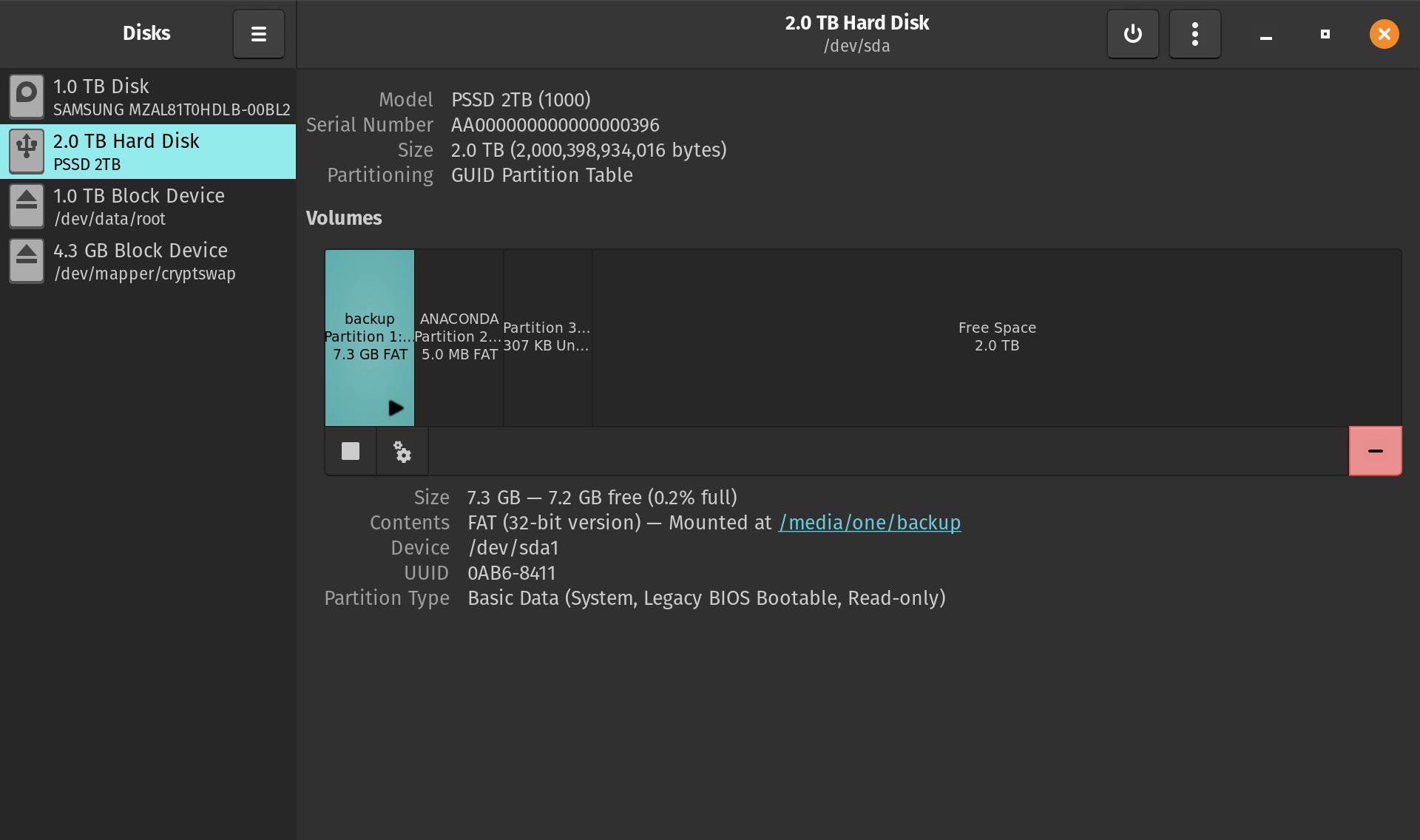
What is your USB address ? Is it /dev/sda ? Or is /dev/sda your hard disk (you mentioned you accidentally erased it) ?
sda1 is a partition NOT the entire disk. The iso needs to access the whole disk so writing in a number after sda will cause failure
Open up disks on pop and screen shot the choices (with the USB plugged in)
What Chris wrote works fine, the only issue you seem to be having is you can’t find the correct disk (not partition) to use
sudo dd if=Qubes-RX-x86_64.iso of=/dev/sdY status=progress bs=1048576 conv=fsync
1 Like

so i would just put back up in there? sudo dd if=Qubes-RX-x86_64.iso of=/dev/sdbackup status=progress bs=1048576 conv=fsync

Do you not have a USB thumb drive ? (Isn’t that how you installed pop ?)
If you are trying to do the install onto the 2tb drive then you need a USB thumb drive that you use dd to write the iso and then you start the computer from the USB thumb drive
No, backup is the name of the partition it isn’t the destination. Backup is located at the location /dev/sda1
I think you should watch a YouTube video on installing a Linux distro. I think there are some misunderstandings.
You don’t write the iso to the 2tb USB and then the end result is you have qubes installed on it. You write the iso to a USB thumb drive and then boot the computer from that and do a whole installation process to install it onto the 2tb USB. Btw installing qubes to a USB drive is inherently more difficult than onto an internal drive
I was just using that as a thumb drive not knowing how large the file was. I used that external to install pop I want qubes as my main on the pc but if i could run it off the ssd that could be cool. I have a thumb drive didnt think it mattered
OK how about this one?
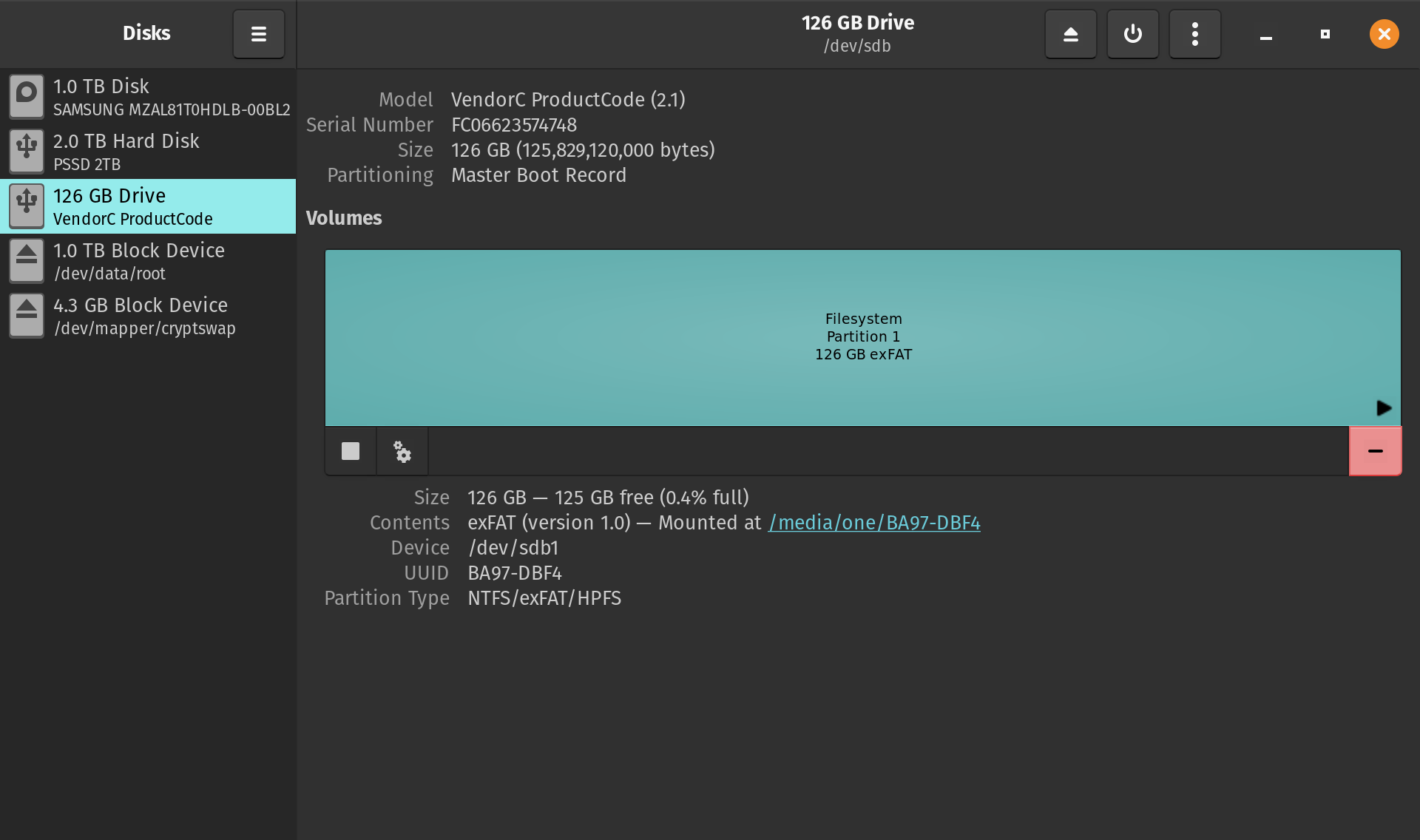
sudo dd if=Qubes-RX-x86_64.iso of=/dev/sdb status=progress bs=1048576 conv=fsync
yup i just did that and tried to install and it did the same thing as the others. It black screeen for a few second then reboots into pop again. grr
Try installing 4.3RC4 iso, it might support newer AMD better
isnt that latest version? how would i get that specific one?
ok the test version
It’s on the downloads page, yes the testing one. It’s in pretty good shape
This guy had a similar issue, similar specs
I still cant get it to work was going to try and install it from windows but now cant even install that
I barely have anything on this computer and its telling me that my entire tb hd is full i think i might be all the efi boot os i haveb but how can i completely erase the hd an everything. When i install one and it asks if want to delete all the data etc it doesn’t actually delete the entire drive i dont think so it wont allow me to install a qubes download says file is to large