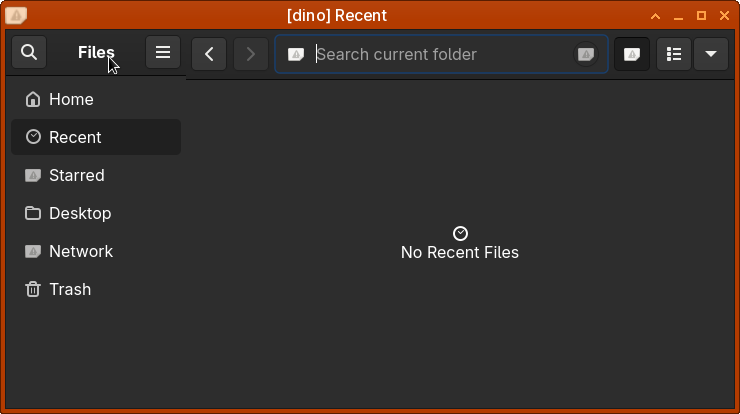
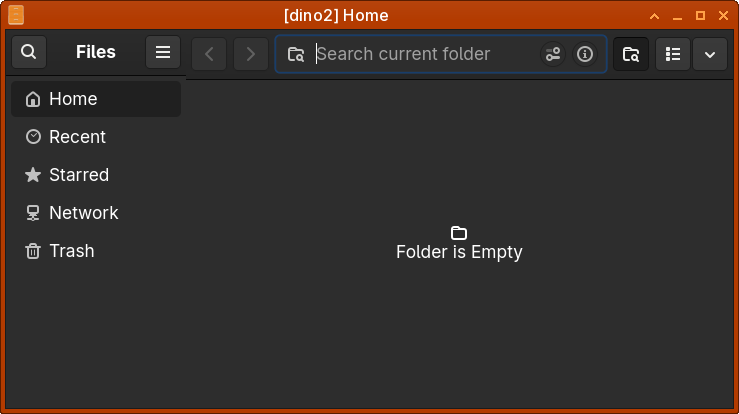
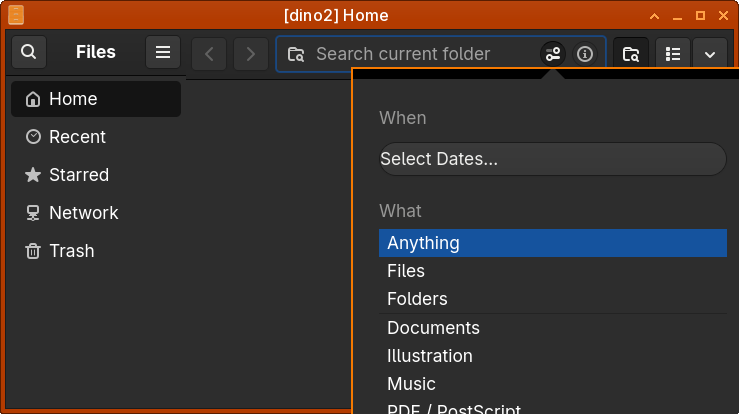
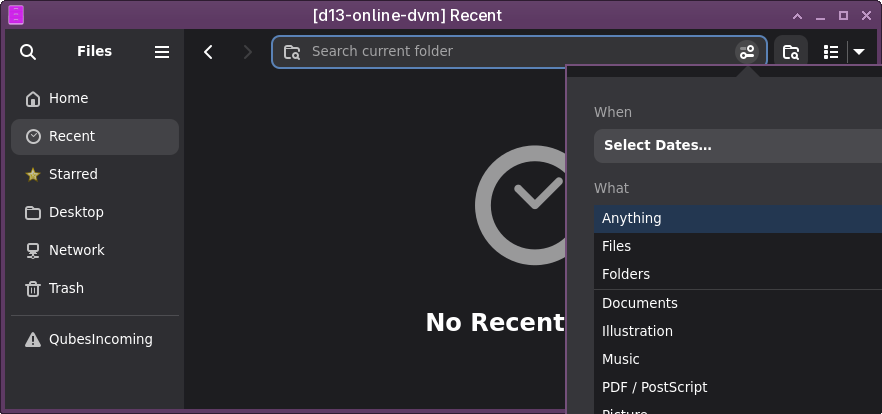
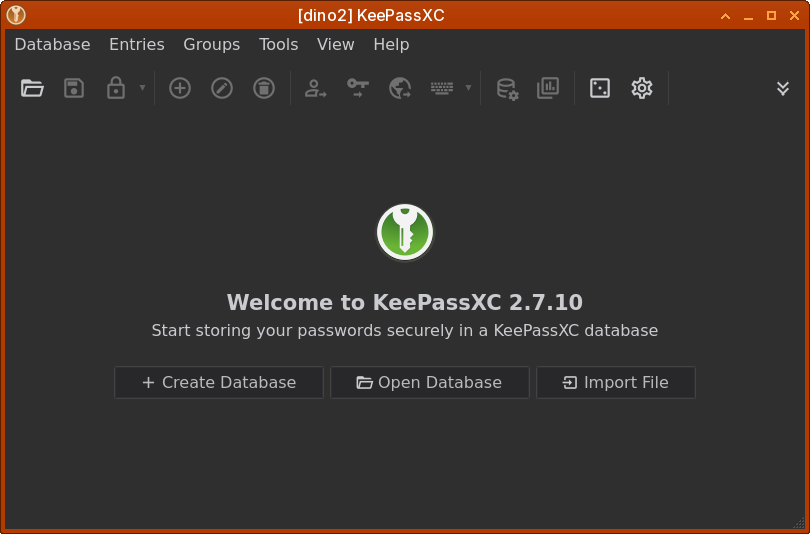
I used to have ‘Adwaita-dark’ working in my Debian 12 minimal Qubes. With my auto-generation script for Qubes, the Debian 13 minimal template won’t switch to ‘Adwaita-dark’ anymore.
What changed from Debian 12 to 13 about ‘Adwaita-dark’ and ‘GTK’ (packages and config)?
I’ve tried many packages and configs for days without success.
Here are the packages I currently have:
[Settings]
gtk-font-name=Adwaita Sans 12
gtk-theme-name=Adwaita-dark
gtk-icon-theme-name=Adwaita
gtk-decoration-layout=menu:
gtk-application-prefer-dark-theme=1

[AdwStyleManager]
color-scheme=ADW_COLOR_SCHEME_PREFER_DARK
I have verified all gsettings:
gsettings get org.gnome.desktop.interface gtk-theme
'Adwaita-dark'

gsettings get org.gnome.desktop.wm.preferences theme
'Adwaita-dark'

gsettings get org.gnome.desktop.interface icon-theme
'Adwaita'

gsettings get org.gnome.desktop.interface color-scheme
'prefer-dark'
Nautilus is still light theme
I am looking for light (only mandatory packages) and scriptable solution (no manual UI config).
Anyone here, who has a working Debian 13 minimal dark theme?
It creates /etc/environment: QT_QPA_PLATFORMTHEME=gtk2
But i think that the answer of @ephile above mine is also valid.
Edit: I use minimal templates for setting up my qubes, and I never had to install an additional package.
Another note: I know I have redundancy in these two things I do in my salt states, but this made it work when I tried to set it up and it wasnt a priority for me which of the things are needed and which are not.
Thanks to the above posts I’m able to get reliable dark mode on debian-13-minimal without installing any additional packages, only these probably partly redundant edits in /etc:
The one minor hitch is that icons are kind-of bright. I was thinking maybe adwaita-icon-theme does not include dark mode icons. But according to the repo:
The color of the icon set is defined at runtime by gtk. Every single icon from the set is actually embedded inside an xml container that has a stylesheet overriding the colors.
So perhaps I could be seeing dark mode Adwaita icons with a little more work. Does someone know what tweaks are required for darker icons? Or alternatively, suggest a good dark icon theme available in the standard debian 13 repo?